
 Martin Jørgensen
Pekka Kana 2 – One of the most charming retro platformers you can still play for free
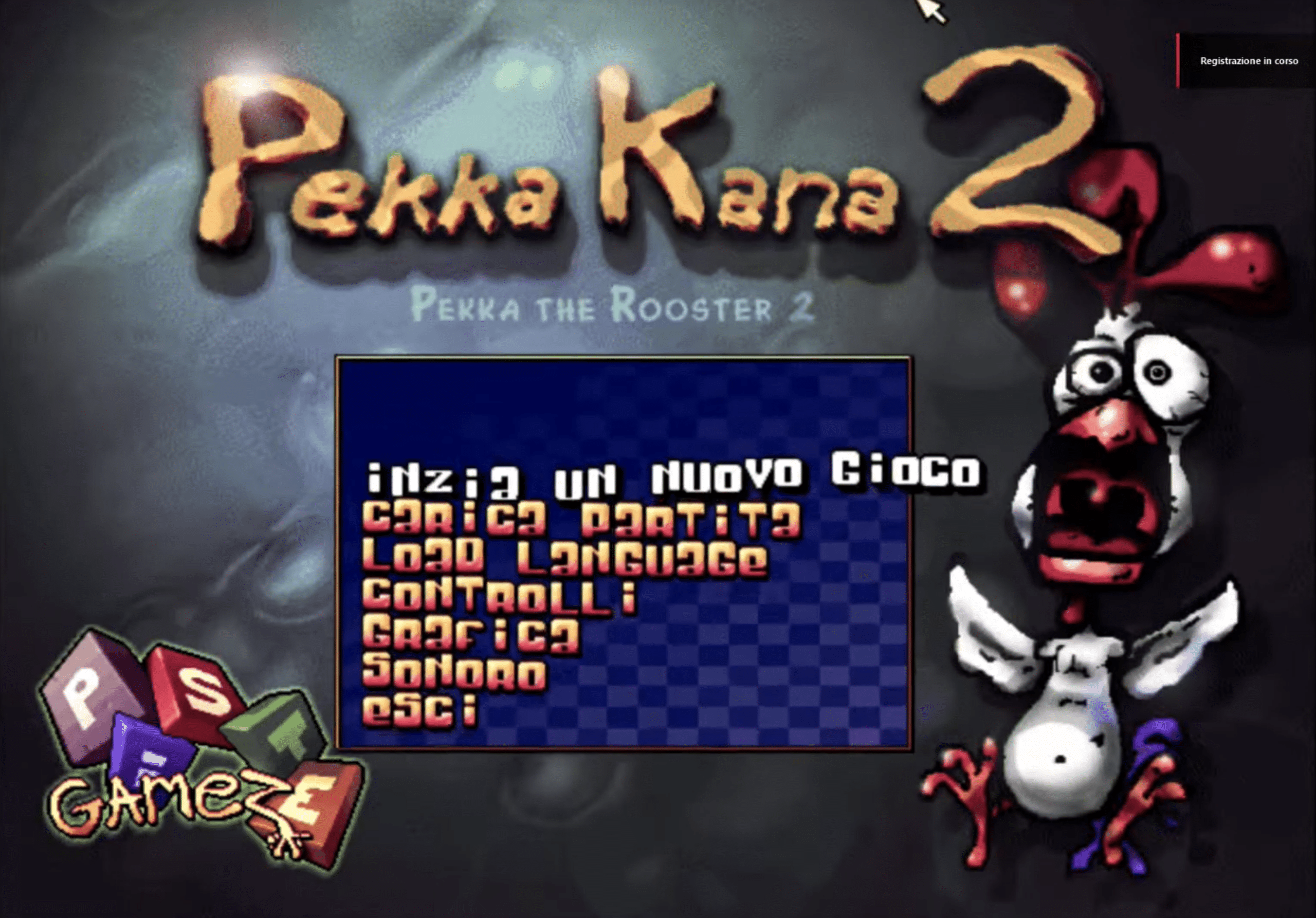
Pekka Kana 2 is a colorful and quirky platformer from the early 2000s that still has an active fanbase today. We tested the game on a Windows 11 PC, and it runs surprisingly stably, even though it’s classic retro software at heart. Its childlike charm, hand-drawn graphics, and simple controls still make it a delight to play.
Gameplay and features
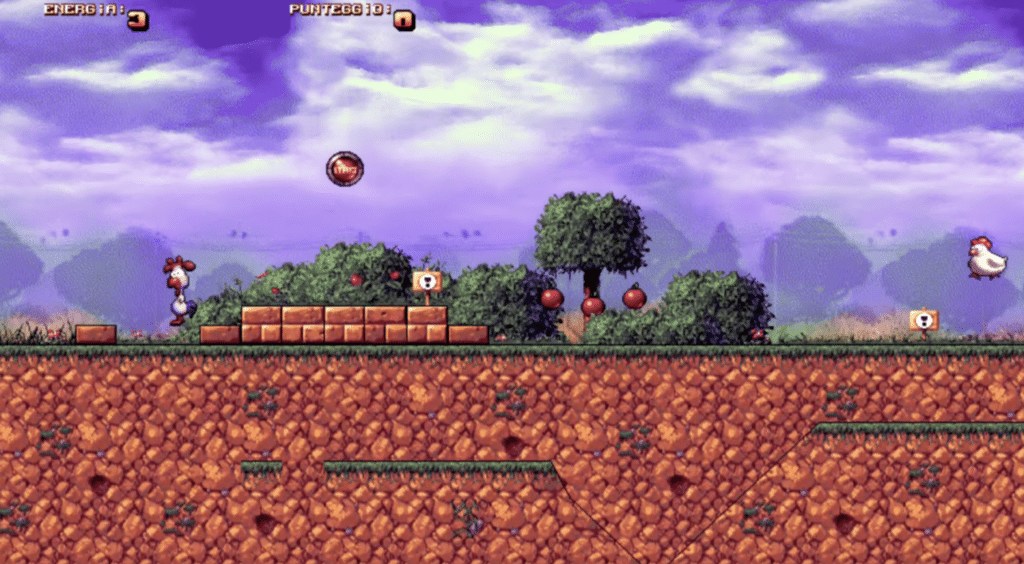
When you launch Pekka Kana 2, you’re greeted by a simple yet atmospheric world. You play as a chicken that jumps, pecks, and shoots through levels full of enemies, secrets, and small puzzles.
During testing, we especially noticed:
- Controls still feel spot-on, even with modern gamepads.
- Level design is more advanced than you’d expect from a free retro game.
- There are tons of fan-made levels and mods that dramatically extend replay value.
Pekka Kana 2 doesn’t have modern features like autosave, achievements, or widescreen optimization — but that old-school approach is exactly what makes it so nostalgic.
Graphics and design
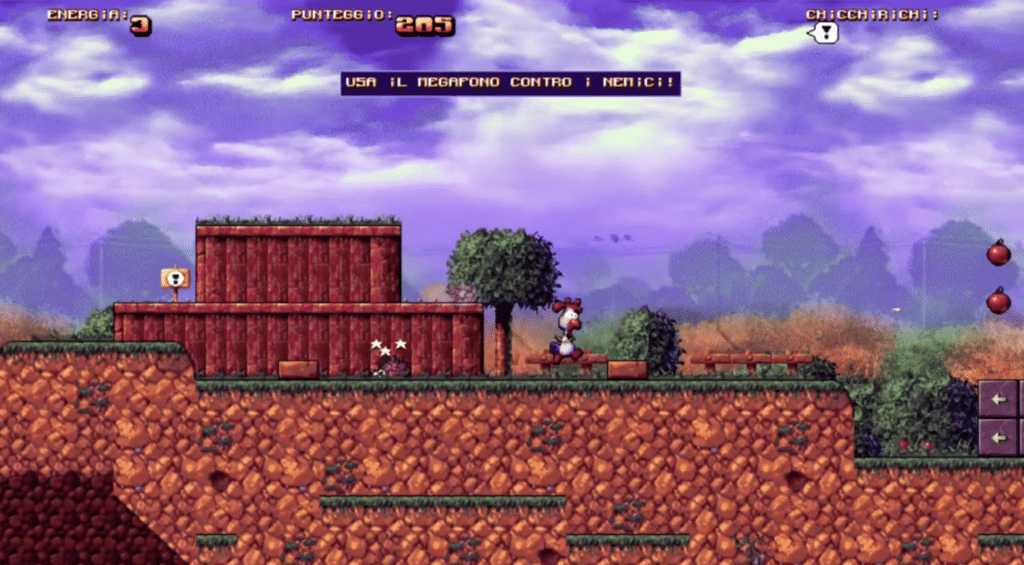
The hand-drawn graphics have an almost Amiga-like vibe that still holds up today. Animations are simple but charming, and the warm color palette gives the game a humorous, cozy feel.
On a modern PC, the game scales to small windows; while it isn’t as sharp as new titles, it delivers an authentic retro experience. We encountered no visual issues during testing.
Challenges and controls
The difficulty ranges from very easy to fairly challenging on some of the later levels — especially the fan-made ones.
The controls are precise, but you’ll need to get used to the slightly “floaty” jump feel. We found the game plays best with a keyboard, but a controller is also fully supported via Windows.
Strengths and weaknesses
The most impressive thing about Pekka Kana 2 is how timeless and well-balanced it still feels. It’s pure platforming nostalgia without feeling dated in a bad way.
On the other hand, it lacks some quality-of-life features modern players expect, such as scalable resolution, autosave, and better controller mapping.
Top 5 tips for Pekka Kana 2
Learn to control your jumps
The jump physics are unique — spend a little time feeling the acceleration and momentum.
Use the environment
Many enemies can be avoided if you learn to use the terrain tactically.
Try fan-made levels
There are plenty of community-made levels that make the game much bigger than the original campaign.
Remember to save manually
The game doesn’t have modern autosave, so remember to save between levels.
Experiment with resolution tools
The community has created small utilities that make it easier to run the game in full-screen on modern PCs.



