
 Martin Jørgensen
Photomatix makes HDR photography far more practical in real-world use
Photomatix is specialized HDR imaging software that helps you pull more detail from both shadows and highlights when a single exposure can’t capture the full dynamic range of a scene. It’s especially useful for landscape shooters, real estate photographers, and enthusiasts who bracket exposures and want more control than typical photo editors provide. Photomatix is available for both Windows and Mac, offers a free trial with a watermark, and remains one of the best-known names in HDR photo editing.
HDR editing focused on tone mapping and exposure fusion
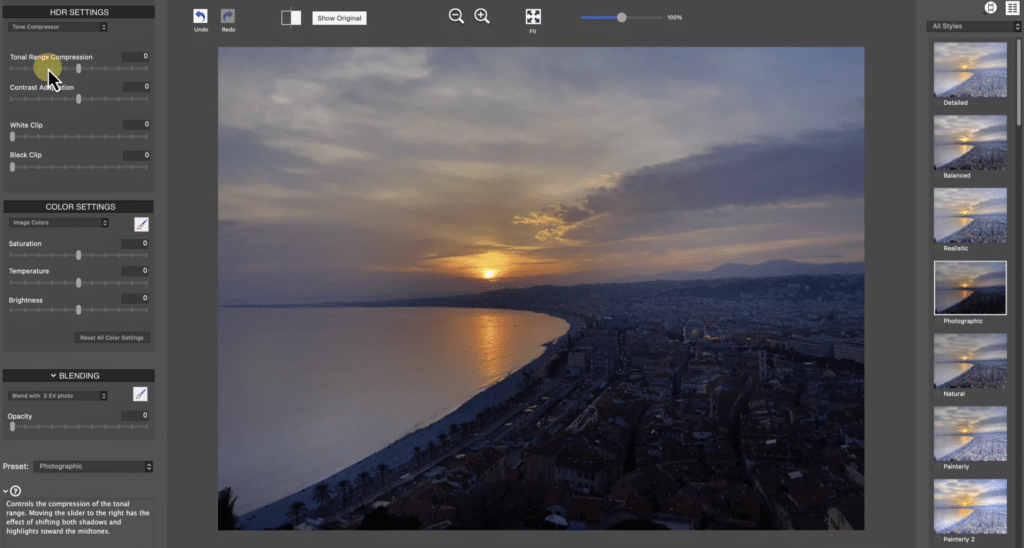
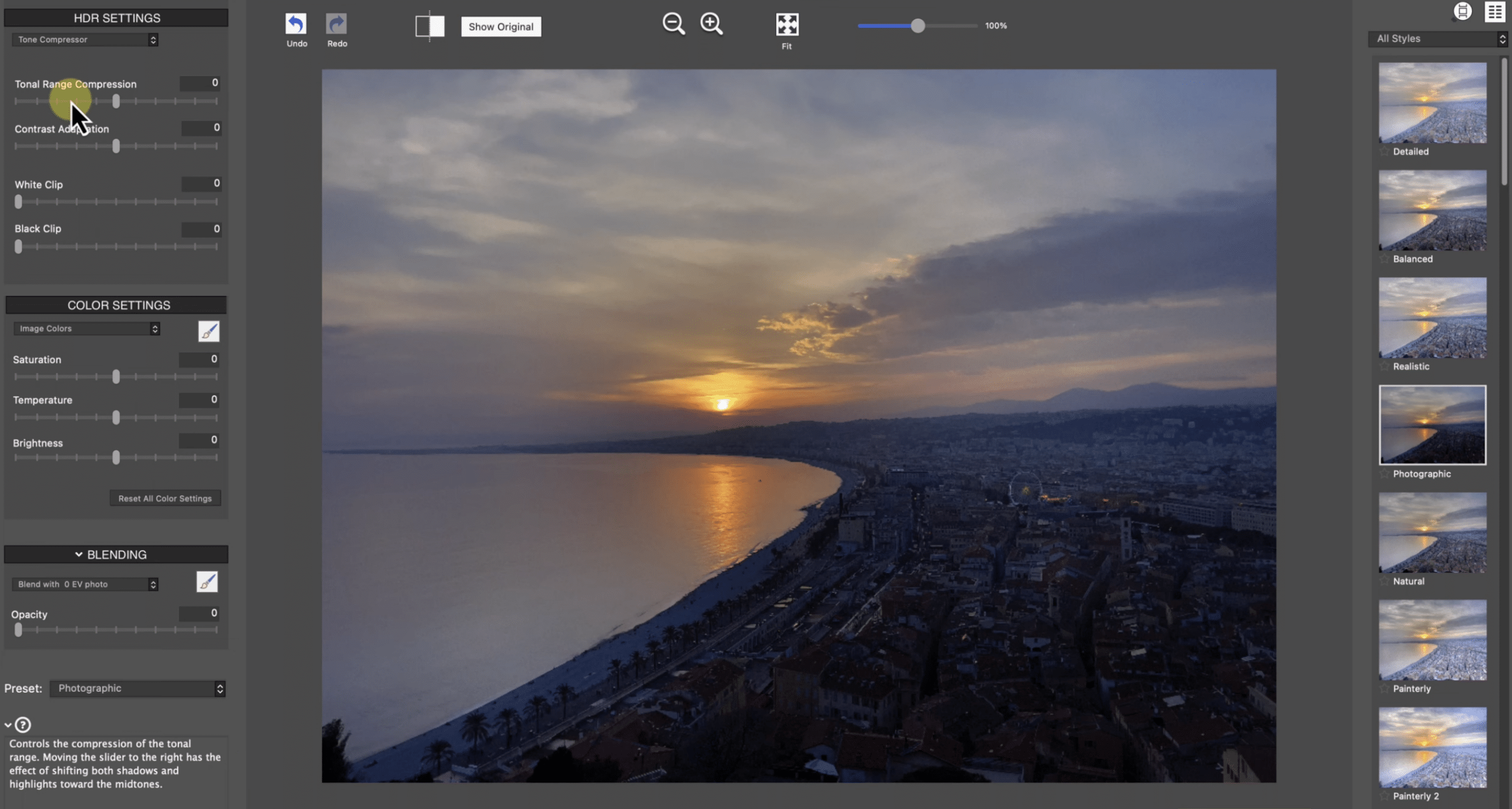
What still makes Photomatix compelling is its focus. It doesn’t try to be an all-in-one photo app; it zeroes in on HDR. You can merge multiple exposures into a single HDR image, try different HDR methods, and create anything from natural to more dramatic looks. Photomatix highlights Exposure Fusion as a strong option for natural results, while the Pro edition adds more HDR styles, batch processing, and more advanced control.
In our testing, it’s clear that Photomatix still targets users who want a dedicated tool instead of settling for the standard HDR features in Lightroom or similar apps. The workflow is centered on the HDR process itself, which helps if you regularly shoot interiors, window light, sunsets, or any subjects with big contrast swings.
Features that still make Photomatix relevant
Photomatix offers auto alignment for handheld shots, ghost removal, batch processing, and a range of built-in presets. There are also integrations and plug-ins for Lightroom, and the bundle version can work with Photoshop via a tone mapping plug-in. For photographers with lots of exposure series, batch-funktionerne (batch features) are still a key part of the value.
It’s also worth noting that the trial version doesn’t expire; it simply adds a watermark to finished images until you purchase a license. That makes it easy to properly test the software before you decide.
User experience and who it’s best for
Photomatix isn’t the most modern-looking app, but that’s not really the point. The interface is built for workflow and control more than for visual flash. That makes it a great fit for photographers who know why they shoot bracketed exposures and want to steer the final look themselves.
That said, it won’t be the obvious choice for everyone. If you only create HDR images occasionally, or your current photo editor already covers your needs, Photomatix may feel niche. For more serious users, though, that specialization is exactly what makes it worth a look.
Pricing, free trial, and value for money
According to the official product page, Photomatix Pro costs $99, while Essentials is priced lower. Photomatix makes the most sense for users with a genuine, recurring need for HDR processing. For hobbyists, the price can feel high—especially if HDR is only a small part of the workflow.
Still, Photomatix maintains a strong reputation in HDR specifically. If you want a dedicated tool with multiple methods, ghost removal, batch tools, and a smooth Lightroom workflow, it remains a strong contender.
Why Photomatix still makes sense for HDR photographers
Photomatix isn’t a mainstream app for everyone, but it’s a solid pick for users who specifically work with HDR photography. Its strengths lie in specialized tools, flexible tone mapping, and efficient batch features. The downside is that it’s a niche product with a price that can be hard to justify for casual shooters. For the right audience, however, Photomatix still delivers exactly what you’re after: more detailed images with better control over light and dynamic range.
Top 5 tips for Photomatix
1. Always use bracketed shots for high-contrast scenes
Photomatix works best when you feed it multiple exposures of the same scene—especially for interiors, landscapes, and subjects with both very dark and very bright areas.
2. Start with a realistic preset
It’s tempting to go straight for that classic, dramatic HDR look, but in practice you’ll often get better results by starting natural and building up the effect.
3. Watch your ghost removal
If there’s motion in the frame—people, trees, clouds—ghost removal can make a big difference. Spend a little extra time here; it often decides whether the image looks believable.
4. Batch processing saves a lot of time
If you have many exposure series from the same shoot, batch processing is one of the features that truly makes Photomatix worth using.
5. Try the free version before you buy
Since the trial doesn’t expire, you can safely test your own workflow before paying. That’s a big plus for a niche tool like this.



