
 Martin Jørgensen
Pixeline: Magi i Pixieland – fairy dust, numbers, and learning for children
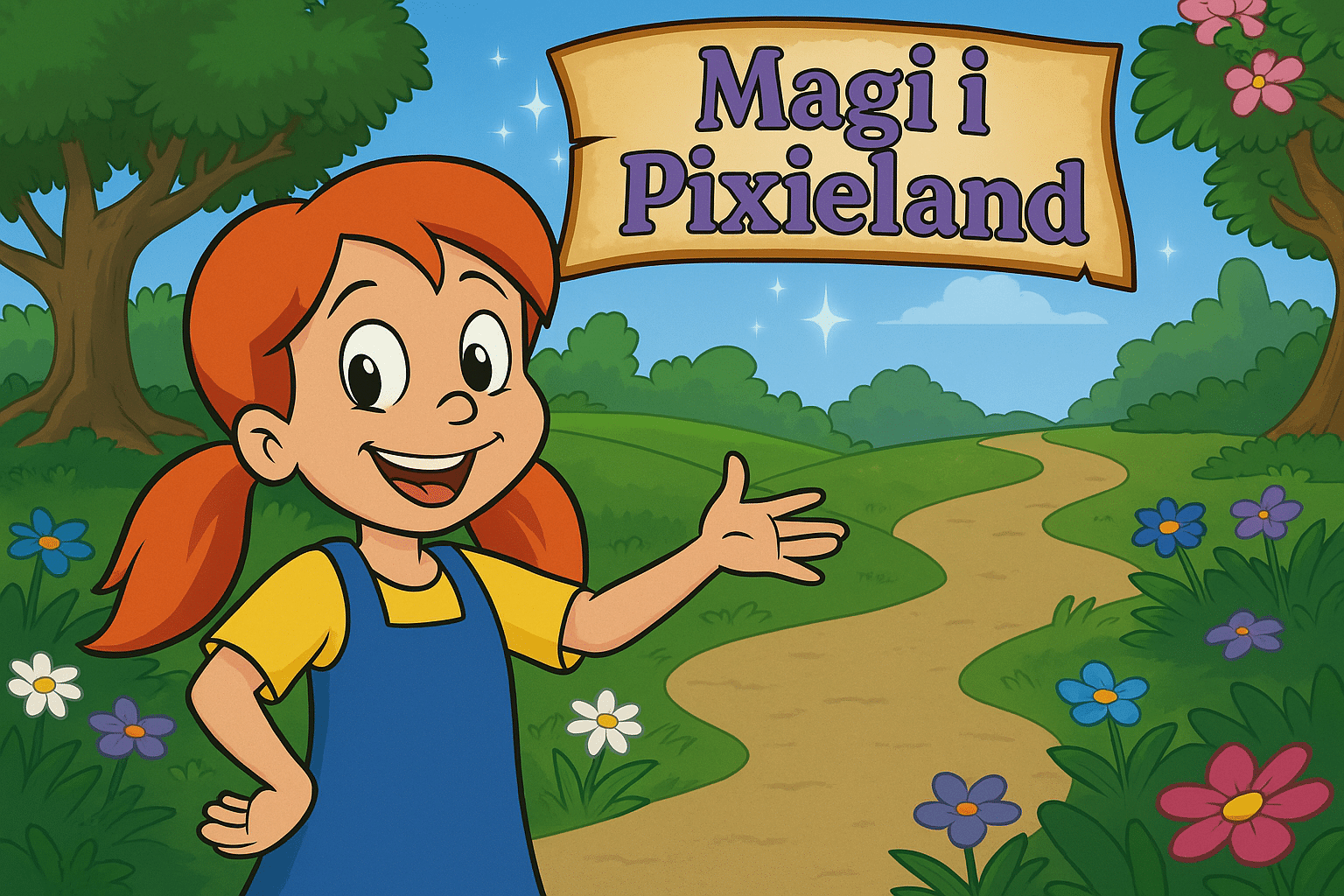
Pixeline: Magi i Pixieland is a classic Danish edutainment game where learning and play merge in a colorful universe. Pixeline helps her friends and saves Pixieland from fading colors and magic—while solving activities that strengthen children’s number sense, logic, and concentration. It’s especially suitable for kids ages 6–9 and works both as at-home entertainment and as a supplement to early schooling.
Educational adventure
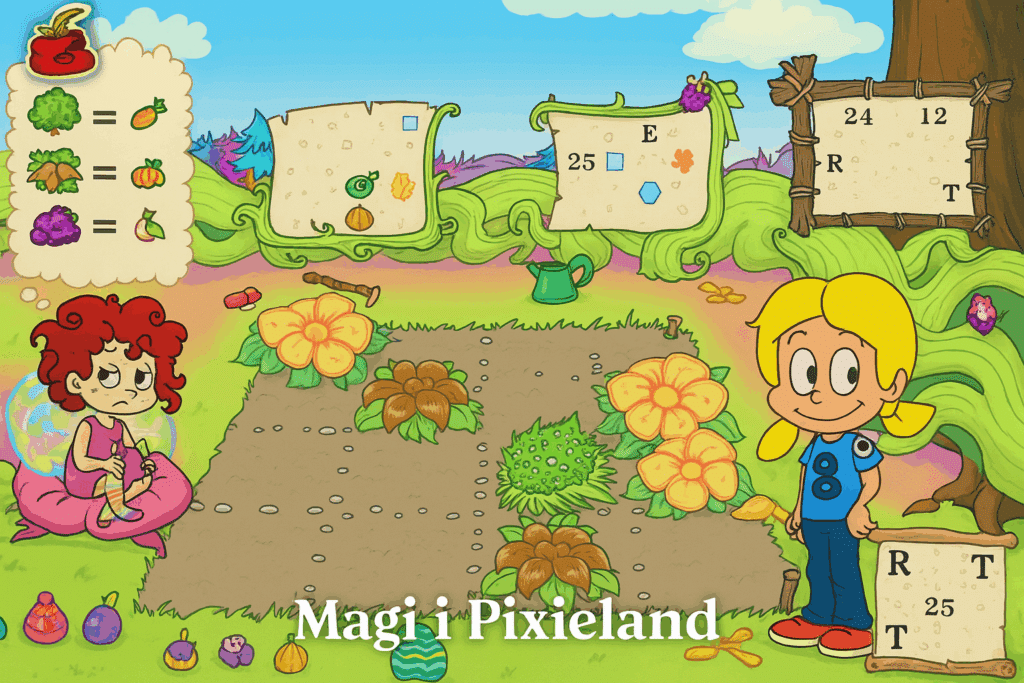
Pixieland has turned gray and dull, and it’s up to Pixeline—together with the player—to bring back the colors and magic. You do this by completing a series of mini-games and activities, including:
- Number sequences and simple math problems
- Pattern and shape recognition
- Problem-solving and observation
- Coordination and mouse-click precision
Each completed mini-game restores a bit of magic and color to the world—keeping kids motivated to continue.
Graphics and audio
As with the Pixeline series in general, the visuals are colorful, lively, and packed with fun animations. The characters speak Danish, and each activity is introduced with voiceover and illustrations so even children without reading skills can participate. The music is whimsical and fits the game’s magical theme well.
Challenges and depth of learning
The difficulty is appropriate for the target age—it never gets too hard, yet it still requires concentration and attention. The game especially trains:
- Number sense
- Pattern logic
- Memory and reasoning
It’s one of the Pixeline titles where learning is tightly integrated into the gameplay without feeling boring or too school-like.
Software strengths and weaknesses
The game was originally made for Windows XP/Vista, but it still works on newer systems via virtualization (e.g., VirtualBox or PCem). There’s no official modern release, so you’ll need an ISO file and possibly an older Windows installation to play it smoothly.
Top 5 tips for Pixeline: Magi i Pixieland
Use speakers—everything is explained aloud
The game is designed for children who can’t read yet, so all important information is explained by voice. Make sure audio is on so your child can follow along.
Take breaks between tasks
Although the game is engaging, it can be intense for younger kids. Take breaks after each magical area to help maintain focus.
Use full screen in the emulator
For the best click precision and readability, play in full screen. Many activities require accurate clicks on small symbols or quick dragging, and that’s much easier when the game fills the entire display. It also makes the experience more immersive and distraction‑free, especially for kids who are easily sidetracked. If you use VirtualBox or DOSBox, you can typically toggle full screen with a simple shortcut such as [Host]+F.
Repeat tasks for better learning
Even after completing an activity, you can return to it—recommended if your child struggled the first time. Repetition is key to learning in this age group, where memory and pattern recognition are still developing. Kids often feel more confident and enjoy recognizing an activity and solving it faster the second time. The game lets you freely revisit earlier areas, making it ideal for practice.
Talk with your child along the way
This game is great for sitting together and talking about the activities—making learning deeper and more fun. Ask your child what they think the solution is, or let them explain what’s happening on the screen. That strengthens understanding as well as language and social skills, and it turns playtime into a memorable shared activity.



