

 Martin Jørgensen
Microsoft PowerPoint – the presentation software everyone understands
Microsoft PowerPoint is a powerful presentation app for Windows, Mac, web, and mobile that makes it easy to create everything from simple slides to advanced, interactive presentations with video, animations, and real-time collaboration.
Features and use
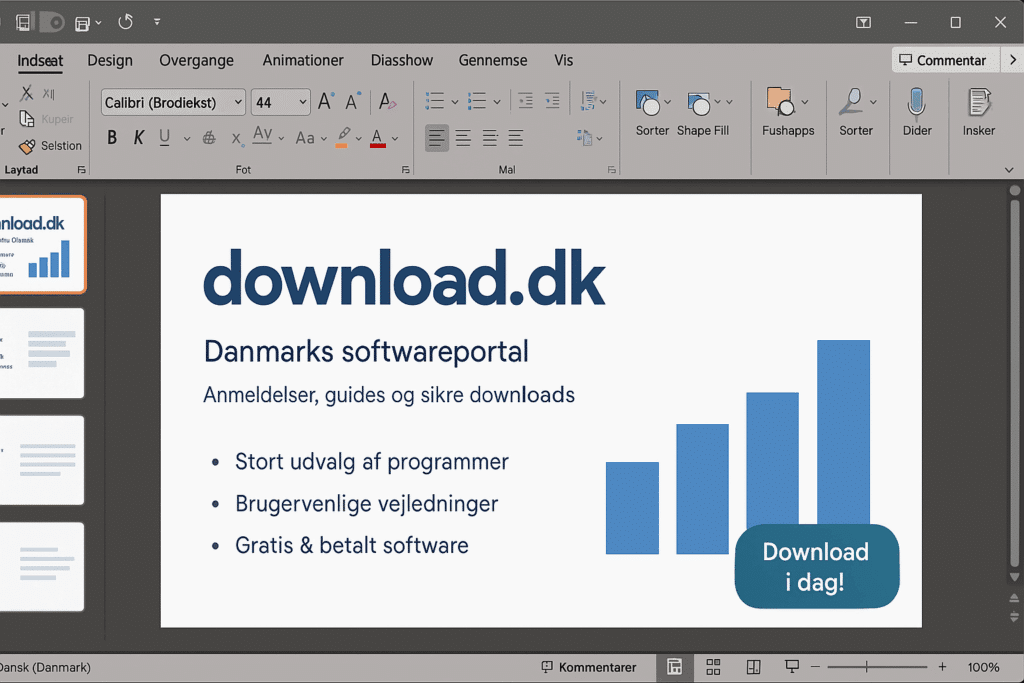
PowerPoint stands out for its very short learning curve and a huge toolbox: thousands of templates and themes, a built-in design assistant (Designer), icons, charts, SmartArt, audio/video embedding, screen recording, Presenter View, and live captions. You can import content from Excel and Word, record your narration, and export to video, PDF, or images.
Interface and design
The Ribbon at the top gives quick access to formatting, transitions, and animations. With Designer, you get automatic layout suggestions that often elevate an average slide to something that looks agency-level—without moving a single pixel manually. Colors and fonts are controlled globally via themes, so the entire presentation stays visually consistent.
Collaboration and sharing
As part of Microsoft 365, you can share a presentation and co-author simultaneously in the browser (PowerPoint for the web) or the desktop app. Comments, version history, and permissions are built in. Presentations can be shared as links, presented live via Teams/Zoom, or exported as MP4.
Templates, graphics, and media
PowerPoint has a strong ecosystem of templates (both built-in and third-party). Embed YouTube videos, animate elements with the Morph transition, use 3D models, or create professional charts with ease. Image editing covers most needs (remove background, crop, color filters), so you rarely need Photoshop for simple fixes.
Performance, stability, and file compatibility
The PPTX format is the standard in business and education. Compatibility with Keynote/Google Slides is “good enough,” but complex animations and fonts can change. PowerPoint runs stably even with many slides; very large files with heavy video can slow saving/opening—compress media via “Compress Media.”
Security and licensing
PowerPoint follows the Microsoft 365 ecosystem’s security and compliance. You can lock presentations, control access, and protect against accidental changes. Licensing is available as part of Microsoft 365-abonnement or as a standalone perpetual version—the web edition can be used for free with limitations.
Alternatives—and when they make sense
- Google Slides: Great for simple, 100% web-based co-authoring. Fewer advanced animations.
- Apple Keynote (Mac/iOS): Beautiful typography and animations; less common in business.
- LibreOffice Impress: Free, offline—best for basic needs and open-source environments.
PowerPoint is still the most complete choice, especially when you need to exchange files with companies or educational institutions.
Strengths and weaknesses
Strengths: Easy to learn, extremely widespread, excellent templates and Designer, strong media handling, robust samarbejde via Microsoft 365.
Weaknesses: Can tempt you into bullet overload, file sizes can grow with video, and the most creative animations still take practice.
Who should choose PowerPoint—and what can you expect?
If you work in business, education, or a nonprofit and want maximum compatibility, strong design without a design degree, and easy sharing, PowerPoint is the safe choice. If you primarily co-author in the browser with simple slides, Google Slides may be enough; but for deeper visual work and media-heavy presentations, PowerPoint is still king.
Top 5 tips for Microsoft PowerPoint
Let Designer suggest layouts, and lock colors and fonts in a theme. It delivers a professional look in minutes.
Duplicate a slide, move/scale elements on the second one, and apply Morph. It creates fluid animations without time-consuming keyframes.
Choose File → Info → Compress Media to cut hundreds of MB without visible quality loss.
Record narration and timings and export to MP4. Perfect for asynchronous presentations and sociale medier.
Create a clickable hub with Section Zoom or Summary Zoom so you can jump flexibly between sections during Q&A.



