
 Martin Jørgensen
SAM Broadcaster Cloud – web-based internet radio with no local software
SAM Broadcaster Cloud is Spacial’s modern, web-based solution for internet radio and streaming. While SAM Broadcaster used to be a heavyweight desktop app (with both Free and Pro editions), the Cloud version runs directly in your browser—no local installation required.
SAM Broadcaster Cloud is Spacial’s modern replacement for the former free desktop edition, SAM Broadcaster Free.
In our testing, we worked entirely through the web interface, uploading music, building playlists, and managing the queue online. It delivers a very different—and much more flexible—workflow than the classic desktop release.
From desktop to cloud – what’s changed?
The biggest difference is the architecture. SAM Broadcaster Cloud no longer requires a PC to stay on 24/7 to keep a radio station running. Everything happens in the cloud, making it suitable for both hobby internet radio and more serious online projects.
If you’ve used SAM Broadcaster Free before, many concepts will feel familiar: playlists, queue, rotation, jingles, and metadata. But the way you work is now simpler and less technical.
Features and capabilities in SAM Broadcaster Cloud
SAM Broadcaster Cloud functions as a complete online radio station in one place. In testing, these features stood out:
Upload music directly to the cloud library and organize it with playlists and queues—no local folders or databases to worry about.
Automated playback lets your station run continuously, even without manual intervention.
Built-in support for live and scheduled broadcasts lets you combine automation with live shows.
Stats and monitoring provide insight into listeners and activity, which is helpful if you’re running a more professional station.
Everything is managed in the browser, making it easy to control your station from both PC and tablet.
Interface and workflow
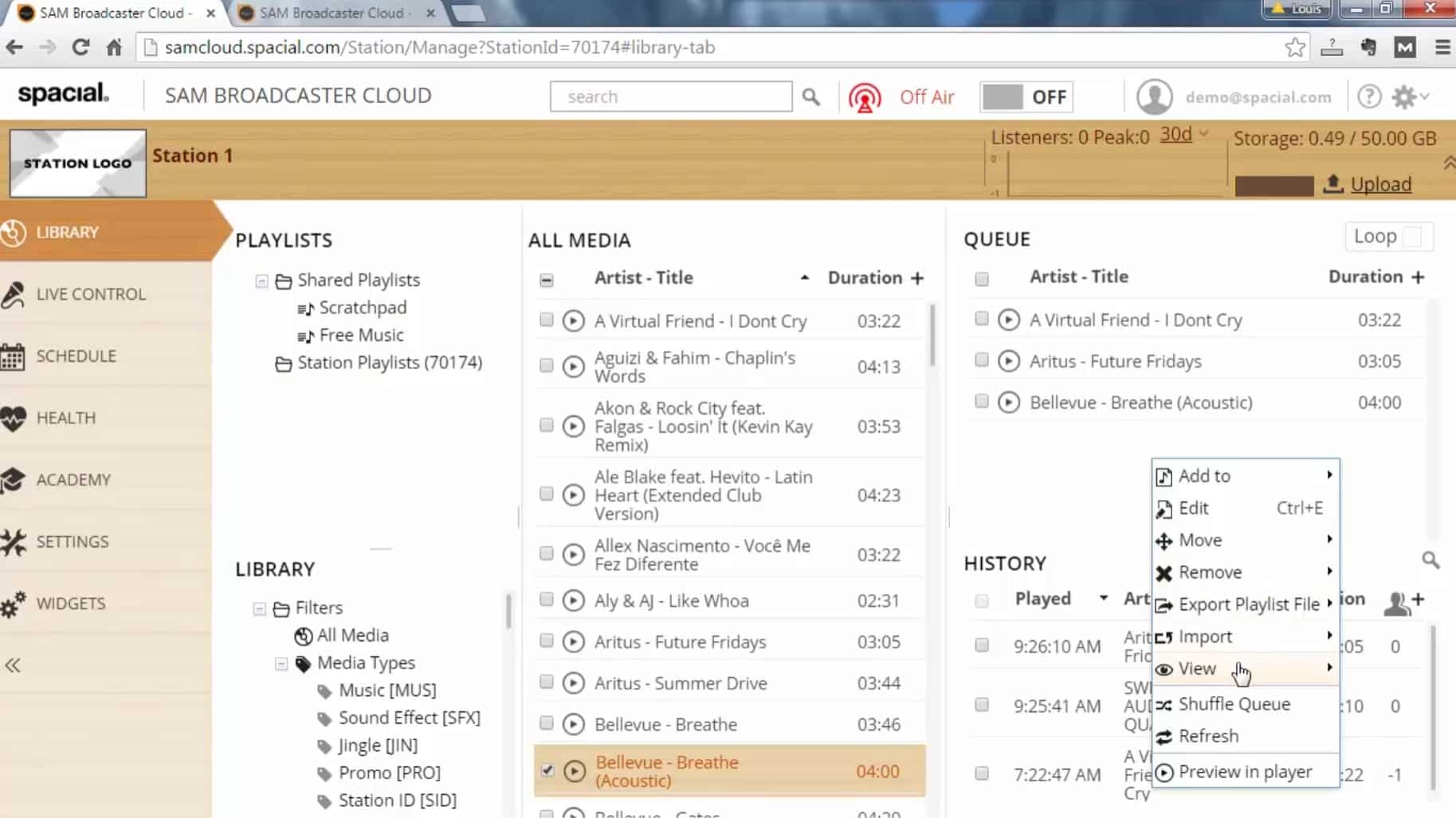
The SAM Broadcaster Cloud interface is noticeably more straightforward than the classic desktop version. In our test, it was much easier to get started, even without deep technical knowledge.
Playlists, library, and queue are clearly separated, and the workflow feels logical—especially for users who have worked with radio software before.
The design isn’t flashy, but it’s functional and fits the audience: people who want to run internet radio without wrestling with technical details.
Audio quality and stability
Since all streaming is handled in the cloud, stability largely depends on Spacial’s infrastructure—and we experienced no dropouts during testing.
Audio quality was steady and consistent, and setup required fewer technical choices than before, when bitrate, server, and encoder often had to be adjusted manually.
Is SAM Broadcaster Cloud free?
No. SAM Broadcaster Cloud is not free. The former free desktop version, SAM Broadcaster Free, has been phased out, and Cloud is now a paid solution.
In return, you avoid maintenance, on-premises hosting, and many technical limitations that used to come with free radio software.
Top 5 tips for former SAM Broadcaster Cloud users
Shift your mindset: no local installation
SAM Broadcaster Cloud runs directly in the browser. In our test, it was clear the workflow changes a lot when you don’t have to install software or keep a PC running constantly.
Leverage the cloud library from day one
Upload music once and work with playlists and the queue directly in the cloud. It gives you more freedom and fewer technical hurdles.
Put your old SAM experience to work
If you’ve used SAM Broadcaster Free before, many features will feel familiar. The Cloud version builds on the same radio principles.
Test your station before going live
Build out playlists and the queue before you flip the station “On Air.” That resulted in fewer errors during our test.
Start simple—scale up gradually
Use the basics first, then expand with more advanced scheduling and analytics later.



