
 Martin Jørgensen
Webroot Essentials Antivirus – lightweight, fast, and cloud-based antivirus
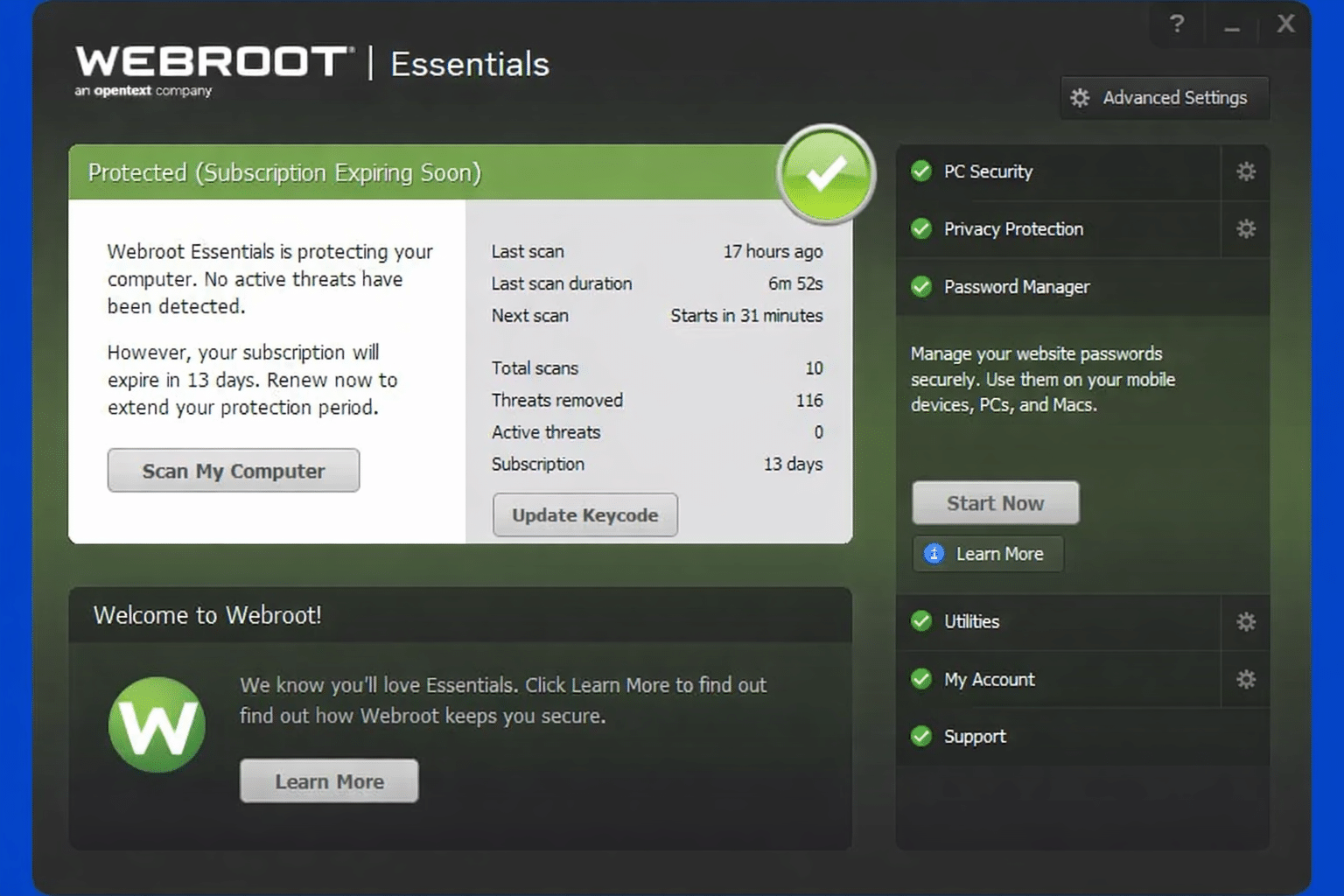
Webroot Essentials Antivirus is Webroot’s standalone antivirus, built on the same cloud-based technology many knew as Webroot SecureAnywhere. It’s designed for users who want effective protection against viruses and malware without unnecessary system drag—and that’s where Webroot stands out from many traditional antivirus programs.
We tested Webroot Essentials on a standard Windows 11 PC, where installation took under two minutes and the first full scan finished in under two minutes. That’s unusually fast compared to heavier security suites.
How Webroot Essentials protects your PC
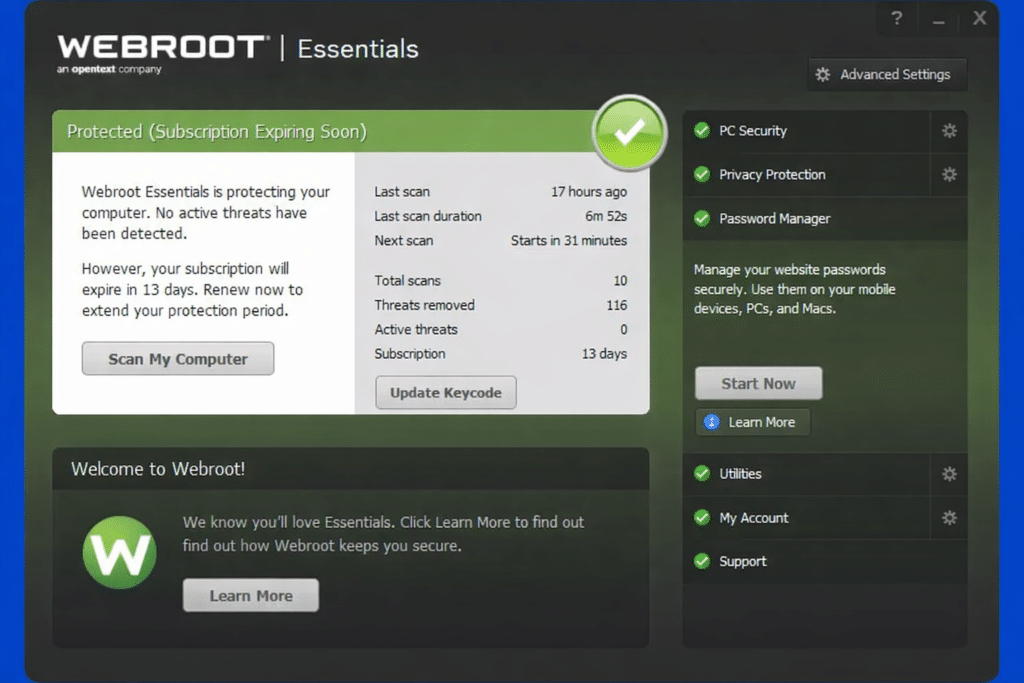
Webroot Essentials uses a cloud-based approach to threat analysis. Instead of storing large virus databases locally, files and apps are continuously analyzed via Webroot’s online intelligence. That means:
- Faster scans
- Very low system impact
- Rapid response to new threats
The program protects against classic viruses, trojans, spyware, ransomware, and phishing attempts. Real-time protection runs constantly in the background and reacts quickly if a suspicious app tries to change system files or access sensitive data.
Performance and everyday use
One of Webroot’s biggest strengths is how little you notice it day to day. During our tests, we could work, stream video, and install apps while the antivirus ran quietly in the background.
Webroot Essentials is especially well-suited for:
- Older or lower-spec PCs
- Laptops where battery life matters
- Users tired of heavyweight antivirus software
The interface is simple and a bit different from competitors. It may feel almost too minimal at first, but after a little use it makes a lot of sense—especially for less technical users.
Features you get (and don’t get)
Webroot Essentials is an antivirus—not an all-in-one security suite. That’s an important point.
What you get:
- Antivirus and anti-malware
- Real-time protection
- Phishing protection in the browser
- Cloud-based threat analysis
What you don’t get:
- VPN
- Advanced firewall management
- Parental controls
- Password manager
These features are available in Webroot’s larger bundles, but Essentials stays focused on the basics: fast and effective antivirus protection.
Top 5 tips for Webroot Essentials Antivirus
Top 5 tips for Webroot Essentials Antivirus
Use Quick Scan for daily checks
Quick Scan covers the most targeted areas of the system and is more than enough for daily use. It often takes under a minute.
Check quarantine occasionally
Webroot is aggressive in its protection. Check quarantine if a legitimate program suddenly gets blocked.
Keep real-time protection enabled
The program is most effective when real-time protection is active. Only turn it off temporarily for troubleshooting.
Install the browser protection
The browser extension helps block phishing sites and unsafe downloads—especially useful for online banking and shopping.
Pair it with common sense
Webroot is strong, but no antivirus can stand alone. Avoid unknown downloads and suspicious links.



