

 Martin Jørgensen
Over time, your computer steadily accumulates files that are not only useless to you and your system, but also slow it down, making your PC experience slower and more frustrating.
These are typically temporary files created during program installations or internet cache files. In reality, they do your computer no good—on the contrary, they have a negative impact.
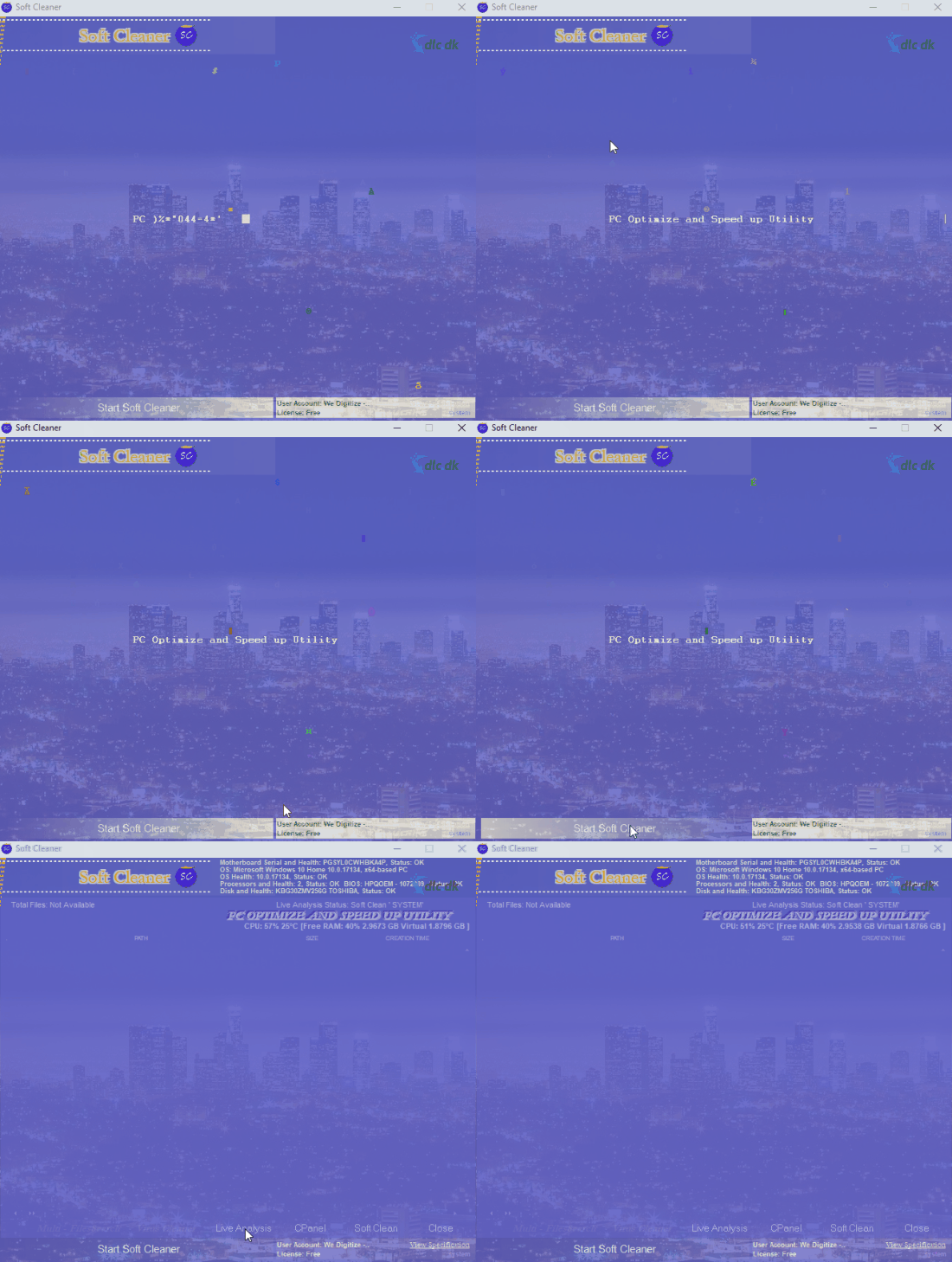
That’s why it’s important to remove them regularly so your system stays fresh and responsive. With a tool like Soft Cleaner, you get a free piece of software that does exactly that.
Clean up your PC’s unnecessary files
Many factors can slow your computer down. Your hard drive might be nearly full, or your system may be loading a bunch of programs at startup that it doesn’t need.
As mentioned earlier, leftover files from installations and uninstalls can also be to blame. These files are hard to find on your own and incredibly time‑consuming to remove. That’s why tools like Soft Cleaner exist—to save the day.
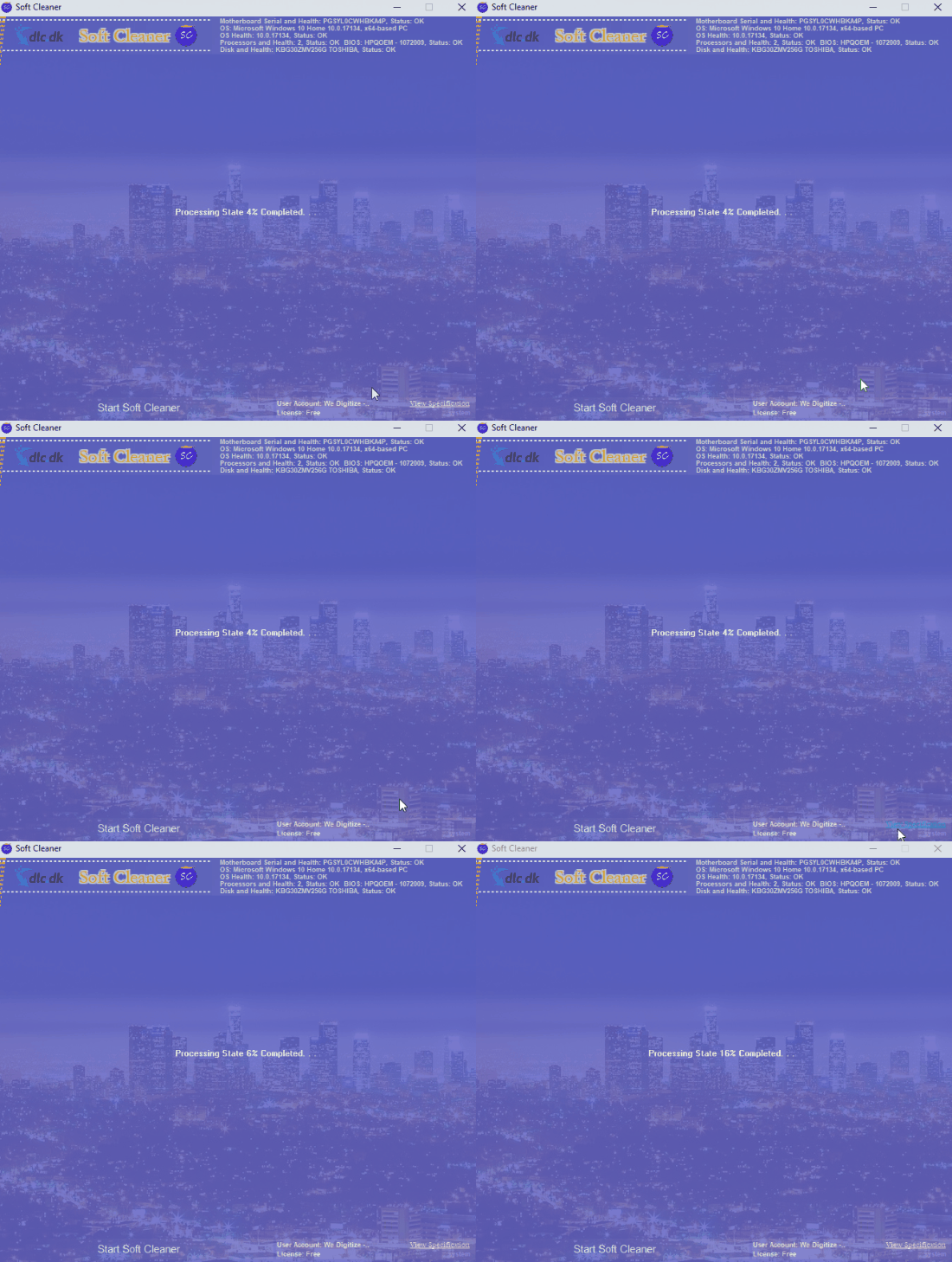
With a single click, the program scans your system for leftover and redundant files that do nothing but slow it down. Soft Cleaner then removes them, and you should notice your system running faster.
It’s like taking your computer in for a checkup—quick diagnostics to catch small issues and fix them.
For anyone who values an optimized PC
Tools like Soft Cleaner are ideal if you want a system that’s always in top shape—which most of us do. Few things are more frustrating than when it takes ages for our computers to do anything.
Fortunately, you can do something about it with software like Soft Cleaner. In just a few minutes, you can optimize and clean your system so it runs better than before.
An awkward design with little logic
Soft Cleaner’s biggest drawback is its design which, to put it mildly, doesn’t make sense—even to advanced users.
The entire interface consists of primitive screens that load and offer functions, but at first glance it’s not clear what they do. The program would benefit from a settings menu and a general menu to help you navigate its jungle.
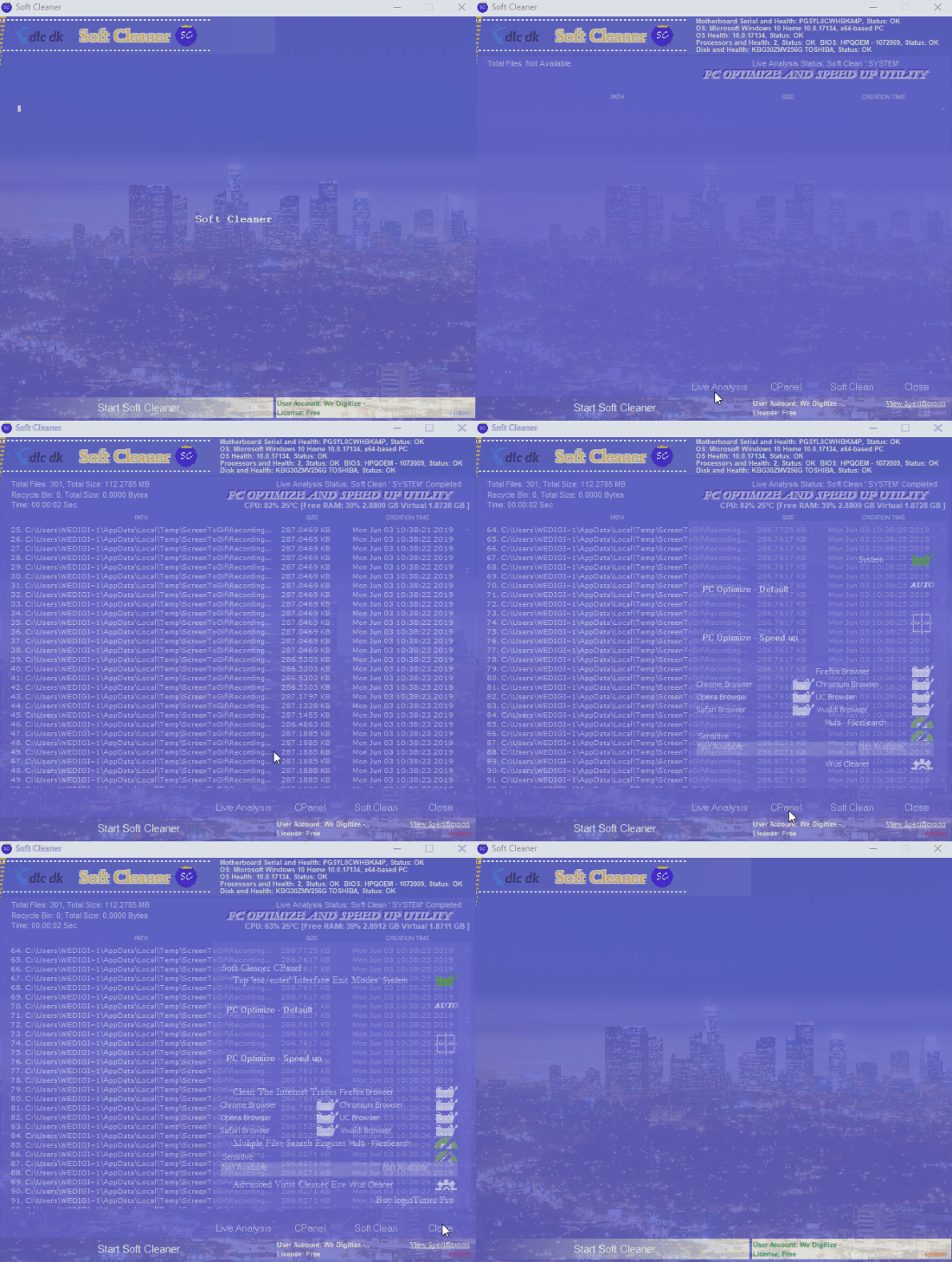
Despite the poor design, you can tell when something is happening. A progress bar centered on the screen shows cleanup progress. There’s also a kind of task list that shows which functions are running on your computer. However, it isn’t especially relevant or useful, since Windows already includes one with a much better interface and design.
Conclusion
If you’re looking for a free program that can clean up your system quickly and effectively—and you can live with a subpar design—Soft Cleaner is an ideal tool we can recommend.
Download Soft Cleaner for free here
Download Soft Cleaner


