

 Martin Jørgensen
Ashampoo PDF Free – Free and efficient PDF reader
Ashampoo PDF Free is a free PDF tool that makes it easy to read, annotate, and sign PDF files—without complicated menus or hidden limits. We tested the latest version on a standard Windows 11 PC and experienced a fast installation, an intuitive interface, and strong stability—exactly what you expect from Ashampoo.
Easy-to-read design and solid performance
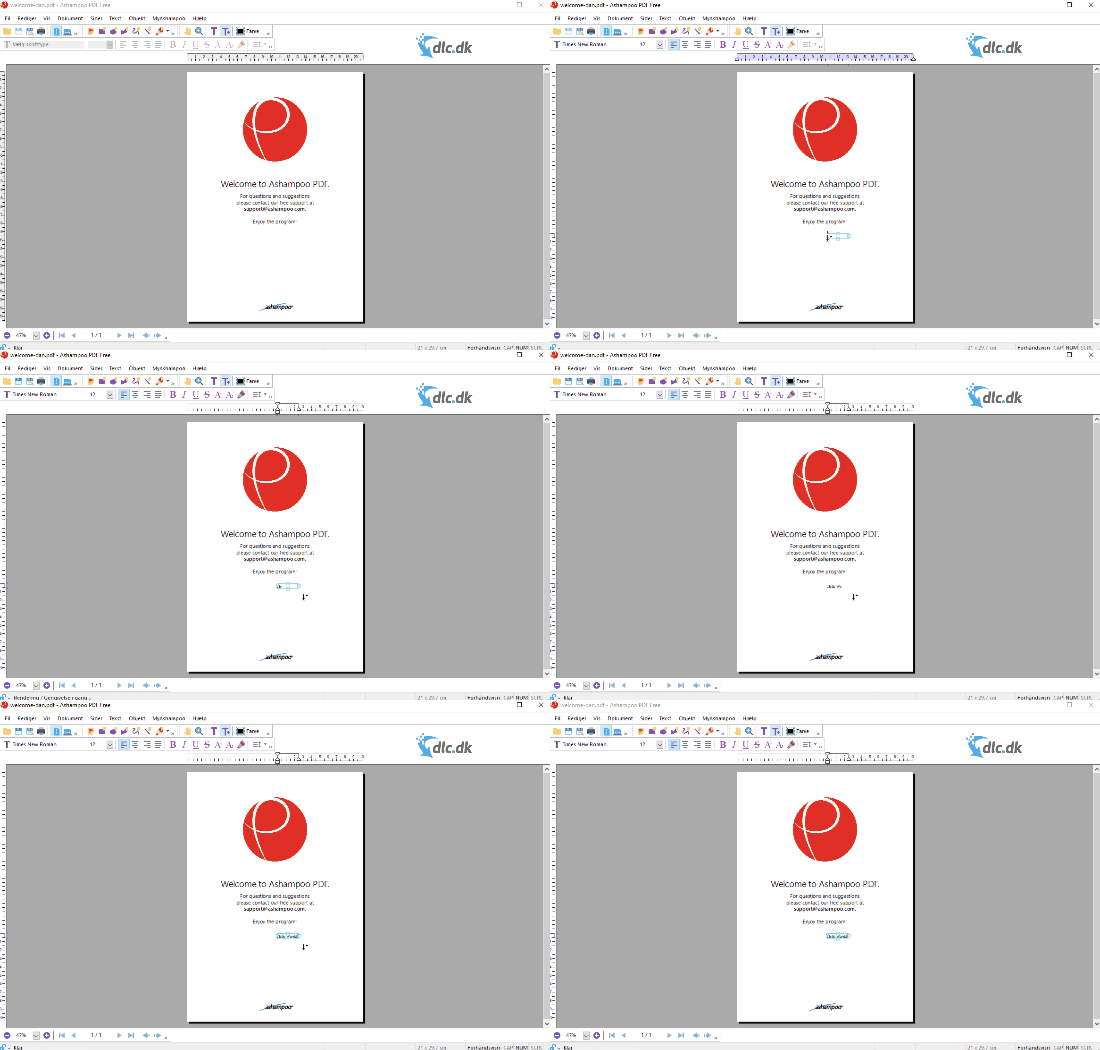
The app opens even large documents quickly, and text rendering is crisp and easy to navigate. Zoom, search, and page management are smooth, even on older PCs. We could comfortably read e-books, reports, and scanned documents without lag or errors.
Editing and annotation
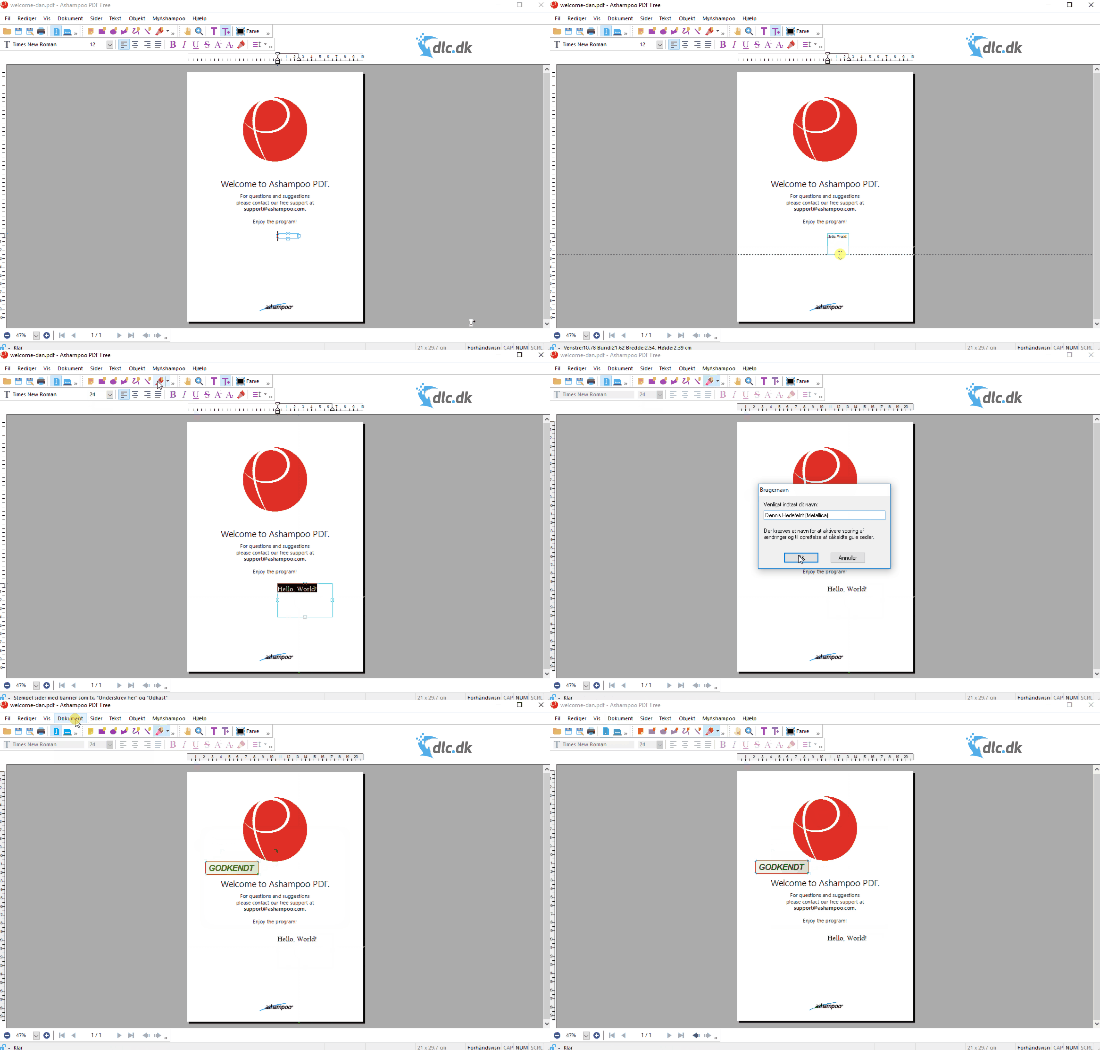
Although Ashampoo PDF Free is primarily a viewer, it also offers basic editing tools: you can highlight text, add notes, insert shapes, stamps, and signatures. That makes it ideal for school assignments, work documents, or administrative PDFs where you just need markups and comments.
Virtual printer – create your own PDFs
One of the most useful features is the virtual printer driver, which installs automatically with the program. It lets you "print" from Word, Excel, or other apps directly to PDF. This makes it easy to save your files as professional, shareable documents—perfect for invoices, reports, and official papers.
Signing and a professional touch

Ashampoo PDF Free supports digital signatures, so you can sign documents securely. We tested the feature on a scanned contract, and it worked flawlessly—the signature was inserted precisely and validated correctly in the document’s metadata.
Comparison with alternatives
If you want advanced features like OCR text recognition, form creation, and conversion, there are premium alternatives such as Adobe 1 DC or Foxit PDF Editor. But for everyday viewing and light editing, Ashampoo PDF Free is one of the best free choices—especially because it doesn’t show ads or require a login.
Frequently asked questions about Ashampoo PDF Free
Yes, Ashampoo PDF Free is completely free to use. There’s no time limit or features locked behind a paywall. You can upgrade to Ashampoo PDF Pro if you want advanced editing options.
The free version lets you make simple edits such as highlighting text, adding comments, shapes, and signatures. If you want to change the actual text in the document, you’ll need the Pro version.
Yes, the app works flawlessly on both Windows 10 and Windows 11. We tested it on a Windows 11 PC, where installation and use were fast and stable with no errors.
When you install Ashampoo PDF Free, a virtual printer is added to the system. Then choose “Ashampoo PDF” as the printer in Word, Excel, or other programs—and save the file as a PDF.
Yes, Ashampoo PDF Free lets you add digital signatures so you can sign contracts, forms, and official documents directly in the app.
Top 5 tips for Ashampoo PDF Free
1. Use the zoom tool for reading e-books
With “Fit to Page,” pages are automatically adjusted to your screen—ideal for study materials.
2. Print directly to PDF
Installed as a virtual printer—choose “Ashampoo PDF” in the print dialog to save the file as a PDF.
3. Sign documents digitally
Under the “Signature” tab, add your signature directly—perfect for forms and contracts.
4. Use commenting tools for group work
Highlight text, insert notes, and share the PDF—making collaboration easier at school or in the office.
5. Lock sensitive files
Even the free version supports password protection, so your files can stay private.



