
 Martin Jørgensen
How fast is your internet connection, really?
Like most people in the United States, you probably use the internet every day—at home, at work, and on the go. If you stream in high quality, play online, or work with large files, it’s essential to know whether your connection actually delivers what you’re paying for.
Speedtest by Ookla is one of the most reliable tools we’ve tested.
What is Speedtest by Ookla?

Speedtest by Ookla is a free app that quickly measures your internet speed and shows concrete numbers for:
• Ping (latency)
• Download speed
• Upload speed
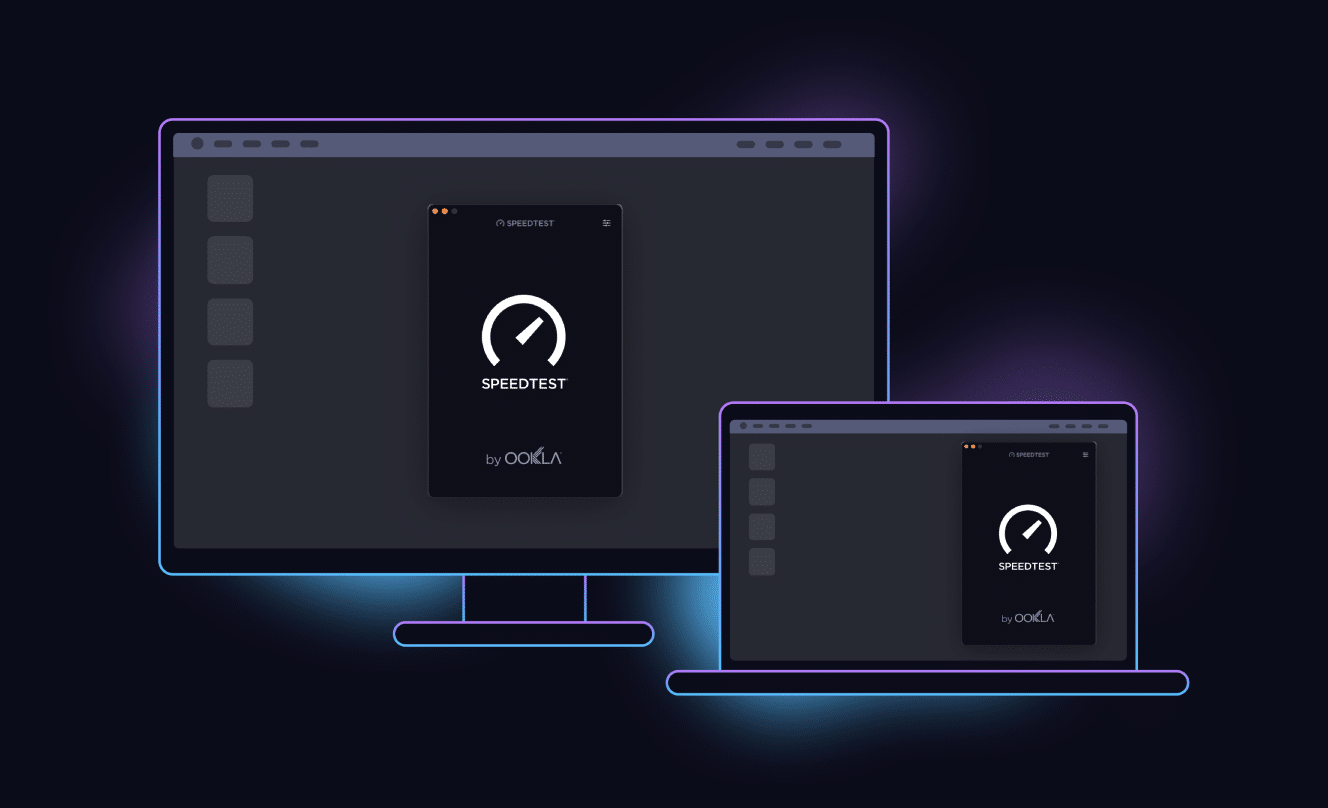
We tested the Windows version on a standard Windows 11 PC with a fiber connection, and installation was done in under a minute via the Microsoft Store. The app takes up about 120 MB and requires no setup.
Speedtest is also available for macOS, iOS, Android, Chrome (extension) and Apple TV, and the experience is nearly identical across platforms.
Interface and ease of use

One reason Speedtest by Ookla is so popular in the US is its extremely simple interface. When you open the app, you’re greeted by one big button:
GO.
That’s literally all it takes. From tapping the button to seeing the results took about 40 seconds. No pop-ups, no distracting ads, and no technical know-how required.
Results are clearly presented and easy to understand—even if you’re not technical.
Understanding your speed results

Speedtest by Ookla measures three key values:
Ping shows how quickly your connection responds—especially important for online gaming and video calls.
Download speed shows how fast you can download data from the internet.
Upload speed shows how fast you can send data—for example to cloud services or video calls.
In our tests, the numbers closely matched the speed we get from our ISP, which inspires strong confidence in the results.
History, stats, and sharing
In Settings, you can view a full history of previous speed tests. That’s useful if you want to:
• Compare speeds over time
• Document an unstable connection
• Share a test result with your ISP
Each test can be opened individually and shared via a link—something we’ve used ourselves when the connection acted up.
The app also saves your highest recorded speed and calculates an average based on your tests.
When is Speedtest by Ookla most useful?

Speedtest is especially helpful if you:
• Experience slow internet
• Suspect dropouts or an unstable connection
• Want to check whether your ISP delivers what was promised
• Game online or stream in high quality
We’ve personally used the tool several times when switching providers—and it made conversations with the ISP much easier.



