

 Martin Jørgensen
Steam – download the largest gaming platform for PC, Mac, and Linux.
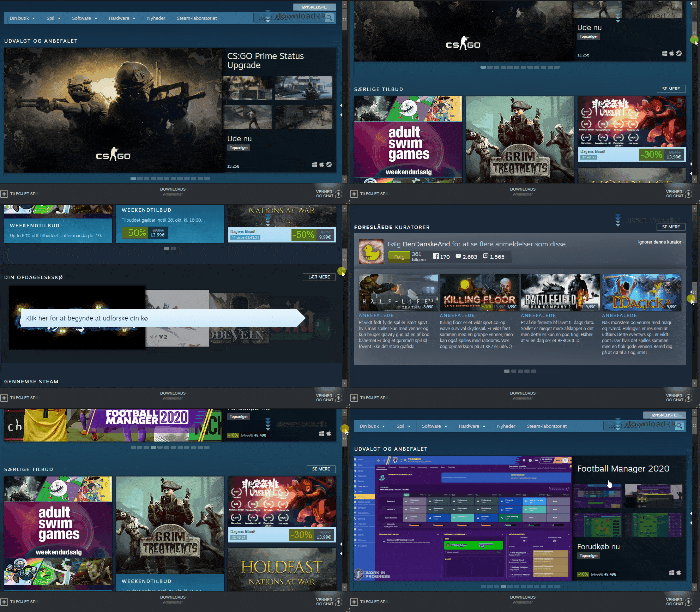
Steam is the world’s most popular gaming platform, giving you free access to thousands of games—both free and paid. With a quick install and account setup, you can be playing your favorite games online in minutes. The Steam download works on Windows 10 and 11, macOS, and Linux, making it an obvious choice for almost every gamer.
What is Steam, and why choose it?
Launched by Valve in 2003, Steam has grown into the leading platform for digital game distribution. You’ll find everything from blockbusters like Counter-Strike 2, Football Manager, Elden Ring, and Baldur’s Gate 3 to a wealth of free games such as Dota 2, Team Fortress 2, and Warframe.
Steam isn’t just a place to buy games—it’s a community, a toolbox, and an entertainment platform in one. And with a quick Steam download, you’re ready to play.
How to download Steam
Getting started is easy:
- Click the download link below on this page.
- Install the program on your computer (Windows, Mac, or Linux).
- Create a free Steam account with your email and password.
- Log in and start downloading games.
Your Steam download updates automatically and is kept secure by Valve, so you always have the latest version without lifting a finger.
Free games and popular titles
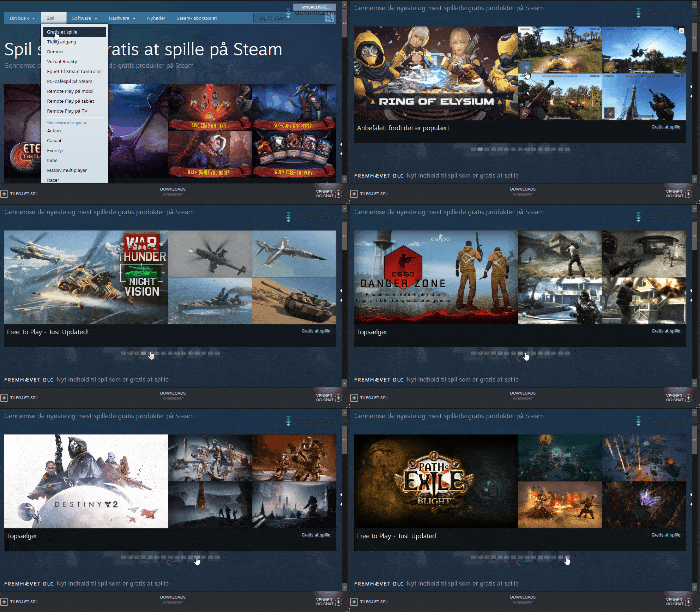
Steam offers a huge selection of both free and paid games. Popular free games include:
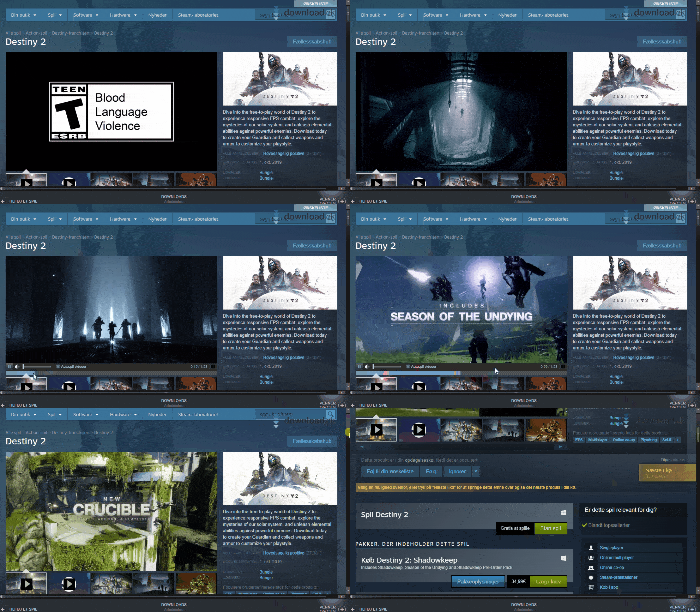
- Destiny 2 – an epic multiplayer experience in a sci‑fi universe.
- Dota 2 – an esports giant with millions of players.
- Warframe – a futuristic co‑op shooter packed with action.
These games can be downloaded and played at no cost—and with your Steam download, you have access to them all.
Multiplayer and community
Steam makes it easy to play with friends:
- Add friends to your friends list
- Chat and make voice calls right on the platform
- Join groups, discussion forums, and communities
- Stream your games live with Steam Broadcasting
Everything is built directly into your Steam download, creating a seamless experience when you want to game with others.
Software and creativity
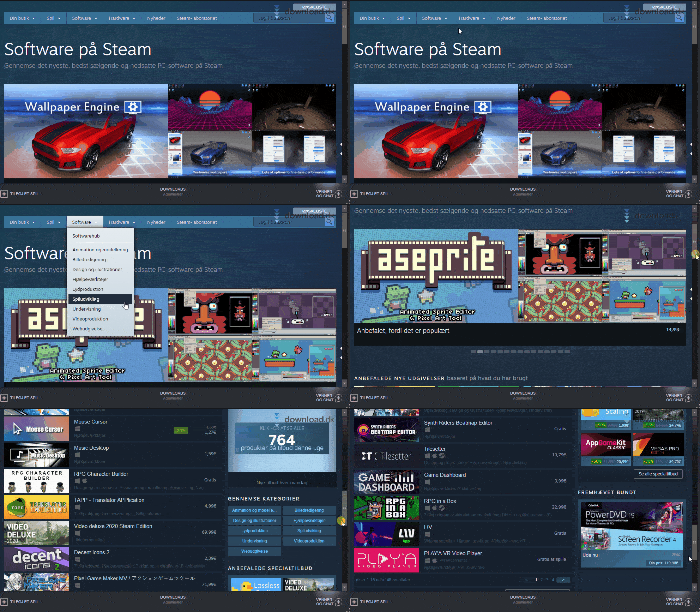
Steam also offers a range of software:
- Wallpaper Engine – create dynamic wallpapers for your desktop.
- FL Studio – for music production.
- 1 Studio – streaming and recording tool.
Everything can be installed directly through your Steam download—no external sites required.
Steam vs. Epic Games Store – which is best?
While the Epic Games Store is a strong competitor with weekly free games and exclusives like Fortnite and Alan Wake 2, Steam still has several advantages:
| Feature | Steam | Epic Games Store |
|---|---|---|
| Game library | 100,000+ titles | ~2,000 titles |
| Community features | Yes — groups, forums | Very limited |
| Cloud saves | Yes (almost always) | Not always |
| Mods via Workshop | Yes | No |
| Steam Deck compatible | Yes | No |
| Refund system | Yes (2 hours/14 days) | Yes (same terms) |
Steam wins on content, ease of use, and functionality, and remains the preferred platform for most PC gamers.
Our verdict
Steam remains the most complete gaming platform on the market. With a massive store, a strong community, a user‑friendly interface, and regular updates, it’s hard to find a better solution. Add free games, cloud saves, achievements, and tons of extra features, and the Steam download is a must for every gamer.
Download Steam for Windows, Mac, or Linux here
Top five tips for Steam
1. Track Steam deals and sales year-round
Steam runs major sales like the Summer Sale, Winter Sale, and Halloween Sale. Save up to 90% on popular games—follow the Steam newsletter or your wishlist for automatic price‑drop alerts.
Keywords: steam deals, cheap steam games
2. Try free games—including Danish indie gems
Steam has a large selection of free games, including popular titles like War Thunder and Dota 2. You’ll also find Danish titles such as Deep Rock Galactic.
Keywords: steam free games, download steam free
3. Use Steam Family Sharing
Share your purchased games with up to 5 other users and 10 devices. Perfect for families or friends who want to share games at no extra cost.
Keywords: share steam account, steam family sharing
4. Stream your games with Steam Link
Want to play PC games on your phone, iPad, or smart TV? Use Steam Link to stream your games wirelessly from your computer.
Keywords: steam link android, play pc games on tv
5. Unlock hidden gems with user reviews and tags
Steam’s strong community reviews and tags games with categories like “Relaxing”, “Danish text”, or “Best with friends”. Use filters to find exactly what you’re looking for.
Keywords: best games on steam, danish games steam, steam multiplayer games



