
 Martin Jørgensen
The music streaming service TIDAL lets you experience its exclusive audio quality and modern design.
With a sleek, simple, modern dark theme—and a focus on high audio quality and exclusive artist content—TIDAL is a major contender to watch in the music and audio market.
Specify which artists you like
If you open the app on your iPhone or Android, you’ll be asked which artists you like the first time you launch it. Small circular portraits with photos and names of the most well-known (and later, more niche) artists fill the screen. Simply tap the portraits of the artists you like best.
Each time you tap a portrait, TIDAL adds more artists similar to the one you selected—ones it believes you’ll also want to follow.
Interactive selection of favorite artists
We spent a few minutes scrolling through the different song categories and were surprised by how well this algorithm worked. There’s also something reassuring about knowing the generated playlists are based on real input—rather than assuming that, because you suddenly listened to a bunch of tracks by an unknown artist one day, that must be your favorite. In other words, it’s nice to have a say alongside the algorithm. It seems to produce more precise recommendations.
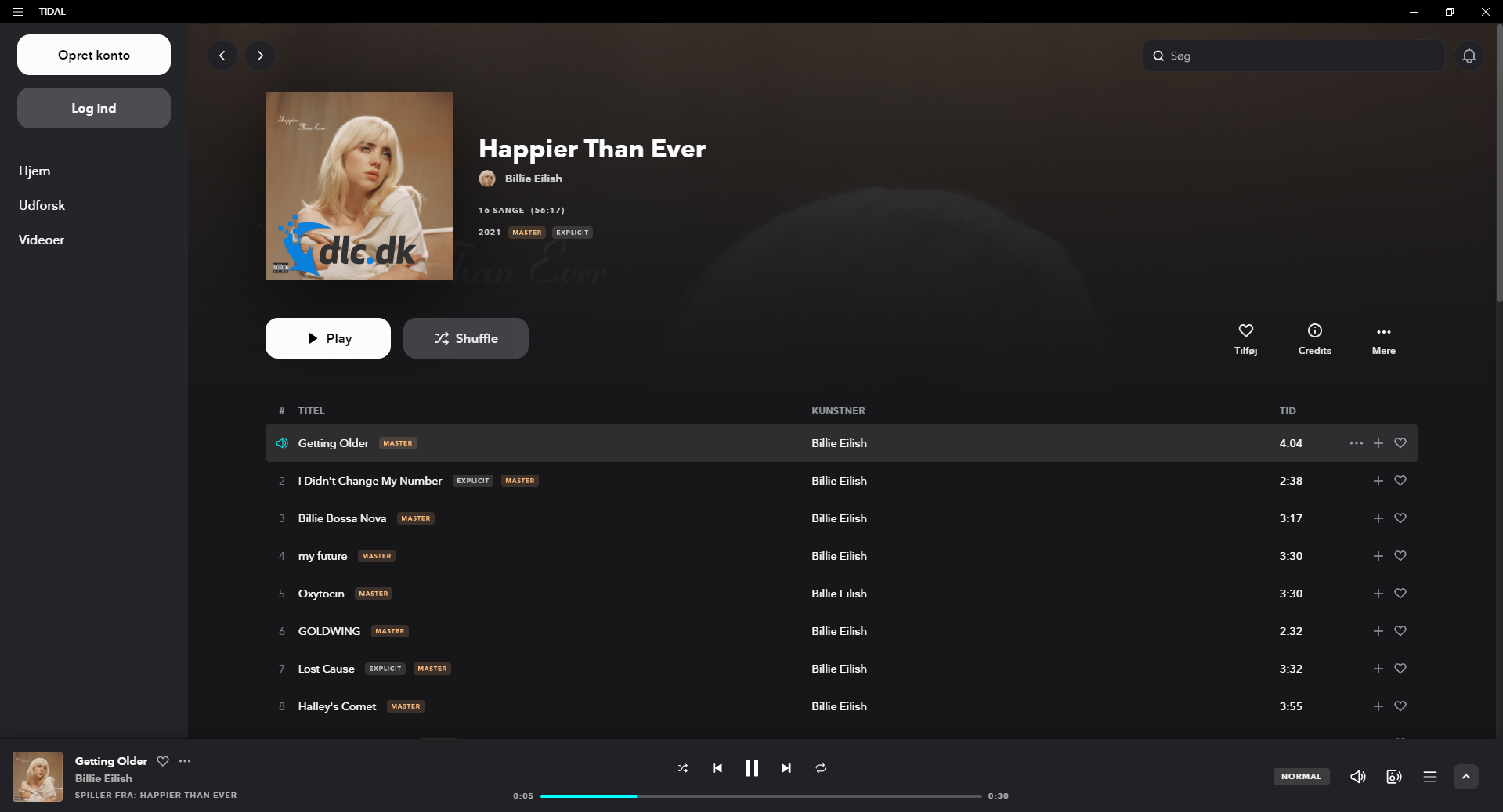
In the PC version, which you’ll find a free download link for at the bottom of this page, you can also choose your favorite artists by searching for their name and then clicking the heart on their page (where it says ‘Add’). They’ll be added automatically to your list of artists you like to listen to.

Tons of songs in every genre
TIDAL’s library is packed with music from every imaginable genre and country. There are more than 70 million tracks ready to stream right away, in exactly the audio quality you prefer.
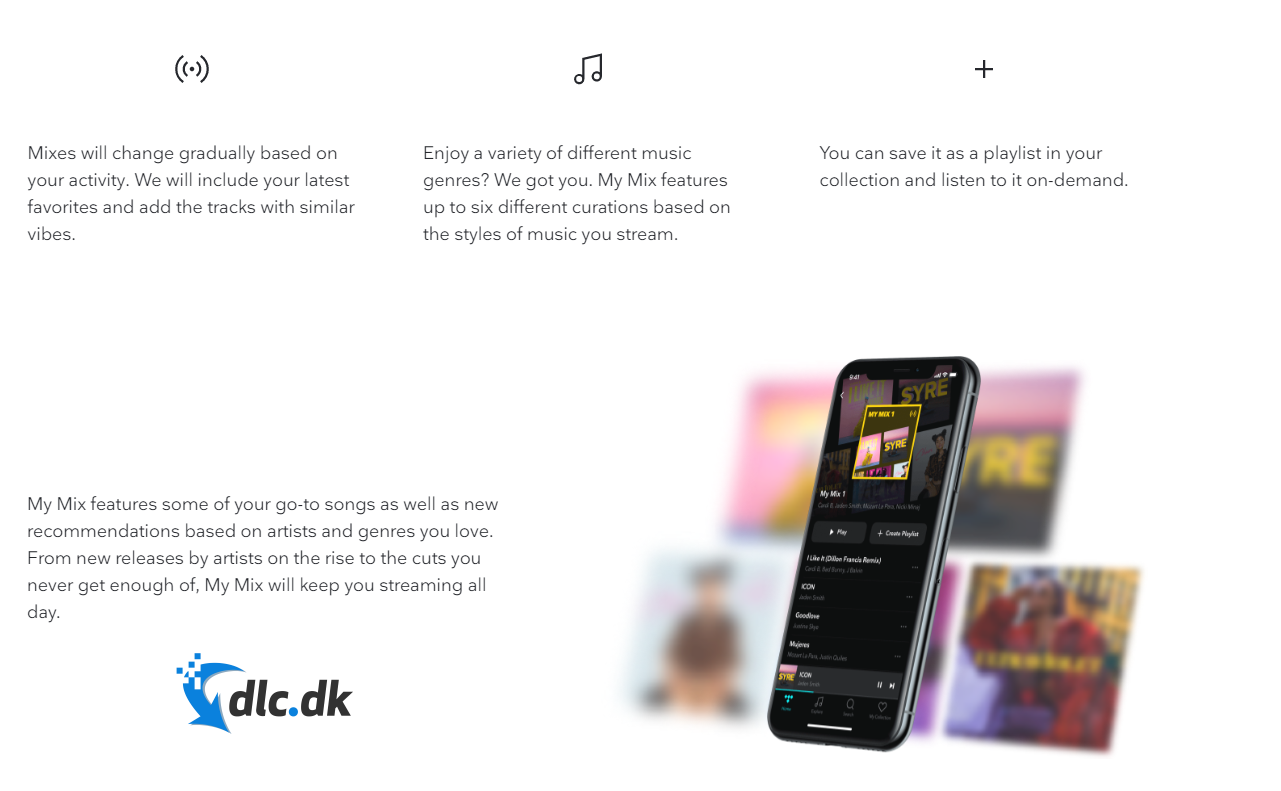
If you don’t feel like building a playlist yourself—or can’t decide what to listen to—TIDAL can help you get started. It offers both ‘Mixes’ and radio.
Radio works just like any other station: you choose a channel based on what you like (for example, a radio station based on your favorite artist, or on your current favorite track).
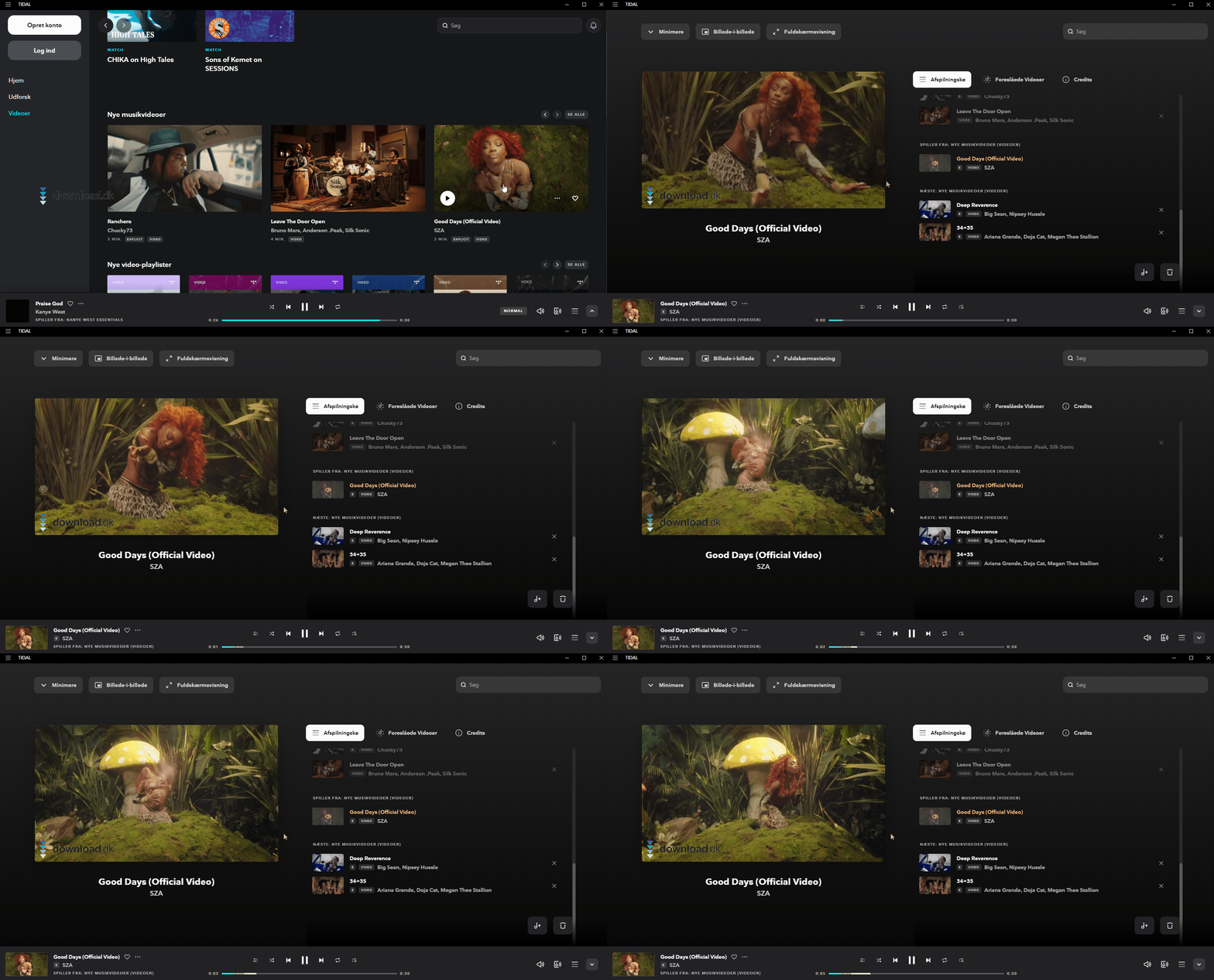
Watch music videos directly in the desktop app or mobile app
TIDAL doesn’t focus only on audio—it highlights visuals, too. In the side menu you’ll find a category called ‘Videos’ where you can watch exciting new music videos in high quality.
Here you’ll find beautiful, well-crafted videos from major stars such as Drake, Billie Eilish, Beyoncé, BTS, and Lil Nas X. You can also sort videos by genre—perfect if you’re hosting a pop or rock party and want something great playing on your TV while the speakers are blasting.
You can add music videos to your collection or to a specific playlist if you like having visuals with your music. And what’s better than the artist’s own creative perspective?
Easy to switch from other major streaming services
TIDAL knows other services almost have a monopoly on the digital music industry. That’s why it goes out of its way to make the transition from another audio service to its own as easy as possible.
Thanks to partnerships with TuneMyMusic and Soundiiz, you can transfer your playlists, favorite artists, and favorite music without lifting a finger. That also means you can seamlessly start listening to your music in your new app.
We used TuneMyMusic and were allowed to transfer the first 1,000 songs from one of our other streaming services for free.
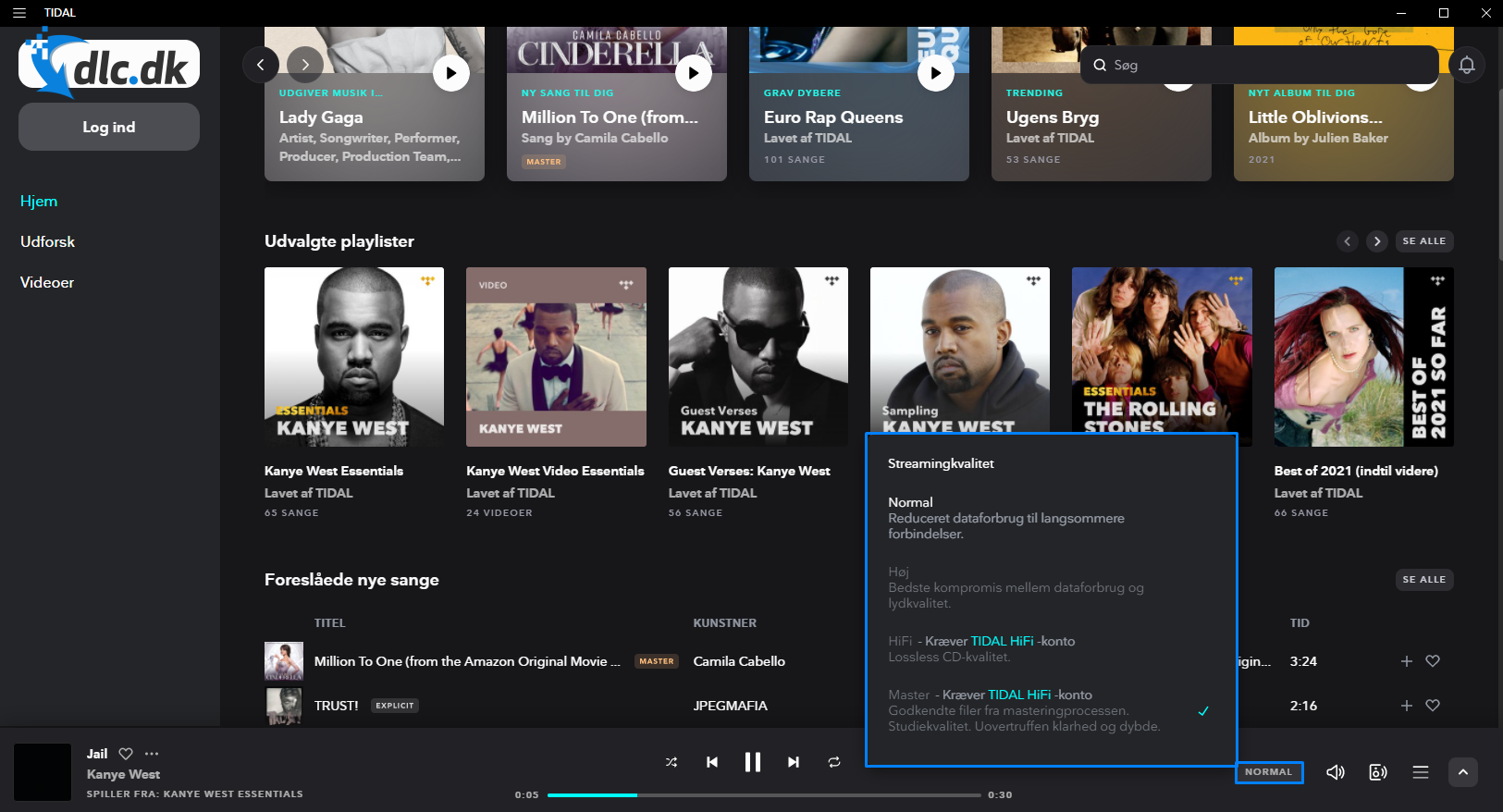
The best sound on the market
TIDAL states on its website that it clearly has the best sound on the market. Depending on the plan you choose after the trial, you can stream and download music at up to 9216 Kbps—that’s nearly 30 times higher than standard AAC quality.
AAC is the format most digital songs are streamed in. But if you care about great sound, it makes sense to choose TIDAL’s higher-tier plan so you can get the most out of your music.
Other alternatives
Another very popular music streaming service is Spotify. It offers many of the same features as TIDAL, though at a slightly lower audio quality. On the other hand, Spotify can be used for free with ads between songs if you don’t want to pay for a subscription. You can find your 1 link here.
Telmore Musik is also a solid option. Much like YouSee, it’s a streaming service that appeals to people who already have a mobile subscription with the company. There’s also the option to listen to live radio, and it’s always up to date so you get the newest tracks as quickly as possible.
Get the best sound with TIDAL
With the right speakers or headphones, you can hear why TIDAL proclaims it has the best sound. The desktop app also looks great and feels polished, adding another layer of finesse to the service.
Since TIDAL lets you transfer your existing playlists from other services, nothing should stop you from at least trying this streaming powerhouse during the free trial.



