

 Martin Jørgensen
Download TikTok – Share, create, and watch videos in the world’s most popular video app.
TikTok is a free video-sharing app for Android and iOS that lets you record, edit, and share short videos with millions of users worldwide. It’s a global phenomenon and one of today’s most downloaded social platforms—especially popular with teens and young adults, though plenty of adults are on it too.
With TikTok, you don’t just get entertainment—you get a creative toolkit that makes it easy to produce your own videos with music, filters, and special effects, whether you’re making comedy, lip‑syncs, dance challenges, or quick moments from everyday life.
Create videos with filters, effects, and music
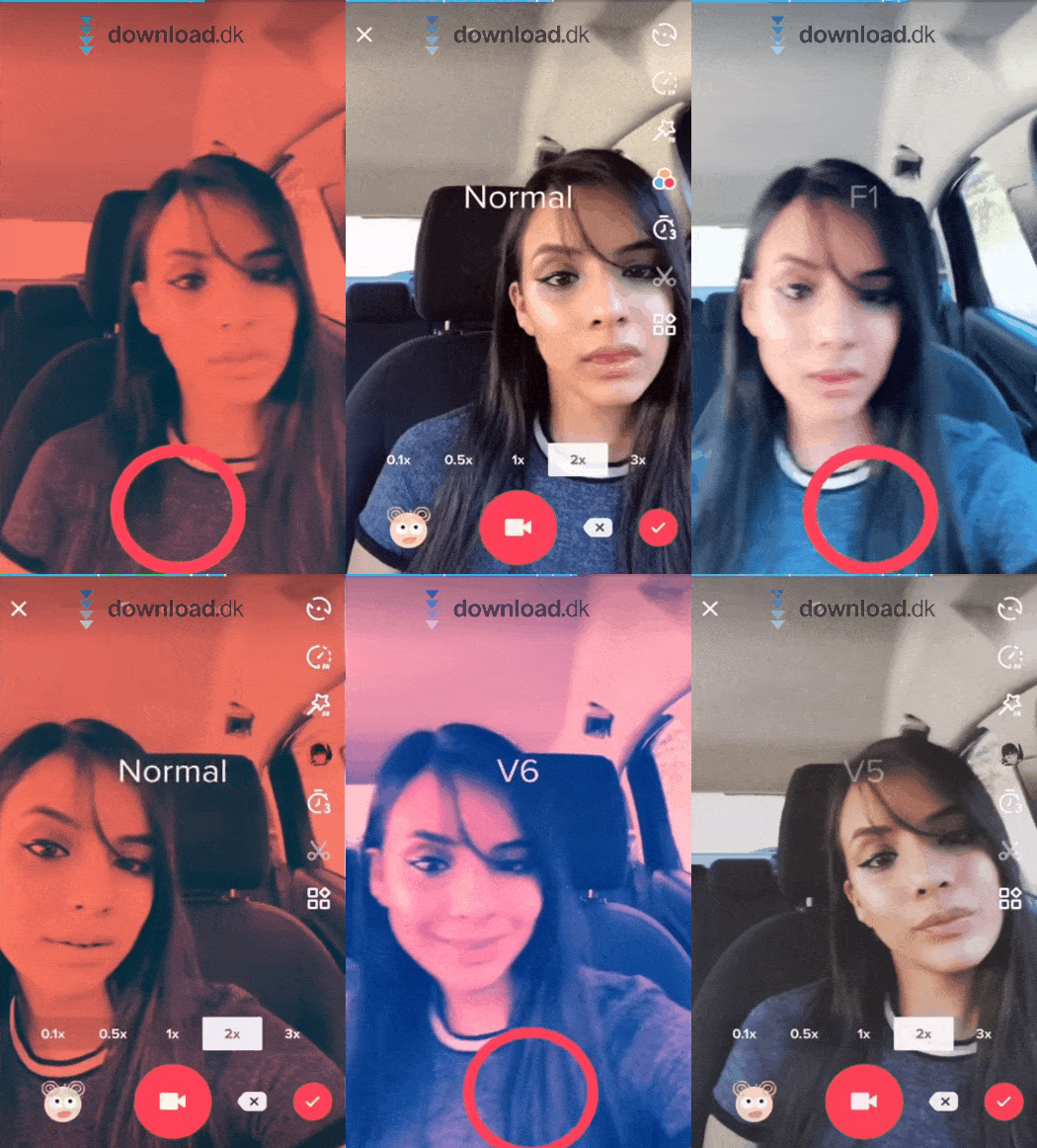
TikTok’s built-in editing tools let you create unique videos in just a few taps. Trim and stitch clips, add transitions, use slow motion, and pick from thousands of trending sounds, songs, and memes.
You can also make duets—reacting side by side to another video—and add interactive effects like AR objects and filters. That makes TikTok one of the most advanced yet easy-to-use ways to express yourself on social media.
Download TikTok and make your downtime fun and social
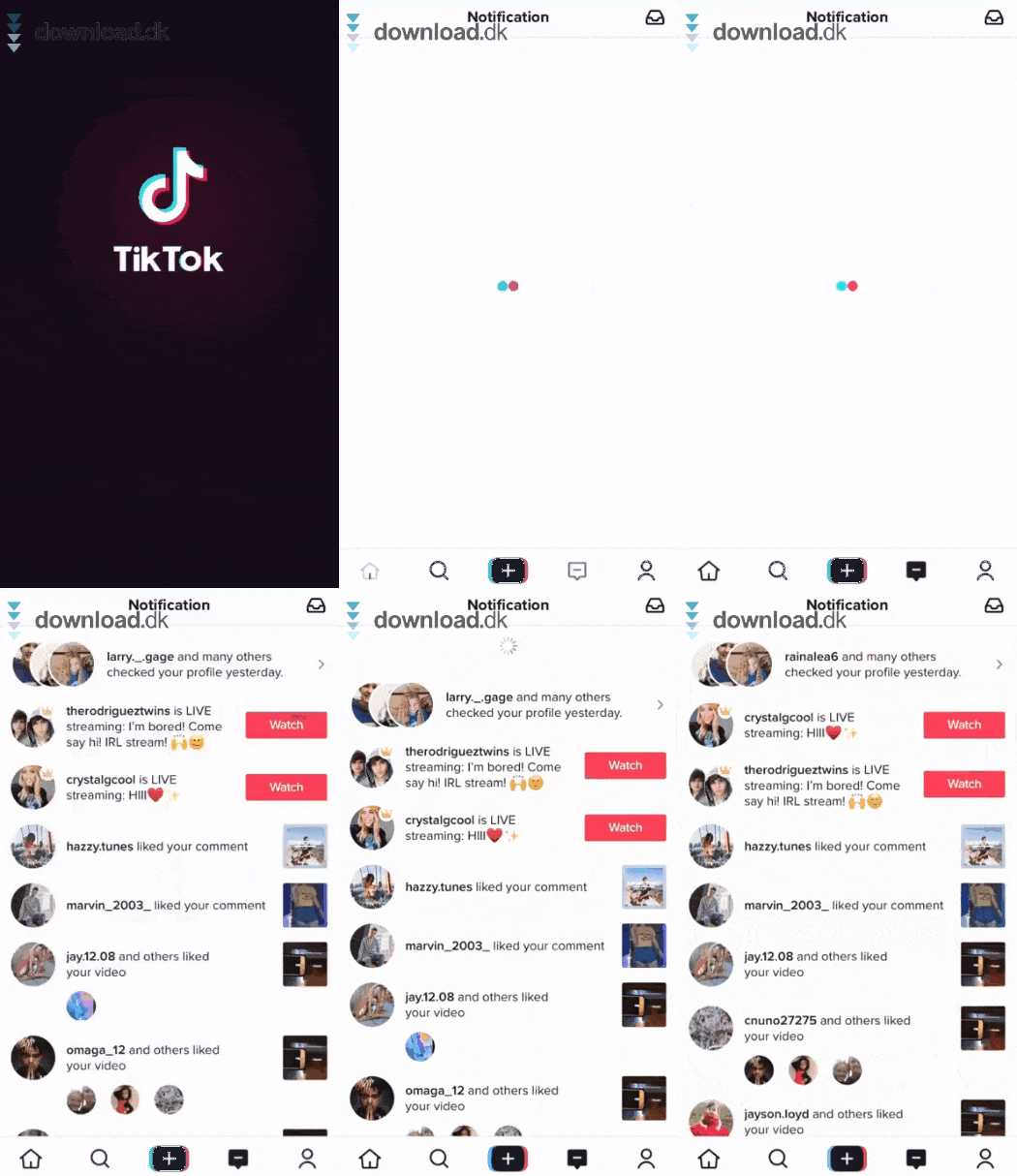
TikTok isn’t just about creating—it’s about watching and interacting. With the “For You” feed, you’ll quickly see videos that match your interests. Follow creators, comment, send messages, and save or share videos.
It’s perfect for fun with friends, a quick creative break during the day, or even a springboard to becoming a content creator with thousands of followers.
An app evolving at lightning speed
TikTok is more than an app—it’s a cultural engine. It has launched music careers, viral trends, and new digital communities. And unlike earlier platforms like Vine and Musical.ly (which TikTok acquired), TikTok keeps evolving with new features, partnerships, and tools.
User-friendly and familiar design
You don’t need to be tech-savvy to get started. TikTok’s interface is intuitive and polished—you can jump right in. There’s a short intro to the features, and most of it will feel familiar if you’ve used Instagram or Snapchat.

Tools for creators who want pro-level editing
If you prefer editing your TikToks on a computer first, use programs like Adobe Premiere Pro or 1 Desktop before uploading via TikTok’s web portal or mobile app. You can also use image editors like Photopea or Photoshop to polish your thumbnails.
🧠 Top five tips for TikTok
1. Use “Save as draft” for planned posts
When you’re done editing but not ready to publish, tap Save as draft. It’s perfect for planning content or testing trends before you go live.
2. Leverage trending sounds and hashtags
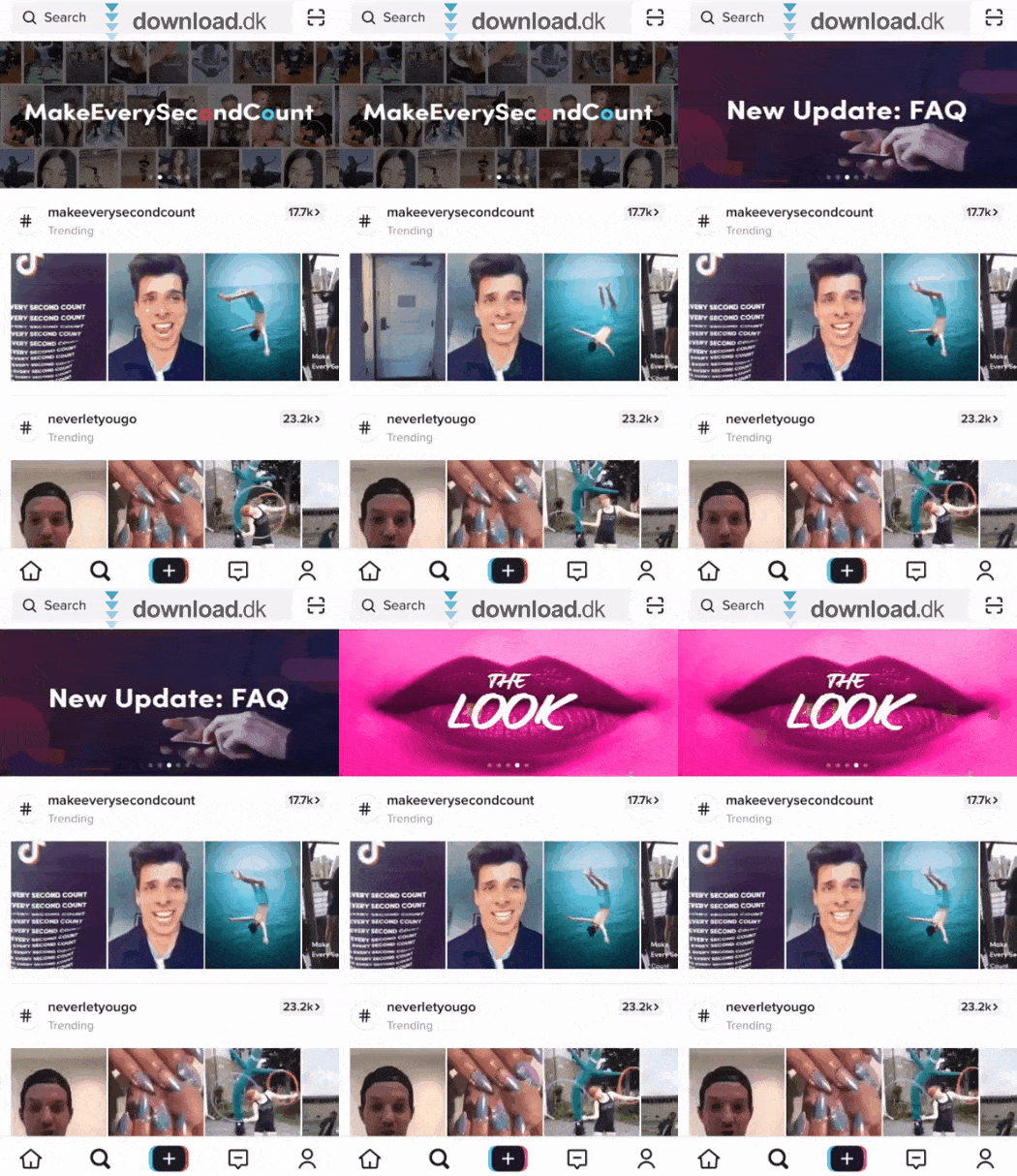
TikTok’s algorithm favors videos that use popular sounds and tags. Check the “Discover” section and incorporate current trends to boost reach.
3. Use on-screen text and captions—especially for U.S. viewers
Add text and captions to your videos. It improves accessibility and watch time—especially when sound is off. Use English text if you want to reach a U.S. audience.
4. Record and edit in separate clips
Instead of one long take, shoot multiple short clips and stitch them together. You can experiment with transitions, timing, and effects without starting over.
5. Engage your audience—fast
Reply to comments with a video, use duets and prompts, and follow up on viewer questions. TikTok’s algorithm rewards early engagement—especially in the first minutes after upload.



