
 Martin Jørgensen
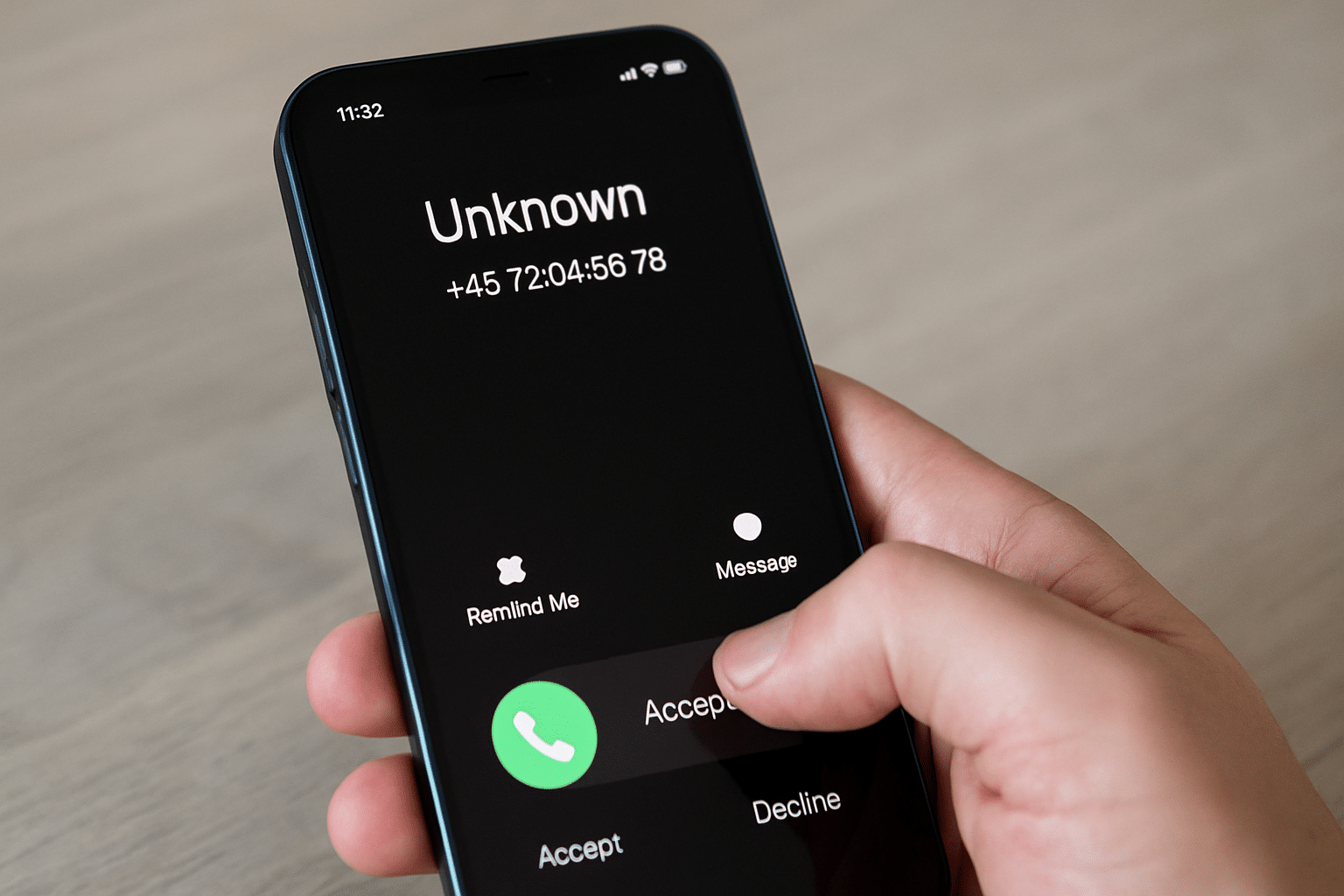
You probably know the situation: your phone rings from a number you don’t recognize. Should you answer? Is it a friend you forgot to save — or yet another annoying telemarketer? In this guide, we show you how to quickly and for free find out who called — both in Denmark and from abroad.
Top 5 tips to find out who called
1. Use MobilePay for a quick lookup
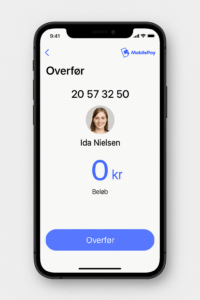
Open MobilePay, enter the number as if you were transferring money — you’ll often see the name. Remember not to complete the transfer.
2. Install Truecaller or Hiya
Both apps identify calls in real time and warn about spam numbers based on user feedback and a global database.
3. Google the number with quotation marks
Type the number into Google with quotes, e.g., "+45 12345678" — this often reveals forum threads and review sites.
4. Use 118.dk or Krak.dk
These Danish services show owner information for many phone numbers — especially landlines and businesses.
5. Check if it’s an international scam
Be extra careful with numbers that start with +44, +375, +963, +234 — they’re often linked to Wangiri (one-ring) scams and spam.
Find out who called with reverse phone lookup
A reverse phone lookup lets you enter a number to find out who called. It works especially well for landlines and business numbers, and in many cases for mobile numbers too.
The best Danish services for this are:
- 118.dk – free lookups, especially good for companies.
- De Gule Sider / Krak.dk – works well with landlines and businesses.
- The MobilePay trick – if the number is registered with MobilePay, you can often see a name (requires attempting to send money — don’t complete it).
Best apps to find out who called
If you want a solution that works the moment the call comes in, apps are the way to go. Here are the most popular options for use in Denmark:
Truecaller (Android/iOS)
- Global database with over 300 million users
- Shows name, company, and spam warnings
- Works well in Denmark
- Requirement: Access to your contacts
Hiya (Android/iOS)
- Great for spam filtering and unknown calls
- Shows fewer details than Truecaller
- Does not require access to contacts
- Strong user protection
How the most popular apps work in Denmark
Not all caller ID apps work equally well in Denmark. Some apps have strong coverage and active Danish users, while others require access to your contacts to work effectively.
Truecaller works well on Danish networks and includes many registered numbers in Denmark. The app may request access to your contacts if you want to contribute to the database — but you can use it passively without granting access.
Hiya works without requiring access to your contacts and efficiently filters spam calls, but it often shows fewer details about who called than Truecaller.
CallApp has varying coverage in Denmark and typically requires access to both your call log and contacts for full functionality.
Sync.me displays caller data and profile pictures, but requires access to your contacts for most features.
If you prioritize privacy, choose apps that don’t require contact access — but be aware that the amount of information is typically more limited.
How to look up international numbers
If you get a call from abroad (e.g., +44 or +1), be extra careful. Many scam numbers ring once and hope you call back (Wangiri scam).
Try these tricks:
- Google the number in quotes: "+44 20 7946 0958"
- Use websites like WhoCallsMe, Tellows or ShouldIAnswer
- Check whether others have reported the number as spam
Tips: How to avoid spam and scam calls
Never share your number in online giveaways or “free” offers
Sign up for the Robinson List (Denmark’s do-not-call register) so companies can’t call with marketing
Use apps with spam filters (e.g., Truecaller or Hiya)
Use Do Not Disturb so only contacts can call
Frequently asked questions
How can I find out who is calling from an unknown number?
Use apps like Truecaller or websites such as 118.dk and Krak.dk. You can also Google the number in quotes to find reviews or warnings.
Is there a free app for reverse lookup?
Yes, both Truecaller and Hiya offer free versions that can identify calls and automatically filter spam.
Can I use MobilePay to find out who called?
Yes, if the number is registered with MobilePay, you can often see the name when you try to send money — without completing the transfer.
How do I avoid future spam calls?
Sign up for the Robinson List, use apps with spam filters like Truecaller or Hiya, and avoid sharing your number on public sites.
Is it legal to use Truecaller in Denmark?
Yes, it’s legal, but be aware the app may ask for access to your contacts. Read the terms before you accept.



