
 Martin Jørgensen
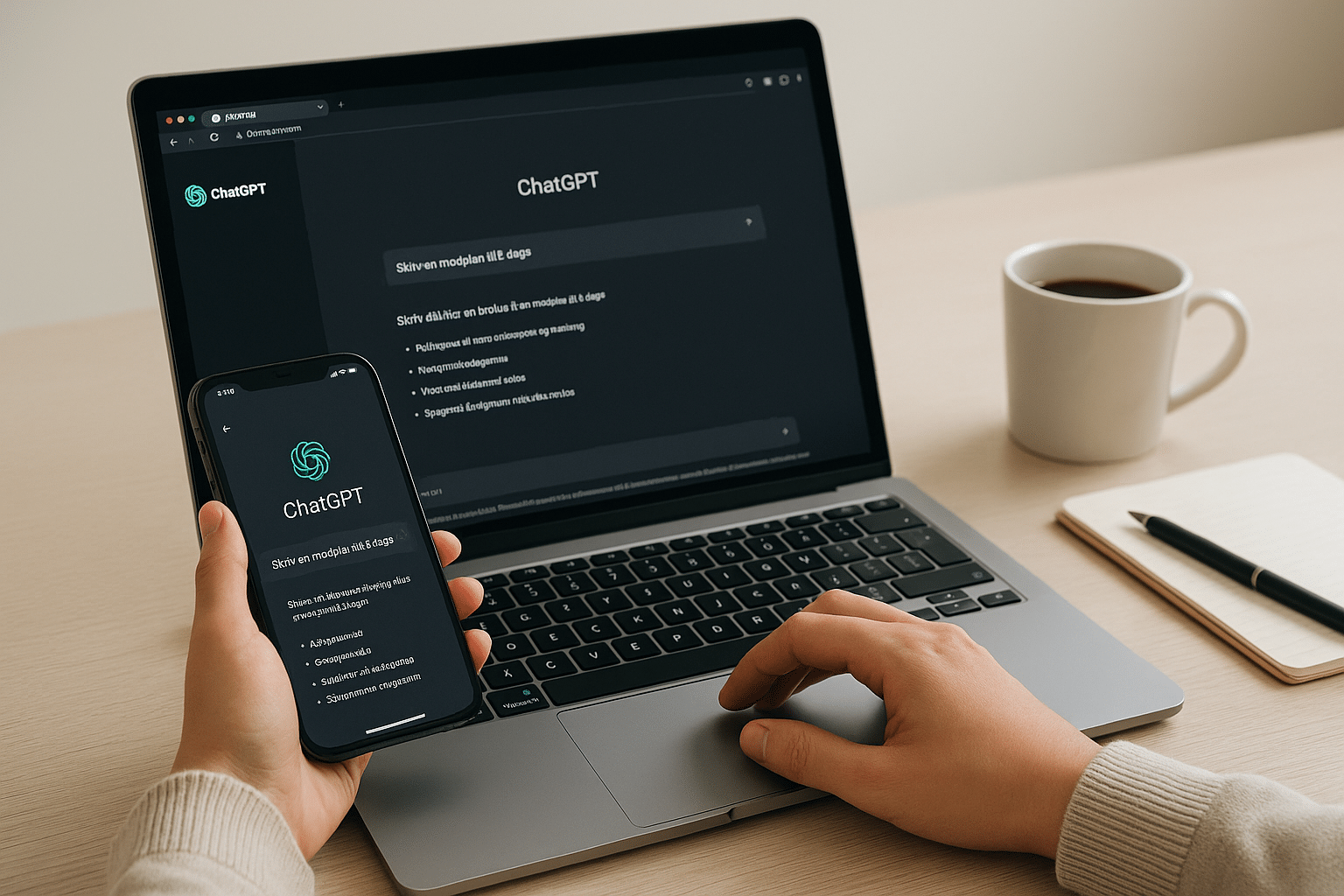
ChatGPT is an advanced chatbot powered by artificial intelligence from OpenAI, and it has become a popular tool among Americans for everything from schoolwork and job applications to creative ideas and everyday planning. But how do you use ChatGPT? And what does ChatGPT Plus cost in the United States? You’ll find the answers in this guide.
What is ChatGPT?
ChatGPT is a language model that can answer questions, write content, help with code, recipes, brainstorming, and much more. You communicate with it via text—just like a regular chat.
The most commonly used version is free and available in any browser, but you can also upgrade to ChatGPT Plus to access the more powerful GPT-4 model.
How to use ChatGPT
1. Go to the official site
Visit chat.openai.com—on desktop, tablet, or phone.
2. Create an account
Click “Sign up” and create an account with email, Google, or Apple login.
3. Choose your language
You can chat with ChatGPT in English—it understands and replies fluently. It also supports many other languages.
4. Ask your first question
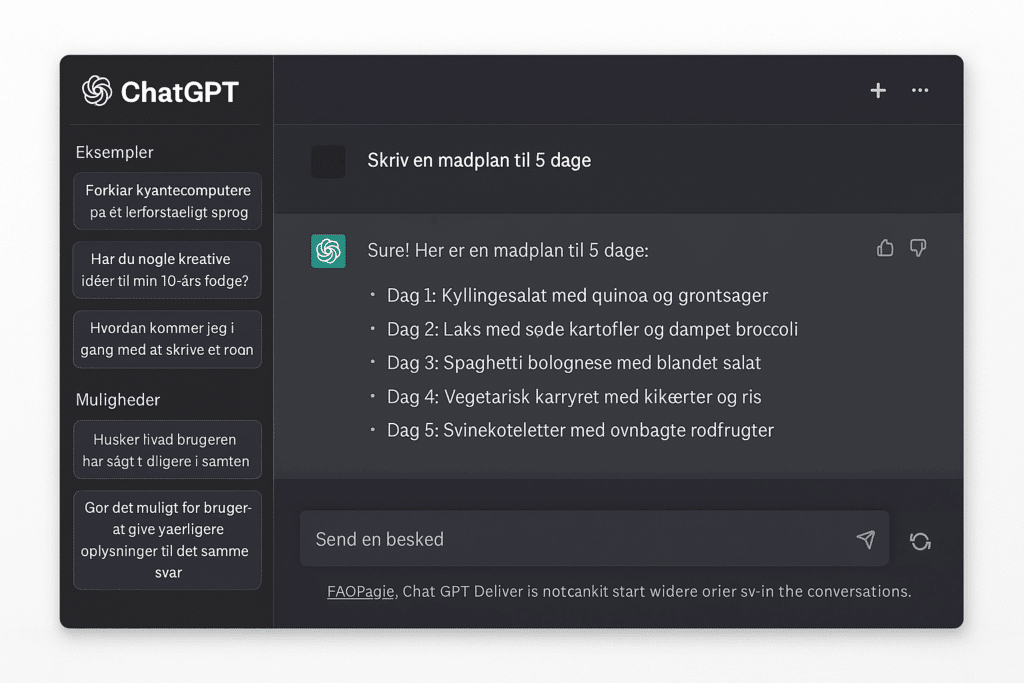
Try, for example: “Create a five-day meal plan with budget-friendly dinners” or “Help me write a cover letter for a preschool teacher.”
5. Use it effectively
You can refine your prompts as you go—ChatGPT remembers the conversation and can improve answers if you ask.
Top 5 tips: How to use ChatGPT
1. Start simple and clear
Ask questions in a natural way—ideally as full sentences. Instead of just typing “meal plan,” write: “Create a five-day meal plan with healthy dinner ideas.” The more specific you are, the better the answer.
2. Explain your goal
ChatGPT performs better when it understands the context. Say, for example: “I need this for a job application” or “This is for a school assignment.” That makes the reply more targeted and useful.
3. Use follow-up messages
No need to start over. If the answer isn’t quite right, say: “Make it shorter” or “Rewrite this in a more formal tone.” ChatGPT remembers what you’ve already discussed.
4. Try different phrasings
If you don’t get the answer you hoped for, ask the question a different way. Use synonyms or be more specific—it often makes a big difference in quality.
5. Double-check facts
Although ChatGPT is impressive, it can be wrong. Use it as a helper—not as the final source of truth. Always verify facts, figures, and news yourself.
How much does ChatGPT Plus cost in the US?
The free version is still very capable, but many prefer GPT-4 via ChatGPT Plus. The price is:
- $20/month
- Pay by credit card
- Access to GPT-4o, faster response times, and priority access during peak usage
Note: The version you get with ChatGPT Plus is called GPT-4o (o for “omni”), which can also handle images and voice when you use the mobile apps.
ChatGPT in English: Tips for better answers
Here are some simple, effective tips that complement this guide on how to use ChatGPT well.
- Write clearly and politely—it improves results
- Use specific prompts: “Write a poem about winter in a friendly, conversational tone.”
- Ask for examples or step-by-step guides
- State your goal—for example, “This is for an exam”
How to use ChatGPT for job applications
ChatGPT can be a powerful helper when writing a professional, targeted cover letter. Here are concrete steps:
- Start with a clear prompt:
- Example: “Write a cover letter for a retail associate position at Target. I have experience at Walmart and excel at customer service.”
- Example: “Write a cover letter for a retail associate position at Target. I have experience at Walmart and excel at customer service.”
- Adjust tone and style:
- You can ask ChatGPT to make the tone more formal, personal, or creative—depending on what you need.
- You can ask ChatGPT to make the tone more formal, personal, or creative—depending on what you need.
- Use a feedback loop:
- After ChatGPT drafts a version, say: “Make it a bit shorter and focus on sales experience.”
- After ChatGPT drafts a version, say: “Make it a bit shorter and focus on sales experience.”
- Get a cover letter and resume text, too:
- ChatGPT can help with a cover letter, a tailored resume summary, and bullet points.
- ChatGPT can help with a cover letter, a tailored resume summary, and bullet points.
- Get ideas for phrasing:
- If you’re stuck, ask: “How can I say that I’m reliable and work independently in a strong, concise way?”
How to use ChatGPT for schoolwork
ChatGPT is popular with students, but it should be used responsibly and as a learning tool—not as a shortcut to avoid the work. Used correctly, it’s like a digital study assistant that helps you understand, structure, and improve your assignments.
Here are practical ways to use ChatGPT for school:
✅ Get explanations of tough concepts
Example: “Explain the Pythagorean theorem like I’m 12.”
ChatGPT can translate technical ideas into easier language—great for middle school, high school, and beyond. You can also ask for analogies: “Explain photosynthesis using a pizza metaphor.”
✅ Draft essays and papers
Example: “Draft a one-page English essay on climate change with three main body paragraphs.”
Use it as inspiration—you should still write in your own words. ChatGPT can also help with phrasing, transitions, and conclusions.
✅ Learn to structure an outline or report
Example: “Create an outline for a paper on free speech for social studies.”
Ask for a point-by-point structure with suggested content under each heading. It helps you get started and stay organized.
✅ Get help with math practice
Example: “Create 5 algebra problems with step-by-step solutions for 9th grade.”
ChatGPT can generate practice problems and show the steps to solve them—perfect for homework and review.
✅ Get overviews of historical periods
Example: “Summarize the Viking Age in five bullet points.”
You can also ask for comparisons: “What’s the difference between the Enlightenment and Romanticism?”
✅ Prepare for oral exams
Example: “Write five questions I might be asked on a World War II exam.”
ChatGPT can act as a practice partner to help you think through perspectives and angles.
Use ChatGPT as a study assistant, not for cheating—teachers will notice, and you’ll learn much more by understanding and refining the answers yourself.
ChatGPT in English: How to get better results
Even though ChatGPT understands English well, you can get even better results with these tricks:
- Use full sentences and provide clear context
- Add relevant info: “I’m 15 and writing about industrialization”
- Ask for natural American English phrasing: “Write in clear, natural American English”
- Ask for variations: “Give me three different ways to say this”
- Always review the wording yourself—some phrases can sound a bit stiff
How to use ChatGPT for small businesses and entrepreneurs
Are you self-employed, running an online store, or managing a small business? ChatGPT can save you time:
- Write product descriptions or category copy
- Generate posts for Facebook and Instagram
- Create newsletters with a clear call to action
- Brainstorm blog post ideas and SEO titles
- Answer customer emails in a professional tone
Prompt idea: “Write a newsletter to customers about a summer clothing sale—the tone should be friendly and professional.”
How to use the ChatGPT app and voice: Get answers on the go
Many people don’t know that ChatGPT is also available as an app with speech recognition and image features:
- Available free on iPhone and Android
- Use your voice instead of typing
- Take photos and ask: “What does this receipt say?”
- Perfect for brainstorming while you’re on the move
Try saying: “Help me write a creative birthday message for my sister.” You’ll get an answer in seconds.
Can you trust ChatGPT? Key limitations
Even though ChatGPT is impressive, keep the following in mind:
- It can invent facts (“hallucinations”)
- It doesn’t have access to live data unless you use browsing mode
- It doesn’t understand feelings or context like a human
- It’s trained on large amounts of text but doesn’t “know” what’s true
- It can be biased (training or cultural bias, stereotypical answers)
Use it as a brainstorming partner—not an authority.
How to use ChatGPT for creative inspiration: poems, names, and gifts
Use AI for the fun stuff, too! Here’s what many people already use ChatGPT for:
- Write poems and songs for birthdays and weddings
- Find names for babies, pets, or businesses
- Get gift ideas based on interests: “What can I get my mother-in-law who loves gardening?”
- Write funny messages for cards, party songs, and rhymes
Prompt idea: “Write a funny and loving birthday song for my dad to the tune of ‘Happy Birthday.’”
Best prompts for ChatGPT in English
Want to use ChatGPT more effectively? Here are tested, easy-to-use prompts that work really well in English. Whether you’re a student, job seeker, entrepreneur, or just curious, these prompts help you get better, faster answers.
For school and homework
- Explain [topic] as if I’m in 8th grade.
- Write a one-page English essay on [theme] with an introduction, body, and conclusion.
- Help me analyze the poem “The Road Not Taken” by Robert Frost.
For jobs and careers
- Write a short cover letter for a [job title] role based on this experience: [insert experience].
- Help me write a professional LinkedIn About section.
- Give me 5 common interview questions for a [role] and sample answers.
For creative work and ideas
- Write a birthday speech for my friend who loves soccer and humor.
- Come up with a business name for a coffee shop that sounds modern and American.
- Create a children’s story about an elephant who dreams of flying.
For small businesses and marketing
- Write a product title and description for a new e-bike—short and sales-focused.
- Create a Facebook post about a promotion on hair products—friendly, trustworthy tone.
- Write an email to customers about Black Friday deals on my online store.
For everyday life and practical tasks
- Create a 5-day meal plan with cheap and easy recipes.
- Help me write a complaint to my electric utility.
- Write a short notice to my HOA about a community workday.
Try starting with “Write in English…” or “Explain as if to an American audience…”—it helps the model respond in the right style.
Is ChatGPT free?
Yes, there’s a fully featured free version:
- Access via browser at chat.openai.com
- You just need an account
- You get access to the GPT-3.5 model (still powerful and fast)
ChatGPT app: iPhone and Android
You can also download the official app for free on this page.



