
 Martin Jørgensen
Fantastic 4 In A Row Free – classic Connect Four logic game for modern Windows
Fantastic 4 In A Row Free is a modern, free Windows edition of the classic Connect Four game most people know. The rules are simple, yet there’s plenty of tactical depth whether you play against the computer or another player.
We tested the game on a standard Windows 11 PC via the Microsoft Store, and installation was quick and hassle-free. It launches instantly and requires no sign-up or extra permissions.
Gameplay and features
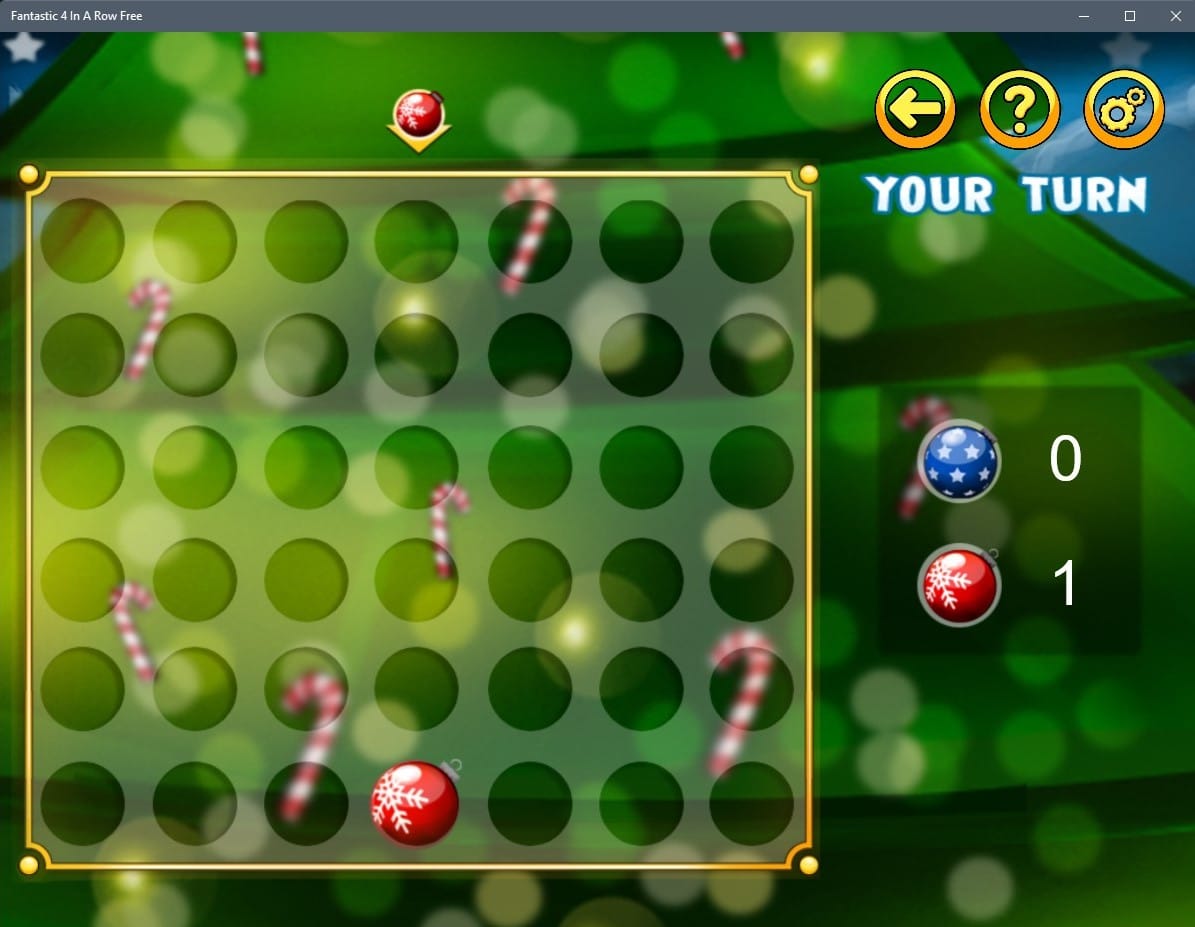
The gameplay follows the classic rules: Two players take turns dropping pieces into the grid, and the first to get four in a row — horizontally, vertically, or diagonally — wins.
Fantastic 4 In A Row Free offers:
– Single-player vs. the computer with adjustable difficulty
– Local multiplayer where two players can play on the same device
– Quick rounds that are perfect for short breaks
The game is easy to pick up but still demands situational awareness and planning, especially on higher difficulties.
Graphics and design
The visuals are simple, clean, and modern without being flashy. The board is easy to read, and the animations are subtle, making it comfortable to play for longer sessions.
The design fits well into the Windows environment and feels like a native part of the operating system rather than an old port.
Difficulty and audience
The game appeals to a broad audience. Kids can learn the rules quickly, while adults can still be challenged by the computer AI. That makes Fantastic 4 In A Row Free great as a family game and as a quick logic time-killer.
In our testing, it works well as a light brain-training game where you can jump in for a round or two.
Top 5 tips for Fantastic 4 In A Row Free
Start in the middle of the board
Center columns give you more options for both offense and defense.
Think defensively early
Block your opponent’s potential three-in-a-row threats before they become dangerous.
Look two moves ahead
Don’t just plan your next move — consider how your opponent can respond.
Use the edges strategically
Edges can set up traps, but they can also be hard to escape.
Increase the difficulty
The AI ramps up noticeably and makes the game more challenging.



