
 Martin Jørgensen
Lines 3D – a logic puzzle in a three-dimensional world
Lines 3D is a classic yet surprisingly challenging puzzle game that makes you think several moves ahead while navigating a three-dimensional board. It builds on the familiar “Lines” concept, adding an extra dimension that makes even simple decisions more complex.
We tested Lines 3D on a standard Windows 11 PC, and it installed quickly without any hassle. Within minutes it became clear this isn’t just a casual time-killer — it requires concentration, foresight, and a good dose of patience.
Gameplay and mechanics
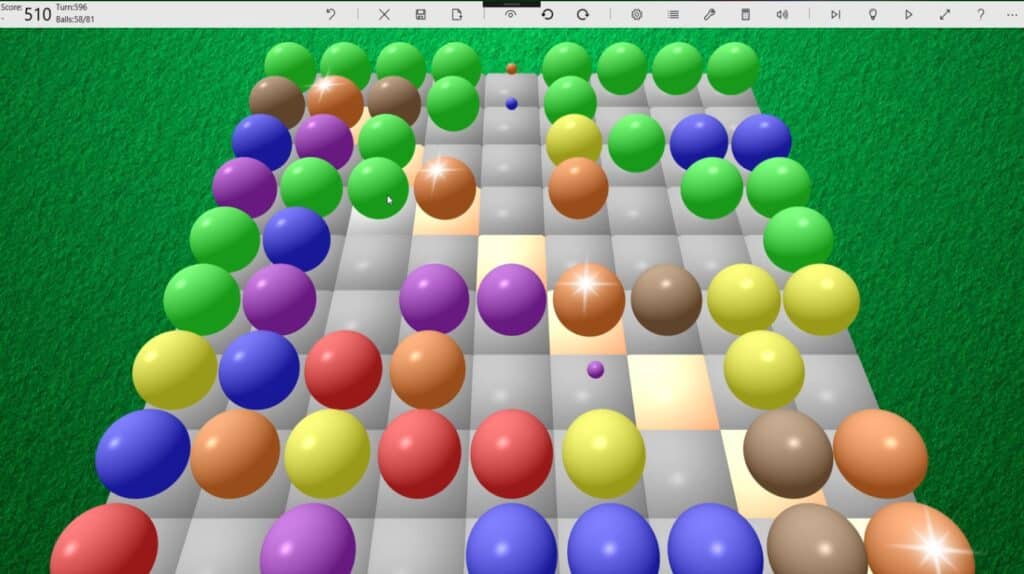
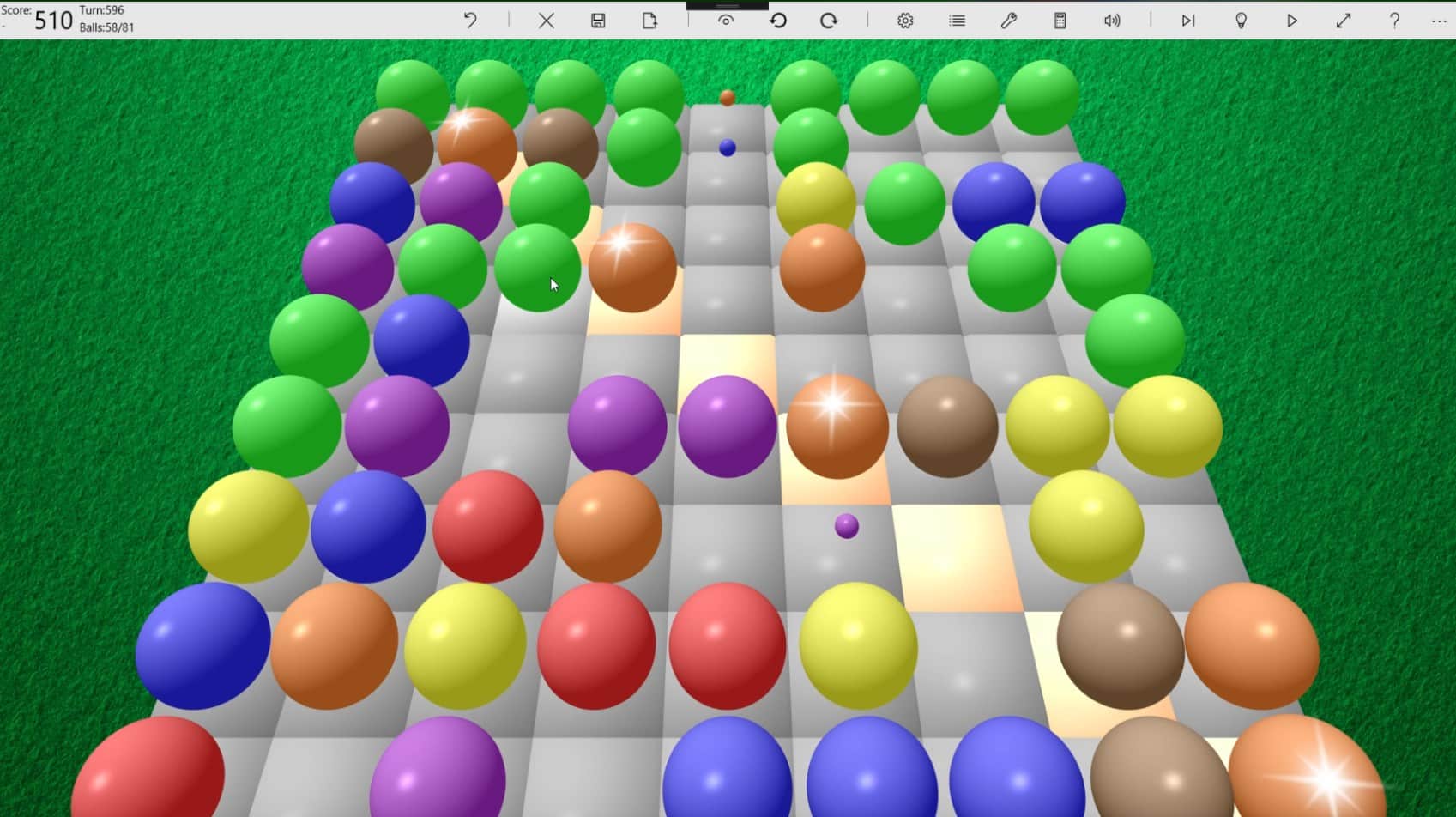
The goal in Lines 3D is to align balls of the same color into rows, but instead of a flat board you play in a 3D space. Moving across layers matters a lot, and mistakes can be costly.
The game starts out simple, but the difficulty ramps up as the board fills. This is where Lines 3D truly stands out — it feels more strategic than many other casual puzzle games.
Graphics and design
The graphics are simple and functional. There are no unnecessary effects, but it fits the game’s purpose. The 3D view is clear, and the camera makes it easy to stay oriented even as the board becomes crowded.
The sound is discreet and doesn’t disrupt your focus, which suits longer play sessions.
Difficulty and replay value
Lines 3D is easy to pick up but hard to master — a balance that makes it highly addictive. We often found ourselves saying “just one more round,” because it always feels like the next attempt could be better.
The game works well for both quick breaks and longer sessions, making it ideal for brain training or relaxed play with a challenge.
Top 5 tips for Lines 3D
Top 5 tips for Lines 3D
Always plan several moves ahead
Don’t just think about the next row — consider how your moves affect the entire 3D board.
Avoid filling the center too quickly
When the center gets blocked, you quickly lose maneuverability.
Use the corners strategically
Corners can serve as temporary “storage spots” for colors.
Focus on one color at a time
Scattered strategies often lead to clutter and a faster game over.
Watch the upcoming balls
If the game shows the next colors, use that information actively in your planning.



