
 Martin Jørgensen
Explore your family history with Ancestry – historical records and DNA in one.
Ancestry is one of the world’s largest and most trusted genealogy platforms. With access to over 30 billion historical records and one of the most widely used DNA test kits globally, Ancestry offers a powerful combination of databases, family tree tools, and genetic genealogy.
While Ancestry is primarily English-language and US-based, it increasingly includes Danish and European sources—especially when you combine the platform with its DNA service. For serious genealogists or anyone with emigrant relatives in the United States, Ancestry is one of the best choices on the market.
Features and content
Digital stamtræ and family connections
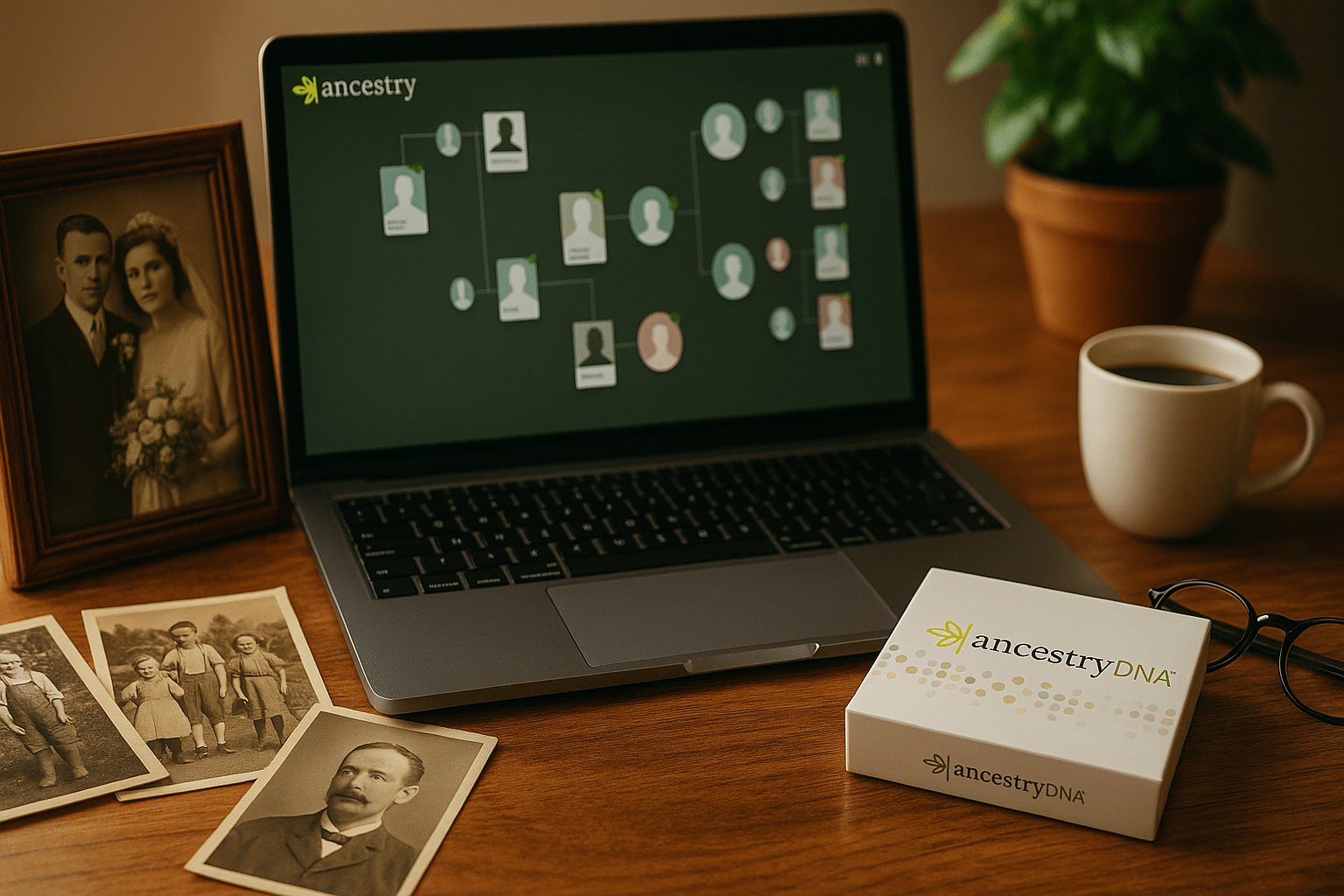
Ancestry lets you build a digital stamtræ, where you can add relatives manually or automatically (via “hints”) and create relationships between them. You can easily add photos, notes, and sources to each person.
DNA testing with matches and ethnicity map
With Ancestry’s DNA test, you get an ethnicity overview and access to potential matches—relatives who have also taken the test. Results are detailed and continuously updated with new data. The mapping of “ethnicity regions” is especially well developed.
Historical records
You get access to billions of historical documents—with particularly strong coverage of the USA, the UK, Canada, and Germany. Danish sources are more limited, but you can supplement with your own uploaded documents.
Automatic discovery (Smart Hints)
Ancestry automatically suggests potential relatives and documents based on your tree. This makes research easier but still requires manual verification for accuracy.
Integration with other software
You can import and export GEDCOM files, so Ancestry works alongside programs like MyHeritage, Legacy Family Tree, or Family Tree Maker.
Ancestry vs. MyHeritage vs. My Family Tree – Which should you choose?
When choosing a genealogy platform, it depends on your needs: Do you want DNA matches, historical records, or simply to build a family tree offline? Here’s a quick and clear comparison of three popular options:
Comparison: Ancestry vs. MyHeritage vs. My Family Tree
| Feature / Program | Ancestry | MyHeritage | My Family Tree |
|---|---|---|---|
| Price | Subscription (from about $15/month) | Free basic tier; subscription for records | Free |
| Family tree tools | Advanced, cloud-based | Very user-friendly, cloud-based | Advanced, locally installed |
| Language | English | Danish (full support) | English |
| DNA testing | Yes – with a global network | Yes – with matches and ethnicity map | No |
| Historical records | 30+ billion records, especially USA and UK | 20+ billion records, including Denmark | No |
| Photo features | Upload and viewing | AI colorization and animation | Standard photo attachment |
| Offline access | No (web only) | Web and mobile app | Yes, Windows application |
| Sharing with family | Yes, via user invitation | Yes, easy sync | File export or print only |
| Target audience | Advanced users and DNA enthusiasts | Beginners and intermediate users | Offline users and DIY genealogists |
Which platform fits you best?
- ✅ Choose Ancestry if you’re researching families with American roots, want the largest DNA match network, and are comfortable with English.
- ✅ Choose MyHeritage if you want Danish language, localized data, and access to AI photo tools—perfect for both beginners and more advanced users.
- ✅ Choose My Family Tree if you prefer working offline without a subscription and want to manage your entire family tree locally on your PC.
Top 5 tips to get the most out of Ancestry
Get access to many features for 14 days without payment—remember to cancel in time if you don’t want to continue.
Make your stamtræ more engaging and also help other users with matches.
Sort matches by relationship and location—it makes it easier to find relevant connections.
Even though Ancestry suggests connections, you should always double-check sources, names, and dates.
Save GEDCOM files regularly—both for backups and to keep working in other programs.



