
 Martin Jørgensen
Battle Chess 4000: classic chess with fun animations (retro)
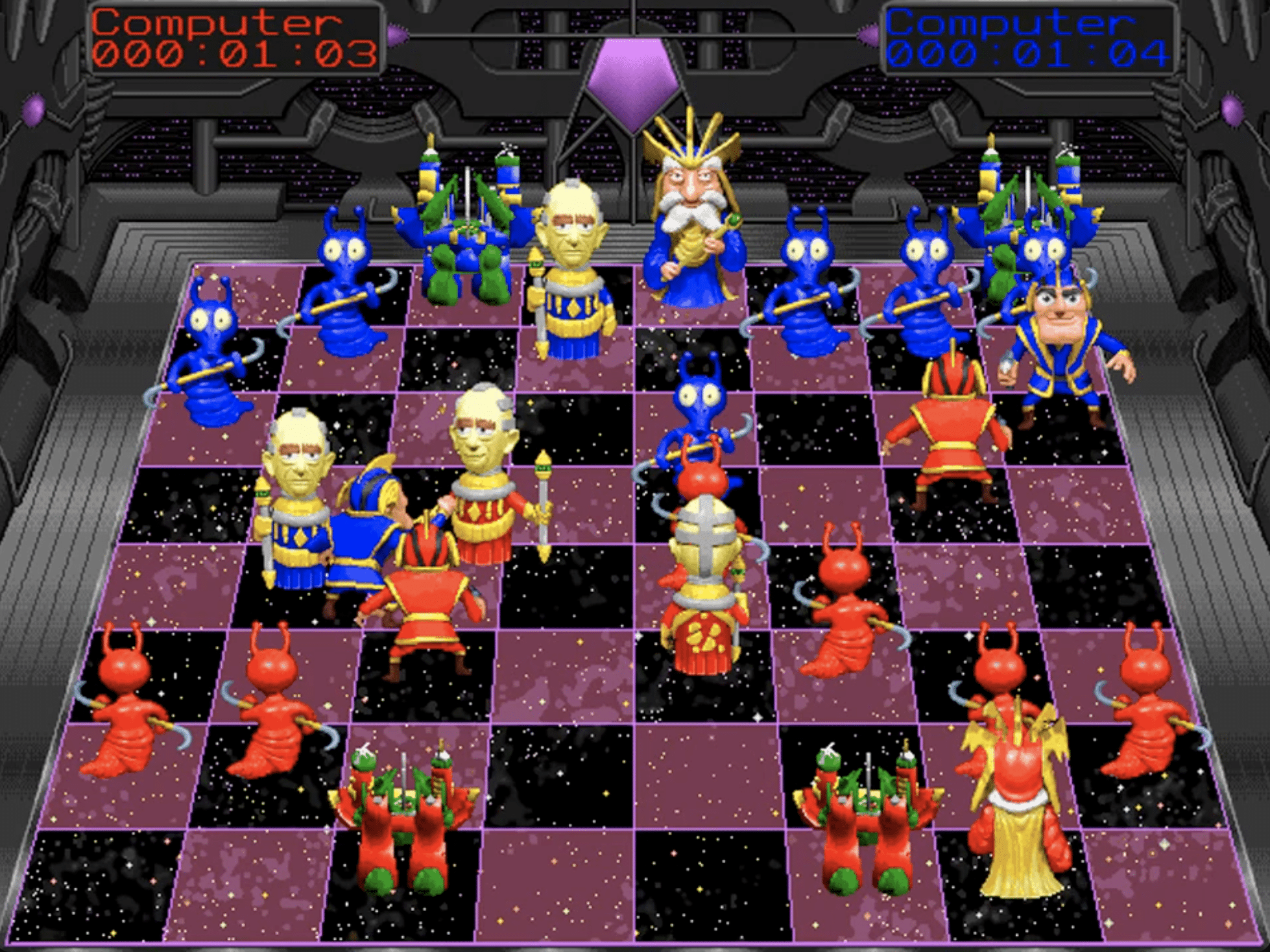
Battle Chess 4000 is a classic chess game with a twist: the pieces “fight” with silly little animations whenever you capture. It might sound like a gimmick (and it is), but it actually makes matches feel more lively—especially if you’re here to relax and not just grind opening theory.
The biggest strength is the opponent: the AI is surprisingly sharp for an old chess title. It quickly figures out what you’re trying to do and forces you to vary your play if you don’t want to get punished for repeating the same patterns.
Gameplay and features
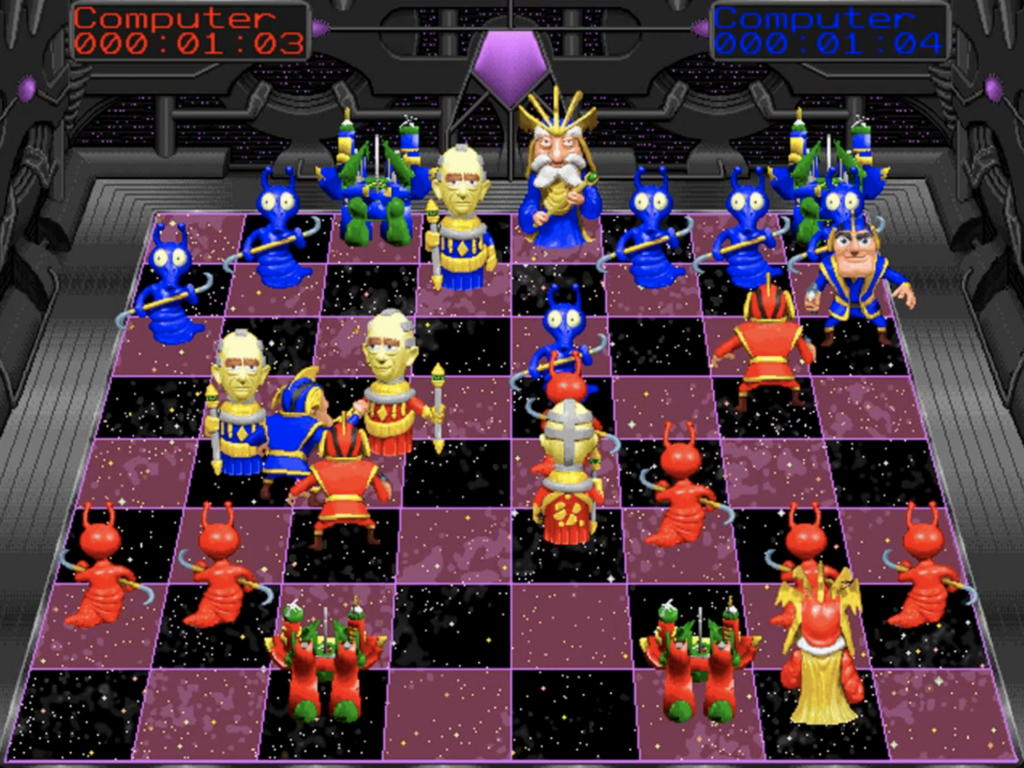
Battle Chess 4000 plays like standard chess: same rules, same pieces, same goal. The difference is the presentation and the feel.
In practice, it works best as:
- a casual chess game where animations make it feel less dry
- a retro experience if you grew up with the Battle Chess idea
- a quick chess app on your PC when you don’t feel like online matchmaking
There are usually multiple difficulty levels, and the AI doesn’t just blunder at random—it punishes you if you hang pieces or underestimate a simple tactic.
Graphics and design: the charm is that it’s a bit wacky
The animations are the whole point. Some are impressive for an older game, others feel like a charming B-movie. It isn’t realistic—and it doesn’t try to be. It’s chess with personality.
If you mainly want a clean, modern chess interface (lichess/Chess.com style), this isn’t the most streamlined option. But if you want retro vibes and entertainment, it hits the spot.
How it ran for us on a modern Windows 11 PC
We unpacked the ZIP and tested on a typical Windows 11 PC. The game was clearly built for a different era, so don’t expect a simple install-and-play experience like you get with new titles.
What usually determines the experience on modern PCs is:
- whether it’s an old Windows build or a DOS edition
- whether it needs compatibility mode
- whether it struggles with resolution/fullscreen
For us, it was mostly typical retro: it ran, but felt best when we used a more compatible setup (and didn’t expect 2026-level polish). That’s part of the charm—but also something to be ready for.
Who is Battle Chess 4000 best for?
If you want pure chess training, analysis tools, and a modern interface, there are better (and free) alternatives.
Battle Chess 4000 makes the most sense if you:
- want to play chess offline against an AI that actually punishes mistakes
- miss the Battle Chess style, where the pieces feel alive and full of attitude
- want a retro chess game that feels more like a game than a tool
- are fine with a bit of tinkering to get it running perfectly on Windows 11
Top 5 tips for Battle Chess 4000
Top 5 tips for Battle Chess 4000
Small tweaks that make the game more stable—and make it easier to beat the AI.
Use compatibility mode if it acts up
If the game flickers, crashes, or shows odd colors, try compatibility mode and Run as administrator. That often fixes retro quirks on Windows 11.
Play short games to read the AI
Play 10–15 minute games so you quickly see which patterns the AI punishes. Once you crack the code, you’ll win more consistently.
Beware the “free” pawn
If a pawn looks free, look one extra move ahead. You often open a line and lose a piece right after.
Turn down animations when you want to focus
Animations are fun, but they can slow the pace. When you want serious practice, reduce them so games flow better.
Play solid and let the AI overextend
Keep it simple: trade when you’re better and wait for the AI to push a pawn too far. That often leads to a clean endgame you can convert.
FAQ
FAQ
The questions we get most often when people want to play Battle Chess 4000 on a modern PC.



