 Martin Jørgensen
Paint the entire maze without wasting a single move
Maze Paint is a free online puzzle game where you guide a ball through compact mazes and must paint every empty tile before the level is complete.
It sounds simple, and it is at first. But after a few levels, Maze Paint shows its charm: the ball only stops when it hits a wall, so you can’t just move it one tile at a time. Every move needs a bit of planning, creating a satisfying blend of calm brainteaser and fast “just one more level” fun.
We tested Maze Paint on a Windows 11 PC in Chrome, where the game launched directly in the browser with no installation, no account, and no unnecessary menus. That makes it perfect as a quick coffee-break game if you want something simple, free, and surprisingly satisfying to play.
How Maze Paint works
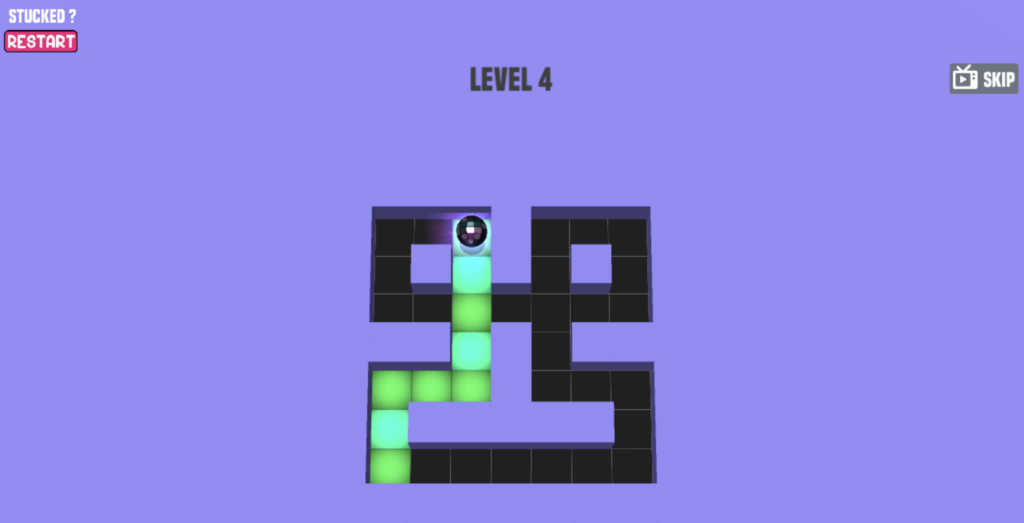
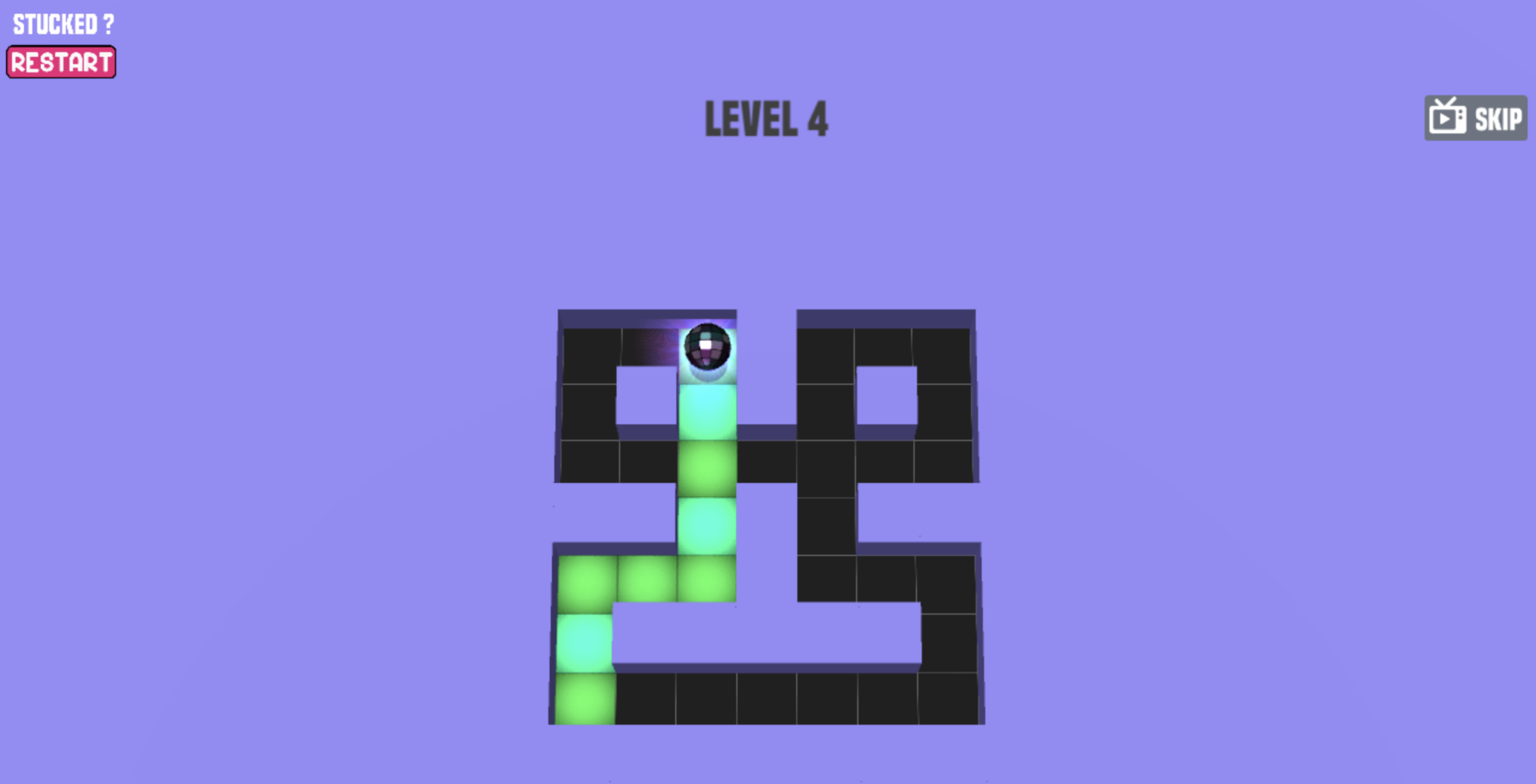
In Maze Paint, you roll a ball around a maze and color every path. When the ball moves over a tile, it gets painted, and your goal is to cover the entire level. You can play with a mouse or keyboard, and it feels best on a computer.
The key is that the ball slides all the way in the direction you choose until it hits a wall. That means one wrong move can send you past the tile you still need. Maze Paint is less about quick reflexes and more about planning, awareness, and small adjustments.
A simple puzzle game that hits the right rhythm
Maze Paint isn’t a big game with story, characters, or flashy effects—and that’s the point. You get short levels, clear rules, and a gameplay loop you can understand in seconds.
In our testing, it was especially satisfying when a level could be solved in one smooth route without overthinking. The best levels feel like little logic knots where the solution suddenly clicks once you spot the right path through the maze.
The game is also great for kids, teens, and adults who don’t usually play much. There are no complex controls, no installation, and no complicated systems. You click, steer the ball, and try to fill the entire maze with color.
Graphics and audio
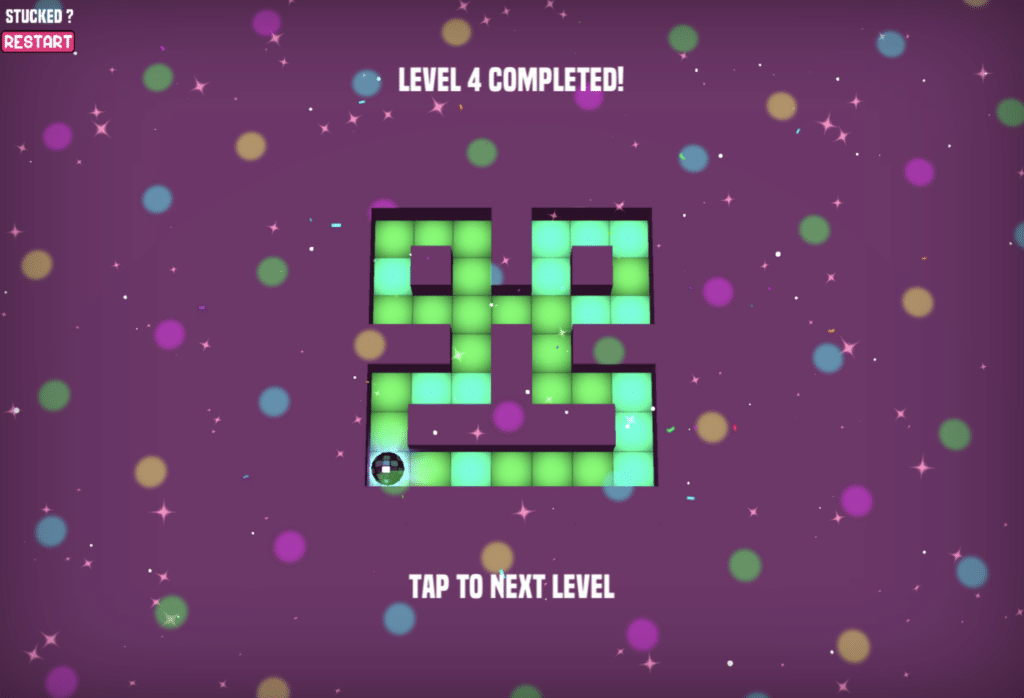
Maze Paint’s visuals are simple, bright, and colorful. The compact mazes are easy to read, and the contrast between painted and unpainted tiles makes it quick to spot what’s left.
The audio isn’t the main attraction, but it suits the format. This is a game you can easily play with the sound off, which actually makes it better as a quick break on a laptop or work computer.
Maze Paint on mobile, PC and in your browser
Maze Paint runs directly in your browser and doesn’t require a download. It plays best on a computer, where you can use a mouse or keyboard and get a better overview of the maze.
On our test machine, the game worked well in full screen, which made it more comfortable because you can see the entire level more clearly. If you’re on a smaller laptop screen, turning on full screen is worth it.
Who should play Maze Paint?
Maze Paint is ideal if you enjoy short puzzle games without a lot of noise around the core gameplay. It’s not something you’ll necessarily play for hours, but it’s excellent for a quick mental break.
It’s also a good pick if you want a free maze game, a simple browser game for kids, or a small thinking game that doesn’t require a login. The experience has an old-school Flash game vibe—just in a modern browser version.
The best and the not-so-good parts of the game
The best thing about Maze Paint is the extremely low barrier to entry. No installation, no complex controls, and it starts fast. There’s enough logic in the levels that it never feels completely passive.
The downside is that the game is quite narrow in scope. If you want variety, rewards, online features, or deeper progression, Maze Paint will feel too simple. It’s a small puzzle game—not a big, feature-rich experience.
Top 5 tips for Maze Paint
Scan the whole maze before you start
Spend a few seconds looking over the level before moving the ball. Maze Paint is often more about the right order than speed.
Think in stopping points
The ball only stops when it hits a wall. Look for spots where you can “park” the ball and change direction without ruining your route.
Don’t leave tight corners for last
Small dead ends can be tricky to hit if you’ve already painted the rest. Try to work them in naturally along the way.
Use full screen on a laptop
On smaller screens it’s easier to miss a tile. Full screen improves visibility and makes later levels more comfortable.
Restart if your route locks up
Sometimes it’s faster to restart a level than to salvage a bad route. Maze Paint is quick and snappy—use that to your advantage.