

 Martin Jørgensen
Download the Bsnes emulator for free
Classic Nintendo games have a unique charm. They come from a time when video games truly felt special and are fondly remembered by many. So it wouldn’t be surprising if you wanted to play them again.
But it’s been a long time since the old Nintendo consoles were current, and most older games are no longer in production. Maybe you no longer have your Game Boy, or you simply can’t find your game at a reasonable price.
That’s why you can download an emulator like Bsnes, which simulates the games on your computer.
Play great retro games on your PC
An emulator lets you play classic games from discontinued consoles on your computer. In other words, it acts like the original console (e.g., a Game Boy) on your PC system.
So what do you do about the games? The old cartridges aren’t designed for computers, so you can’t use them directly. That’s why a file format was created to port the games so an emulator can launch them.
This file format is called a ROM, and there’s practically a port for almost every classic game made for Nintendo consoles.
Bsnes is an SNES emulator for SNES games, and you can load your ROMs and play them as if your PC were the original console. It also includes an HD Mode so you can enjoy higher resolution in your classic games, if that interests you.
A clean, simple design
This process might sound a bit daunting, but it’s easier than you think.
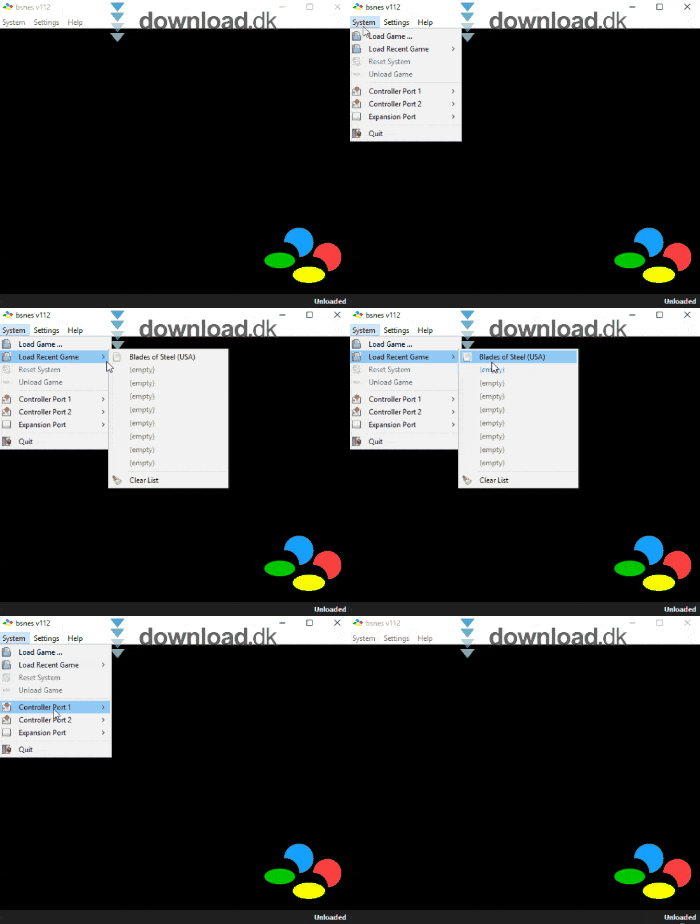
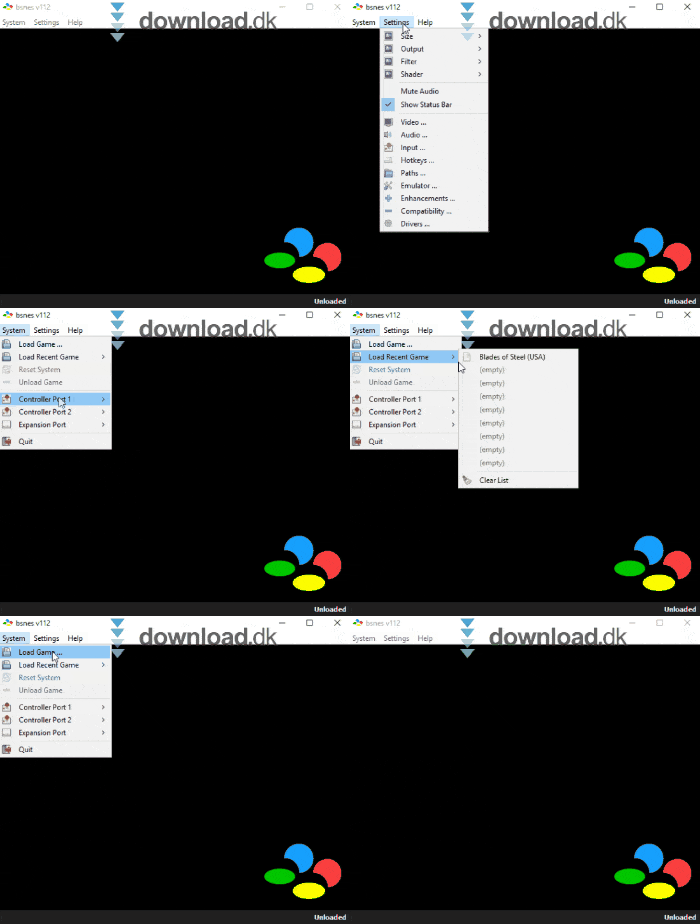
When you launch Bsnes, a window opens with a black screen and a toolbar at the top. The toolbar includes functions such as System, where you can load save files from your games or connect a controller.
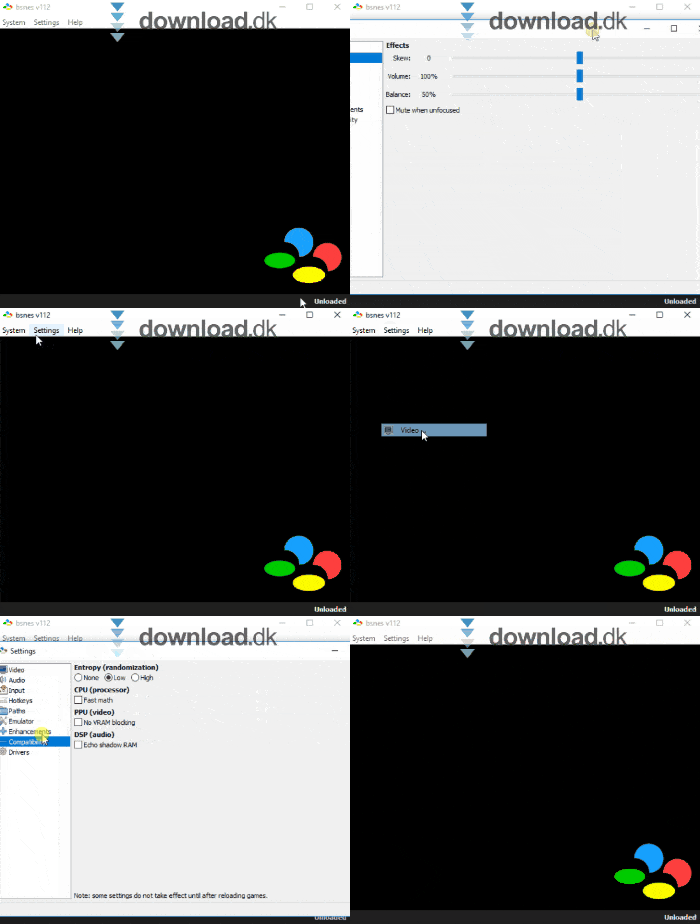
There’s also Settings, where you can adjust general options like resolution, volume, etc. Finally, the Help button provides more detailed guides for the more advanced aspects.
To start a game in Bsnes, simply drag the ROM file into the black box and the program will automatically know what to do. It will launch the game, and you’re ready to play.
Alternative software
There are many different emulators you can download for various consoles. We recommend 1 Amiga Emulator, an emulator for the classic Amiga. If there are games from that system you want to revisit, start here. FS-UAE Amiga Emulator can be downloaded for free here.
Conclusion
Bsnes is a fantastic little emulator for anyone who wants to enjoy their favorite classics again on their computer. Highly recommended.
Download Bsnes


