 Martin Jørgensen
A wild physics game where gravity is gone
Cargo! The Quest for Gravity is a quirky, experimental physics game for Windows where you build oddball vehicles, collect “FUN,” and try to bring gravity back to a world that has completely lost the plot.
It might sound like a platformer or a classic adventure, but Cargo! is stranger than that. During our testing on Windows 11, the game felt like a blend of sandbox play, vehicle construction, absurd humor, and semi-chaotic mission design. It isn’t always elegant and doesn’t explain everything clearly, but it has a personality many modern games could learn from.
A world without gravity and full of strange characters
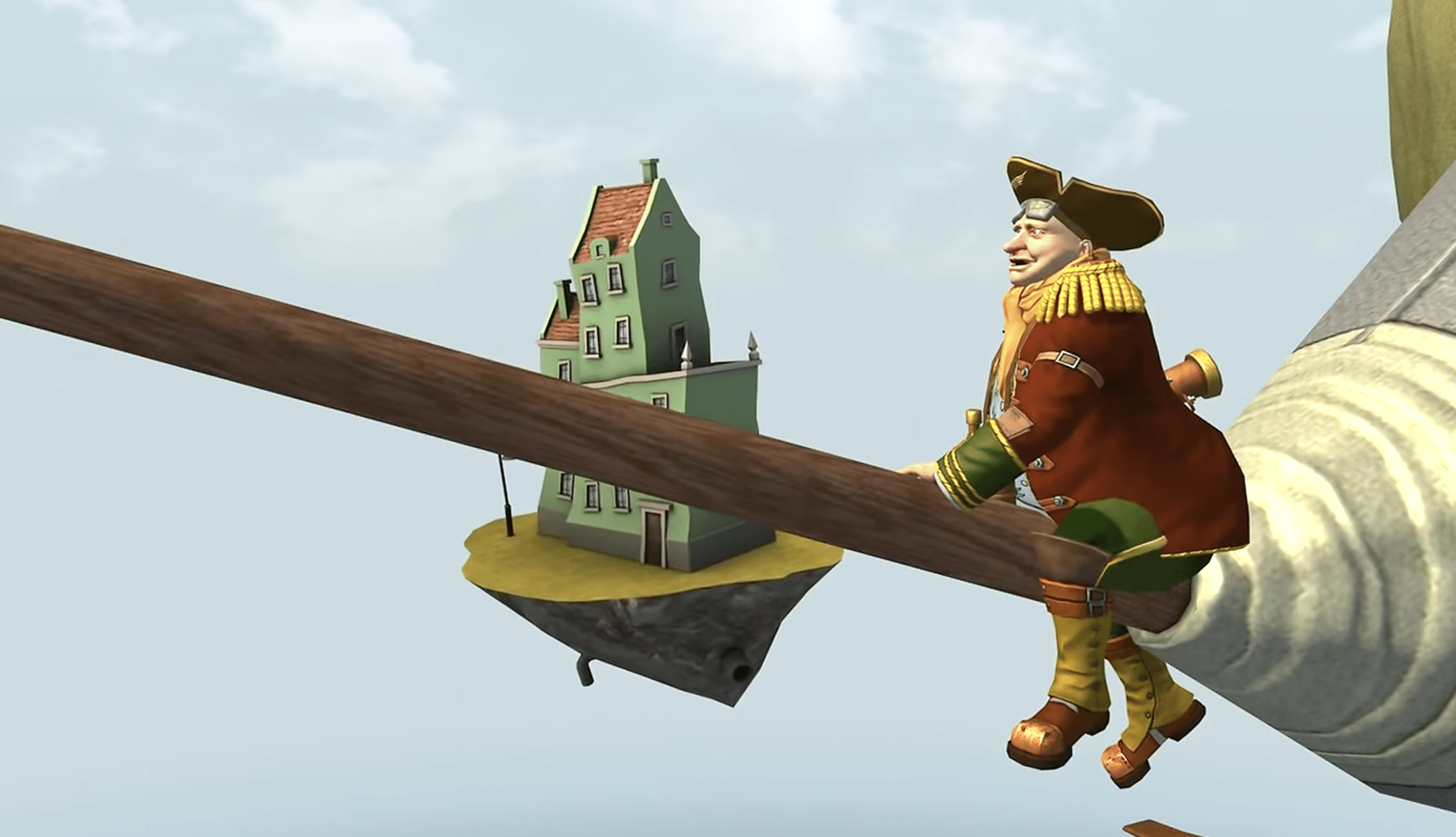
In Cargo! The Quest for Gravity, you play as Flox, a young adventurer in a world where tyngdekraften stort set er forsvundet. The result is floating islands, strange creatures, and a constant feeling that the entire game is one step away from tipping over the edge.
The story isn’t just about “saving the world” in the usual way. The game leans on humor, peculiar characters, and a very colorful presentation to create a vibe that’s hard to compare to anything else. Ice-Pick Lodge is known for making unconventional games, and Cargo! is easily one of their most bizarre projects.
Build your own vehicles and tackle missions your way
The most interesting part of Cargo! is building vehicles. You collect parts, assemble contraptions, and try to make them work in a world where physics doesn’t always behave the way you expect.
It can be hilarious when your homemade machine suddenly works better than planned. On the flip side, it’s frustrating when a mission demands precision and your ride behaves like a lawn tractor with propellers. That balance between creative freedom and mild chaos is both the game’s strength and its weakness.
In our testing, we spent a bit too long getting our first builds to cooperate, but once the system clicked, experimenting became a lot of fun. It’s a game where failure is often part of the entertainment.
Graphics and audio: colorful, old-school, and charming
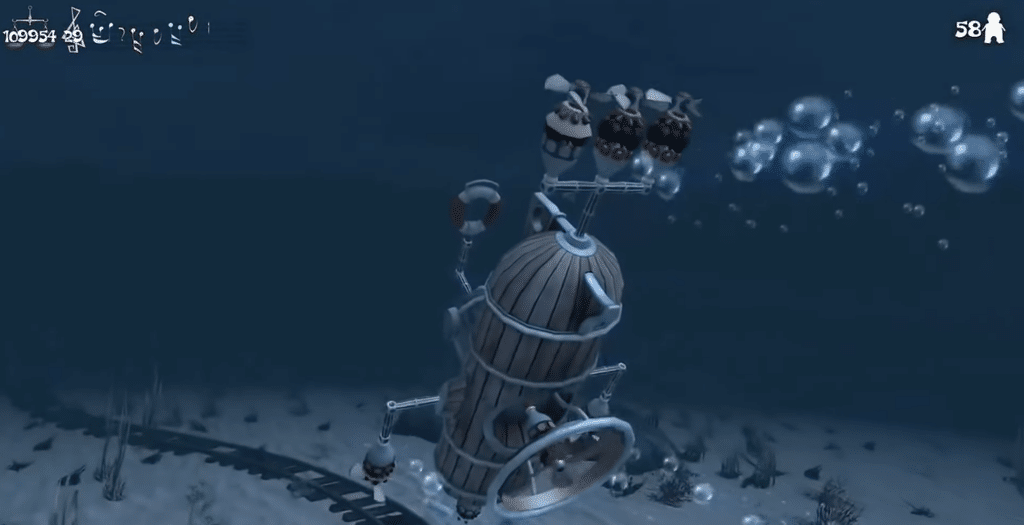
The graphics clearly show that Cargo! isn’t a new game. Textures, animations, and menus feel dated, but the visuelle stil still has charm. The colorful environments, floating islands, and goofy characters make sure the game never feels anonymous.
The audio reinforces the offbeat mood. This isn’t a game you play for technical perfection, but for its weird energy and the surprising moments when everything suddenly clicks.
Not for everyone — but hard to forget
Cargo! The Quest for Gravity isn’t something we’d recommend to everyone. If you want a tight, polished action game with modern controls and crystal-clear goals, there are better options. But if you enjoy strange PC games, physics-driven gameplay, and cult classics that dare to be different, Cargo! is still worth a shot.
It’s especially relevant if you like games such as Garry’s Mod, Besiege, Goat Simulator, or anything where half the fun is that things don’t always go according to plan.
Top 5 tips for Cargo! The Quest for Gravity
1Start slowKeep builds simple at first
It’s tempting to build big, goofy vehicles right away, but the most stable machines are often quite simple. Start with a few parts, test the balance, and only expand once it actually drives properly.
2PhysicsAccept that things will go wrong
Cargo! is at its best when you don’t expect perfect control. If a vehicle tips, flies crooked, or does something completely ridiculous, it can spark an idea for a better solution.
3MissionsRead the objective before you build
Some missions require speed, others demand stability or the ability to cross water. Check the task carefully before you start building, or you may end up with a machine that’s fun but useless.
4FUNCollect as much FUN as you can
FUN is key to progression, and you’ll get more out of the game if you don’t just rush to the next objective. Explore the areas and take advantage of small opportunities along the way.
5WindowsSpend a moment in settings
On newer Windows PCs, older games can need a few tweaks. Check resolution, graphics options, and controls before diving in to make the experience smoother from the start.