
 Martin Jørgensen
Cities: Skylines – build your dream city from the ground up
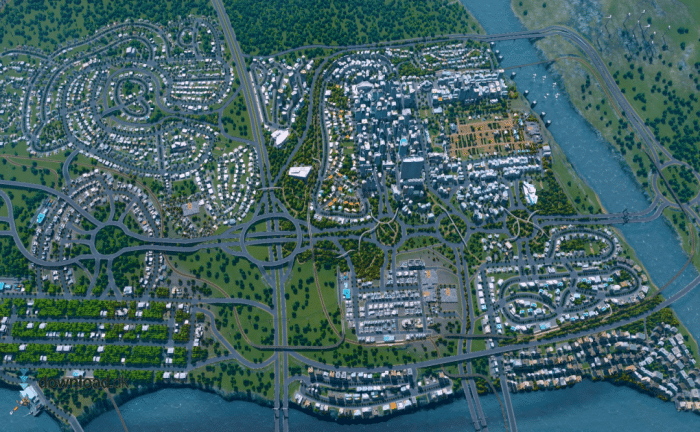
Cities: Skylines is a strategic city-building simulation from Colossal Order that lets you design, manage, and grow your very own metropolis. Since 2015, it has earned cult status among players who love the freedom to shape everything from small towns to giant megacities. We tested the game on a Windows 11 PC, where installation was seamless and performance was smooth and impressive—even with a large city full of traffic, trains, and thousands of citizens.
Gameplay and features
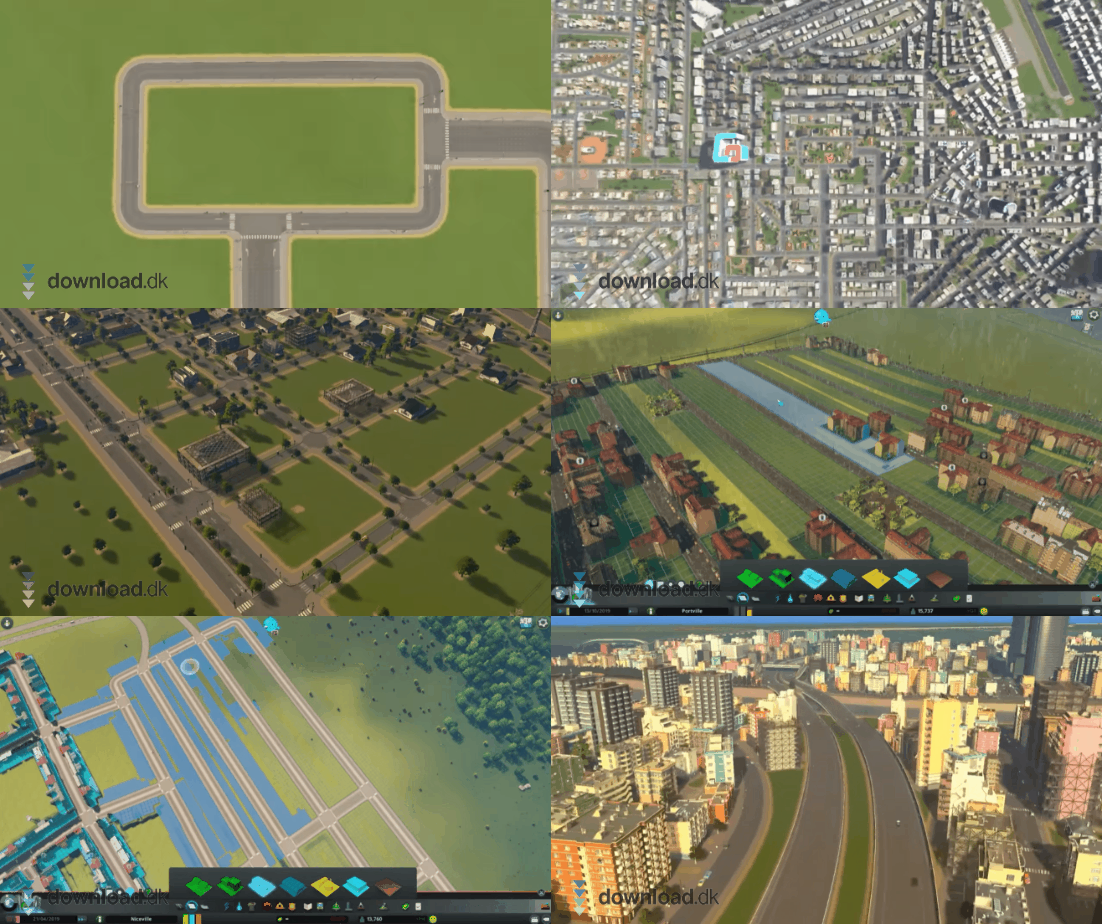
In Cities: Skylines, you start with a plot of land, a road network, and a bit of capital. From there, you build roads, residential areas, industry, and infrastructure—while also considering the environment, traffic flow, healthcare, and your budget. Every decision has consequences: build too many industrial zones and pollution rises; set taxes too high and residents move out.
The game features a deep economic system where you must balance budgets, power, and public services. You can freely expand your city with new districts, transportation systems, and services, creating a strong sense of progression.
Graphics and realism
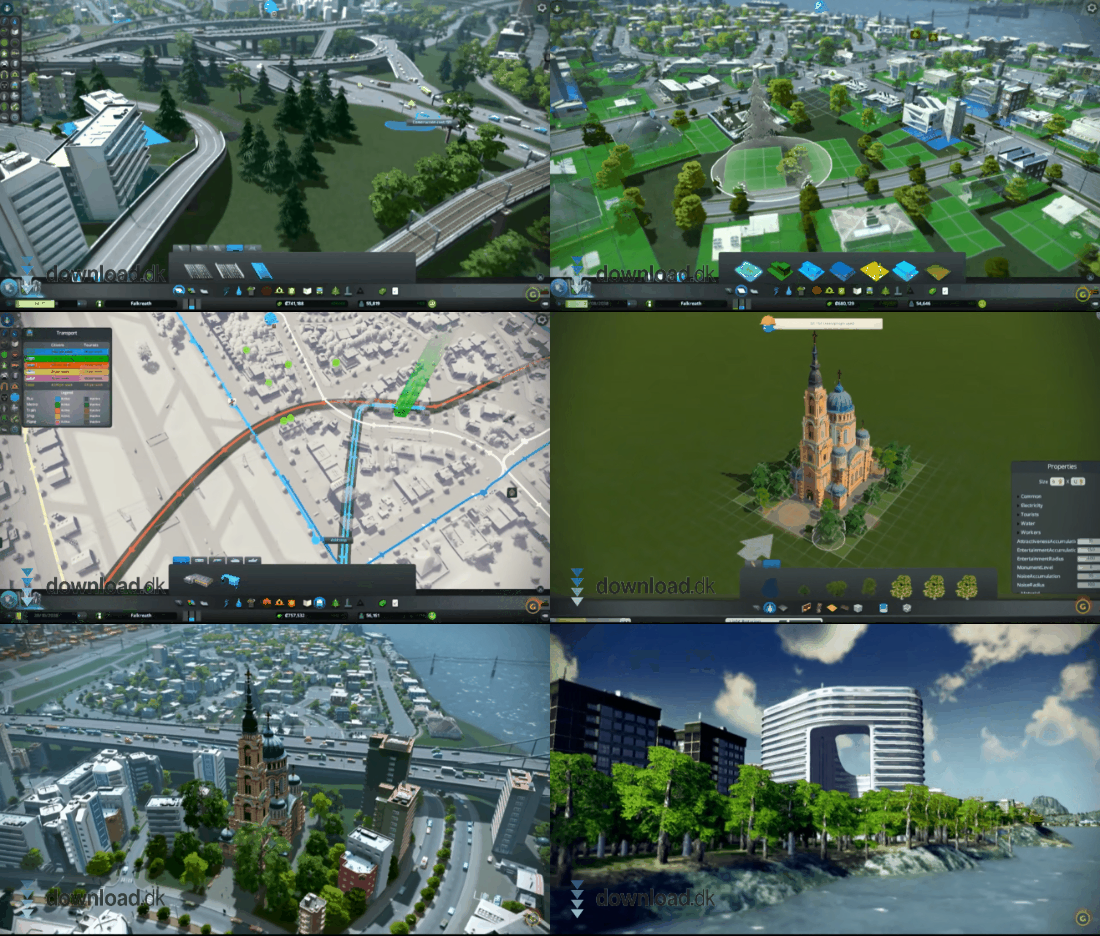
Even though the game is a few years old, the visuals still hold up. Zoom in to watch cars flowing through your city, smoke rising from factory chimneys, and the sun setting behind your skyline. The soundtrack is relaxing, and small effects—sirens, trains, and waves—bring the world to life.
We tested both the Steam and Epic versions, and each ran stably with high FPS on modern hardware.
Mods and expansions (DLC)
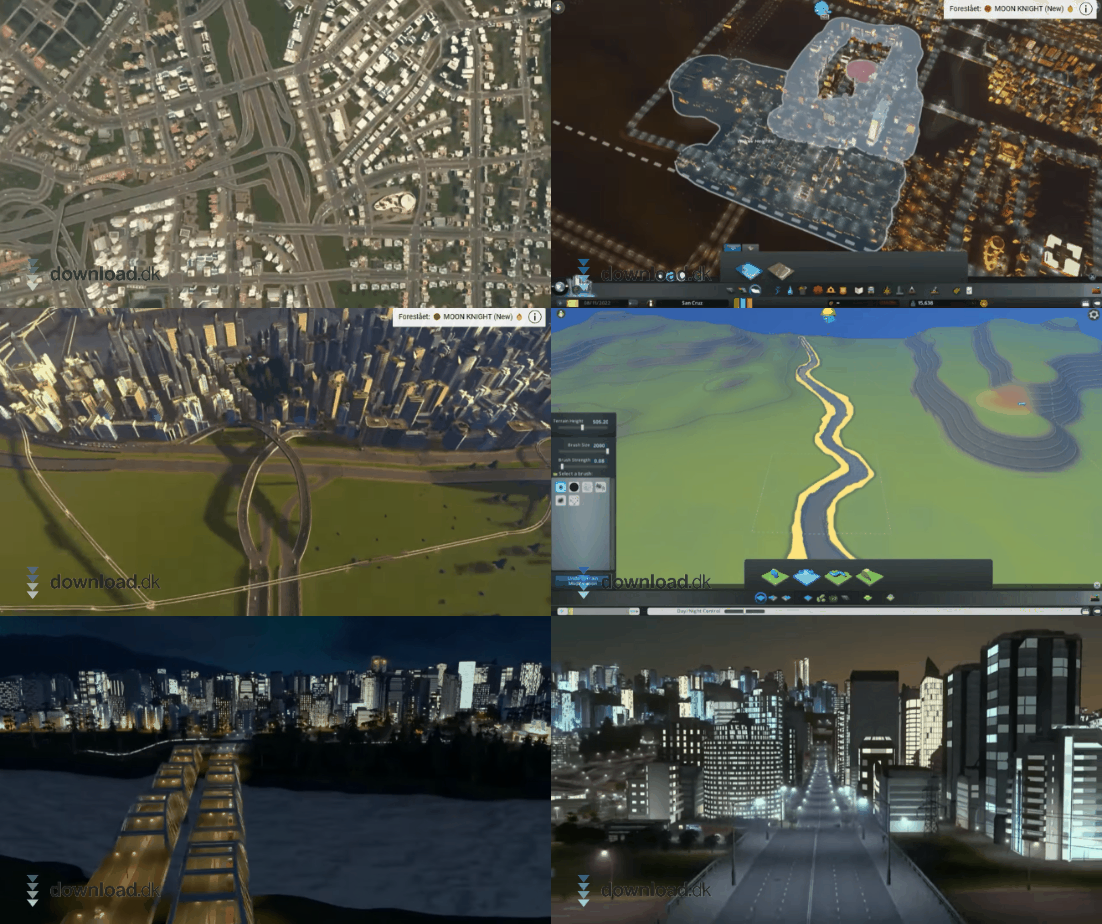
A big part of the game’s popularity comes from its active community. There are thousands of free mods on the Steam Workshop—from better traffic management to realistic buildings from Copenhagen or Tokyo.
Beyond the free mods, there are many official DLCs that add new features. Some of the best include:
- After Dark – focuses on nightlife and tourism
- Snowfall – introduces snow, cold, and winter traffic
- Mass Transit – expands the transit system with ferries, cable cars, and monorails
- Industries – gives you control over raw materials and production
However, be selective—many smaller DLCs like music packs or radio features feel unnecessary.
Challenges and controls
Cities: Skylines has a steep learning curve. New players can quickly feel overwhelmed by the many options. But it’s deeply satisfying when traffic finally flows, the budget balances, and your citizens thrive.
We recommend watching YouTube guides that explain zoning, traffic design, and budget management—especially if you’re new to the genre.
Top 5 tips for Cities: Skylines
1. Plan your traffic from the start
Think about road hierarchy and on-ramps before you build too much. Traffic jams are the biggest early-game challenge.
2. Keep an eye on your economy
Lower taxes slightly at the start to attract new residents, then adjust gradually as your economy stabilizes.
3. Use districts
Name areas and assign policies like “Residential High Density” or “Industrial” for better management and control.
4. Install mods
Use mods like “Traffic Manager” or “Move It!”—they significantly improve gameplay and save time.
5. Save often
The game can be unpredictable—especially with natural disasters and big expansions. Save before major builds.
Frequently asked questions



