
 Martin Jørgensen
DreamChess – Free chess game with 2D and 3D graphics.
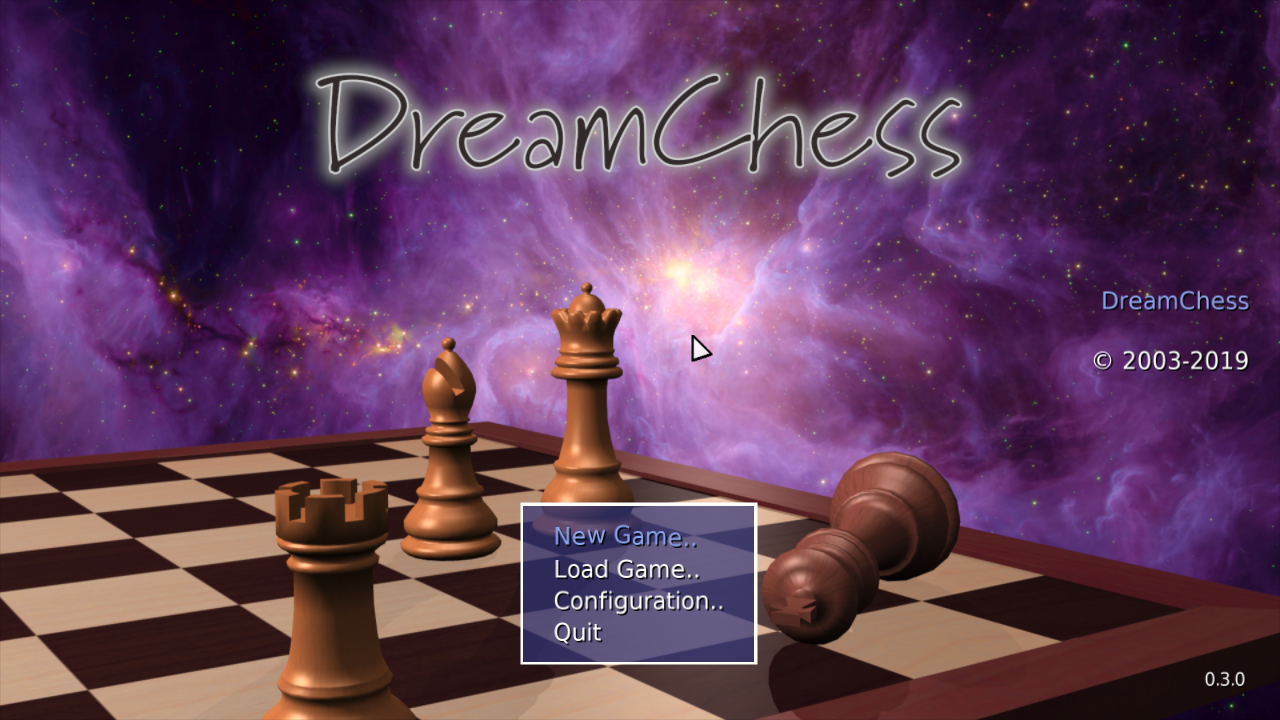
Looking for a simple yet stylish chess game for Windows that doesn’t require a big install or a steep learning curve? Then DreamChess is a great choice. With both 2D and 3D graphics and switchable themes, you get a polished visual experience without unnecessary bloat.
The app is free and open source, and while it won’t revolutionize how we play chess, it delivers solid entertainment for both beginners and experienced players.
Switch between 2D and 3D – choose the visual style you like best
DreamChess offers four different themes, some in 2D and others in 3D. You can switch freely and pick what suits your taste. The 3D graphics are surprisingly good for a free game—especially considering how light and fast the app runs.
The pieces and board are nicely rendered, and the animations are smooth—even on older PCs. If you think chess should be a visual pleasure, you’ll have a good time here.
Simple controls and no clutter
DreamChess doesn’t require any special know-how to get started. Just click the piece you want to move and then the square you want to move to. The software even gives you a little help if you misclick.
Unfortunately, there’s no option to play online against others—it's either you versus the computer or local two-player on the same PC. On the upside, you avoid ads and distractions—this is chess, pure and simple.
Also available for Mac and Linux
While this review primarily focuses on DreamChess for Windows, the game can also be downloaded for Mac and Linux via the link below. That’s one of the perks of open-source software—it’s often available across platforms.
That makes DreamChess a good choice for chess enthusiasts, no matter which operating system they use.
Is it worth downloading?
Yes—DreamChess is an excellent choice if you want a chess game without ads, with beautiful graphics and a clean interface. It’s missing some advanced features like online multiplayer and tactical training, but it’s lightning-fast, straightforward, and free.



