
 Martin Jørgensen
Download Elf Bowling – the classic Christmas mini-game for Windows
Elf Bowling is a humorous and extremely simple bowling game that became especially popular in the late ’90s and early ’00s—particularly around Christmas. The rules are straightforward: you bowl, but instead of pins, mischievous elves line up and go flying when you nail the shot.
We tested Elf Bowling on a standard Windows 11 PC in compatibility mode, and it ran without issues. Installation took under a minute, and the game was ready instantly—just like you remember from the shareware era.
Gameplay and humor
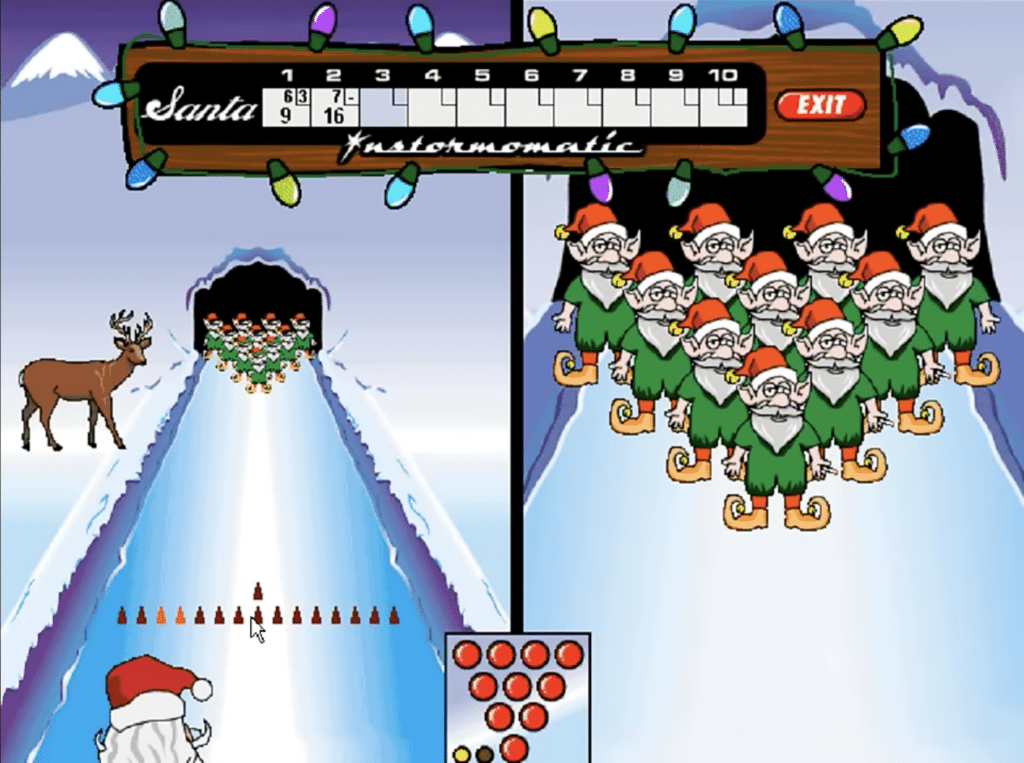
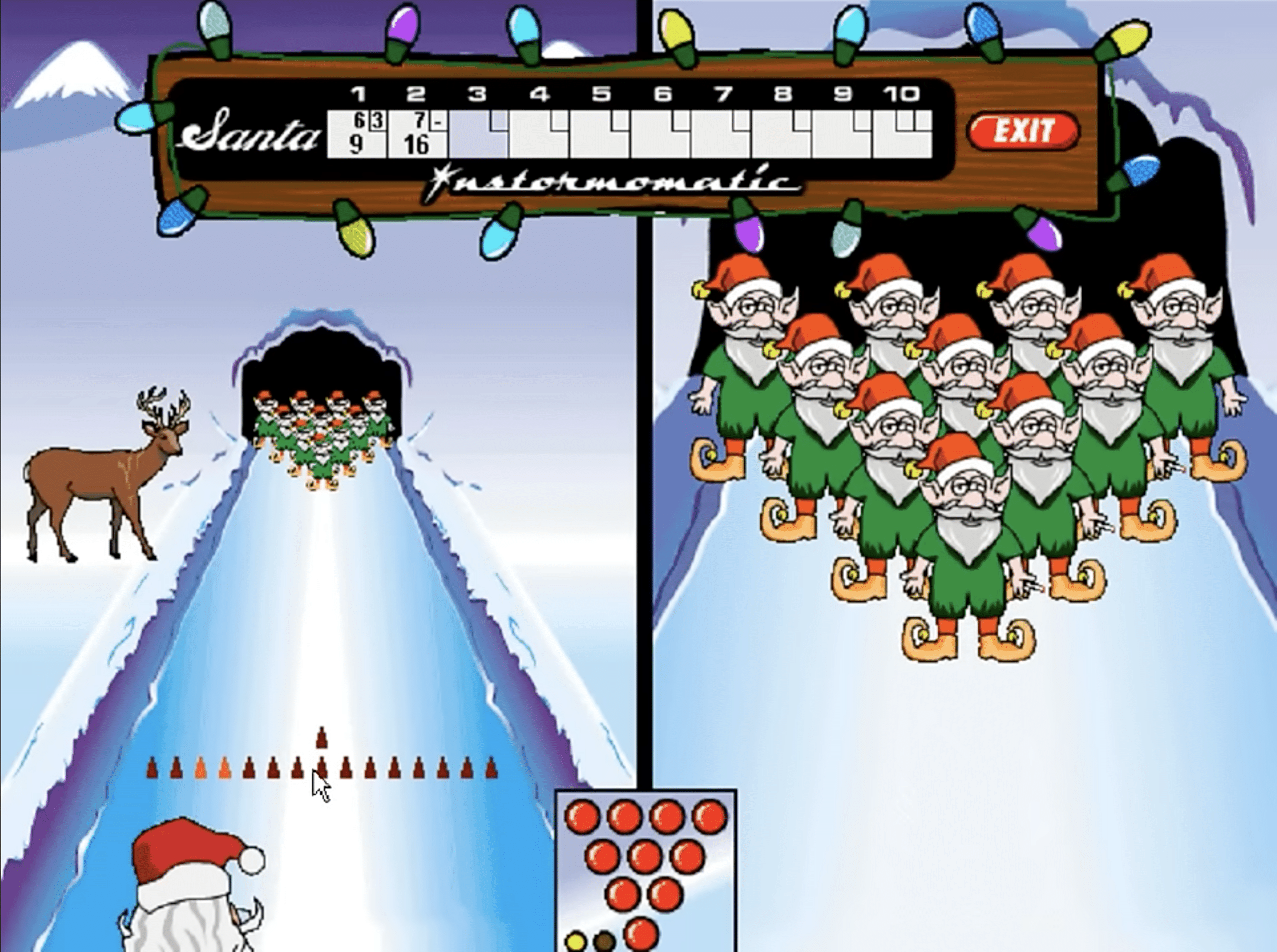
No experience required: choose your ball’s direction and power, release, and hope for a strike. What made Elf Bowling famous isn’t deep mechanics—it’s the humor.
The elves laugh, taunt, and quip loudly when you hit (or miss). It’s crass, goofy, and very over-the-top American, but it’ll still make most players grin—especially in short sessions.
Graphics and sound
The visuals show their age. The resolution is low, the animations are simple, and the design screams “Windows 98.” That’s part of the charm. The audio is mostly voice snippets and basic effects that repeat often—which is exactly what you’d expect from a game like this.
Top 5 tips for Elf Bowling
1. Aim for the middle
Most strikes come from hitting dead center—spin is rarely necessary.
2. Use consistent power
Stick to the same power each throw and adjust your aim instead.
3. Ignore the elves’ taunts
The trash talk is funny, but it can be distracting.
4. Play in short sessions
Elf Bowling is best in small doses—it gets repetitive during longer play.
5. Use compatibility mode
If the game acts up on newer versions of Windows, run it as Windows XP.



