
 Martin Jørgensen
Farming Simulator puts the whole farm on your screen
Farming Simulator is a realistic simulation game where you run your own farm with fields, machinery, animals, production chains, finances, and multiplayer.
It might sound calm on paper, but after our test on Windows 11, it’s clear why the series has such loyal fans. Farming Simulator nails something special: the slow satisfaction of sowing, harvesting, investing in new equipment, and gradually building a farm that truly feels like your own.
The newest edition, Farming Simulator 25, is the most obvious pick today. It brings new environments, modern farming machinery, more crops, improved visuals, and a strong focus on single-player, co-op, and mods. On the official site, GIANTS Software describes the series as their flagship farming simulation, while the Steam version highlights the freedom to build your farm solo or with other players.
What is Farming Simulator about?
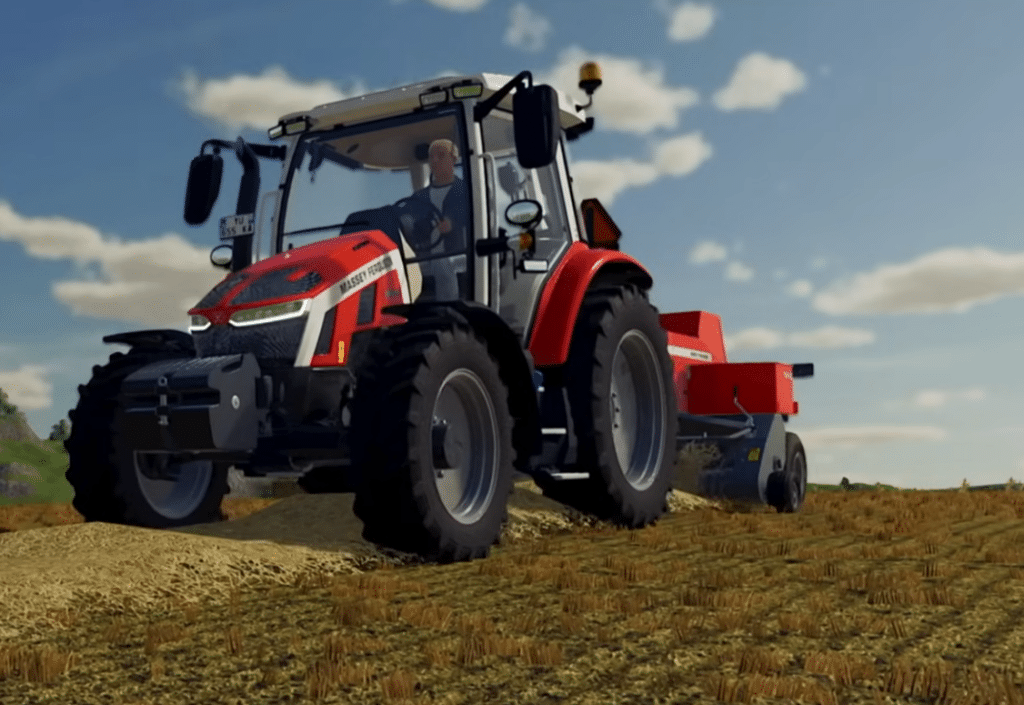
In Farming Simulator, you typically start with a small farm, a few fields, and a limited budget. From there, you plan your day as a virtual farmer: buy machinery, plow fields, sow crops, fertilize, harvest, transport goods, and sell at the right time.
The great part is that the game never forces a single playstyle. You can focus on classic arable farming, animal husbandry, forestry, contract work, or production chains. Some players love optimizing every route and every gallon of fuel. Others use the game more casually as a relaxing “Sunday in the country.”
During our test, the game’s rhythm stood out. There’s always something to do, but rarely in a stressful way. You might spend half an hour harvesting a field while listening to music or a podcast, then realize you should buy a larger trailer because the farm is finally turning a profit.
Farming Simulator 25 is the best place to start
Farming Simulator 25 is the version most new players should look at first. It has the latest improvements, active support, modern platform compatibility, and the developer’s primary focus right now.
The game runs on Windows 10, Windows 11, and newer macOS versions. The official minimum specs include a 64-bit system, 8 GB RAM, and a GPU on par with a GTX 1050 Ti or RX 470. You don’t necessarily need a high-end gaming PC, but an older office computer will struggle—especially if you use lots of mods or run very large fleets.
GIANTS Software also keeps the game updated, and the official patch notes show that Farming Simulator 25 receives fixes and improvements via automatic platform updates. That matters for this genre, since small issues in physics, AI helpers, machinery, or mods can quickly affect the whole experience.
Machines, fields, and brands make it authentic
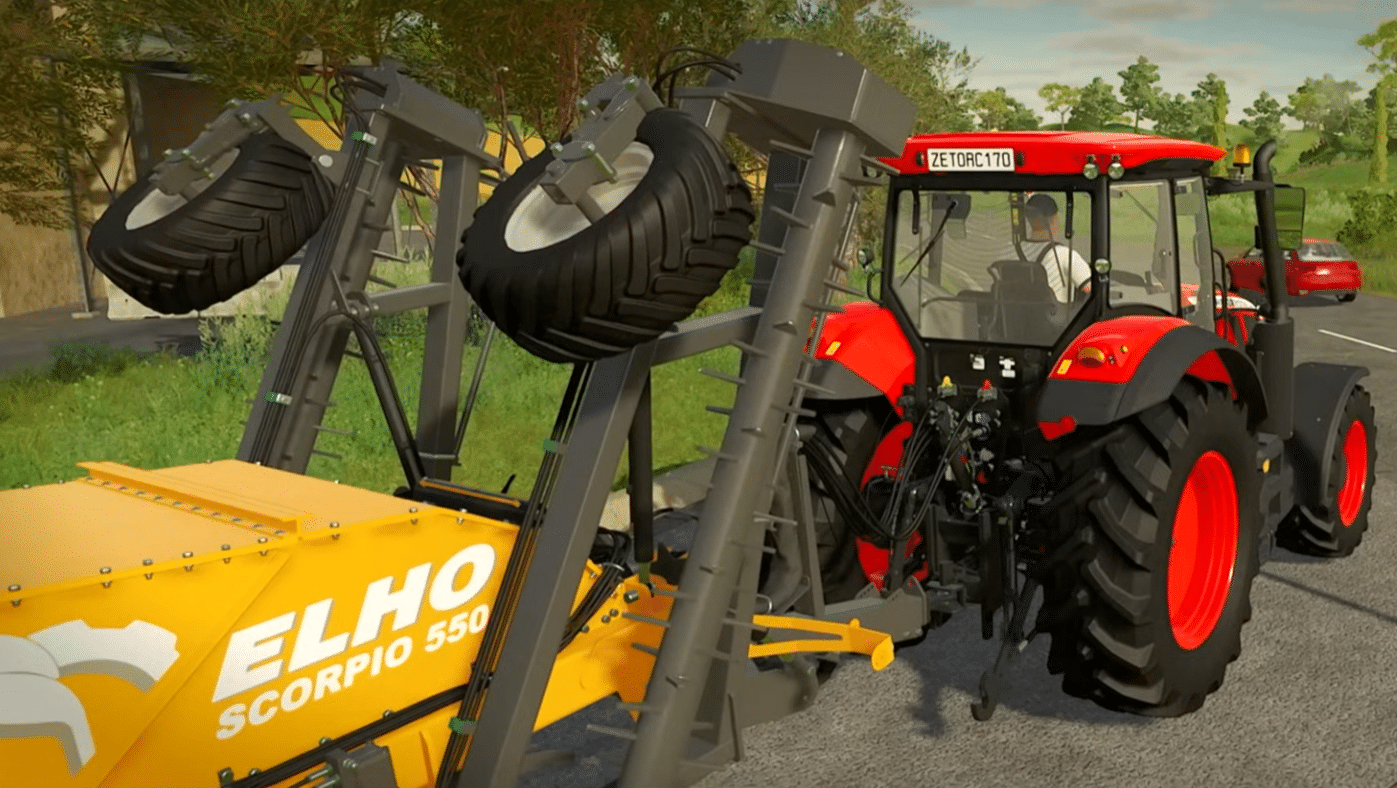
A big part of the charm is the machinery. Farming Simulator includes licensed tractors, combines, implements, and farm vehicles, making it far more believable than a typical arcade sim.
There’s something deeply satisfying about picking the right tractor for the job. A small machine is cheap and easy to handle, but it will struggle with heavy equipment. A larger tractor gets the work done faster but costs more to buy and run. Choices like these make Farming Simulator more engaging than you might expect.
We especially noticed that the game gets better the more you learn the systems. The first hour can feel a bit slow while you figure out implements, controls, and workflow. After a few hours, everything starts to click—and suddenly it’s hard to put down.
Graphics and atmosphere
Farming Simulator isn’t trying to wow you with explosions or cinematic set pieces. The vibe is open landscapes, machine sounds, dirt, weather, and work routines.
The latest edition clearly looks better than older entries. Fields, vehicles, lighting, and environments have been upgraded, and large machines look great up close. It’s still a simulation first and a graphical showpiece second. Animations and character models can still feel a bit stiff, and some menus prioritize function over flair.
Sound design is key, though. Engine notes, hydraulics, and the relaxed pace do a lot for immersion. Not everyone will get the appeal of driving slowly up and down a field for 20 minutes, but if it clicks with you, it really clicks.
Mods make Farming Simulator much bigger
Mods are one of the biggest reasons why Farming Simulator stays relevant for so long. Players create new machines, maps, buildings, gameplay tweaks, and small adjustments that can change the experience dramatically.
When you look for Farming Simulator mods, it’s usually because you want more variety, American or European farm environments, new machinery, or more realistic gameplay. The series shines here. The modding community has been a core part of the experience for years, making the game far more flexible than many other sims.
Still, be a little careful. If you install too many mods at once, the game can get heavier, and some mods may conflict. Our advice is to start with a few at a time, test them in a separate save, and only then add them to your main farm.
Multiplayer and co-op
Farming Simulator works great with others. In multiplayer, several players can share a farm, split tasks, and build something together. One can harvest, another can haul grain, while a third manages animals or takes on contracts.
This is where the game almost becomes a cozy digital workplace. Communication matters, and coordinating a big harvest day with friends can be surprisingly satisfying. For American players, it’s also a great pick for smaller friend groups who want something relaxed—without constant shooting and stress.
Is Farming Simulator hard?
Farming Simulator can feel overwhelming at first. There are lots of machines, implements, and small rules. You need to understand the difference between plowing, cultivating, sowing, fertilizing, spraying, and harvesting—and the game doesn’t always explain everything elegantly.
But it isn’t unfairly hard. It’s a game that rewards patience. You learn a bit at a time, and routines soon become second nature. New players should start simple: one crop, a few machines, and no wild mods at the beginning.
Top 5 tips for Farming Simulator
Start small—don’t buy the most expensive tractor first
It’s tempting to burn your budget on a big machine, but early on it’s usually better to buy sensible equipment that fits your fields. You’ll get more value if your tractor, implement, and trailer match each other.
Use contracts to learn the machinery
Contract work is a great way to earn extra money without owning every tool yourself. You’ll learn tasks like harvesting, fertilizing, and hauling before investing in your own machines.
Install mods gradually
Mods can vastly improve Farming Simulator, but too many at once can cause issues or hurt performance. Start with a few, test them in a separate save, and only then add them to your main farm.
Plan field sizes around your time
Bigger fields mean bigger income—but also longer sessions. If you play in short bursts, smaller fields and quick tasks can be more fun than one huge field that never feels finished.
Try multiplayer once you know the basics
Farming Simulator gets extra cozy with friends, especially when you split tasks. Wait until you understand the core systems so co-op doesn’t turn into tractor chaos.
Farming Simulator is best when you give it time
Farming Simulator isn’t for everyone. It’s slow, detailed, and asks you to enjoy repetition, planning, and small steps forward. That’s exactly why it works so well for the right players.
It’s one of those games where a simple task—like harvesting a field—can feel surprisingly satisfying. You see the results of your work, expand the farm, and always have new goals. With mods, multiplayer, and a huge range of machinery, it can easily keep you engaged for dozens of hours.
For American players who enjoy simulation, machinery, agriculture, management, and relaxed gameplay, Farming Simulator is one of the strongest picks in the genre.



