
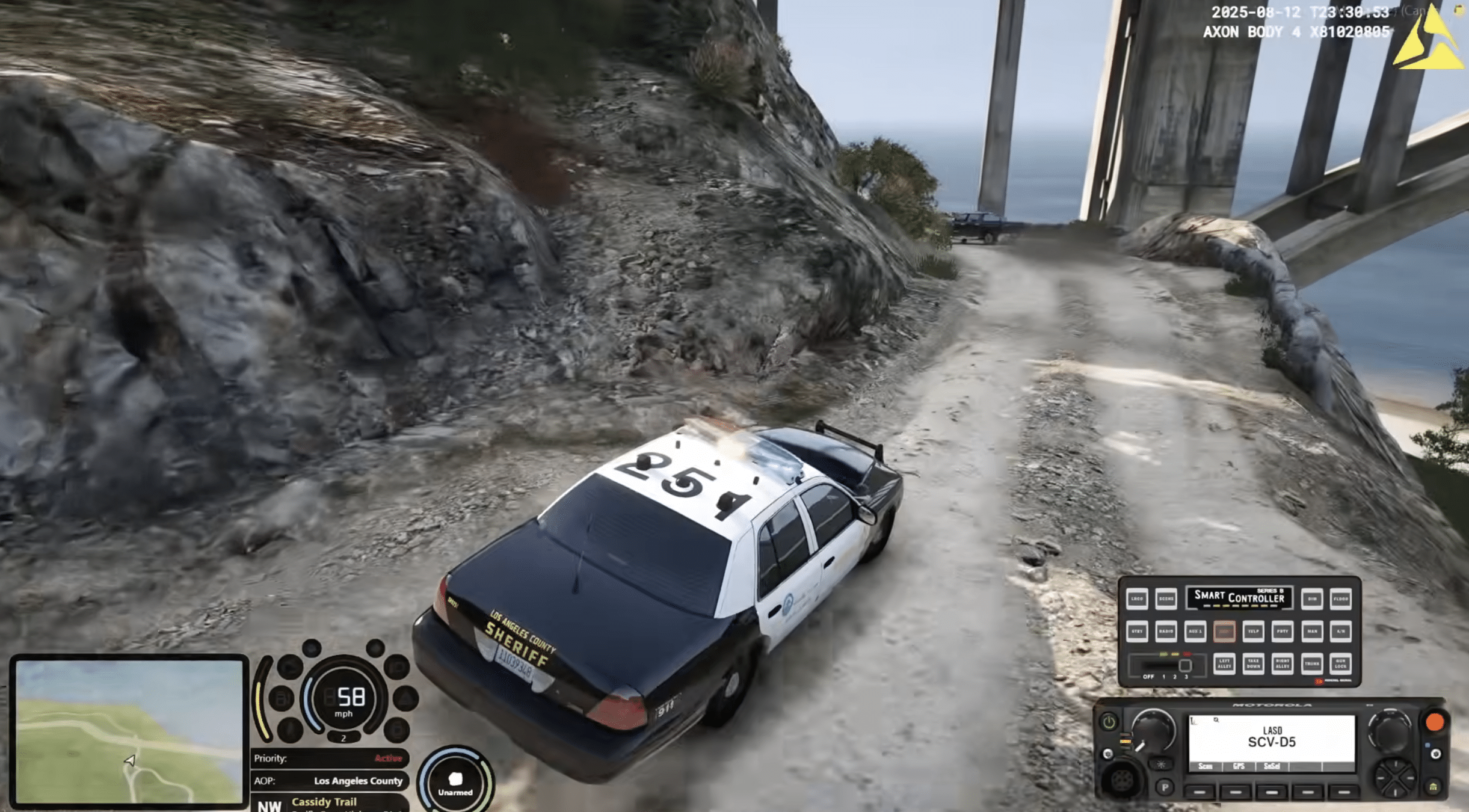

FiveM download: GTA V roleplay, drifting and private servers on PC
FiveM is a modification for Grand Theft Auto V that lets you play multiplayer on custom servers—best known for GTA RP (roleplay), drifting, racing, and servers with their own rules, cars, scripts, and maps. It’s PC-only and doesn’t change your GTA V installation, so you can switch back and forth between GTA Online and FiveM.
What is FiveM, and why is it so popular in the US?
If you’ve watched US streamers playing police/EMS/criminal RP, chances are it’s happening through FiveM. That’s mainly because:
✅ You get access to thousands of community-run servers (RP, drifting, freeroam, minigames)
✅ Servers can stream custom content (cars, maps, weapons, UI) on the fly
✅ You can find everything from hardcore RP to “jump in and drive” servers
One thing we noticed in practice: the best servers often ask you to read the rules and maybe submit a short application. It’s not hard—but that’s why some people end up on random “100k money” servers and get disappointed.
Our test: installation, performance, and common beginner mistakes
We tested FiveM on a standard Windows 11 PC with GTA V installed. The setup was straightforward: download the client, open it, and sign in/verify that you own GTA V the first time. After that, you’re in the server list.
What usually causes trouble (and what we ran into ourselves) isn’t the installation – but the usual classics:
✅ Cache grows over time (especially if you hop between many servers)
✅ Some servers require extra assets and can take a long time the first join
✅ Voice chat may be off or set incorrectly, so RP feels “silent”
FiveM also has its own system requirements and recommendations (especially RAM and GPU), and it’s worth taking them seriously if you want to play on heavy RP servers.
FiveM vs. GTA Online: what’s the difference?
GTA Online is Rockstar’s official online mode with set game types and progression. FiveM is community servers where almost everything can be changed:
✅ Custom economies and job systems
✅ Whitelists, rules, roles, and RP systems
✅ Scripts (e.g., police computers, dispatch, radio, inventory)
✅ Large player bases and unique game modes
If you mainly want to grind, run heists, and play what Rockstar designed, GTA Online is likely best. If you want RP and the life of custom servers, go with FiveM.
Top 5 tips and FAQ for FiveM
Top 5 tips for FiveM
These five things fix 80% of what people end up googling when they can’t join a server, are missing voice, or experience stutters.
Clear your cache if FiveM gets slow
If you’ve been hopping between many servers, the cache can grow and cause lag, long loading screens, or odd textures. Clearing the cache is often the fastest “fix everything” button.
Check voice before joining an RP server
Many RP servers require push-to-talk and the correct input/output device. Even if your mic “works in Discord,” FiveM might be pointing to a different device.
Tune graphics before maxing everything out
FiveM servers can be heavier than standard GTA Online because of extra scripts and assets. Start with medium settings, find stable FPS—then turn things up.
Choose servers by ruleset (not player count)
The biggest servers aren’t always the best. Look for clear rules, active moderation, and a stable whitelist/application process—it almost always leads to better RP and fewer trolls.
Run FiveM as admin when you get weird errors
If FiveM can’t write files, update cache, or starts with random errors, admin rights can fix it—especially on locked-down Windows setups.
Bonus: Stick to legit RP communities
If a server asks for “weird downloads” outside FiveM or pushes you to install unknown launchers, move on. Serious communities have a clean, safe flow.
FAQ about FiveM



