
 Martin Jørgensen
Future Pinball: 3D pinball simulator + table editor (free)
Future Pinball is a classic pinball application for Windows that lets you both play and build your own 3D pinball tables. It’s especially fun if you enjoy tinkering with flippers, ramps, lights, and sounds—then hitting Play to see if your layout actually works. The official build is still available as a free download, and the community keeps it fresh with new tables and add-ons.
Gameplay and features
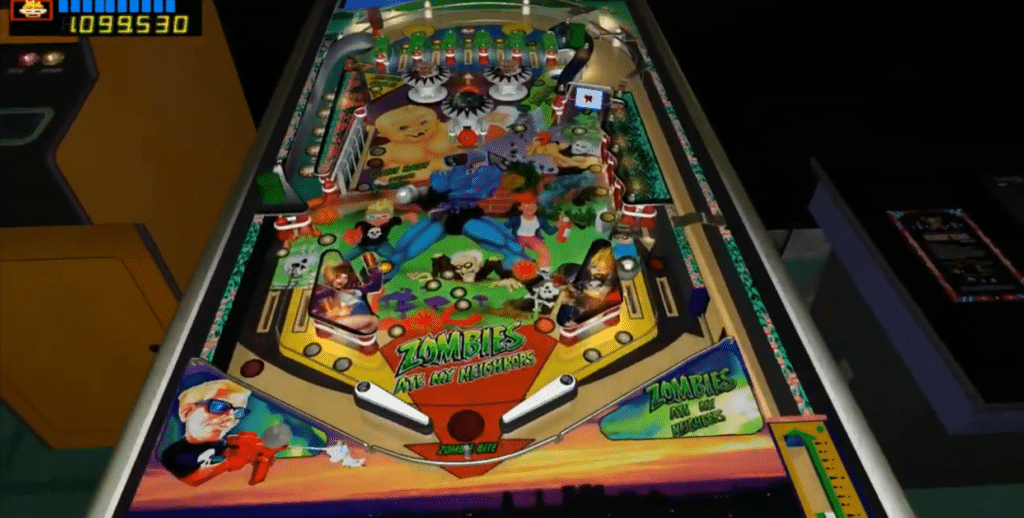
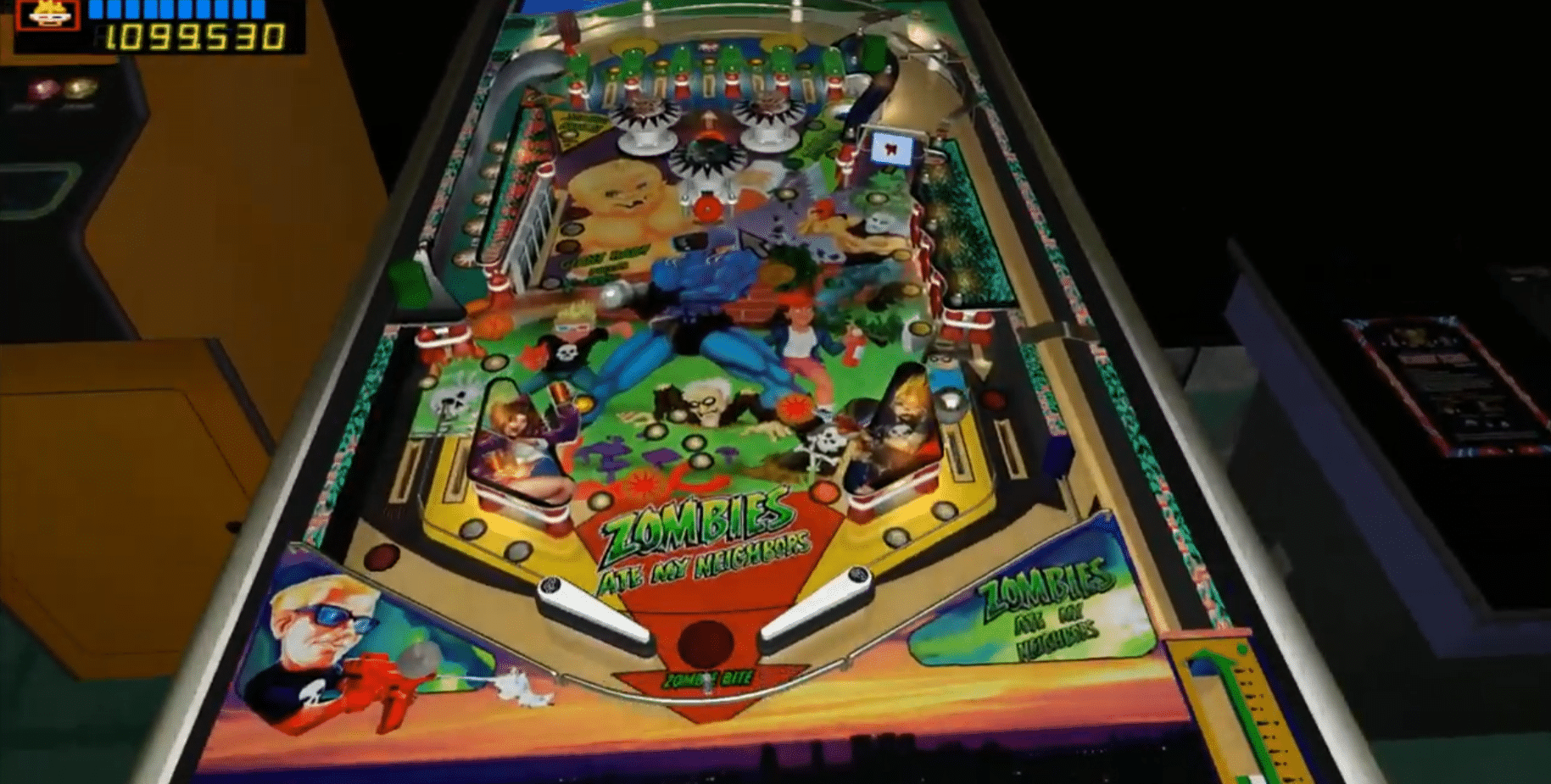
Future Pinball stands out because it’s essentially two tools in one: an editor and a player. You assemble your table from components (flippers, bumpers, targets, lights, triggers, ramps, etc.) in the editor, and when you launch the table it’s rendered in real time as a 3D pinball game.
On a standard Windows 11 PC, the most satisfying part was the workflow itself: make a small change in the editor → jump back into the game → see whether the ball behaves correctly. It’s that “just one more tweak” feeling that can steal an entire evening.
The table editor: where you’ll spend most of your time (in a good way)
The editor is straightforward once you learn the key tools:
- Place standard parts on the playfield and adjust angles/heights
- Shape surfaces and rubber directly so you can build your own lanes
- Build light sequences and small “show moments” so the table feels alive
- Use scripting for rules, scoring, and events when you want to go beyond simple pinball
Future Pinball’s scripting is designed to be relatively simple yet powerful enough to create original rules and features.
Physics, audio, and what makes a table feel great
Physics is a major selling point, as the game aims to capture the feel of a real machine. Audio can be layered with multiple music/sound channels, letting you create transitions and atmosphere during play.
In practice that means if you spend time on the small stuff (ball speed, flipper strength, materials, rubber), a table can go from “meh” to “wow, this actually feels right.”
Future Pinball in 2026: why it still makes sense
Future Pinball has long been a “classic,” but the scene around it remains active with new table releases, and many use a popular add-on called BAM to elevate the experience (improved rendering/physics features, more options—and even VR for certain setups).
If you just want click-and-play convenience, Visual Pinball may be the better fit. But if you want to build, tweak, and create something of your own in 3D, Future Pinball still fills a special niche.
Installation on Windows (quick overview)
- Download and install Future Pinball from the official site.
- Launch it once to create folders and settings.
- Open the editor and test with a sample table before building your own.
- If you want “what most people use today,” check out the BAM ecosystem (community add-on).
Top 5 tips for Future Pinball
Start with a sample table and tweak one thing at a time
Open one of the included tables, save a copy, and change only one parameter at a time (e.g., flipper strength or ramp angle). You’ll quickly learn what actually affects ball behavior without everything turning into chaos.
Make your table playable before you make it pretty
It’s tempting to obsess over lights and decals early, but first lock in a stable flow: shooter lane, safe returns, reasonable outlanes, and clear shots. Once it plays well, the visuals suddenly make more sense.
Use materials deliberately: rubber, metal, and playfield feel different
Small material choices can change the entire feel. Adjust friction/bounce on rubber and guides so the ball doesn’t either die completely or turn into a flipper cannon. Always test the same sequence 10–15 times to see if it feels fair.
Keep rules organized: write scoring and states as a mini rule sheet
When you script modes, multiball, and bonuses, things get messy fast. Draft a short 10–15 line rule sheet (what scores, when modes change, what resets what). It will save you hours of troubleshooting later.
If a table crashes: think memory and heavy assets
Some tables become unstable when packed with large textures, audio, and effects. Trim the heaviest assets and consider the community-standard BAM/4GB approach if you play lots of advanced tables.



