
 Martin Jørgensen
Fly combat helicopters in classic military style
Gunship 2000 is an iconic helicopter simulator from MicroProse that puts you in the pilot’s seat across global combat zones. Originally released in 1991 as the sequel to the first Gunship from 1986, it blends strategy, action, and realism that was groundbreaking for its time — and still resonates with retro fans today.
Gameplay and features
In Gunship 2000 you can choose between several combat helicopters such as the Apache, Cobra, and Comanche. After configuring your pilot profile, decide whether to tackle single missions or embark on a full military career. Missions take place in different war zones including Central Europe, Southeast Asia, and the Middle East.
You can assemble full helicopter teams and send them on tactical assignments, choosing loadouts, flight profiles, and targets. Every successful mission earns points and promotion opportunities — but you can also lose pilots in combat.
Realistic helicopter controls
Gunship 2000 was praised for its detailed controls and interface. Controls are typically via keyboard and joystick (DOS version), but it also works well with modern controllers through DOSBox. You can adjust altitude, heading, and speed, use targeting instruments, and even set waypoints for navigation. However, the realism and complexity can feel a bit intimidating for beginners.
Graphics and atmosphere
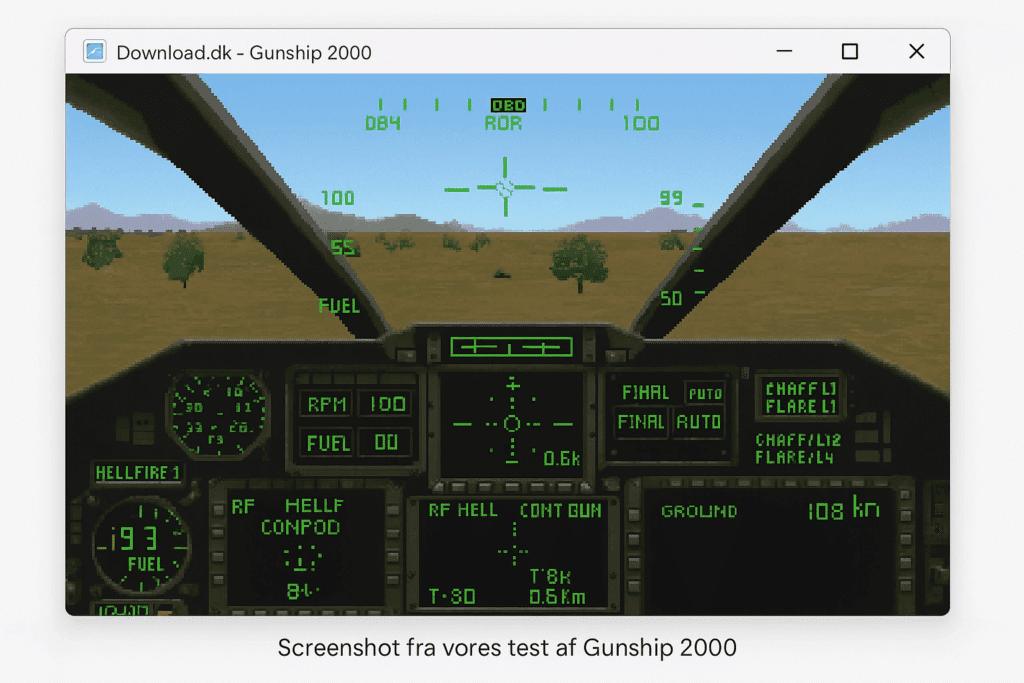
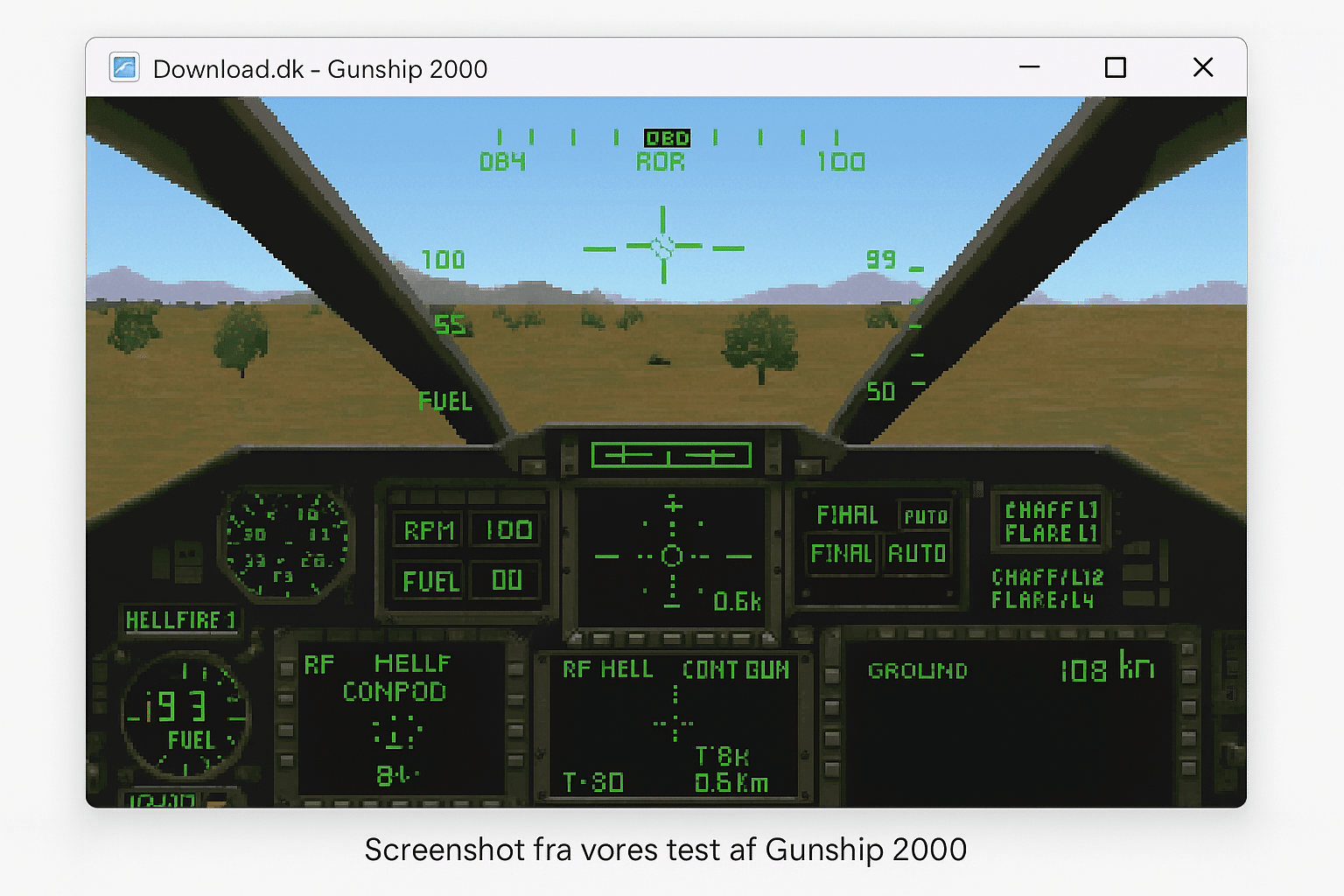
Graphically, the game was impressive for its time — with detailed cockpit views and 3D enemy vehicles. The audio features rotor noise, radio chatter, and explosions that heighten the combat atmosphere.
Availability today
Gunship 2000 runs smoothly via DOSBox, and works on both Windows 10 and 11. It’s recommended to download a version already bundled with DOSBox, for example from archive.org or other retro platforms, if you don’t want to configure the emulator yourself.
Top 5 tips for Gunship 2000
Learn the keyboard layout
The controls require mastering a range of keys — use a printed cheat sheet or an on-screen reference.
Use waypoints actively
Set destinations during missions for easier navigation and quicker returns to base.
Choose weapons for the mission type
Pick Hellfire missiles against armor and rockets against infantry for optimal combat effectiveness.
Save often — especially in career mode
A mistake or shootdown can cost a high-ranking pilot — save before and after key missions.
Practice in the training missions
Use training to get comfortable with flight and weapons before heading into active combat zones.



