
 Martin Jørgensen
Invoice2go – Create invoices quickly and easily
Invoice2go is a user-friendly invoicing app that makes it easy to create invoices, estimates, purchase orders, and other business documents. It’s designed for small businesses, sole proprietors, and freelancers who want a simple solution without digging into complex accounting systems.
We tested Invoice2go on a Windows 11 PC as well as via the mobile app, and found installation and setup to be quick. It took under 10 minutes to create a business profile, choose an invoice layout, and send the first invoice.
Features and capabilities
✅ Create and send invoices from your PC, tablet, or phone.
✅ Customize invoices with your logo, colors, and layout to match your brand.
✅ Track payments and send automatic payment reminders.
✅ Generate estimates, purchase orders, and receipts in a few clicks.
✅ Supports integrations with popular payment solutions like PayPal and Stripe.
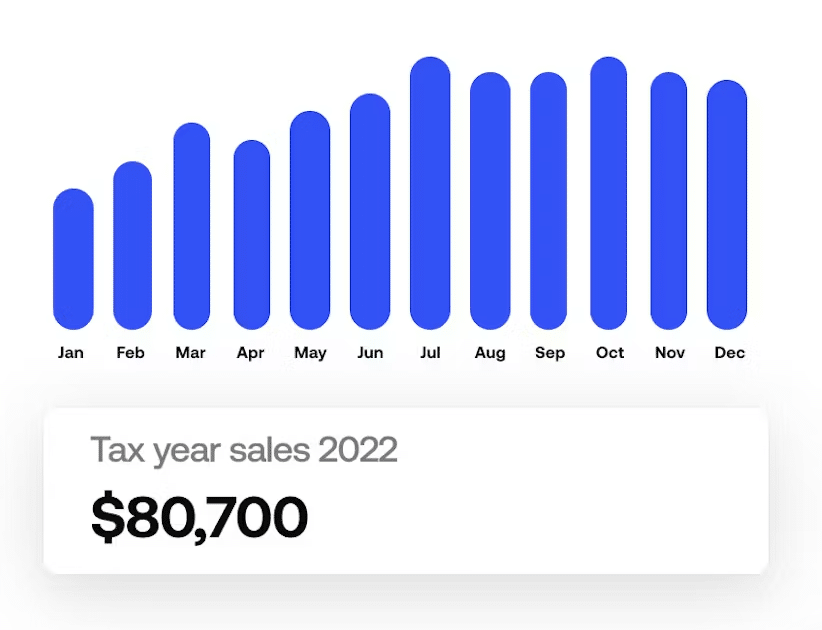
For freelancers and small businesses in the United States, it’s especially helpful that Invoice2go lets you set custom sales tax rates (state and local) and export reports you can use for bookkeeping or with your accountant.
Design and ease of use
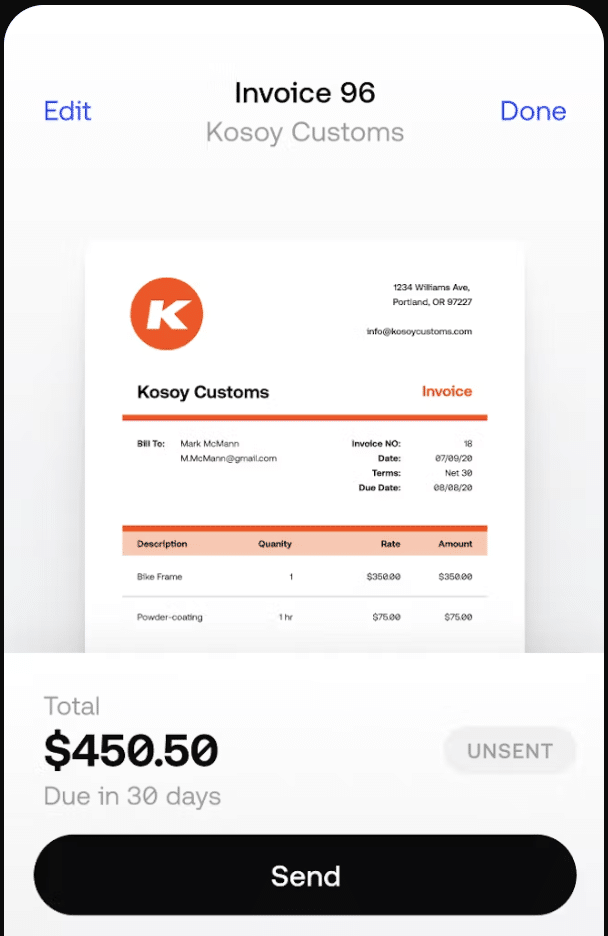
The interface is minimalist and intuitive. You don’t need knowledge of accounting or advanced bookkeeping — you can get started right away. You can also choose between several invoice templates, giving your customers a professional impression.
Challenges and limitations
Although Invoice2go is easy to use, it’s not a full accounting suite. You won’t get features like year-end accounts, inventory management, or deep reporting found in larger systems such as QuickBooks or Xero. In return, you get a lightweight solution that’s perfect when you simply need to send invoices without the hassle.
Top 5 tips for Invoice2go
Use your company logo and colors to give invoices a professional look.
Install the app on your phone so you can send invoices while on the go.
Enable automatic reminders so you don’t have to chase customers for payment.
Export monthly reports to your accountant for easy bookkeeping.
Connect PayPal or Stripe to your invoices so customers can pay online.



