 Martin Jørgensen
Iron Grip: Warlord mixes FPS, strategy, and tower defense
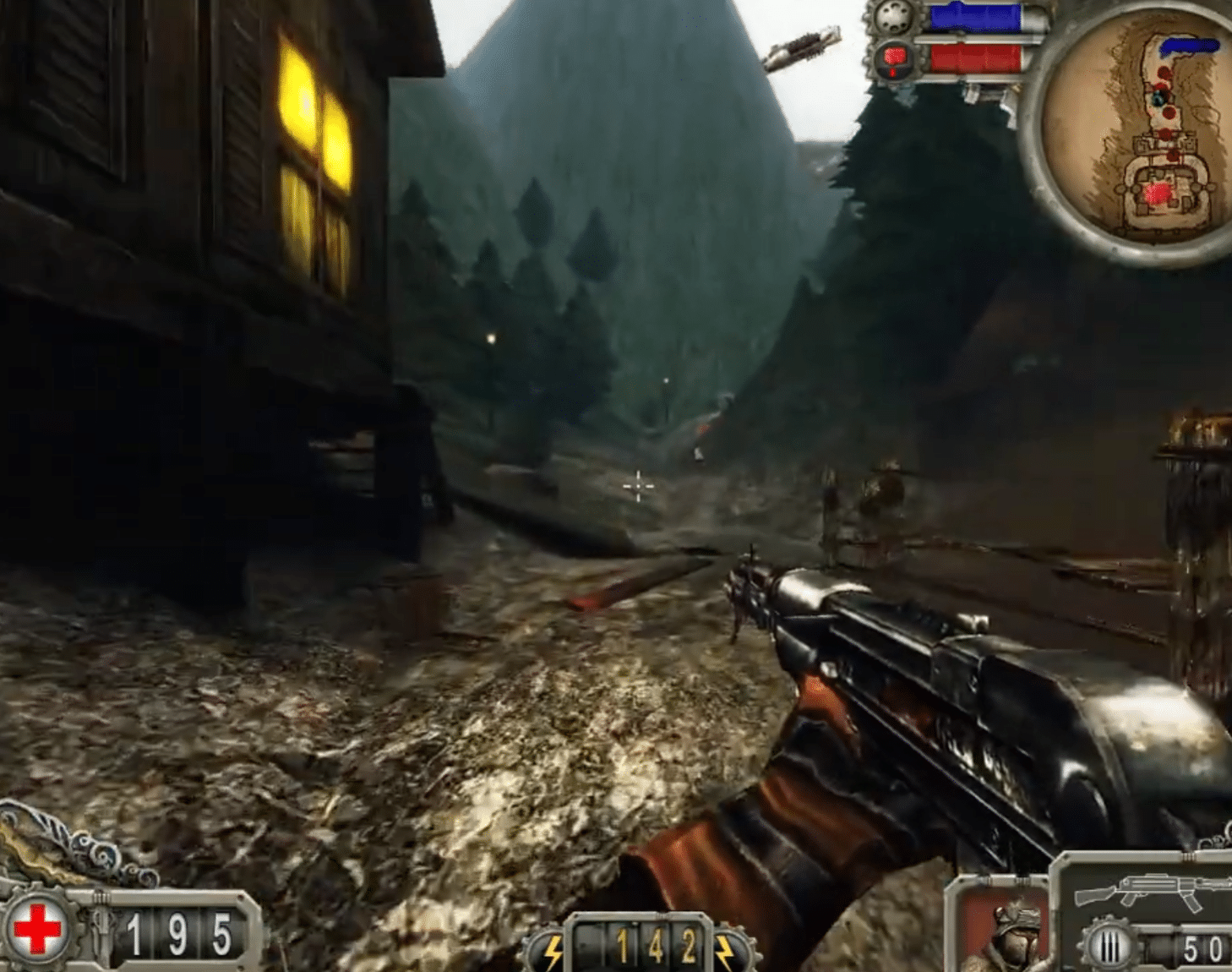
Iron Grip: Warlord is a tactical action game for Windows where you defend the city of Atelia against massive enemy waves in a mix of first-person shooter, tower defense, and strategy.
It might sound like a strange combo, but that’s exactly what makes the game interesting. Instead of just blasting through levels, you also have to think defensively, place traps, use the terrain wisely, and hold the enemy off long enough to break their momentum. We tested Iron Grip: Warlord on a Windows 11 PC, and while the game clearly shows its age, it still has a distinctive charm you won’t find in many modern shooters.
A different kind of defense game with a guerrilla vibe
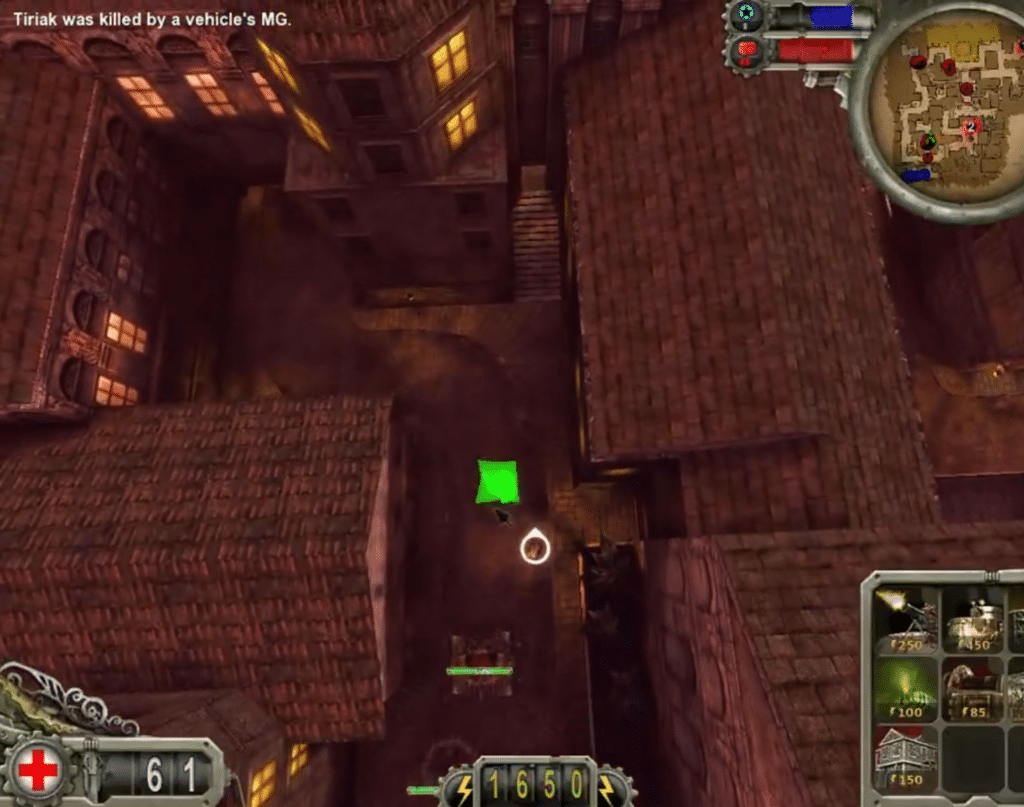
In Iron Grip: Warlord, you’re not the classic super-soldier charging through linear levels. You’re in the middle of a besieged city with enemies constantly pushing in. Your job is to hold the line, train resistance fighters, and use everything from weapons to fortifications to survive.
The gameplay feels like a blend of an old-school FPS and a first-person tower defense game. You run around the battlefield yourself, but you also need to think about where enemies are coming from, which routes to block, and when to invest resources in new defenses.
That makes Iron Grip: Warlord more tactical than many other skydespil (shooters) from the same period. You rarely win by just firing fast—you win by understanding the map.
How Iron Grip: Warlord feels today
Visually, Iron Grip: Warlord isn’t modern. Characters, effects, and environments have the slightly blocky look you’d expect from an older indie title. But it actually suits the game’s harsh, dusty, almost dieselpunk war atmosphere.
What stood out in our testing was the pace. Once the enemy starts pouring in, the game gets surprisingly hectic. This isn’t a sit-back-and-watch-cutscenes type of title—it’s the kind where you suddenly realize you forgot an entrance, and enemies are now flooding your flank.
Controls are straightforward, but new players may need a bit to understand how the FPS and strategy layers snap together. Not everything is explained elegantly, and the interface feels dated. The core idea, however, still feels fresh.
Multiplayer and co-op are still the game’s strongest suit
You can play Iron Grip: Warlord solo, but the concept makes the most sense with others. Co-op fits perfectly with defending an area against waves of enemies because players can split roles.
One player can focus on locking down key choke points while another handles reinforcements and defense placement. It creates some great moments—especially if you enjoy co-op games where chaos slowly builds.
Don’t expect a large, active online community. Iron Grip: Warlord is an older niche game, so it’s best for players who either want to try it solo or set up co-op with friends.
Who should download Iron Grip: Warlord?
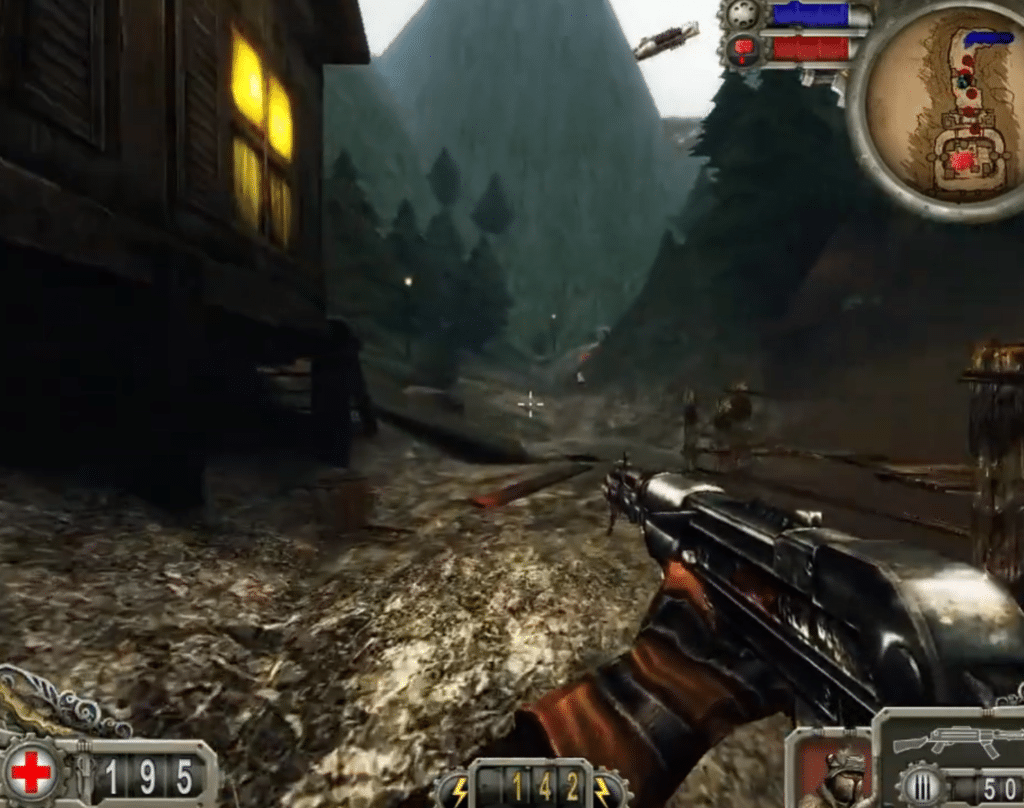
Iron Grip: Warlord is especially worth a try if you like games that don’t follow the standard recipe. It’s not the most polished shooter, and it’s not the most elegant strategy game—but the combination works better than you might think.
It’s a good fit if you enjoy tower defense, classic PC games, tactical shooters, and co-op titles with a few rough edges. If you’re chasing flashy graphics, modern matchmaking, and a slick user experience, there are better alternatives.
Top 5 tips for Iron Grip: Warlord
Defense1Don’t build randomly
It’s tempting to drop defenses everywhere, but Iron Grip: Warlord rewards route planning. Identify natural entry paths and make them as slow and punishing as possible.
FPS2Swap between fighting and oversight
Don’t just shoot. Pause between waves, check the map, and figure out where the next pressure will come from. Many wins are decided in the breaks.
Co-op3Split roles in multiplayer
If you’re playing with others, don’t all chase the same targets. Let one hold the front, one cover the flanks, and one focus on defenses and resources.
Survival4Don’t underestimate small enemies
Big enemies look scary, but small groups can wreck your plan if they slip through an unguarded path. Watch side routes in particular.
Settings5Test graphics before a serious run
On newer Windows systems, older games can behave differently depending on resolution and compatibility. Spend a minute in settings before a long session.