
 Martin Jørgensen
Download Java for Windows 11 (Oracle Java and free OpenJDK)
Java is one of the world’s most widely used programming languages and a must-have for many applications—from games like Minecraft to advanced business systems. On this page, you can download both the official Oracle Java and the free OpenJDK build, which works on Windows, macOS, and Linux.
We tested both editions on a Windows 11 PC, and installation and everyday use were smooth. For most users, the difference is minimal—but there are a few important things to know before you choose which version to download.
What is Java?

Java is both a programming language and a platform (runtime) that lets you run Java applications across Windows, macOS, and Linux. In practice, you often encounter Java when:
✅ A game (e.g., Minecraft Java Edition) needs Java to launch
✅ An older work/school application is built in Java
✅ You want to run or develop tools built on Java (IDEs, build tools, servers)
Our biggest “aha” during testing was how many issues are caused by outdated installs—or by having multiple Java versions on the same PC.
Oracle Java vs. OpenJDK
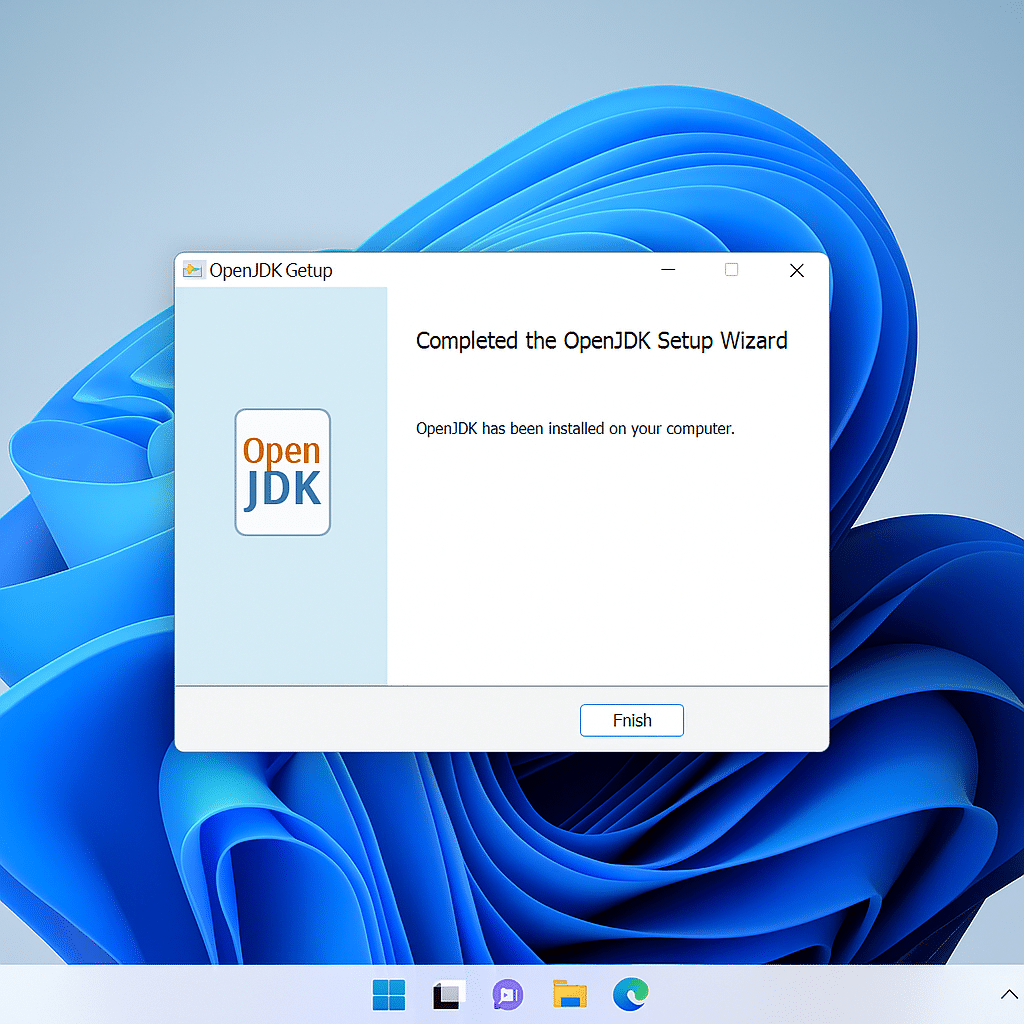
They feel almost identical to use; the differences are mainly about distribution, support, and licensing.
- OpenJDK (e.g., Eclipse Temurin/Adoptium): typically the most hassle‑free choice for personal use and development
- Oracle Java: makes sense if you specifically want Oracle’s distribution—or if your workplace has an Oracle agreement/policy
Oracle notes that licensing terms vary across versions and use cases, so in business environments you should always double‑check Oracle’s current terms before deployment.
Java for Minecraft and other games
Many people search for Java because of Minecraft Java Edition, mods, and modpacks. In our testing, stability mattered more than the brand: both Oracle Java and OpenJDK (Temurin) ran Minecraft well.
What most often fixes problems:
- use a modern LTS release (not a random, outdated Java 8)
- avoid having 3–4 different Java installs on the same PC
- check which Java Minecraft actually uses (the launcher may point elsewhere)
How to install Java on Windows 10/11
We tested installation on Windows 11, and the classic pitfalls were thankfully few—but they almost always show up if you already have an old Java installed.
- Download Java from an official source (the buttons above)
- Run the installer (typically an MSI on Windows)
- Restart your browser/launcher/app if it was open during installation
- Verify the installation:
- Open Command Prompt (cmd)
- Type:
java -version
If you get a version response, Java is installed correctly.
Troubleshooting Java
These are the issues we see most often (and that we hit during testing when we intentionally “messed” with older versions):
- “Java is not recognized…”
→ Java isn’t on your PATH, or you have an outdated path lingering. Reinstall, or remove old Java paths. - The app requires “Java 8”
→ Some legacy apps were built for Java 8. Try a newer LTS first—but if the app refuses, you may need Java 8 (in that case, cleanup/updates are extra important). - Minecraft mods crash on startup
→ Often a mod/loader requires a specific Java version. Check the requirements for Forge/Fabric/the modpack.
Frequently asked questions about Java
Quick, to‑the‑point help with Java downloads, installation, and Minecraft.
Top 5 tips for Java
The small tweaks that typically fix 90% of “Java is acting up” problems on Windows 10/11, macOS, and Linux.
Choose a modern LTS release
If you just want Java to work (games, tools, school apps), an LTS release is often the most stable choice. It minimizes issues from outdated builds.
Avoid multiple Javas on the same PC
Errors often happen when old Java versions sit side by side. Remove what you don’t use—especially if an app suddenly starts with the “wrong” Java.
Test the install with java -version
Open Command Prompt/Terminal and type java -version. If you get a version response back, Java is usually installed correctly.
Disable Java in the browser
Java in the browser is basically history. Unless you explicitly use Java plugins, keep the browser component disabled for extra security.
Download Java only from official sites
Java is a popular target for fake downloads. Use official distribution sites (Oracle or Adoptium) to avoid malware and unwanted extra installers.



