
 Martin Jørgensen
Google Earth – explore the world from your computer or phone
Google Earth is one of the most impressive tools for exploring our planet digitally. With the app, you can zoom in on everything from your own address to far-off travel destinations, explore cities in 3D, go back in time with historical satellite imagery, and even drop to street level with Street View.
We tested the latest version of Google Earth on a Windows 11 PC and on a MacBook Air. Installation was quick, and the app ran reliably even on a typical home internet connection. The 3D views of cities like New York City and San Francisco were especially impressive—buildings, streets, and landscapes render crisply and give you an almost realistic sense of being there.
Features and user experience
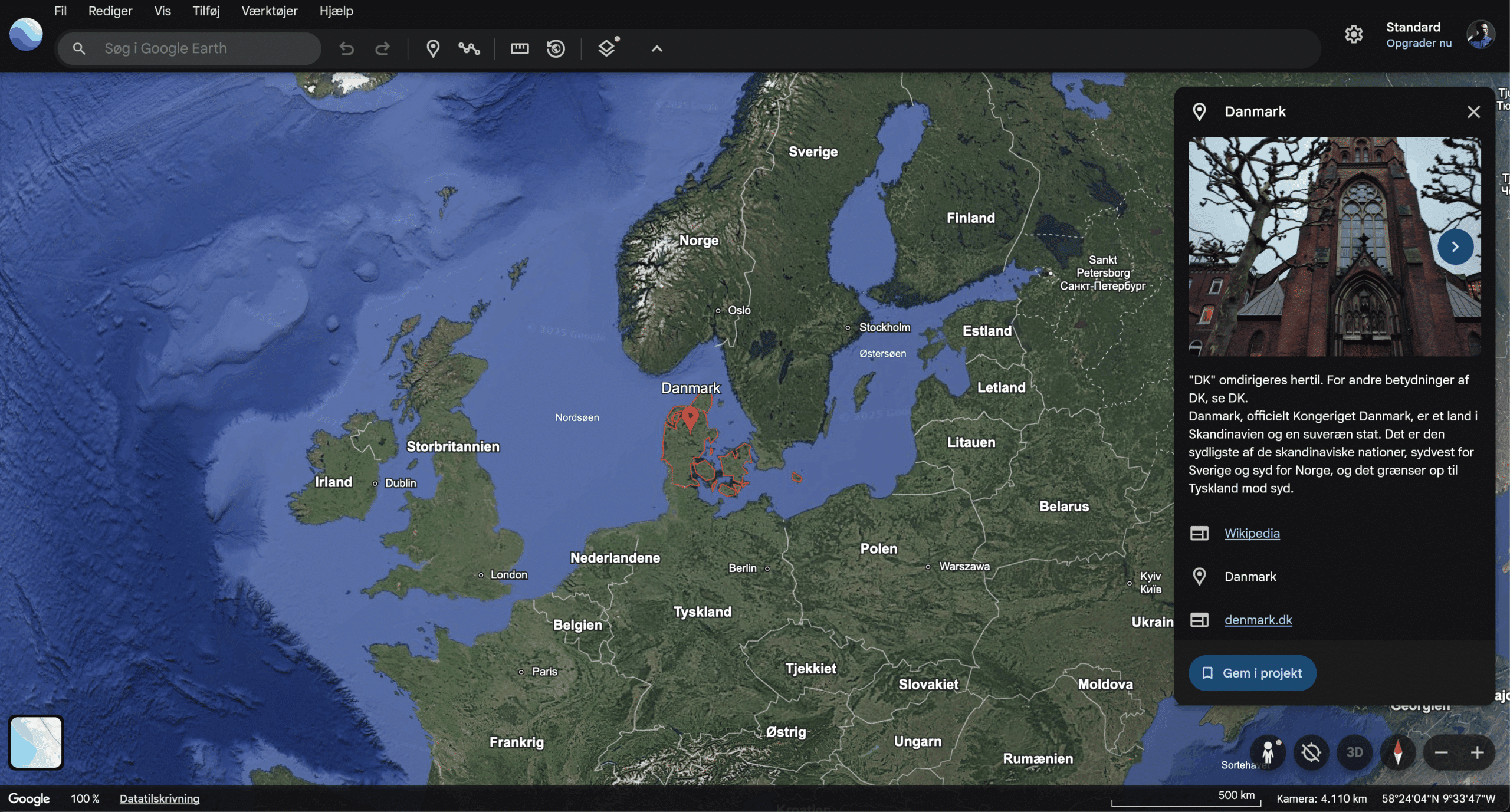
When you open Google Earth, you’re greeted by a detailed globe that you can freely rotate, zoom, and explore at your own pace. The experience feels fluid, and with just a few clicks you can jump from your own neighborhood to anywhere on the planet.
Features include:
🌍 3D map view – we tested it in New York City, where buildings, bridges, and parks looked almost photorealistic. Major metropolitan areas and mountainous regions are especially impressive.
🕰 Historical imagery – roll back time to see how cities or nature have changed. We compared the Port of Los Angeles from 2003 to today, which was both educational and fun.
🚶 Street View – with one click you can step down to street level. It almost feels like being there; we used it to “walk” through New York City and Chicago.
📍 Measurement tool – measure distances and areas. We tested it across the Golden Gate Bridge, and it was spot on.
✈️ Voyager guides – curated journeys through everything from natural wonders to historic monuments. We took a guided tour of UNESCO World Heritage sites, and it felt like an interactive documentary.
The interface is simple and intuitive. Even if you’ve never tried the app before, you’ll find your way quickly. Navigation feels natural—you can zoom with your mouse wheel or use pinch gestures on touch devices—and you can comfortably use it without reading a manual.
Google Earth vs. Google Maps
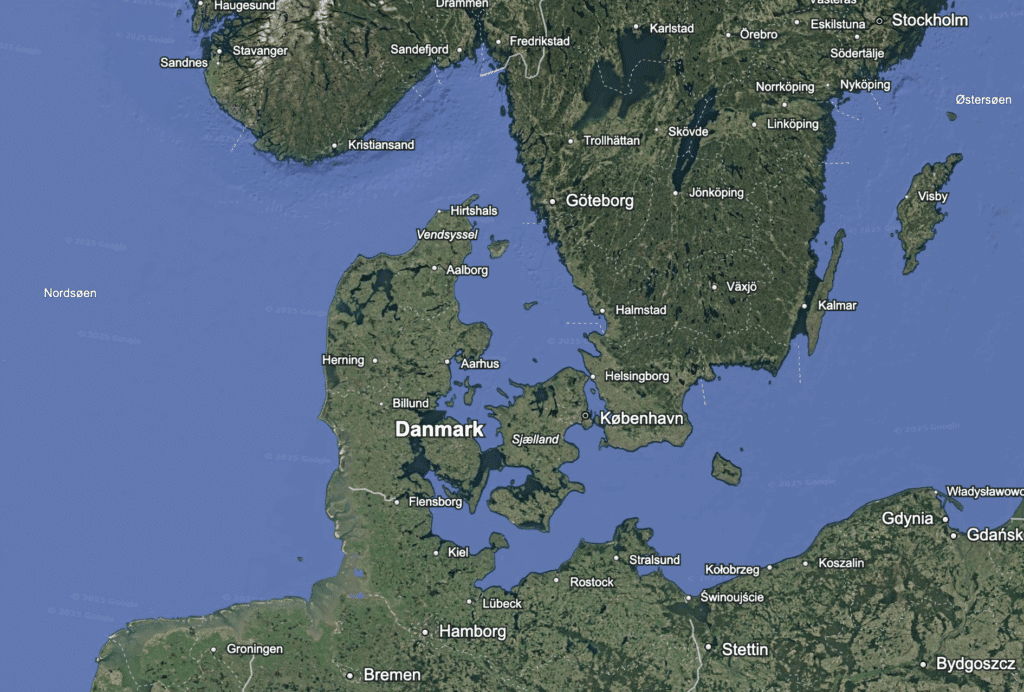
Many users ask: What’s the difference between Google Earth and Google Maps?
- Google Maps is primarily built for navigation and turn-by-turn directions.
- Google Earth focuses on exploration, visualization, and 3D viewing.
If you’re planning a road trip, Maps is your best bet—but if you want to explore places, travel back in time, or study terrain in detail, Earth is far more advanced.
Challenges and system requirements
Google Earth needs a stable internet connection to work optimally, since most map and imagery data is streamed directly from Google’s servers. If your connection is slow, 3D models may load at lower quality and you might see short delays before areas look sharp. On older PCs or laptops with limited graphics performance, the app can also feel a bit heavy—especially when you zoom quickly or switch between 2D and 3D views.
On a typical fiber or cable broadband connection and a newer Windows 11 PC, however, Google Earth ran smoothly for us—even when exploring large cities in high detail. On an older 2015 MacBook Pro, it was clear that tiles loaded more slowly and the fan kicked in during longer sessions. Performance depends on both hardware and network, but most modern computers should handle it without issues.
Top 5 tips for Google Earth
Frequently asked questions about Google Earth
Quick answers on downloading, offline use, Google Maps, historical imagery, and the mobile version of Google Earth.
You can download Google Earth for free from the official Google Earth page. It’s available for Windows and Mac, and you can also use Google Earth on Android, iPhone, iPad, or directly in your browser without installation.
Google Earth normally requires an internet connection because maps, satellite images, and 3D data are streamed on the fly. On desktop, some areas may remain cached if you’ve opened them before, but Google Earth works best with an active connection.
Google Maps is primarily built for navigation, routes, traffic, and local places. Google Earth is better when you want to explore the world visually with 3D views, satellite imagery, terrain, historical imagery, and guided voyages.
Yes, in Google Earth Pro on desktop you can use historical imagery to see how an area has changed over the years. It’s especially interesting for urban development, coastlines, construction projects, and landscapes that have evolved over time.
Yes, Google Earth is available as an app for Android, iPhone, and iPad. The mobile version is great for quick exploration of maps, 3D buildings, landmarks, and places around the world right from your phone or tablet.



