
 Martin Jørgensen
A true Star Wars classic with surprisingly good lightsaber gameplay
Star Wars Jedi Knight: Jedi Academy is a classic action game where you step into the role of a new Jedi apprentice at Luke Skywalker’s academy.
By modern standards it’s old, yet it still feels more open and physical than many newer Star Wars titles. That’s mainly thanks to its lightsaber combat, where timing, movement, and Force powers matter far more than flashy graphics. We tested Star Wars Jedi Knight: Jedi Academy on a Windows 11 PC and, while the menus, resolution options, and some controls show their age, it was easy to see why the game still has loyal fans.
Become a Jedi apprentice under Luke Skywalker
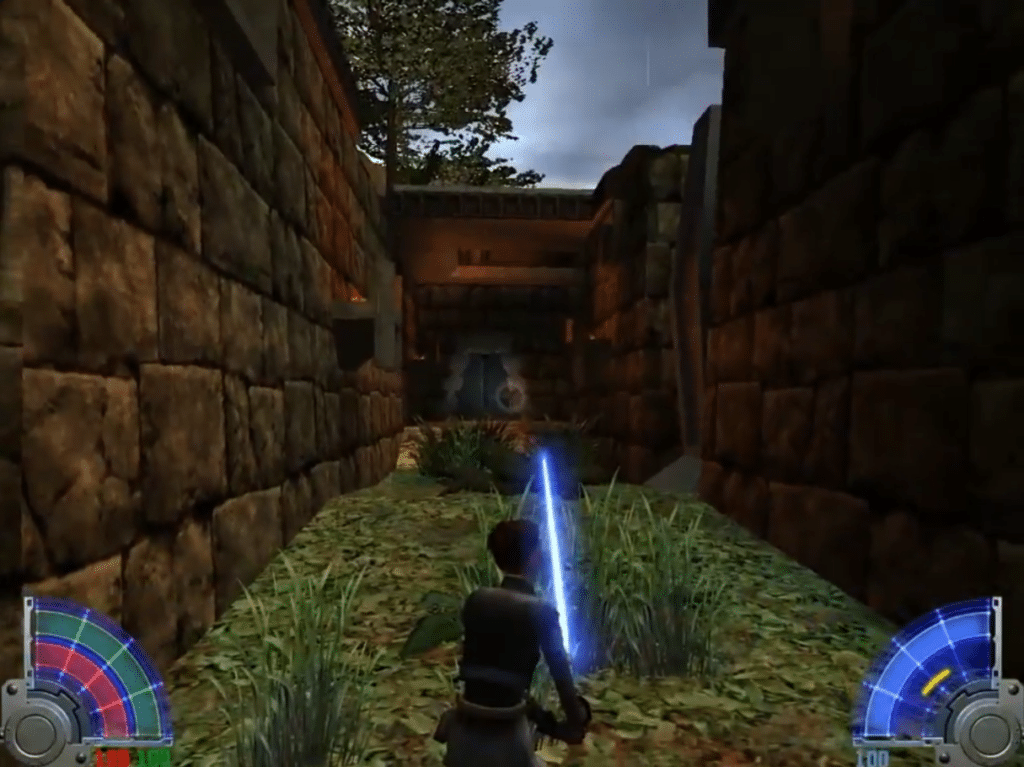
In Jedi Academy you play as Jaden Korr, a new student at the Jedi Academy. You’re trained by Kyle Katarn and Luke Skywalker and sent on missions to different planets in Star Wars universe.
It works well because the game doesn’t force you through a single, strict linear path. You pick missions as you go, unlock new Force powers, and gradually gain access to more advanced lightsaber types. That pacing makes the game feel more open, as your character truly grows from unsure apprentice to dangerous Jedi.
Lightsaber duels are still the game’s biggest strength
The best part of Star Wars Jedi Knight: Jedi Academy is the combat. You can wield a classic single saber, a double-bladed saber, or dual sabers, and each style genuinely changes how you play.
In our testing, melee duels against other Force users still shine. They can feel chaotic at first, but once you start combining jumps, blocks, Force Push, and quick strikes, battles feel far more alive than you’d expect from a game of this era.
Blasters are more uneven. They’re fine for variety, but Jedi Academy is clearly at its best when your lightsaber is out.
Graphics, audio, and atmosphere
The visuals are definitely dated, and character animations have that slightly stiff, early 3D action feel. However, the game captures Star Wars-stemningen ret well. The sounds of lightsabers, blasters, and Force powers do a lot of heavy lifting, and the levels take you to several familiar locations fans will instantly recognize.
The look holds up best if you accept it as a classic. If you expect modern, cinematic action like Jedi: Fallen Order or Jedi: Survivor, you’ll be disappointed. But if you want fast, free, and technical lightsaber gameplay, there’s still something special here.
Installation and compatibility on modern PCs
Star Wars Jedi Knight: Jedi Academy can be purchased and downloaded digitally from platforms like Steam and GOG. Steam lists it as part of the Jedi Knight series where you play a new student under Luke Skywalker, and the GOG version is also available digitally.
On our Windows 11 test machine the game ran fine, but older titles may require a bit of tweaking to resolution or compatibility settings depending on your hardware. It wasn’t built for today’s displays, but the core gameplay worked without major issues.
Who should download Star Wars Jedi Knight: Jedi Academy?
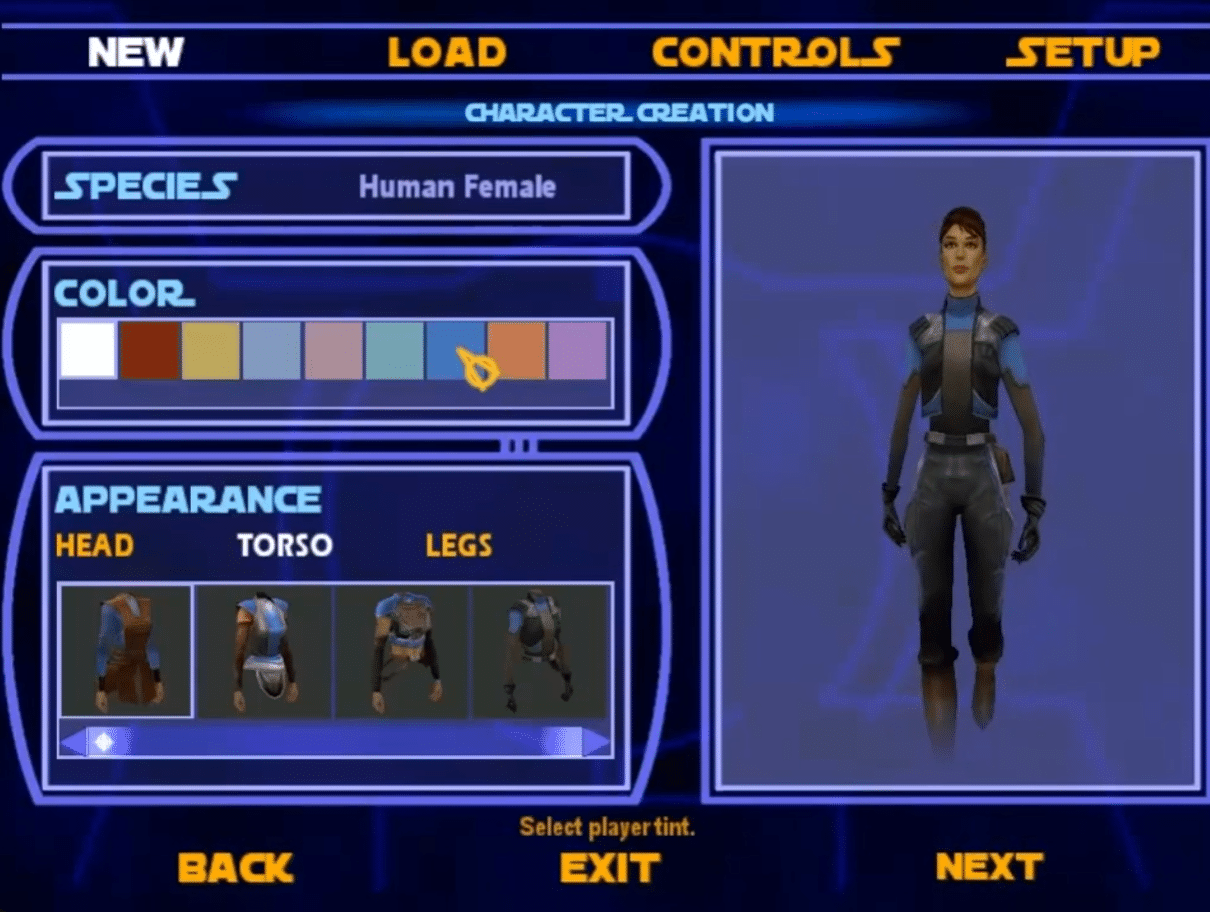
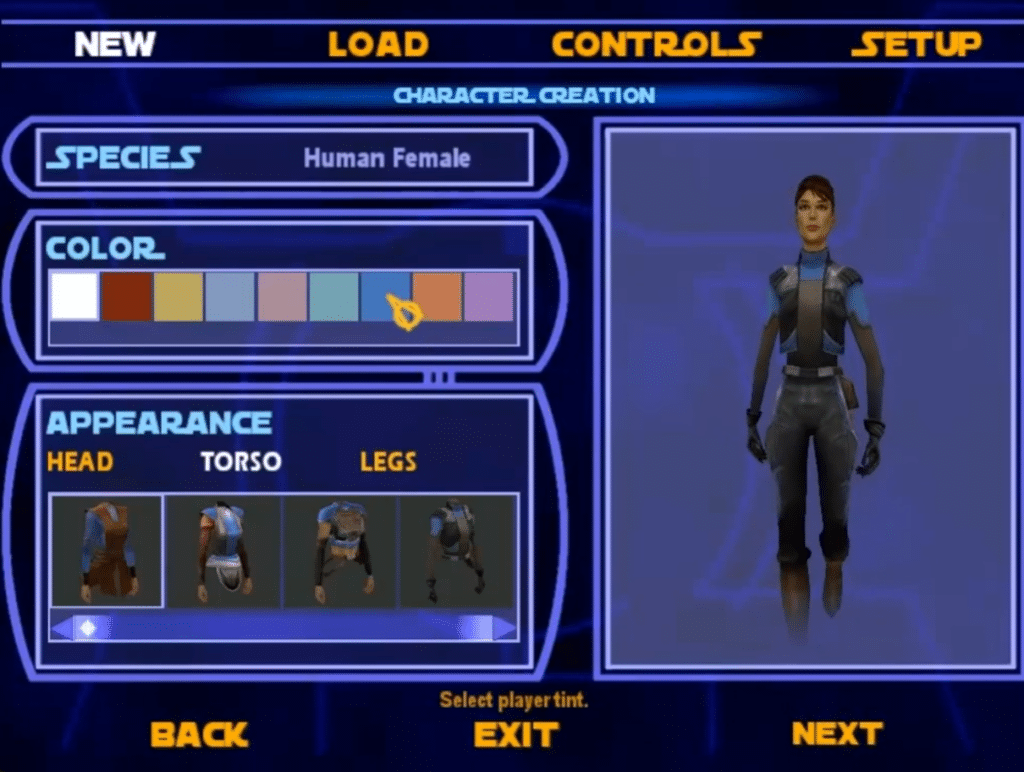
Jedi Academy is especially worth grabbing if you elsker Star Wars, klassiske PC-actionspil or if you want lightsaber combat that’s freer than cinematic set pieces. It’s also a strong pick if you miss a Star Wars title where you don’t just follow a fixed protagonist, but build your own Jedi with custom looks, weapons, and Force powers.
It’s not the obvious choice if you primarily want modern graphics, a polished UI, and contemporary controller feel. The game asks for a bit of patience, but the reward is one of the most interessante Jedi-actionspil on PC.
Top 5 tips for Star Wars Jedi Knight: Jedi Academy
1LightsaberTry every saber type before picking a favorite
The double-bladed saber looks cool, but dual sabers or a classic single blade can be better depending on your style. Feel the difference in speed, reach, and control.
2ForceCombine Force Push with quick strikes
Force Push isn’t just for tossing enemies off ledges. It also creates space in duels so you can attack from a better angle or safely disengage.
3MissionsPick missions based on your patience
Some missions lean into platforming, others focus on combat. If a level feels tedious, do another first and come back once you’ve unlocked more Force powers.
4PCTune resolution and controls right away
On modern Windows PCs, the defaults can feel dated. Spend a couple of minutes on graphics, mouse settings, and keybinds before you dive in.
5CombatDon’t just hop around—use blocks and timing
It’s tempting to spam jumps and attacks, but the best duels are often won by waiting half a second, blocking, and countering when your opponent opens up.



