
 Martin Jørgensen
Run Android apps and games on your PC with LDPlayer.
LDPlayer is a powerful, free Android emulator for Windows that lets you run mobile apps and games right on your computer. Whether you’re into casual gaming, social media apps, or productivity tools, LDPlayer is a user-friendly and efficient solution—especially if you want to play mobile games with a keyboard and mouse.

Features and benefits of LDPlayer
LDPlayer works like a virtual Android device on your Windows PC. The latest version supports Android 7.1 and newer, delivering high compatibility with most apps in the Google Play Store.
Mobile gaming on a big screen
LDPlayer is especially popular with mobile gamers because the emulator lets you play titles like Clash of Clans, AFK Arena, Arknights, or PUBG Mobile with better performance, a larger display, and full mouse-and-keyboard control. In other words, you get a console- or PC-like experience.
Multiple instances and multitasking
Another plus is the ability to run several emulator windows at the same time. For example, you can play two different games simultaneously—or sign in with multiple accounts in the same game, which is especially useful for resource management or daily quests.
User-friendly Android environment
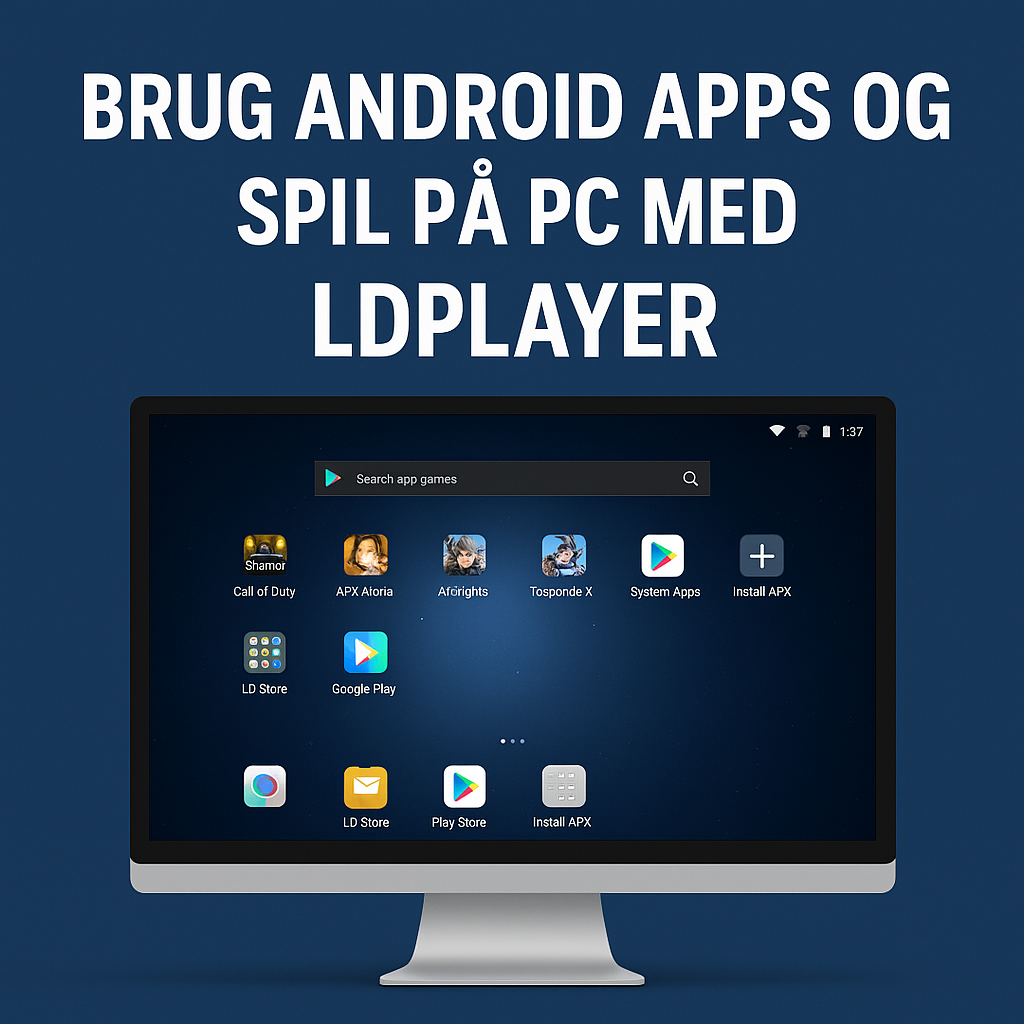
The interface feels like a traditional Android tablet. You get an app drawer, home screen, and settings, and you can install apps directly from Google Play or by dragging APK files into the window.

System requirements and compatibility
LDPlayer supports:
- Operating systems: Windows 10 and Windows 11 (64-bit recommended).
- Hardware requirements: At least 2 GB RAM and 36 GB of storage, but 8 GB RAM or more is recommended for optimal performance.
- Graphics: Support for OpenGL 2.0 or higher.
LDPlayer is optimized to run efficiently on both mid-range and high-end systems.
Drawbacks and things you should know
While LDPlayer has many advantages, there are also a few challenges and limitations to be aware of:
🔴 Keyboard setup takes time:
Some mobile games aren’t optimized for keyboard and mouse, so you’ll often need to map keys manually to get the best experience—especially in games with complex controls or multitouch actions. LDPlayer includes a keymapping tool, but it can take a bit of practice to get it just right.
🔴 Performance on older PCs can be low:
Although LDPlayer is generally optimized for high performance, older or low-spec machines can still struggle. Games with heavy graphics or lots of simultaneous animations may lag unless you manually lower resolution and FPS in the emulator settings.
🔴 Not supported on Mac:
LDPlayer is currently available only for Windows. Mac users should consider alternatives like BlueStacks or NoxPlayer for macOS. That means LDPlayer’s perks—such as multitasking and keymapping—aren’t available on Apple computers without advanced virtualization or Boot Camp solutions.
🔴 Possible conflicts with antivirus or security software:
Some users report that antivirus programs like Norton or Avast may mistakenly flag LDPlayer as potentially harmful. This is often due to the emulator’s deep system integration and use of hardware virtualization. It’s rarely a real issue, but you may need to whitelist LDPlayer in your security software.
Tips for a better LDPlayer experience
- Enable virtualization in BIOS/UEFI: Turn on “VT” (Virtualization Technology) for better performance.
- Install apps via drag-and-drop: Simply drag APK files into the LDPlayer window.
- Use Multi-Instance Manager to run multiple games or accounts at once.
- Tune FPS and resolution in settings for better visuals and smoother gameplay.
- Use macros and keyboard shortcuts to automate repetitive in-game actions.
What is LDPlayer best for?
LDPlayer is a great choice for:
- Gamers who want to play mobile games on PC.
- Users who want to use apps like Instagram, TikTok, WhatsApp, or Snapchat on their computer.
- Developers who want to test Android apps in a PC environment.

Download LDPlayer
You can download the latest version of LDPlayer for free from the developer’s official website:



