
 Martin Jørgensen
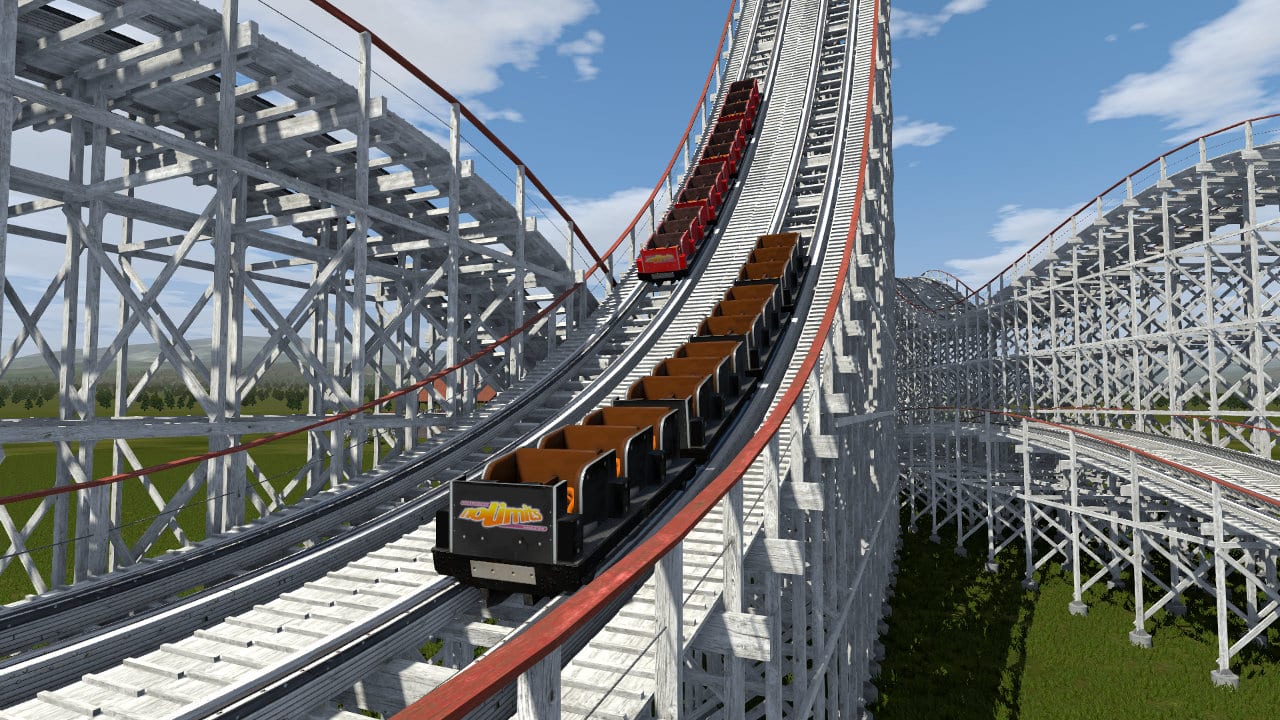
NoLimits 2 Rollercoaster Simulation puts you in the seat of a real roller coaster—right from your computer. The game focuses on realism, physics, and the freedom to both experience and build thrilling rides without stress or time pressure.

A relaxing simulation with surprising intensity
NoLimits 2 stands out from many other games by not pressuring you with scores, deadlines, or constant challenges. When we tested it on a standard Windows 11 PC, it felt more like an interactive experience than a traditional game. You can lean back, take a ride, and simply enjoy the sensation.
At the same time, don’t underestimate the intensity. When the track plunges and you’re peering over the edge, you can absolutely feel that familiar stomach drop—even while sitting safely at your desk.
Realism front and center—graphics and physics

One of the first things you notice in NoLimits 2 Rollercoaster Simulation is its high level of realism. The graphics are detailed, and the motion of the coaster feels natural. That’s thanks to an advanced 3D engine and a physics model built around real-world forces like G-loads and gravity.
You can freely move the camera while riding to view the landscape, elevation, and surroundings. It makes the experience feel more alive than what you typically expect from simulation games.
Build your own roller coaster from scratch
If you get tired of just being a passenger, you can step into the role of designer and engineer. NoLimits 2 includes a powerful yet surprisingly intuitive toolset for building your own roller coasters.
Here you can:
- Define the track’s shape, speed, and banking
- Experiment with loops, drops, and extreme turns
- Test-ride your tracks and refine them as you go
We spent plenty of time building tracks we’d never dare ride in real life. This is exactly where the game truly stands out—it’s both creative and educational at the same time.
A game for both creative and curious minds

NoLimits 2 can be enjoyed in several ways. Some treat it as a relaxing experience, while others spend hours perfecting track design. That makes the game ideal for both quick sessions and deeper dives.
In the United States, we see strong interest from players who:
- Love theme parks
- Care about simulation and realism
- Want to design and test their own ideas
Platforms and compatibility
NoLimits 2 Rollercoaster Simulation supports both Windows and macOS, which is a big plus. It makes the game accessible to most players and avoids the usual frustration over limited platform support.



