
 Martin Jørgensen
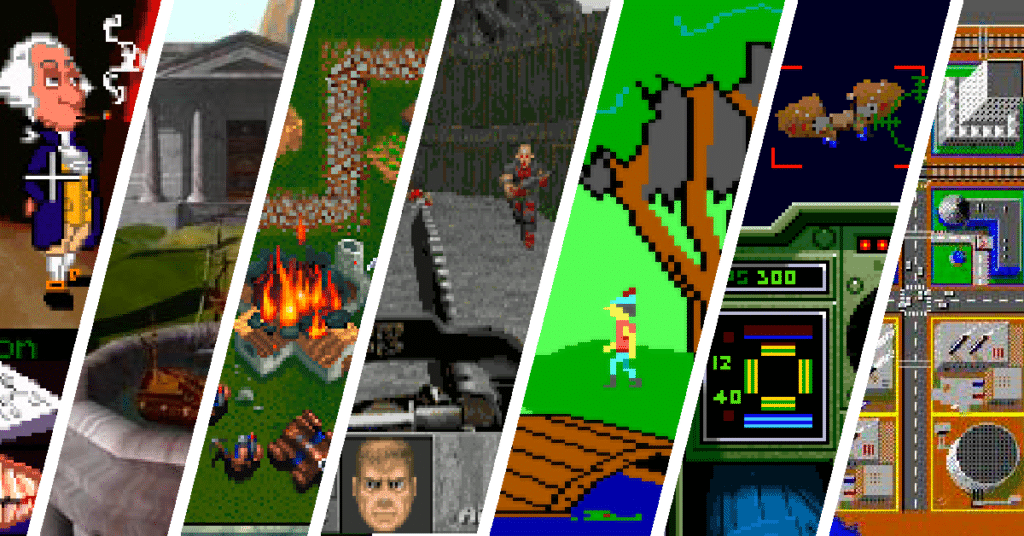
Plenty of players still prefer games that work entirely offline. Whether you’re on the go, dealing with an unstable connection, or just want to avoid always-online requirements, there are loads of classic and modern offline games for Windows.
We’ve tested a range of games that run locally on your computer and work perfectly on both Windows 10 and Windows 11.
Why choose offline games?
Offline games come with clear advantages:
- They work without Wi‑Fi or any network
- No logins, accounts, or always‑online DRM
- Often lower system requirements
- Great for older PCs and laptops
Many of the best offline games are classic PC titles that still hold up surprisingly well today.
Classic offline games for Windows
Here are some of the most popular offline games that people still download in droves:
1
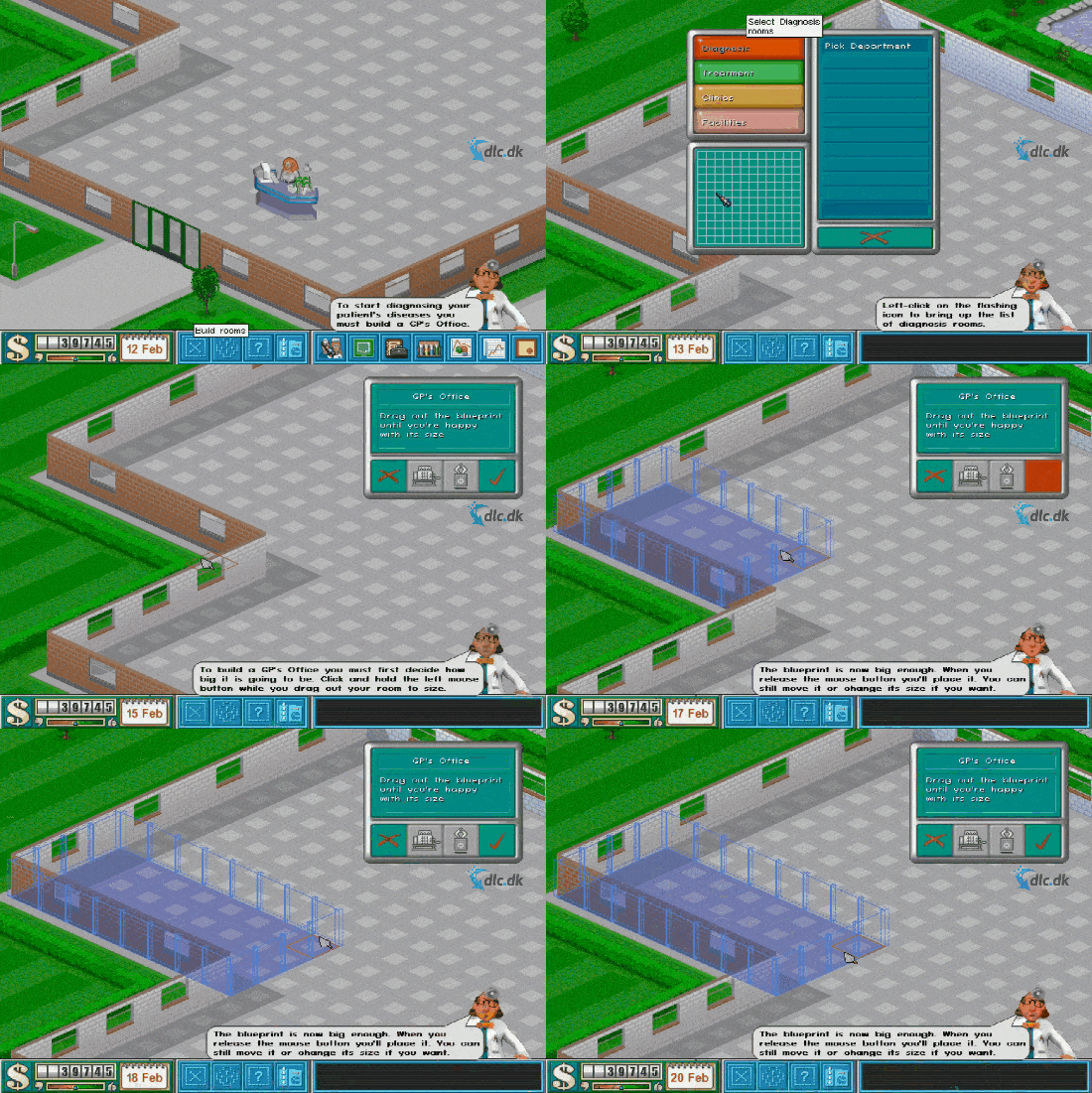
A humorous and strategic hospital management game where you build and run your own hospital. The game is fully offline and runs great on modern Windows PCs.
RollerCoaster Tycoon
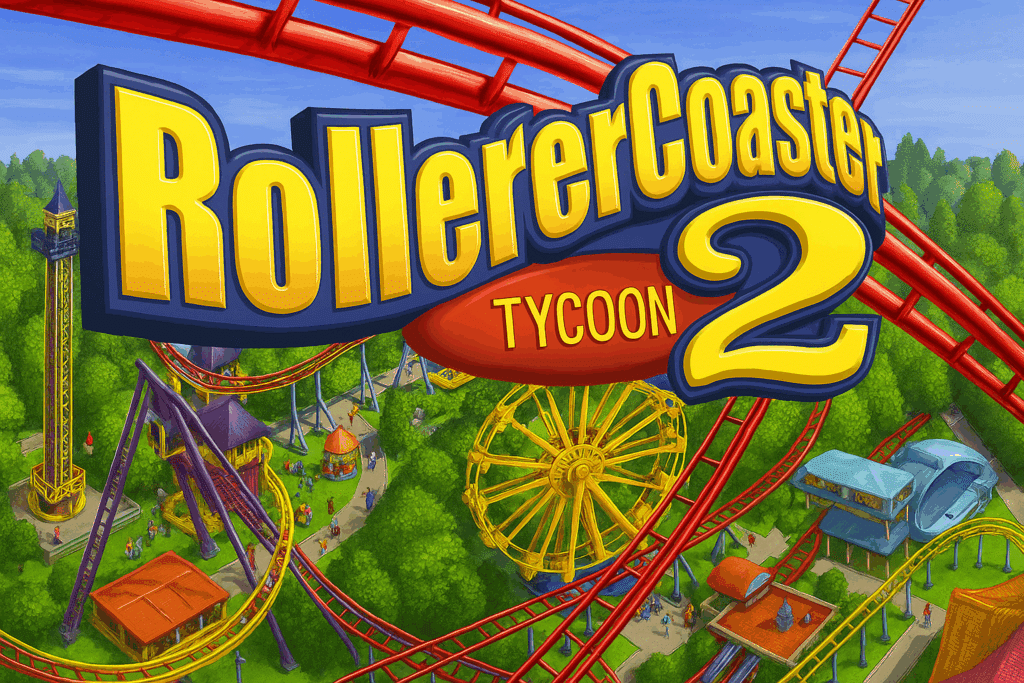
Build theme parks, design roller coasters, and manage your finances. One of the most iconic offline strategy games ever.
Prince of Persia (classic)
A platform and action game with precise movement and timeless gameplay. Plays completely offline.
SimCity 3000
Build and manage your own city. Deep, immersive, and 100% offline.
Lemmings
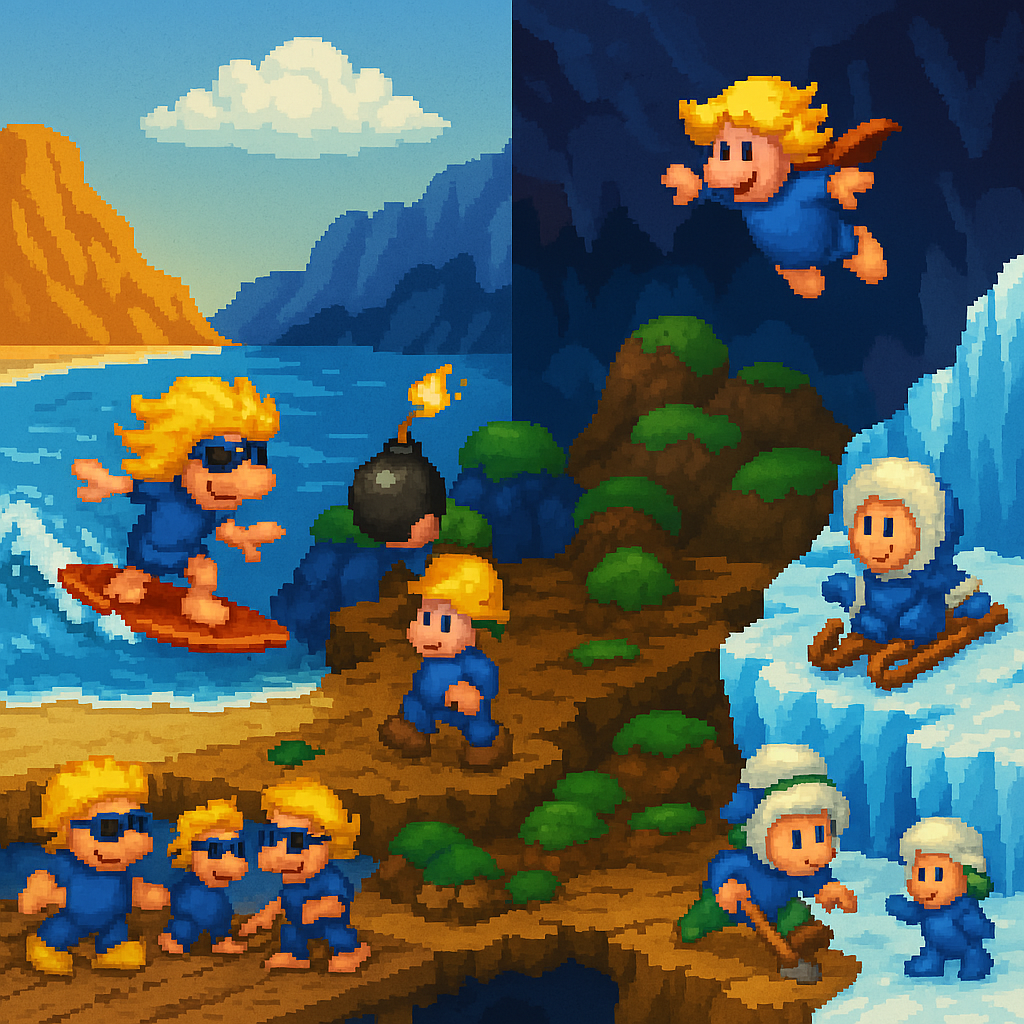
A puzzle classic where you guide little creatures safely through each level. Simple, challenging, and still entertaining.
Do offline games work on Windows 11?
Yes. Most classic offline games run just fine on Windows 11. In some cases, you may need:
- compatibility mode
- minor tweaks
- or an emulator like DOSBox
Are offline games free?
Some offline games are free, while others are classic commercial titles now available as abandonware or via archives. Licenses and rights vary, so it’s important to download from trusted sources.
Offline games vs. online games
Offline games:
- play locally
- require no servers
- work anytime
Online games:
- require internet
- can shut down permanently
- depend on accounts and updates
That’s why we’re seeing renewed interest in offline games.
More offline games on the way
This list is updated regularly with more offline Windows games — both classics and newer titles. Many of the games also get their own dedicated pages with downloads, guides, and compatibility tips.



