
 Martin Jørgensen
Pluto TV – Free streaming for everyone
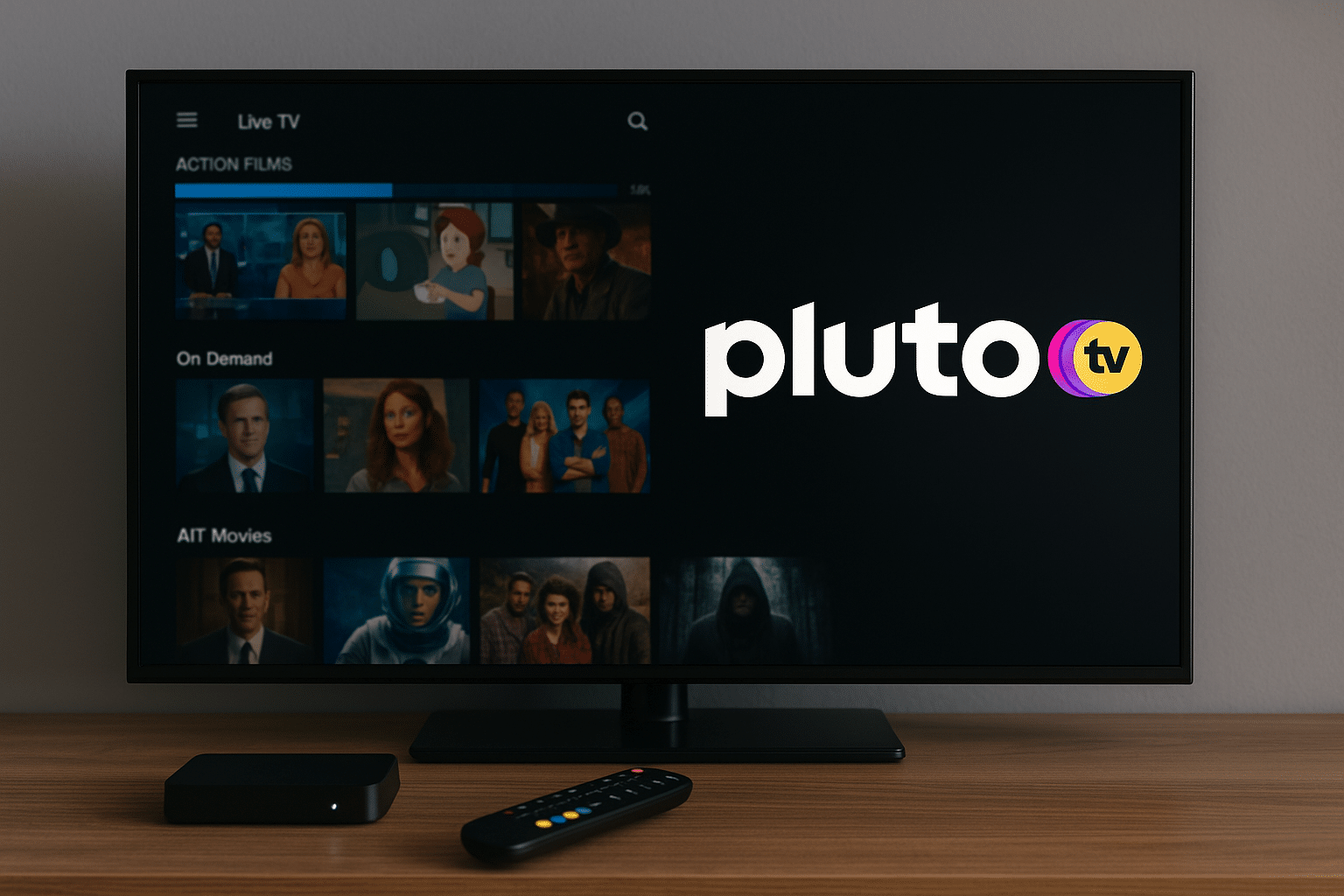
Pluto TV is a free, ad-supported streaming service that offers both on-demand movies and shows and live channels across nearly every genre. The service is owned by Paramount Global and is available in many parts of the world – including Europe and Scandinavia.
While competitors like Netflix and Disney+ require a monthly subscription, Pluto TV is completely free. The trade-off is advertising – just like traditional TV. It’s part of the concept, and many see it as an easy compromise when you get free access to quality content without paying.
Content and features
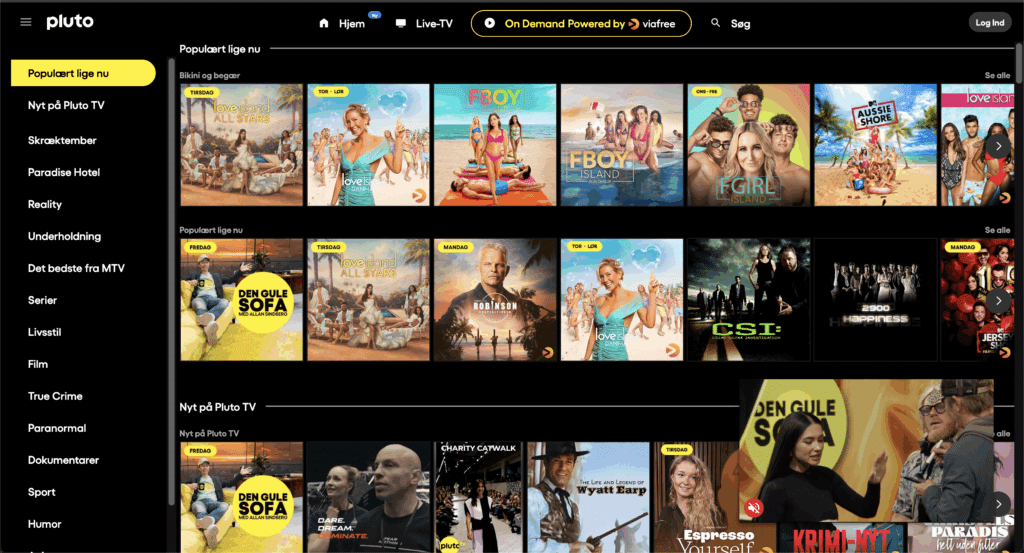
Pluto TV stands out from most streaming services by combining live TV and on-demand streaming in one platform. You can surf through hundreds of channels, including action, comedy, true crime, documentaries, sports, and news. There are also niche channels with cult films, classic series, and themed marathons.
The on-demand section features a wide selection of movies and series from well-known companies such as Paramount, CBS, and Nickelodeon. You’ll find both old classics and newer titles – but not always the very latest theatrical releases, which require licensing fees.
Pluto TV works on almost all devices: smartphones, tablets, computers, smart TVs, Chromecast, Apple TV, and Amazon Fire TV Stick. No account is required – you can start right away by clicking Download Pluto TV below.
User experience and interface
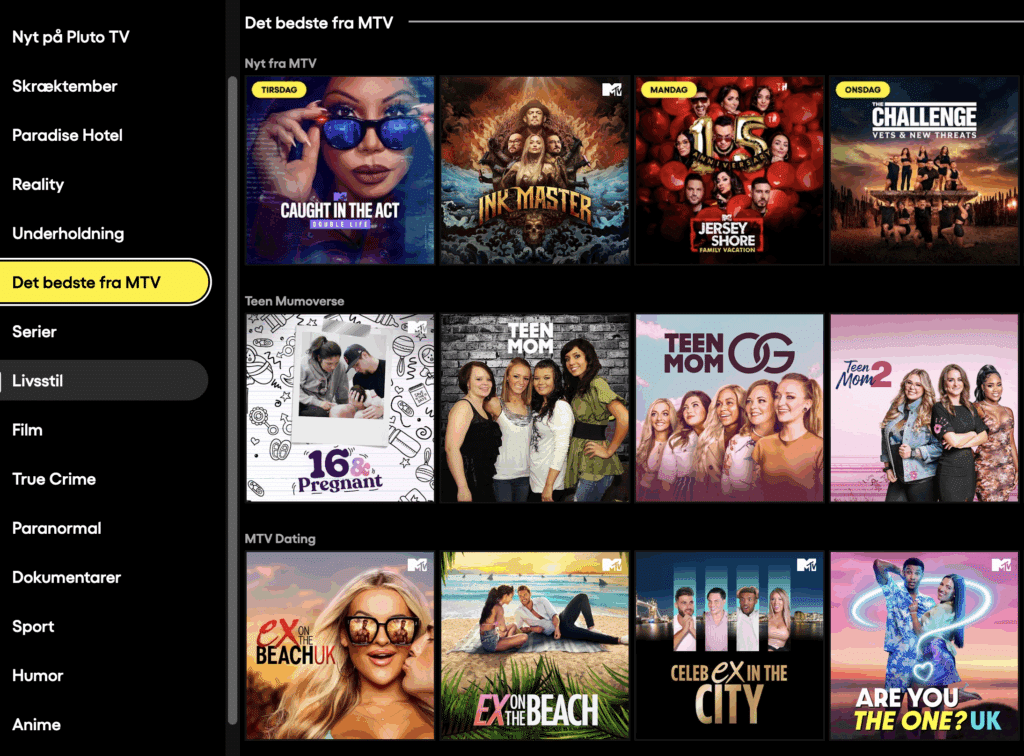
The Pluto TV interface is intuitive and fast. Channels are presented in a classic TV-like layout, so you get the feeling of channel surfing – something most modern streaming services lack.
The search function makes it easy to find content by genre, title, or theme. You can also create a free profile to save favorites, but it’s not required.
One small downside is that the ads can be a bit frequent in some programs, and subtitle quality varies by region. But for a free service, it’s still impressively stable and user-friendly.
Top 5 tips for Pluto TV
1. Explore the hidden niche channels
There are many small specialty channels that don’t appear on the front page – such as horror, anime, and 80s movies.
2. Create a free profile
Save favorites and pick up where you left off – across all your devices.
3. Use the search bar actively
Pluto TV’s library is large but not always easy to navigate. The search function often reveals hidden gems.
4. Cast content to your TV
If you’re watching on your phone, you can quickly cast directly to your smart TV via Chromecast or AirPlay.
5. Combine live TV and on-demand
When you’re watching live, you can switch to the on-demand version of the same series and continue without the live ad break.



