
 Martin Jørgensen
Polytoria: Roblox-like sandbox where you can build and play others’ worlds
Polytoria is a free online platform similar to Roblox: you play “Places” (worlds/games made by other users), build your own, and customize your character with items from a built-in marketplace. It’s all community-driven, so there’s always something new to try—especially if you enjoy creative sandboxes, roleplay, quick minigames, and build-it-yourself projects.
Gameplay and features
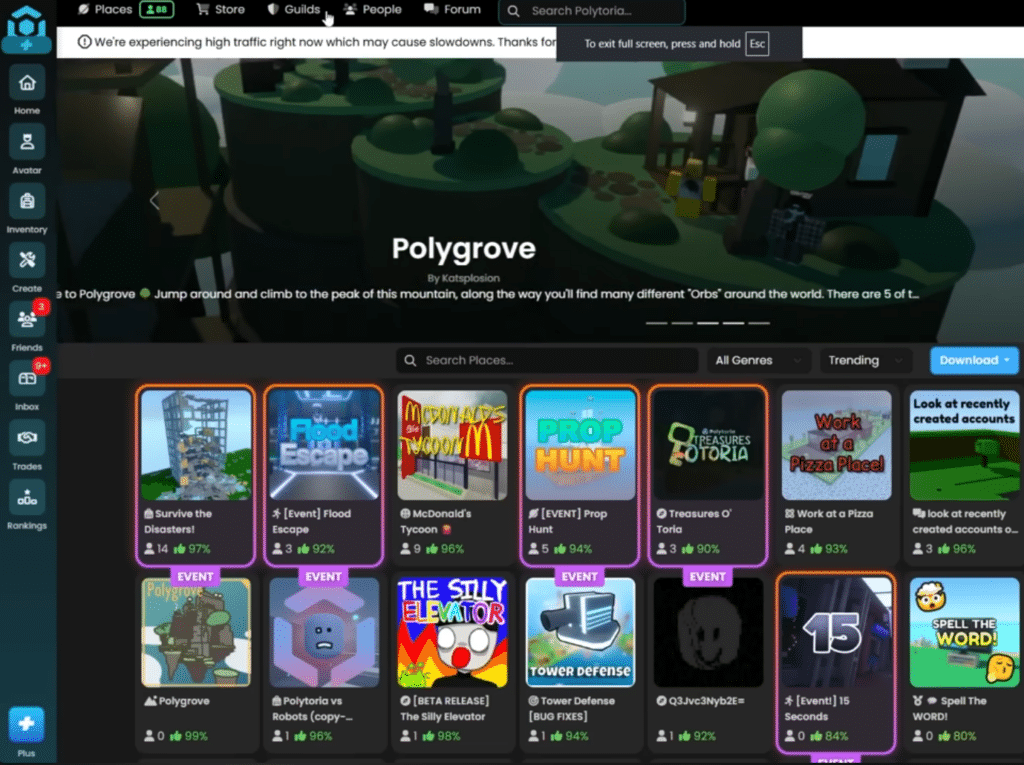
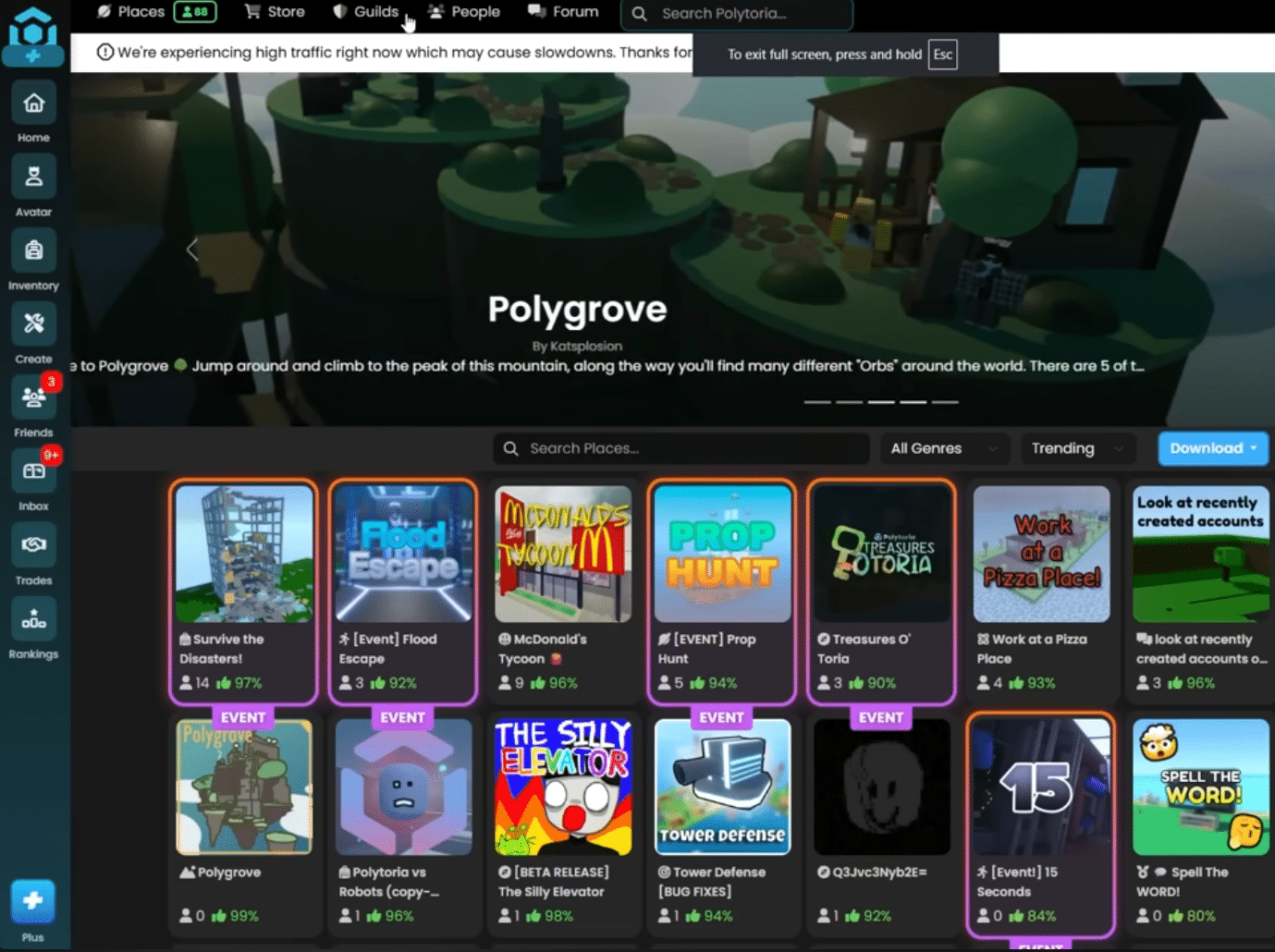
Polytoria blends game and platform: you hop between different Places built by other users. Some are tiny minigames; others are showcases or social hangouts. The upside is you never run out of content—it’s just not curated the same way as a klassisk game, so quality varies (and that’s part of the charm).
In our test on a standard Windows 11 PC, the best part was how fast you get going: create an account, log in, play. It can take a bit to find worlds that match your taste—especially if you’re after something more polished than “yet another obby-style course.”
Graphics and design
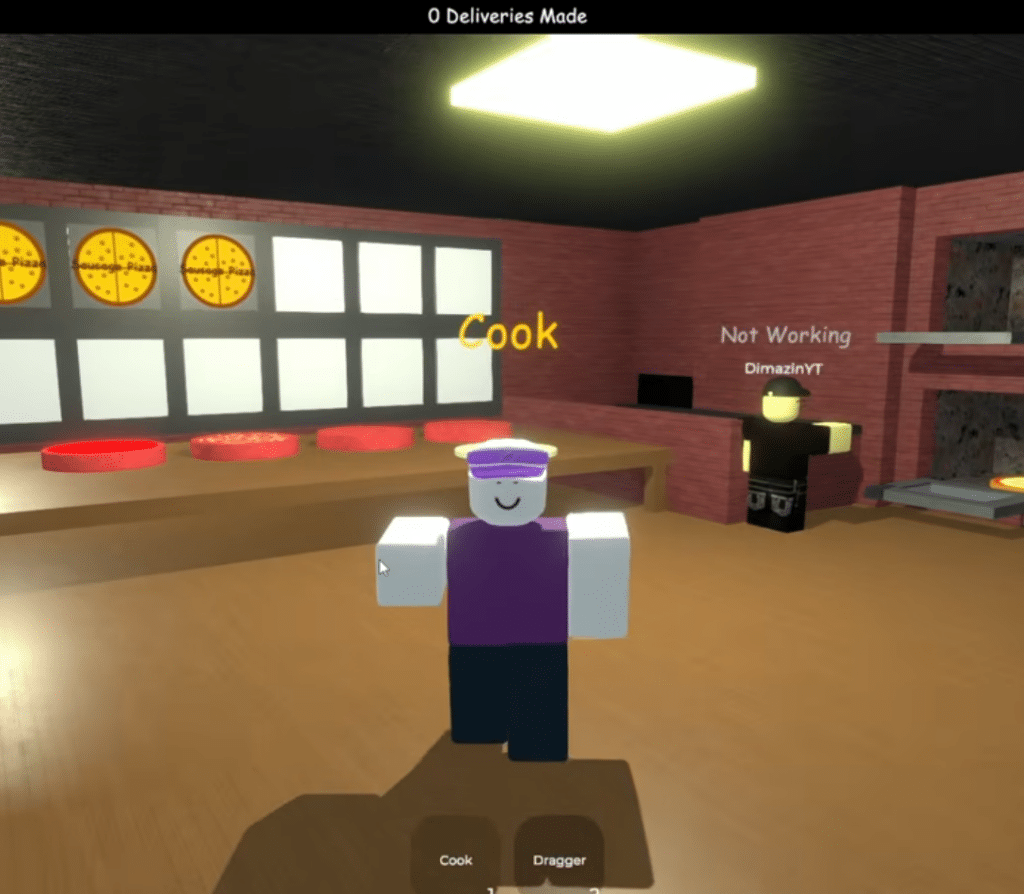
The graphics are intentionally simple and blocky, which is a plus: it runs well on older hardware, and creators can build a lot without everything getting heavy. The vibe is close to classic Roblox, but with its own identity—especially in Places where creators have really polished lighting, colors, and small details.
Creator tools: Polytoria Creator
If you want to build—not just play—there’s Polytoria Creator, a tool for Windows, Mac, and Linux used to make your own Places and scripts. This is where Polytoria gets especially interesting for creative users (and for parents who like the idea of a “game” that actually sparks making, not just consuming).
During testing, this is where you really feel the shift from “I’m playing” to “I’m creating.” The Creator side takes a bit more patience, but once you get the workflow, it’s a great feeling to publish something others can play.
Who is Polytoria best for?
If you’re in the United States and looking for a Roblox alternative, Polytoria is ideal if you:
- prefer community-made minigames and experiences without installing a heavy client
- like sociale sandkasser (roleplay, hangouts, små events)
- are curious about building your own worlds and “playing developer” in a more approachable environment
- want a platform where creativity is the whole point—not just a grind
If you expect a tight, story-driven game with fixed progression, Polytoria can feel like walking through a big marketplace: lots to look at—you just have to find your favorite booth.
Strengths and weaknesses
Polytoria’s biggest strength is also its Achilles’ heel: community content. When you land on a great Place, it can be surprisingly fun. But you’ll also run into unfinished projects, “test worlds,” and things that feel like hobby experiments. That’s normal for the genre—and why smart tips (below) make a big difference.
Top 5 Polytoria tips
Save your favorite Places right away
When you find a world that’s truly polished, save it. Polytoria is a giant catalog, and the best spots can be hard to find again if you just keep using your browser.
Play with friends—it massively improves the experience
Many Places feel empty solo. With 1–2 friends, even simple minigames get better, and you’ll quickly learn what’s worth your time.
Start small in Creator: one map, one mechanic
The fastest way to burn out is planning a “huge game” on day one. Build a small arena, a simple obby, or a mini quest—then expand.
If it stutters: turn down effects before giving up
Some Places are heavier than others. In our test, micro-stutter was often fixed by dialing back graphics a bit before blaming your PC.
Stick to official logins and avoid “free items” tricks
As on other UGC platforms, some promise free currency/items. Only use official sign-in methods on the platform and be skeptical of “too good” offers.



