Martin Jørgensen
We all know the feeling: after a few months of using our computer, the desktop usually ends up cluttered with all kinds of stuff. That makes it annoying to find the program you need. Or if you’re already running multiple apps and want to open another at the same time, it’s a pain to minimize everything just to dig through the desktop for what you need.
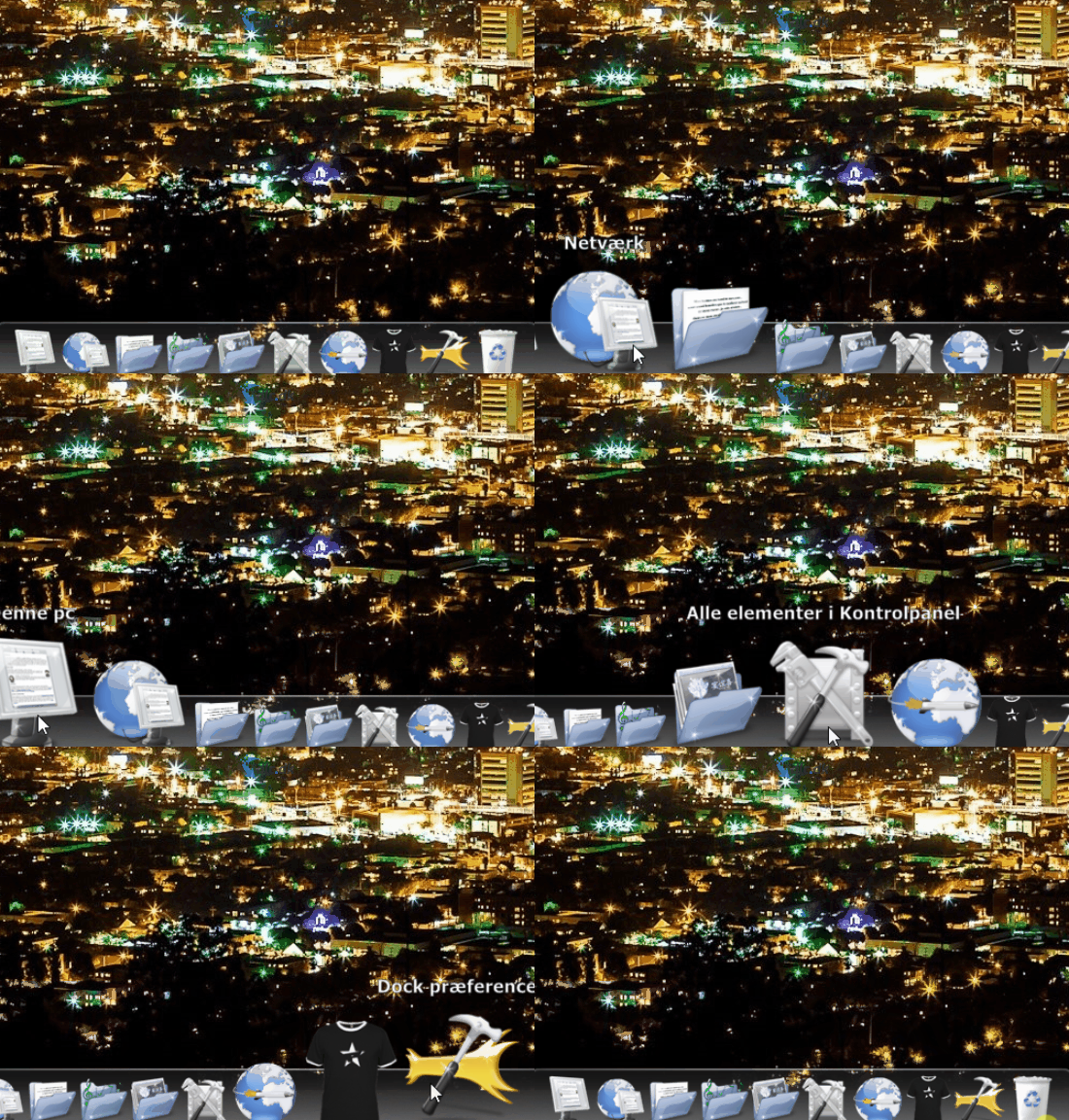
With RocketDock from developer Punk Labs, you can avoid all of that—and it’s completely free. RocketDock adds a customizable dock to the top of your screen, giving you quick shortcuts to important locations on your PC and to the programs you use most. With just a few clicks it’s set up and ready, and your time on the computer will feel much smoother.
Get quick access to your most important shortcuts and favorite programs with RocketDock
RocketDock is a smart, efficient dock toolbar for your PC. It lets you add shortcuts to the things you use often or need quick access to. For example, if you’re writing in Word, and need to process images for an article in a high school paper, you can add an image editing program to the dock and open it directly from there.
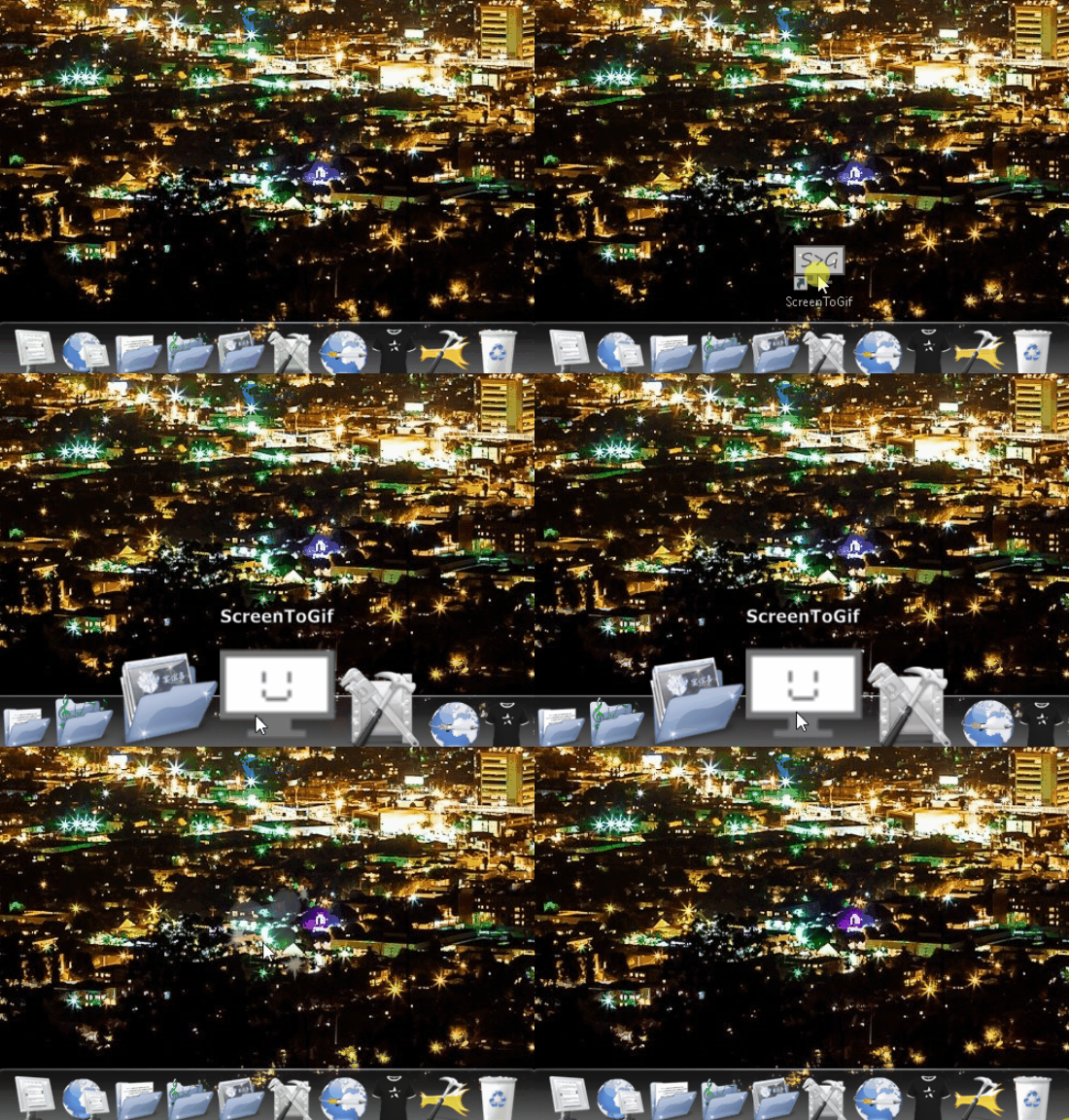
You can also add shortcuts to folders, etc., on your system. This is really handy when you need quick access to different documents while working on a project. In essence, RocketDock’s dock makes it easy to work on your computer when you’ve got a lot going on, because you can always quickly open and close the specific folders and programs you need. The improved overview makes it easier—and to some extent more enjoyable—to work on your computer.
Customize your dock so it fits you perfectly
Beyond RocketDock’s broad usefulness in your daily work, you can also customize its look so it fits you perfectly.
RocketDock comes with a long list of themes that change its appearance. You’re almost guaranteed to find something that pleases your eyes. It may take a little time to find what suits you specifically, but it’s worth it.
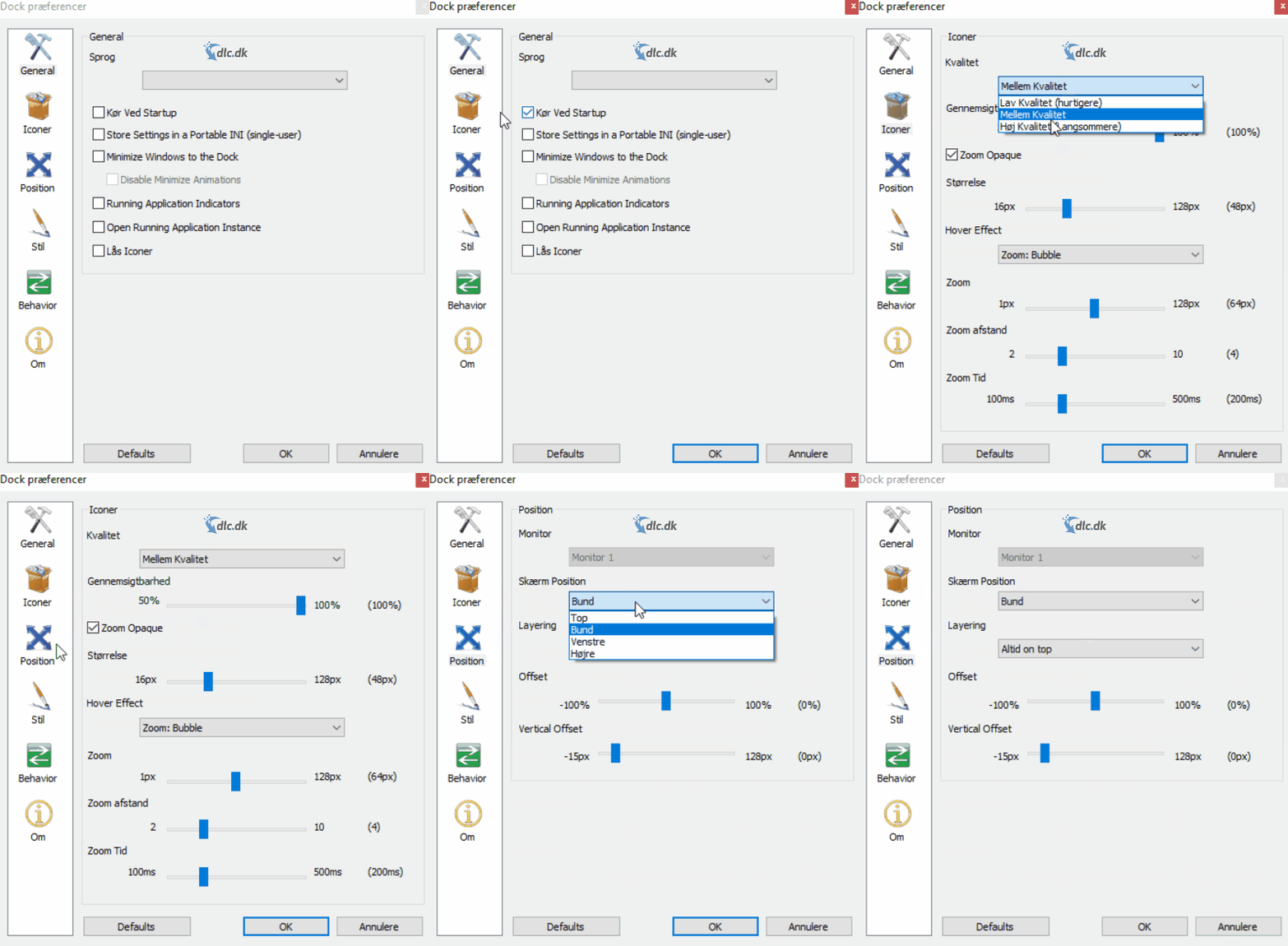
You can also change the dock’s font size and style, adjust icon size and quality, and move the dock anywhere on the screen where you think it fits best.
All of this can be tweaked under “Dock Preferences.” It’s worth checking there first after installing the program so it’s optimally tailored to you—you’ll get the most out of it that way.
Make working on your PC more manageable and stress-free
When you’re working on a computer with many things at once, it’s easy to feel overwhelmed. The screen isn’t the size of a desk, after all, so working with multiple documents and keeping an overview can be a challenge.
With RocketDock, it feels like the screen expands. It doesn’t, of course, but you can open and close files and programs much more easily, so neither you nor your PC drowns in windows. This will significantly increase your efficiency and help you avoid stress as much as possible. Work should be pleasant—and RocketDock helps make it that way.
One of the best free docks on the market
There are countless docks and toolbars on the web these days because people have realized how beneficial it is to optimize desktop organization. Many of them cost money, either monthly or as a one-time fee.
Reassuringly, you can find docks that do essentially the same thing without paying a cent. That’s where RocketDock is unique: it’s one of the best free alternatives you can use. It’s missing only a few features compared to paid versions, but those are rarely things you’ll need. So it would be a shame to pay for something you can get for free.
Sleek design with a hint of Apple’s signature style
Apple is a producer well known for user-friendly and beautiful design. RocketDock draws inspiration from this and delivers a dock that looks like something that would automatically come with a Mac computer, for example.
The icons are a nicely balanced size (which you can adjust as needed), and they magnify when you hover over them so they’re easier to click. That draws attention to the dock when you need it. Otherwise, it fades nicely into the background while you work so it doesn’t distract.
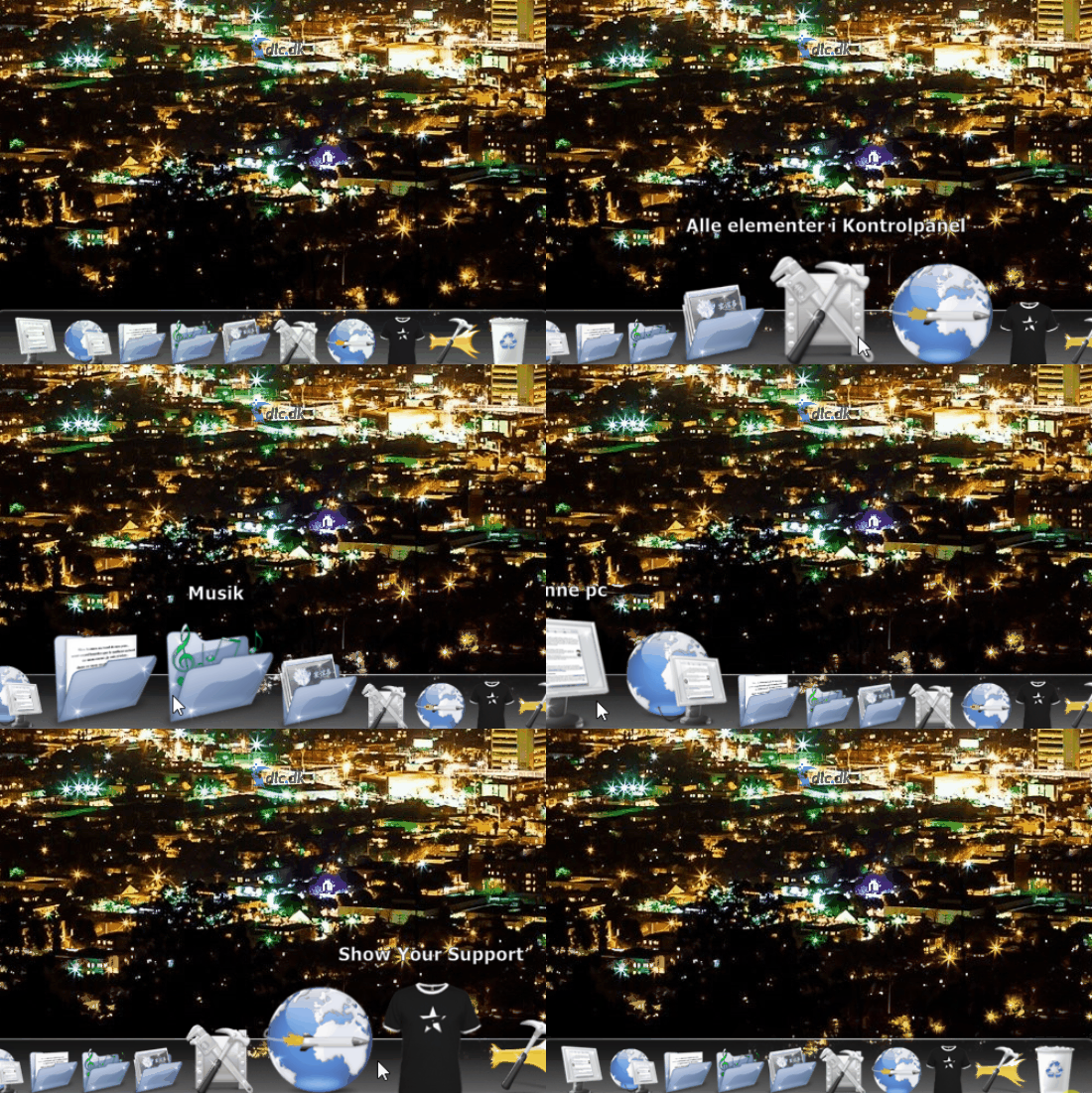
If you want to add something to your dock, you can do it in seconds. Just drag the folder, shortcut, or program onto the dock, and a shortcut will be created so you can access it quickly.
Every aspect of the dock can be changed to fit your needs. If you’re not satisfied, you can go in and change everything in seconds so the dock is tailored specifically to you.
Related software
Now that RocketDock gives you a way to optimize how you use your computer, you can also take the opportunity to learn more about your system.
With CPU-Z from www.CPUID.com, you can get all the information about your computer you could want. This is really useful if you’re interested in further optimizing your system by buying new hardware. The program can be downloaded for free here.
A dependable dock utility
RocketDock is a fantastic free dock that helps you gain better overview on your computer while you work. With its rich customization options, anyone can use it effectively and enjoyably. It comes highly recommended.