

 Martin Jørgensen
Simplenote – the best free app for simple notes across devices
Simplenote is a free, minimalist note‑taking app developed by Automattic—the people behind WordPress and Tumblr. It’s made for anyone who wants to jot down notes quickly and easily, without unnecessary features or distractions. Everything syncs automatically across your devices, and you can even use the app offline.
Features and ease of use
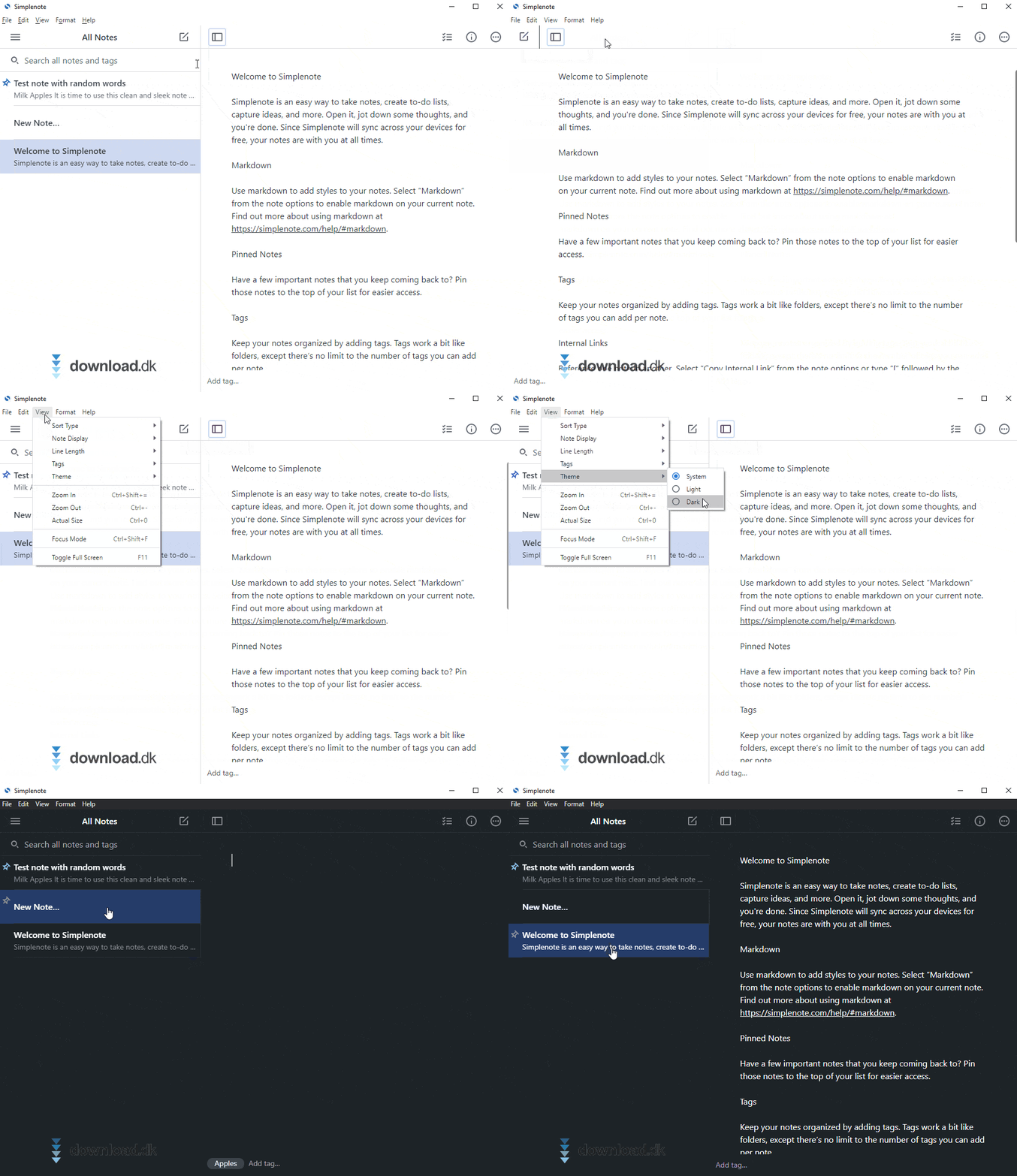
Simplenote lives up to its name: you get a clean, lightning‑fast writing space where your notes are saved to the cloud automatically. There are no toolbars, color labels, or complex menus—and that’s exactly its strength.
You can organize your notes with tags (labels), which makes it easy to search and filter. This fungerer i stedet for traditionelle mapper and notebooks that many competitors use.
You can also collaborate on notes and publish them via shareable links—right from the app.
Markdown and version history
The app supports the Markdown format, so you can emphasize text and create lists and links without relying on the mouse or menus. If you make a mistake or want to undo a change, you can easily step back to a previous version of your note using the built‑in version history.
Offline access and platform support
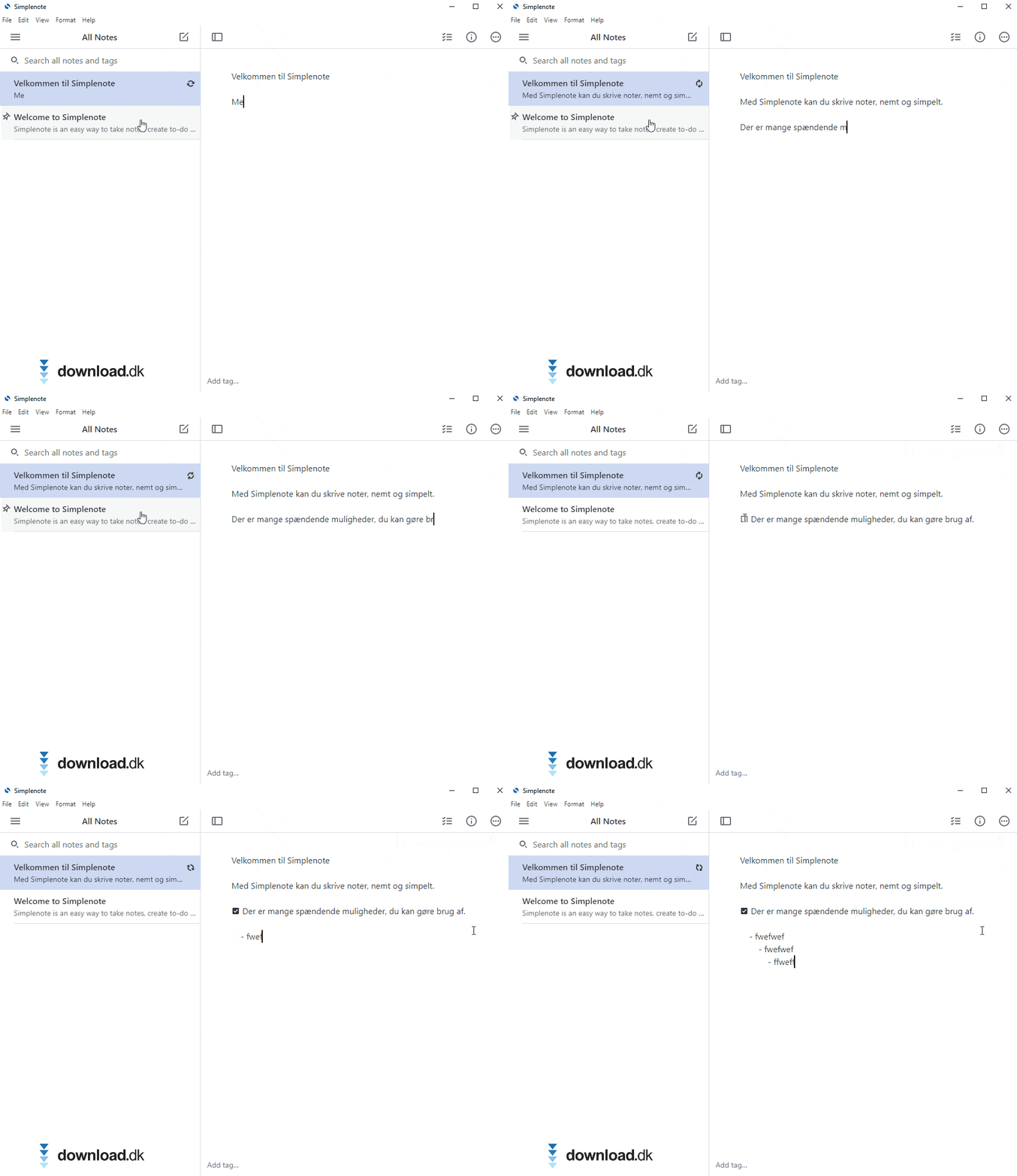
A big plus is that Simplenote works offline. You can edit and search your notes without an internet connection—they sync automatically when you’re back online.
The app is available on all major platforms:
- Windows
- macOS
- Linux
- iOS (iPhone/iPad)
- Android
- Web
Light and dark mode
You can choose to write in dark or light mode. Switching takes just one click—perfect for both daylight and evening work.
Limitations
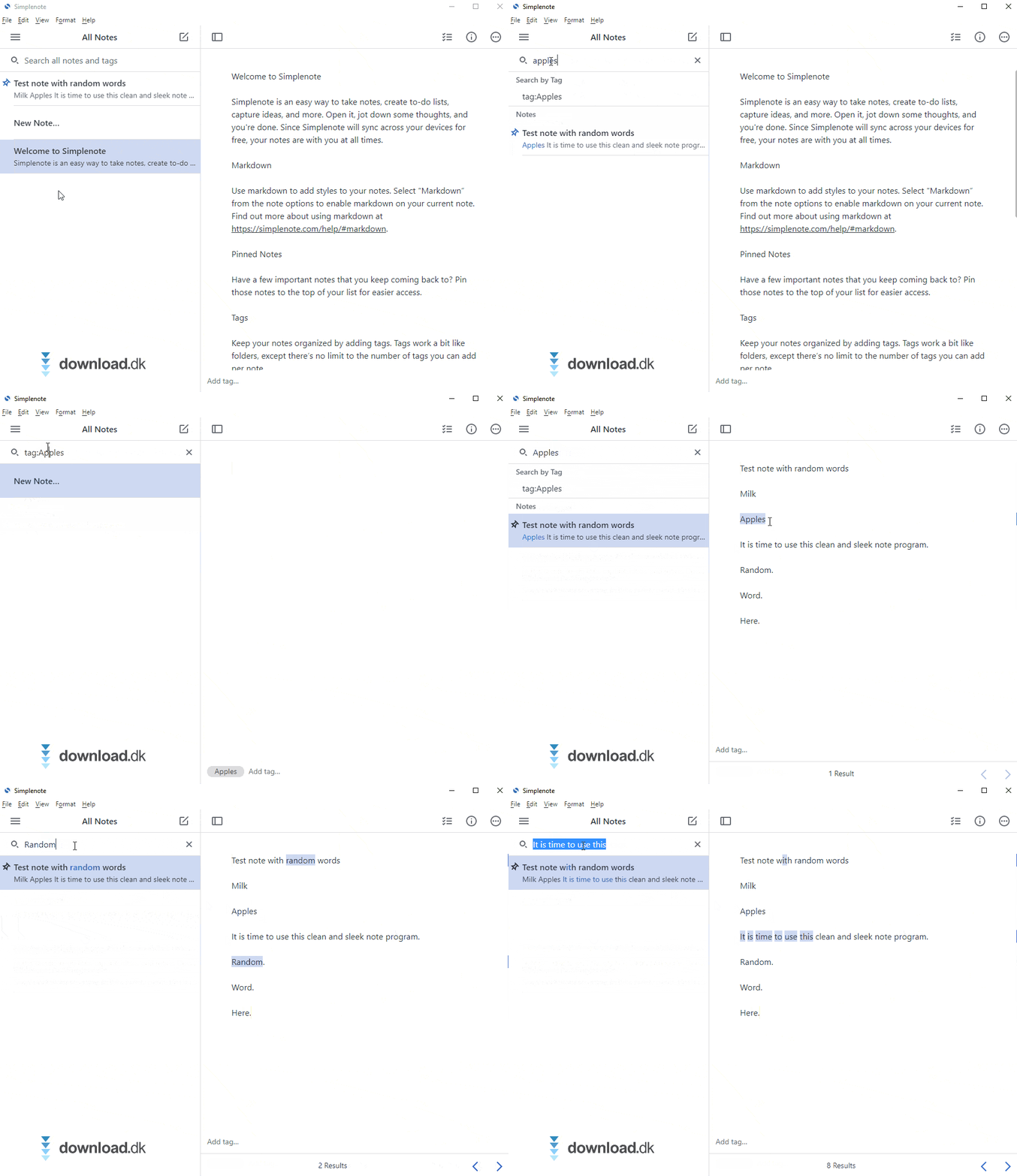
Simplenote is only for text notes—there’s no support for images, attachments, handwriting, or checklists. If you need those, consider alternatives like Evernote, Joplin, or Microsoft OneNote.
Additionally, the desktop versions are English‑only, while the mobile apps automatically use your system language.
Top 5 tips for Simplenote
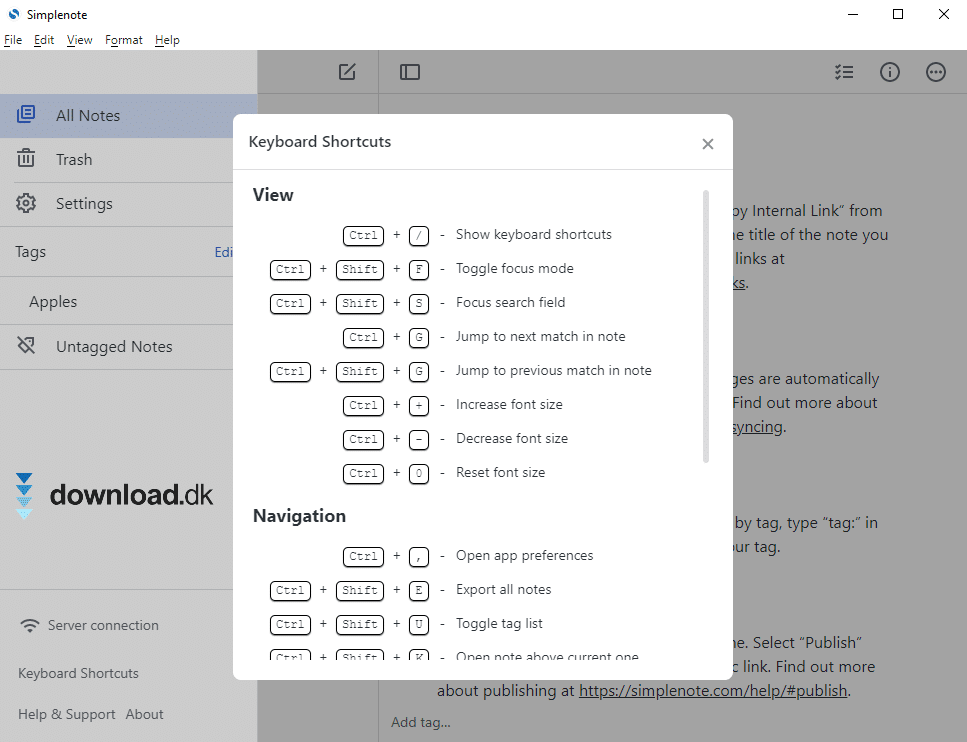
Learn Markdown for quick formatting
Simplenote supports Markdown, a lightweight, text‑based formatting tool that lets you create headings, bullet lists, links, and more—without taking your hands off the keyboard.
For example, type # Heading for a large title, *italic* for italics, and - Item 1 for a list. It’s quick to learn and saves you from using the mouse and toolbars.
Tip: Enable Markdown preview in the app settings so you can see your formatting as you type.
Use tags from the start
Instead of folders, Simplenote uses tags for organization. At the bottom of each note, add relevant keywords such as #work, #recipes, #to-do.
When you search later, your tags appear as shortcuts, making it much faster to find older notes.
This is especially useful if you have lots of notes—and you probably will, sooner or later!
Pro tip: Use consistent tags, e.g., always singular or always lowercase—it makes searching more effective.
Sync across all your devices
One of Simplenote’s biggest strengths is its automatic sync.
When you skriver en note on your computer, it’s instantly available on your phone or tablet—and vice versa. You just need to be signed in with the same account.
This means you can start a note on the train and finish it at home on your PC.
The app is available on iOS, Android, Windows, macOS, Linux, and as a web app—and it’s all free.
Switch to dark mode at night
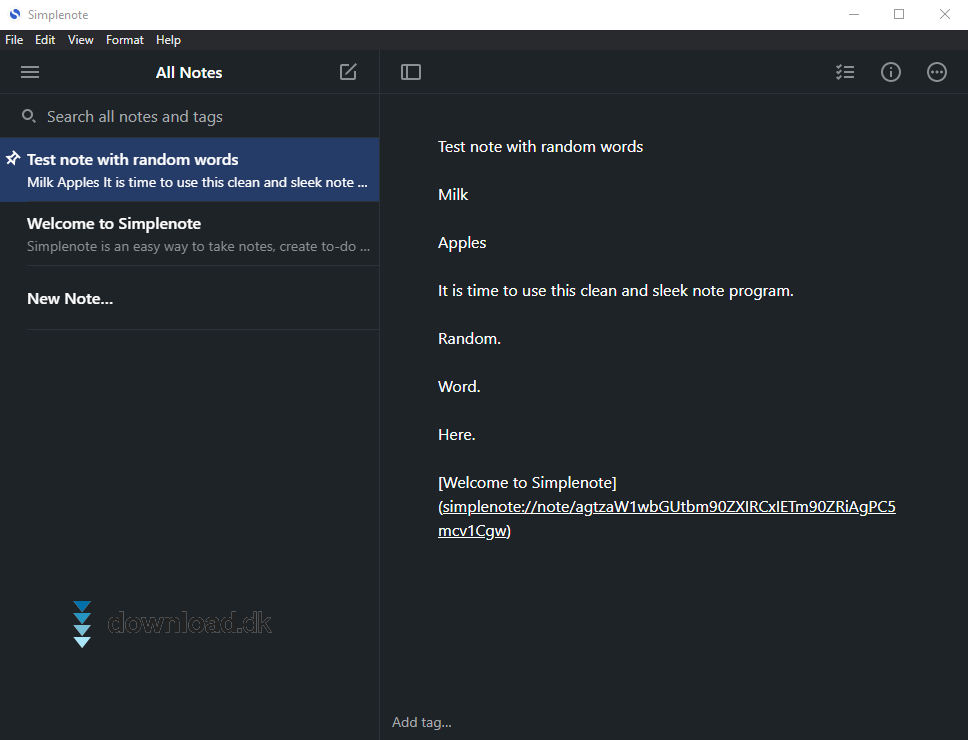
Simplenote offers both light and dark themes, so you can match the interface to your surroundings and your eyes’ needs.
The dark theme reduces eye strain in low light and makes writing at night more comfortable.
Enable it by clicking the menu and choosing “Dark Theme”—the change is instant.
Bonus: On mobile, Simplenote can also follow the system dark mode automatically.
Restore previous versions of notes
All notes are continuously saved with version history, so you can always roll back to an earlier copy.
Accidentally deleted something? No problem—click the small clock icon at the top of the note and pick a previous version.
You can move back and forth through the history, review changes, and restore exactly what you need.
This works both offline and online and is a lifesaver for important notes, drafts, or task lists.



