
 Martin Jørgensen
Create your own song with AI: Suno makes it surprisingly easy
Suno is a browser-based AI music generator that can create complete songs with vocals, lyrics, and melody from a short prompt — and it has become one of the most searched “make a song with AI” platforms in the U.S. over the past year.
Who is Suno best for?
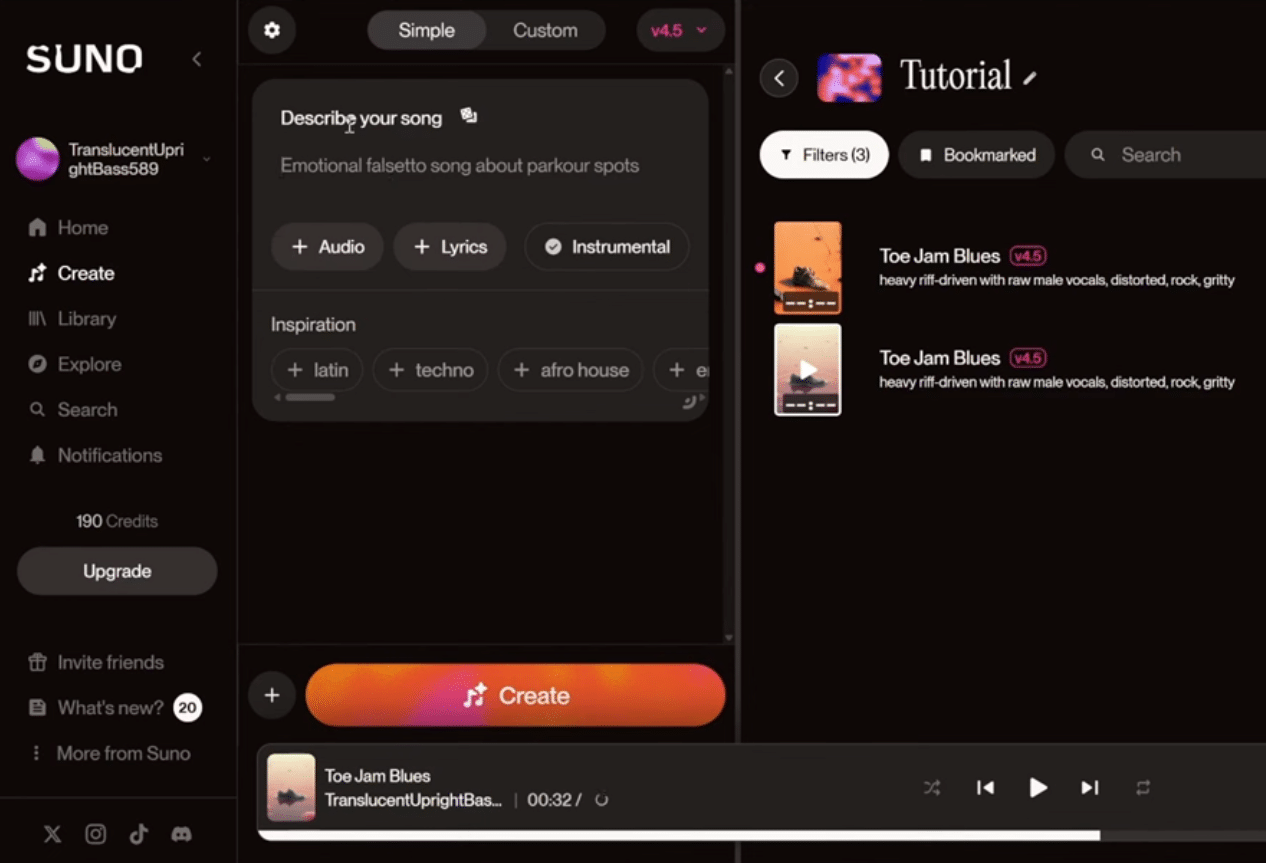
Suno is perfect if you get ideas on the bus, during your lunch break, or while scrolling TikTok — and you just want to hear them turned into music right away. In practice, we saw three user types where Suno really shines:
- Content creators who want a catchy jingle or a 30-second meme track (and quickly test 5 variants)
- Music nerds who want to sketch an idea without opening a heavy DAW session
- Anyone who just wants to make a personal song (birthday, wedding, soccer team, friend group) with zero music background
If you want to fine‑edit vocals, chords, and arrangements down to the smallest detail, you’ll often use Suno as an idea generator and then move the result into a proper music app/DAW.
How Suno works in practice
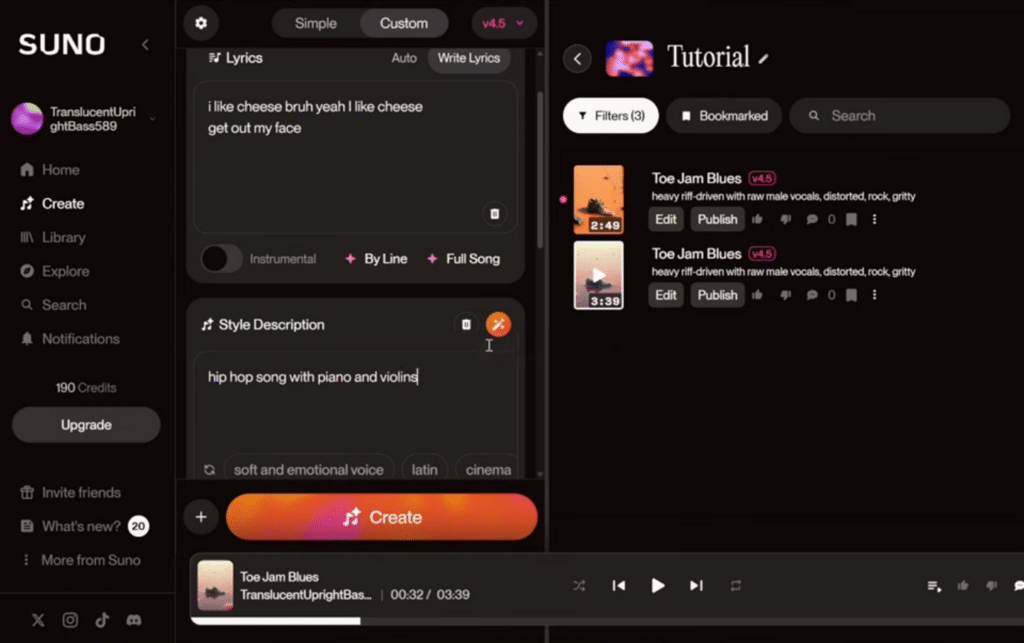
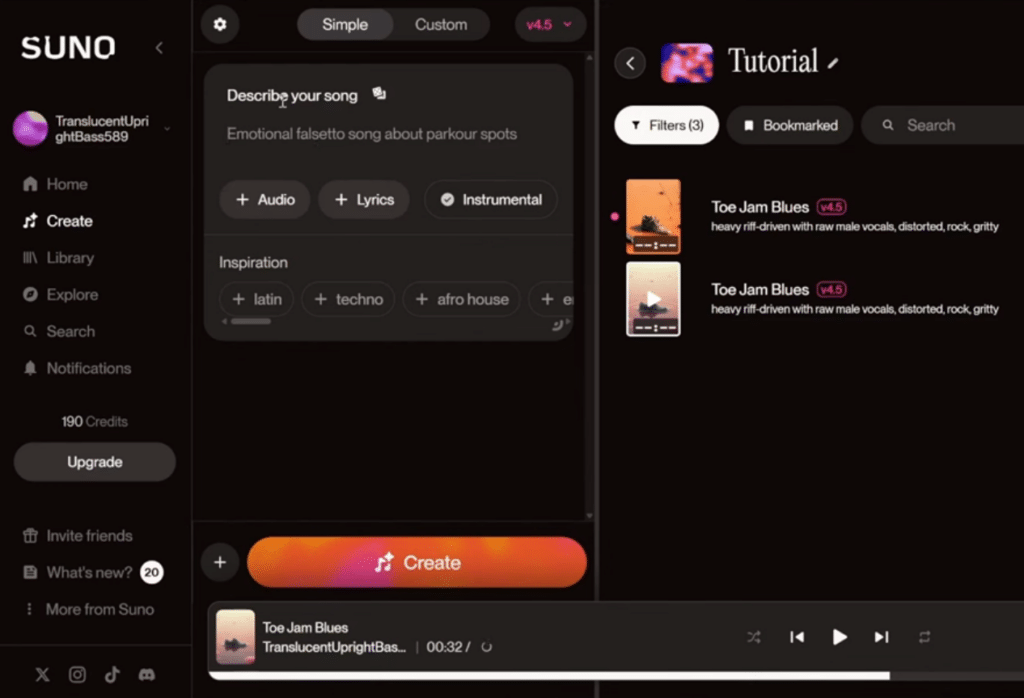
On a standard Windows 11 PC (Chrome), the most impressive part wasn’t “the quality when it hits,” but how fast you can iterate. You write a prompt, click Generate — and you typically get multiple versions of the same idea. We found the best results when we were specific about:
- genre + tempo + mood
- topic and the “scene” (what’s the song about, where does it take place?)
- vocal type (e.g., “soft female vocal,” “gritty male vocal”)
An example that actually produced something useful:
“write an ’80s synthpop song about biking through New York City at night, upbeat, catchy chorus, Danish/English mixed”
Suno requires no installation. It all runs in your browser, and you can save generations in your library, share them, and (on paid plans) usually export.
Free vs. paid: what you’ll notice day to day
The free version is enough to “get the hype” and make fun tracks. But you’ll hit limits quickly if you use Suno seriously or often.
What typically stands out in daily use:
- Free: great for experiments and quick ideas, but expect limits on the number of generations and available options.
- Paid: faster, more generations, and a smoother workflow if you make AI music regularly — this is where Suno starts to feel like a real tool instead of a toy.
Licensing/rights depend on your plan and the current terms. If you want to use AI music commercially (YouTube, ads, business), always check your plan’s terms before you hit “upload.”
Can you use Suno in Danish?
Yes — but don’t expect perfect pronunciation every time. In our tests, Danish worked best when we:
- kept lines short
- avoided tricky names/words with many consonants
- used a genre where the vocal can be a bit “stylized” (pop, rap, electronic)
A trick we kept using: write the prompt in English, but ask for Danish lyrics (or “Danish chorus, English verses”). It often produced better flow than 100% Danish from the start.
Features you’ll actually use
Suno isn’t about menus and knobs — it’s about output. The features we actually used most during testing were:
- Create songs from text prompts
- Steer genre, mood, and vibe with a few words
- Save and revisit your generations in the library
- Share quickly to social media
- Export/download (depends on plan)
- Create variants of the same idea until it sticks
Keywords we actively cover in this review (long‑tail):
- make a song with AI in Danish
- Suno AI music generator free
- how to use Suno for music
- AI music for TikTok and YouTube
- best AI song generator in 2026
Top 5 tips for better songs with Suno
Top 5 Suno tips
The 5 things that clearly improved results in our tests — especially when you want something that sounds more “finished.”
Be specific: genre + tempo + mood
Write what you’d tell a producer: “upbeat synthpop, 118 BPM, catchy chorus, 80s vibe.” It makes the structure more stable and the chorus lands more often.
Keep lines short — especially in Danish
Danish works best when you avoid long sentences. Short lines reduce muddiness and odd pronunciations, especially in faster genres.
Make 5 variants — then pick one to develop
Suno won’t always nail it first try. We got much better tracks by generating multiple versions of the same prompt and tweaking one thing at a time.
Use “scene” descriptions for a more personal vibe
Instead of “love song,” write “two people meet by the East River in NYC, night, neon, hope.” It often adds identity and avoids generic lyrics.
Check rights before using it commercially
If you’ll use AI music for YouTube, ads, or a business, check your plan’s terms. Two minutes now can save headaches later.
Common questions about Suno
Yes, you can start for free and generate songs directly in your browser. The limits are most noticeable if you use it often or want a more “pro” workflow.
Yes, but pronunciation and rhythm aren’t always perfect. Short lines and simple words help, and many get the best flow by mixing Danish and English.
No. Suno runs in the web browser, so you can use it on both PC and mobile without a traditional installation.
It depends on your plan and current terms. If you’ll use music commercially, check the rights/license on your account before you upload.
Be specific in your prompt (genre, tempo, mood), generate multiple variants, and tweak one thing at a time. That cut down “random” results in our tests.
What we missed — and what Suno already does better than most
Suno is a blast to use, but it’s still clear you’re “working with a machine.” Sometimes the vocal stumbles on certain words, and some generations can feel uneven in the mix. On the flip side, it’s one of the few AI tools where you can go from idea → finished song in about 2 minutes — and that’s exactly why Suno is taking off.
If you want AI music for TikTok, YouTube intros, internal company videos, or just fun songs in Danish, Suno is one of the most obvious places to start.



