
 Martin Jørgensen
Sveriges Radio / SR Play – Swedish radio and podcasts in one place
SR Play is the official app from Sveriges Radio, where you can listen to live radio, podcasts, news, and music shows—all in one user-friendly platform. We tested the app on both an Android phone and an iPhone and experienced fast, stable streaming, along with a few minor glitches that don’t spoil the overall impression.
Features and experience
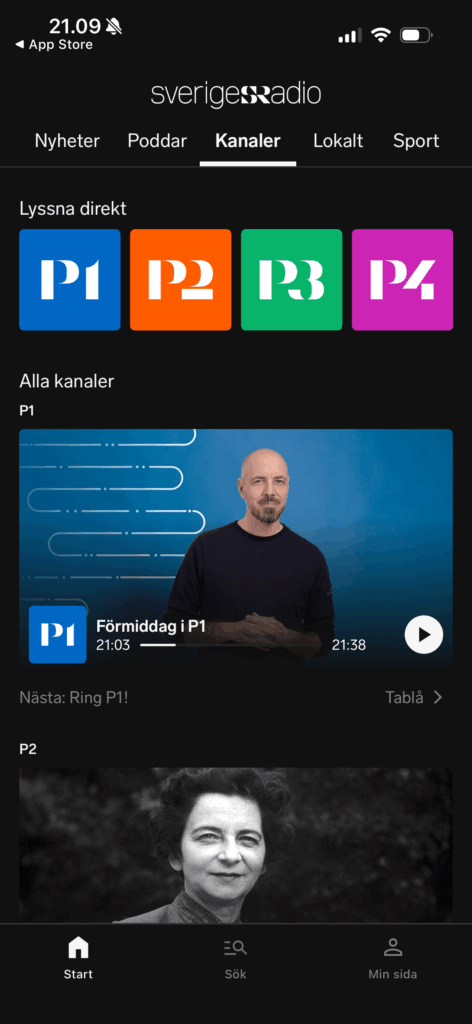
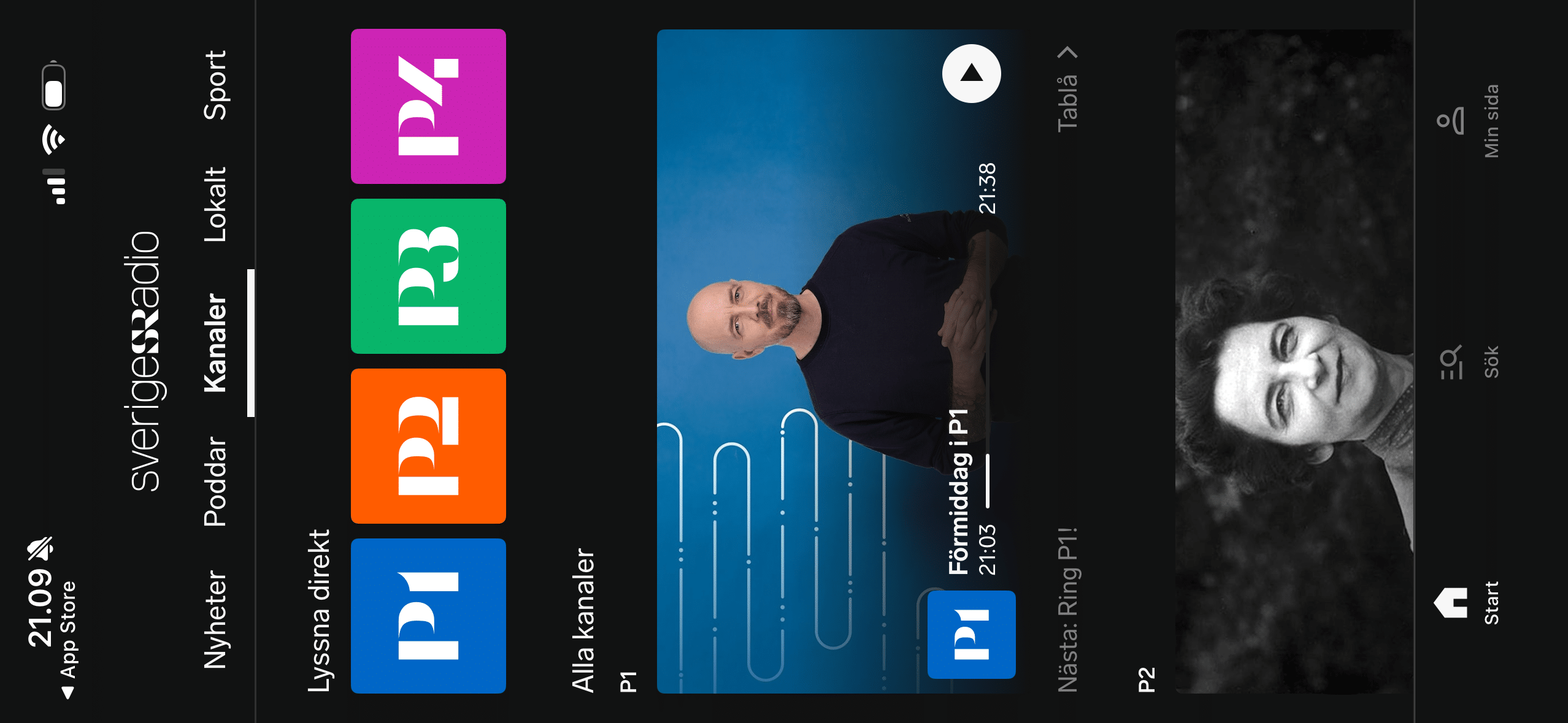
The app gives you access to all Swedish radio channels such as P1, P2, P3 and P4, as well as all local P4 stations across Sweden. You can also find hundreds of podcasts—from current affairs shows to popular documentaries like P3 Dokumentär.
All content can be played live or downloaded for offline listening, which works really well if you commute or travel without a stable internet connection. We found the download feature fast and error-free, and the app automatically remembers where you left off when you return to a podcast.
There’s also a news section where you can hear short news clips, longer shows, and even get news in multiple languages—making the app interesting for a broad audience.
Interface and design
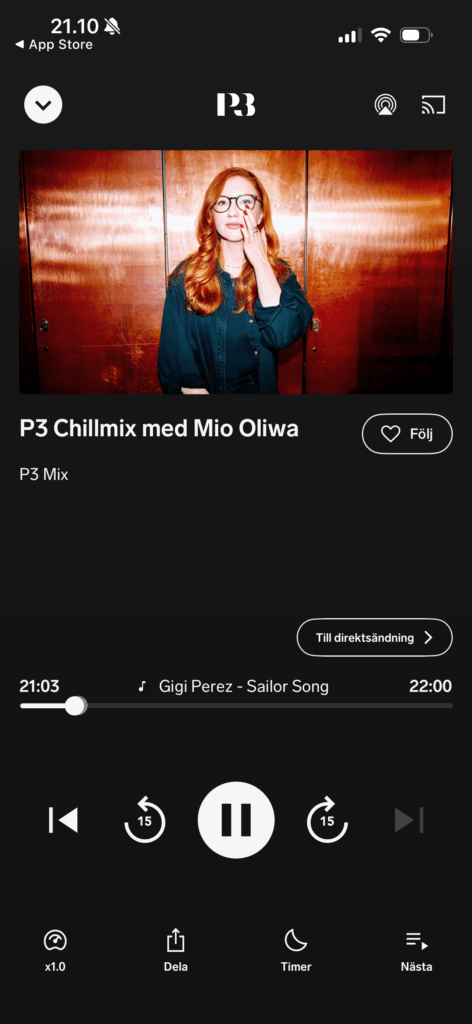
SR Play has a simple, classic black-and-white design. The bottom menu gives quick access to Live Radio, Podcasts, News and Favorites.
We liked that you can create a personal favorites list and get recommendations based on previous listening. However, it takes some getting used to when searching for specific shows, as the search function doesn’t always return precise results.
On Android, the app ran smoothly, but on iPhone we noticed a few small stutters when switching between sections—especially during fast navigation.
Stability and technical details
During testing, SR Play was generally stable. Streams started quickly, and we had no dropouts on a Wi‑Fi connection. On a mobile network (4G), quality was still high.
However, we noticed the app a few times started automatically when the phone connected via Bluetooth in the car—which can be a bit annoying.
Notifications about new episodes also didn’t always work on Android, but that’s a minor issue.
Comparison with Danish alternatives
In Denmark, SR Play is most similar to the DR Lyd app, but SR Play feels a bit more comprehensive because it brings together everything from national and local channels to niche podcasts and multilingual news.
On the other hand, DR’s app is more visually modern and has a better search function.
If you understand Swedish—or just want access to quality radio and documentaries without ads—SR Play is an excellent choice.
Frequently asked questions about Sveriges Radio / SR Play
Yes, SR Play is completely free. Sveriges Radio is license-funded, so you can listen to both radio and podcasts without ads or a subscription.
Yes, the app also works outside Sweden. You can stream all Sveriges Radio’s channels and podcasts without geographic restrictions, as long as you have an internet connection.
Yes, you can download shows and podcasts for offline listening. The feature works on both Android and iPhone and is ideal for travel or areas without coverage.
You can mark your favorite programs and podcasts as favorites so they appear at the top of the app. That makes it easy to quickly find the shows you follow most.
Yes, SR Play works with both CarPlay and Android Auto. It makes it easy and safe to control playback while you drive.



