
 Martin Jørgensen
The Sims 3 download: Build an open world — and live in it
The Sims 3 is the classic life simulation game where you create people, build homes, and manage everyday life — with the big difference that its world is more open and connected than many other Sims titles. You can move around the neighborhood, visit other Sims with far fewer loading screens, and it feels like a real town, not just a cluster of lots.
Gameplay and features in The Sims 3
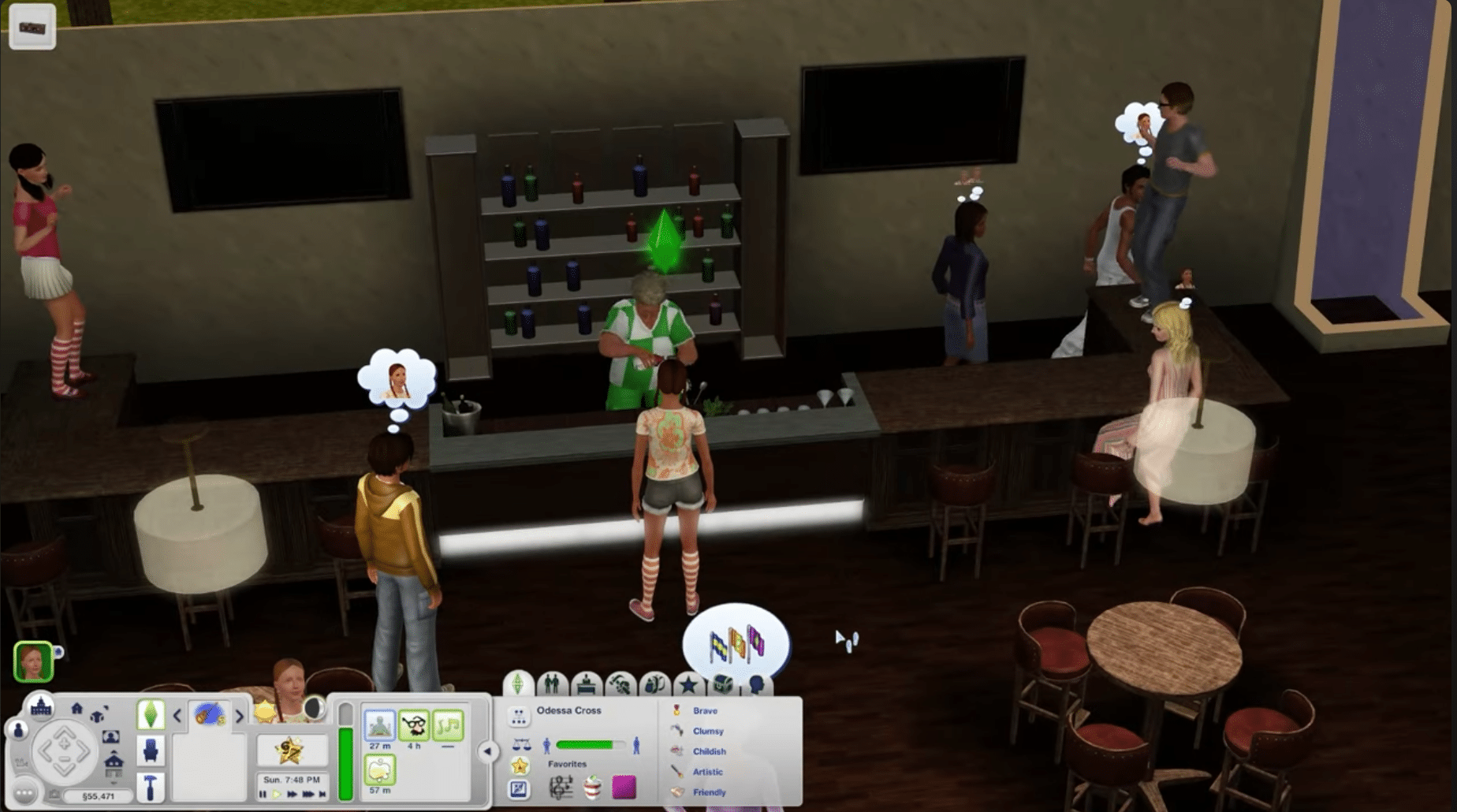
If you’re coming from The Sims 2 or newer titles, The Sims 3 still has its own feel: the pace is calm, but the possibilities are huge. You design your Sim, choose personality traits and ambitions, and then “life” begins — jobs, friends, drama, hobbies, and that classic Sims chaos where an ordinary Tuesday can end in a blaring fire alarm and bad moods.
What still impresses are the personality traits. They genuinely change how your Sims behave day to day. In our test, for instance, we had a “Perfectionist” who was constantly annoyed by clutter, and a “Clumsy” Sim who actually botched small tasks (and made daily life funnier than planned).
Build and decorate — still one of the series’ best sandboxes
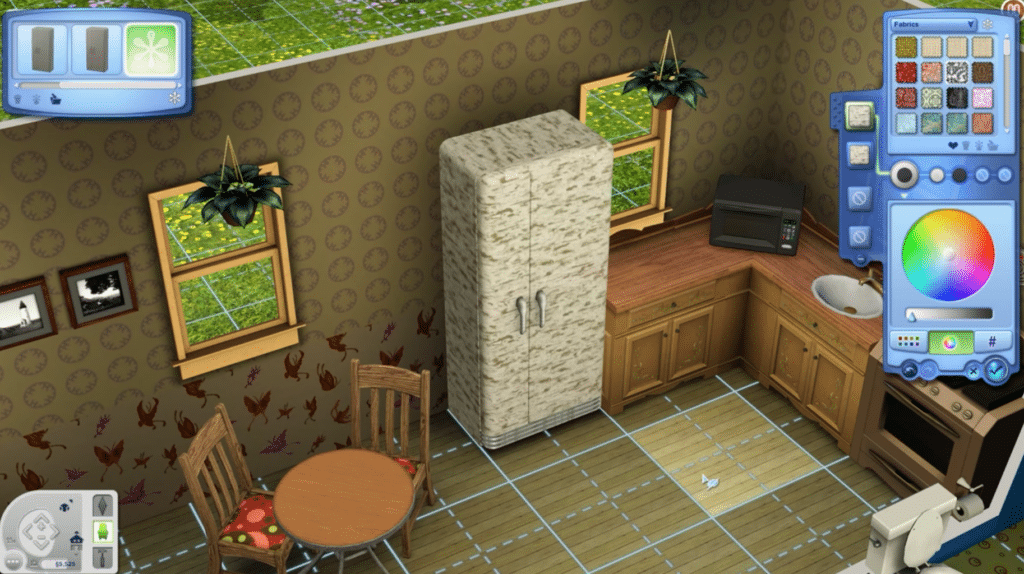
The build side of The Sims 3 is why many keep coming back. You can make everything from tiny townhouses to huge mansions, and decorating matters just as much as the “life” part.
One thing that sets The Sims 3 apart is the creative freedom in patterns and materials (Create-a-Style). You can match colors and textures across furniture, clothing, and interiors to craft a cohesive look — or intentionally create a mid-2000s nightmare. That’s fun too.
Graphics, audio, and performance today
The graphics clearly show their age, but the style holds up, especially if you play more for the “simulation” than for photorealism. The audio is classic Sims: calm background music, subtle effects, and those delightfully silly Simlish conversations you never quite tire of.
We tested the game on a typical Windows 11 PC and it runs fine, but The Sims 3 can still be quirky when it comes to stability, especially if you install lots of expansions and mods. It’s a game where “keep it simple” often delivers the best experience.
Cheat codes, mods, and extra content: how most people play in 2026
In the US, “sims 3 cheat codes” and “sims 3 mods” are still some of the most-searched terms, because that’s how many people play The Sims 3 today: some base game, a few expansions, and a couple of quality-of-life tweaks.
If you want the best experience:
- Use mods sparingly (a few great ones beat 30 random ones)
- Watch for conflicts if you install many expansions
- Save often (a classic Sims tip that still matters)
Top 5 tips for The Sims 3
Top 5 tips for The Sims 3
The Sims 3 can be stable, but with lots of expansions/mods you’ll avoid headaches by saving frequently (and ideally across multiple save files).
If a Sim gets stuck or an object misbehaves, cheats can be a quick emergency fix. They’re especially handy when the game “locks” a situation.
A few great quality-of-life mods beat 20 random ones. If something feels off after an install, remove the most recent mod first.
For smoother gameplay, start with shadows/reflections. That noticeably improved flow in our test without ruining the look.
Pick traits that complement each other (e.g., Creative + an artistic Lifetime Wish). It gives your playthrough direction and fewer dull days.
Frequently asked questions about The Sims 3
Yes. Move your save files from the Documents folder (Electronic Arts → The Sims 3) to the new PC. It’s the quickest way to bring your “life” along.
That often happens due to shadows/reflections and because the town loads a lot at once. Lower those first before changing anything else.
Base game + a couple of expansions, plus a few curated mods. Many also keep cheat codes as a “backup” if something breaks.
Yes — especially if you miss the open world and the feeling that the neighborhood “lives.” It still feels unique today.
Typically “sims 3 download,” “sims 3 cheat codes,” “sims 3 mods,” and “the sims 3 windows 11.” These match quick-start, intent-driven searches.



