
 Martin Jørgensen
Truecaller makes your phone much better at filtering spam calls
Truecaller is an app for Android and iPhone that helps identify unknown numbers, block spam calls, and bring a little more peace to your day if you’re tired of telemarketers, spoofing, and odd calls at inconvenient times. We tested Truecaller on a typical smartphone setup with lots of everyday calls, and it’s one of those apps where you notice the difference quickly—especially if you’re often called by numbers you don’t recognize.
What is Truecaller?
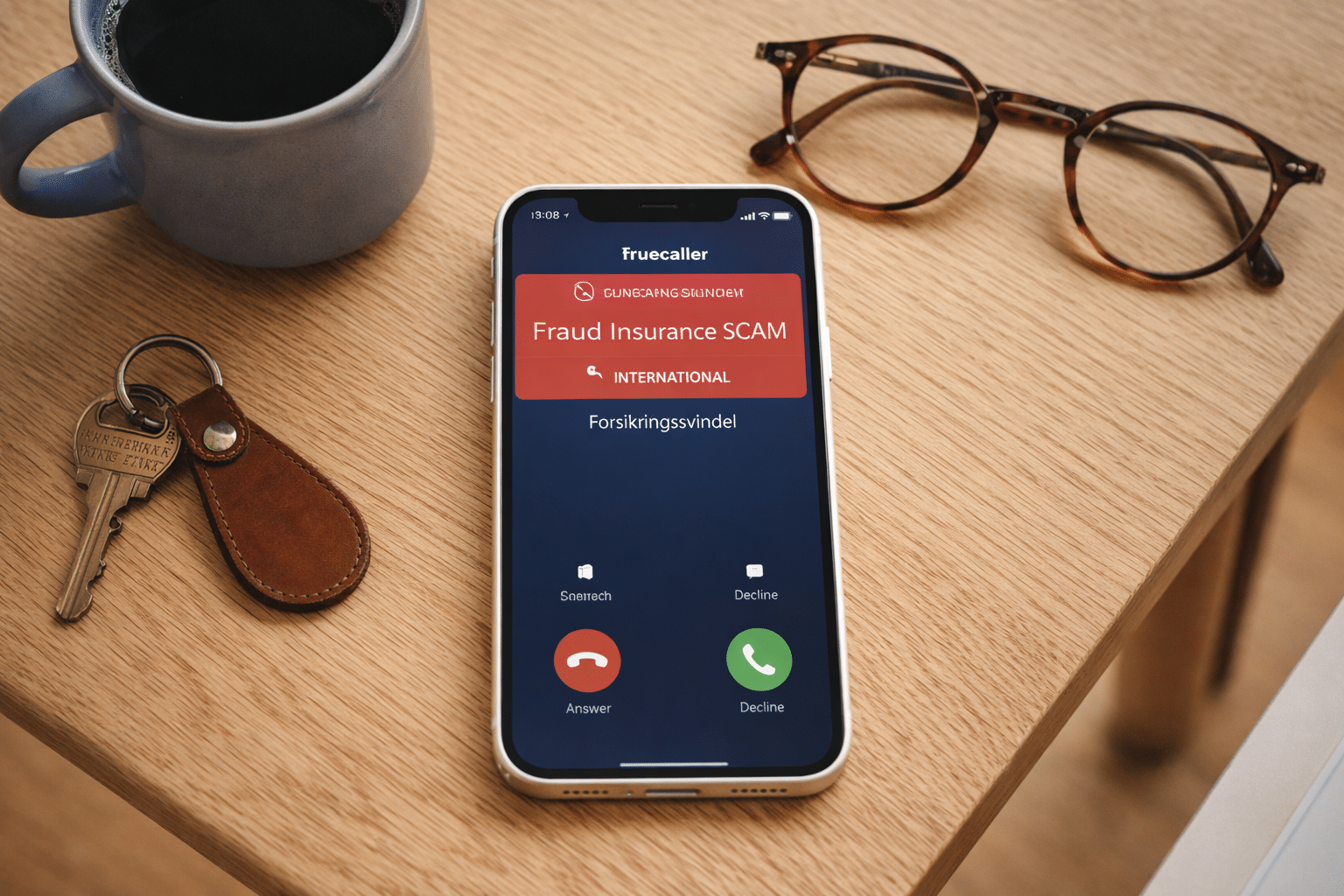
At its core, Truecaller is a caller ID and spam filter app. When someone calls, the app tries to identify the number—even if it isn’t in your contacts. It can also flag known spam numbers, scam attempts, and telemarketers so you can decide faster whether to pick up or let it ring.
The app comes in both a free version and a premium version. The free edition covers the essentials with Caller ID and spam blocking, while premium unlocks more features like advanced blocking, an ad‑free experience, and extra tools. Truecaller is officially available for both Android and iPhone.
How Truecaller works in practice
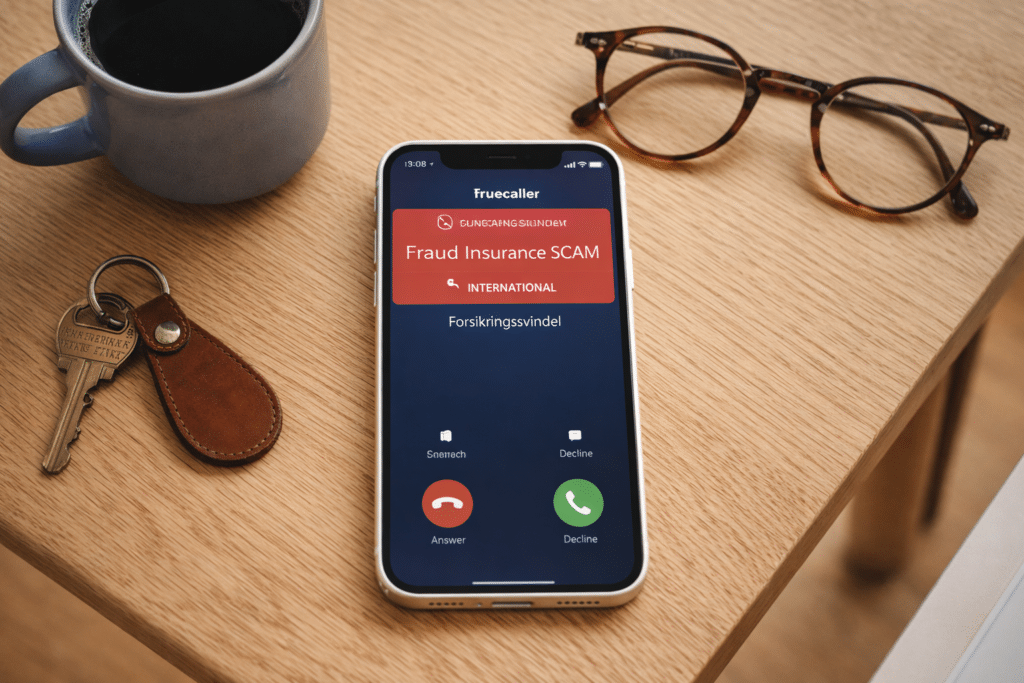
The smart thing about Truecaller isn’t just that it shows a name—it also makes your phone more useful day to day. In our testing, the combination of number lookup and automatic spam filtering proved most helpful. When the phone rings, you often get more context immediately, which means you don’t have to answer every unknown call “just in case.”
On Android, the experience is generally more complete because the app has deeper integration with calls and messages. On iPhone, the options have also improved a lot, and Truecaller now highlights enhanced Caller ID and spam protection on newer iOS versions.
We also noticed Truecaller isn’t only for people who get spammed constantly. It’s useful if you often receive calls from contractors, delivery companies, businesses, or unfamiliar mobile numbers and simply want to know who’s trying to reach you.
Key features in Truecaller
Truecaller has grown more comprehensive over time, which is both a strength and a minor drawback. The upside is that the app can do more than before. The downside is that it no longer feels quite as straightforward as in its early years.
The most interesting features right now are:
Identify unknown callers
This is still the core feature. Truecaller tries to show who’s calling even when the number isn’t saved in your contacts.
Spam blocking
The app can flag and block known spam numbers and scam calls. It’s likely the feature most US users will appreciate.
Number lookup
Look up phone numbers to get a better idea of who’s behind them.
Protection against scams and fraud
Truecaller now leans heavily on AI-powered features that help detect scams and classify suspicious activity in real time.
Premium extras
Premium adds an ad‑free experience, more advanced blocking, and extra identity and calling tools.
Is Truecaller safe to use?
That’s one of the first questions many people ask—and for good reason. Truecaller states that users control their information, data is handled according to its privacy policy, and you can change or unlist your number via the app’s Privacy Center and unlist function.
That said, Truecaller is an app you should set up thoughtfully. It’s not a “install and forget about permissions” app. If you care about privacy and data sharing, read through the settings carefully from the start—especially on Android, where integration runs deeper.
Our experience with Truecaller
We think Truecaller is best for anyone tired of disruptive calls who wants more control. It’s not just for tech‑savvy people. In fact, it works well for everyday users, which likely explains its broad global adoption.
It isn’t a perfect solution, though. Some may feel the app has a big footprint on the phone experience, and others won’t love that so much identification and filtering happens in a single app. But if your goal is fewer annoying calls and faster clarity, Truecaller does a very good job.
When does Truecaller make the most sense?
Truecaller is especially useful if:
✅ you’re often called by unknown numbers
✅ you want to avoid spam and telemarketers
✅ you want quick number lookups
✅ you rely on your phone for work or everyday logistics
✅ you prefer more context before answering a call
Top 5 tips for Truecaller
The first thing we did during our Truecaller test was confirm that caller identification was properly enabled. Especially on iPhone, the app can feel half set up if you don’t also activate the right options in the iPhone’s own settings menus. Once that’s done, you’ll get much more out of the app in practice.
Truecaller works best when you don’t just glance at warnings but also help clean things up. We quickly found the app became more useful when we consistently blocked numbers that were clearly spam, telemarketing, or repeat disturbances. It brings more peace of mind—especially if you’re often called by unknown numbers.
For most US users, the free edition is a great place to start. You get the key features like caller ID and spam alerts, which is enough to see whether Truecaller fits how you use your phone. We recommend trying the free version for a few days before deciding on premium.
Truecaller is smart, but it’s also an app where spending two extra minutes on setup pays off. Review permissions and privacy choices right away so you know exactly how the app works on your phone. That leads to a better, more secure experience—especially if you’re cautious about apps that handle calls and contact data.
Even though Truecaller is great at identifying numbers, you should still use common sense. We saw several cases where the app was a helpful guide, but you still had to judge whether a call seemed legitimate. Think of Truecaller as an extra layer of protection—not a guarantee that every unknown call is automatically safe or unsafe.



