
 Martin Jørgensen
Ultra Virus Killer – manual virus removal when nothing else works
Ultra Virus Killer is a free, advanced toolkit for manually removing viruses, malware, and system-related issues that regular antivirus programs often can’t fix. Originally developed in the early 2010s, it has earned a solid reputation among technicians and power users because it provides direct access to repair tools and deep cleanup.
We tested Ultra Virus Killer on a Windows 11 PC where a standard antivirus could no longer launch properly. Installation was quick, and the utility exposed features you typically only find in professional repair tools.
Manual virus removal and deep system control
Ultra Virus Killer isn’t a traditional “click and scan” antivirus. Instead, it works like a control panel packed with tools you can use to identify and manually remove stubborn infections. That makes it especially useful if the PC is already compromised or if malware is blocking conventional security software.
Among other things, you get access to process management, registry tools, startup control, and detailed system reports. It requires a bit of technical know-how, but it gives you far greater control.
All-in-one system repair
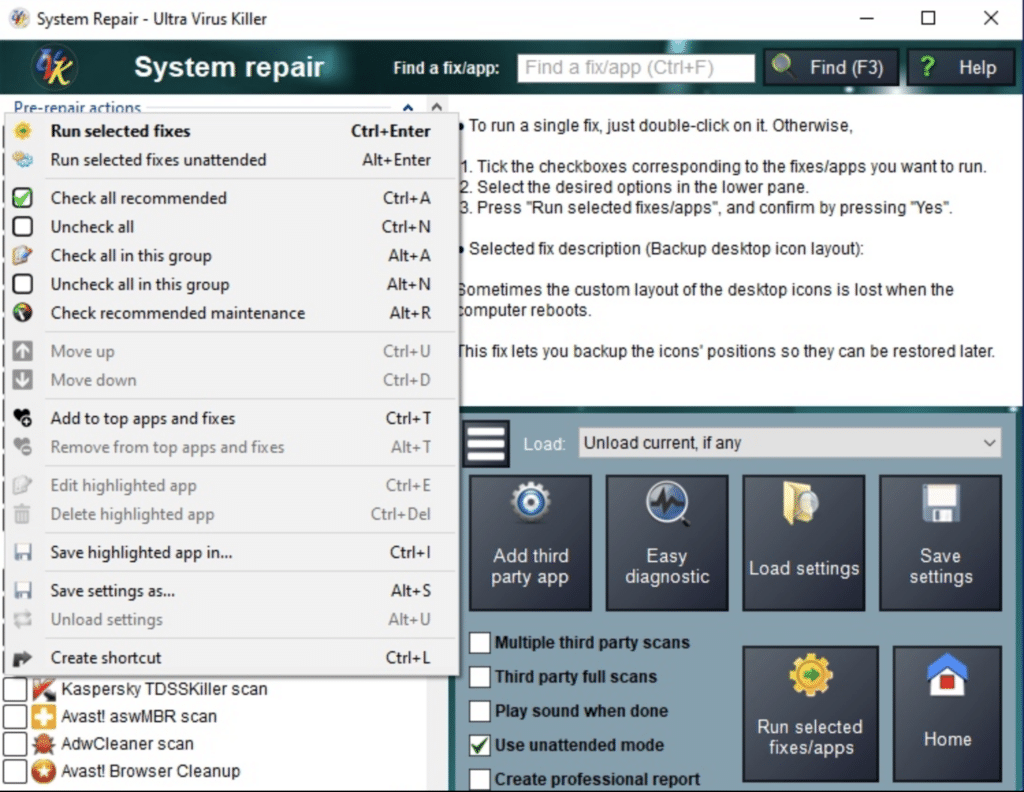
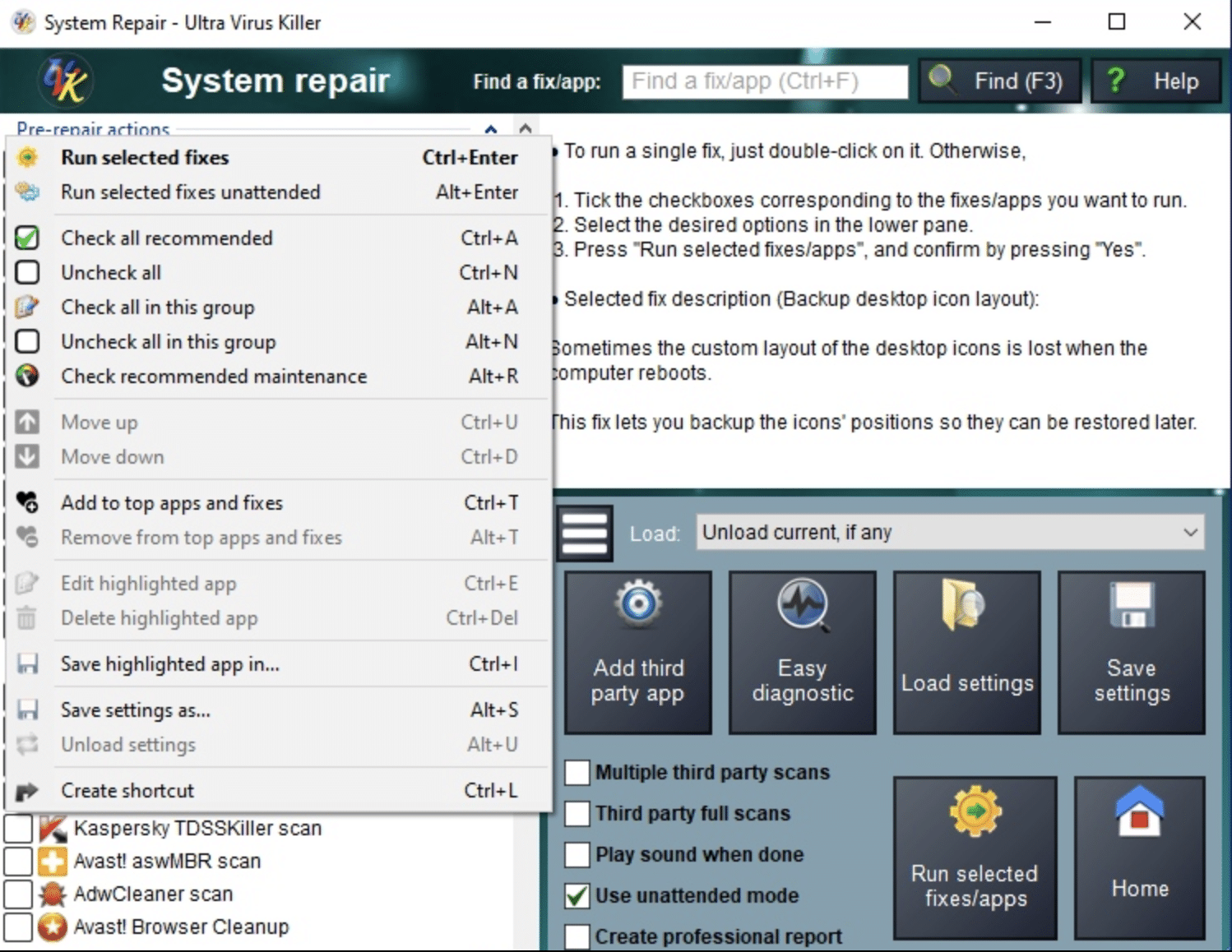
The System Repair section is one of the program’s strongest assets. Here you’ll find tools for common Windows issues such as broken network settings, corrupted system files, blocked updates, and damaged services.
A key benefit is the ability to automate well-known third-party malware removal tools and consolidate the results into professional reports. That’s especially handy for IT-savvy users or small repair shops doing diagnostics.
System booster and registry cleanup
Ultra Virus Killer’s system booster goes deeper than many classic registry cleaners. Instead of just hunting for dead references, it analyzes each key and value to determine whether it actually points to something that still exists.
This approach reduces the risk of deleting required entries and delivers a more controlled cleanup. Still, it’s a tool you should use carefully—especially if you’re not used to working with the Windows registry.
Interface and usability
The interface is simple and fairly straightforward, but clearly aimed at users with some technical insight. It’s not a program we recommend as primary protection, but rather as an emergency tool when something has gone wrong.
For US users, Ultra Virus Killer is especially relevant for searches like “remove virus manually” or “Windows won’t delete a virus” — scenarios where typical solutions often fall short.
Top 5 tips for Ultra Virus Killer
Use the tool in Safe Mode
If malware is blocking Windows features, Ultra Virus Killer can be far more effective in Safe Mode, where fewer processes are running.
Create a restore point first
Before making registry changes, create a restore point. It gives you a safety net in case something goes wrong.
Use the reporting feature
Detailed reports make it easier to track what was changed—especially if you’re troubleshooting over multiple sessions.
Pair it with a standard antivirus
Ultra Virus Killer works best as a supplement, not a replacement. Use it alongside an up-to-date antivirus program.
Don't delete everything automatically
Review findings manually, especially in the system booster module. Not everything that looks redundant should necessarily be removed.



