
 Martin Jørgensen
Zello for PC makes voice messages faster than regular calls
Zello isn’t just another chat app. It’s essentially a digital walkie-talkie for PC, where you send short voice messages with the push of a button instead of placing a call and starting a long conversation. During our test on Windows 11, that difference was exactly what made the program interesting: it feels more direct than email and lighter than a traditional video or phone meeting.
For users looking to download Zello for PC, the strength is its simplicity. Install the program, sign in, add contacts or channels, and you can start sending voice messages almost immediately. Zello offers desktop apps for both Windows and macOS as well as mobile apps, and the platform is officially marketed as a push-to-talk solution for both teams and everyday users.
How Zello works in practice
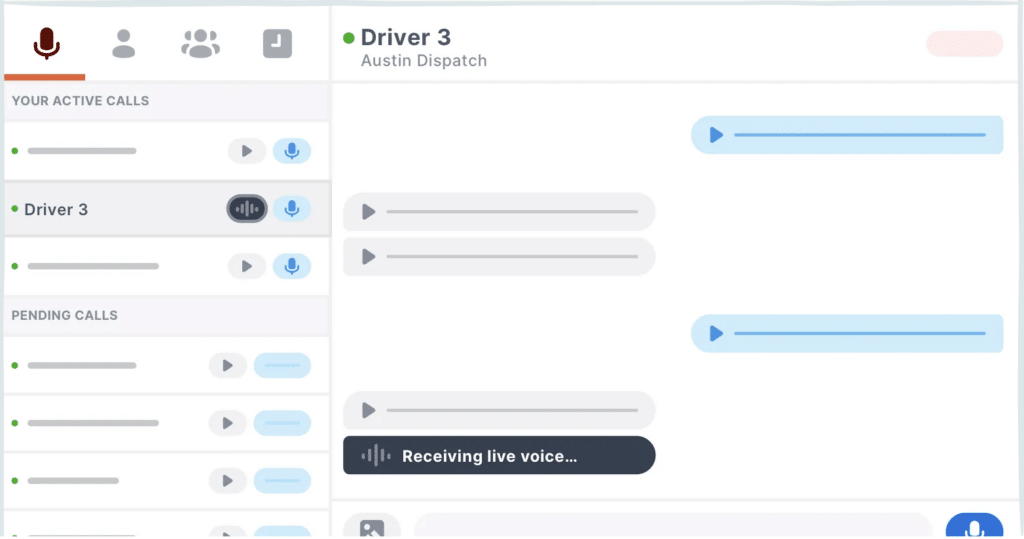
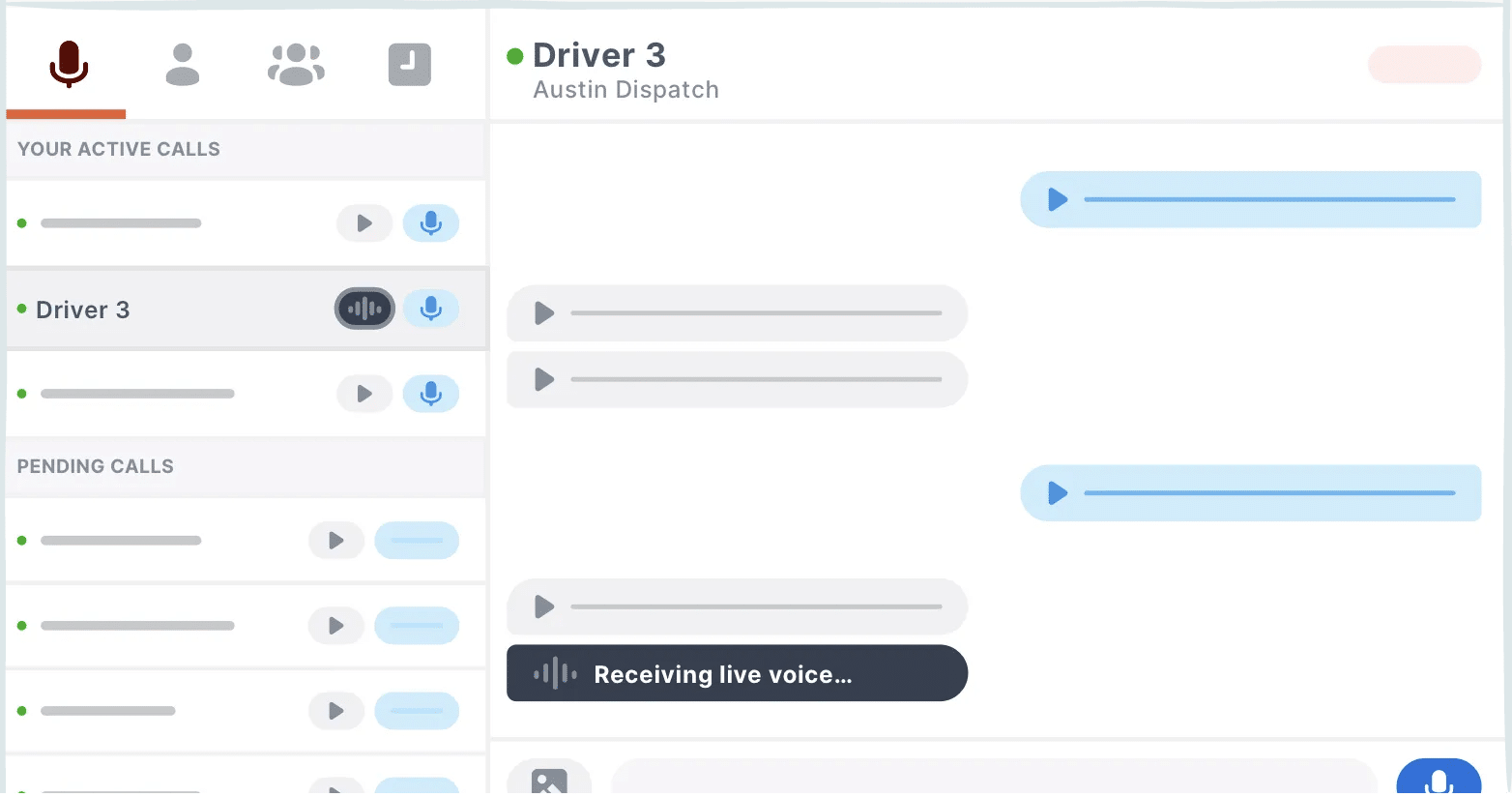
Instead of live calls like on Skype or Teams, Zello is built around push-to-talk. You hold the button, speak, and your message is sent. The recipient can listen immediately or play it later. It’s a more flexible way to communicate, especially if you don’t want constant interruptions.
We tested Zello on a standard Windows PC with a headset, and the experience really does feel like an old-school walkie-talkie—just modernized. It’s quick to get started, and the interface is simple enough that most people can navigate it without an introduction. It’s also easy to jump into channels and groups, which remains one of the features that makes Zello different from many other communication apps. Zello highlights channels as a core feature and describes them as scalable group spaces for collaboration and fast voice communication.
Who is Zello best for?
Zello makes the most sense for users who send short messages, instructions, or updates that don’t require a full call. That could be friends, hobby groups, or small businesses—but it’s clear that Zello is increasingly designed for work use with a focus on frontline communication, dispatch, and channel management. On the official site, Zello highlights use cases in transportation, retail, hospitality, and emergency response.
For personal use, the app is more niche. In the United States, it’s not a mainstream app on the level of WhatsApp or Discord, but search trends still show solid branded interest around “zello” and “zello app.” Competition is relatively low, and the search intent is very clear: people want the Zello download or a simple explanation of what the program does.
Benefits of using Zello on a computer
The biggest advantage is speed. Once you’re signed in, it’s faster to send a voice message than to type a long text. For some workflows, it’s much more natural—especially when your hands are busy or when you need short, clear messages to multiple people.
Another strength is that Zello doesn’t try to be everything at once. It isn’t a heavy collaboration suite with documents, video meetings, and calendar integrations everywhere. It’s focused communication at its core. That’s a real benefit at a time when many apps try to cram everything into the same platform.
Where Zello falls short
Zello isn’t for everyone. If you prefer live conversations without delay, or if you mostly work with written messages, the app can feel like a detour. It depends a lot on your preferences. In our test, the concept felt clever—but also a bit specific if you’re coming from more conventional chat and meeting apps.
In addition, Zello today is clearly positioned for businesses and professional teams, which makes the experience feel a bit less like “cozy freeware” than it once did. That doesn’t make the program bad, but some personal users may find it stronger for work scenarios than for everyday chatting.
Top 5 Zello tips
Start with a headset
We consistently got the best results with a simple headset instead of the built-in microphone. It delivered cleaner audio and fewer annoying echoes in short push-to-talk messages.
Keep messages short and specific
Zello works best when you use it like a walkie-talkie—not a podcast. Short messages keep channels manageable and save everyone time.
Create a small test channel first
Before inviting a lot of people, create a private channel and test audio, notifications, and microphone settings. It makes onboarding much smoother.
Check push-to-talk keyboard shortcuts
On PC, Zello clicks once you get used to a dedicated key to talk. It feels faster and more natural than clicking the mouse every time.
Choose Zello for quick updates, not long conversations
The app is best for status updates, brief instructions, and quick
koordinering. Skal du have en længere snak, er en almindelig opkaldsapp ofte stadig det bedre valg.


