 Martin Jørgensen
Hitman: Contracts is darker, tougher, and still worth playing
Hitman: Contracts is a dark stealth-action game from Danish studio IO Interactive, putting you back in control of Agent 47 as you take on brutal contracts, don disguises, and stage creative assassinations.
Where Hitman 2: Silent Assassin made the series more accessible, Hitman: Contracts feels like a descent into the basement. The tone is colder, the levels are grimmer, and the game leans harder into the psychological side of being a hired killer. It’s not the most modern Hitman today, but it still has a raw edge the newer entries don’t quite replicate.
We tested Hitman: Contracts on a Windows 11 PC, and it’s clear the game shows its age. But once you accept the older controls and somewhat stiff animations, the core still works: find the target, read the layout, change disguises, leverage the environment, and slip away without leaving too many traces.
More action than the earlier Hitman games
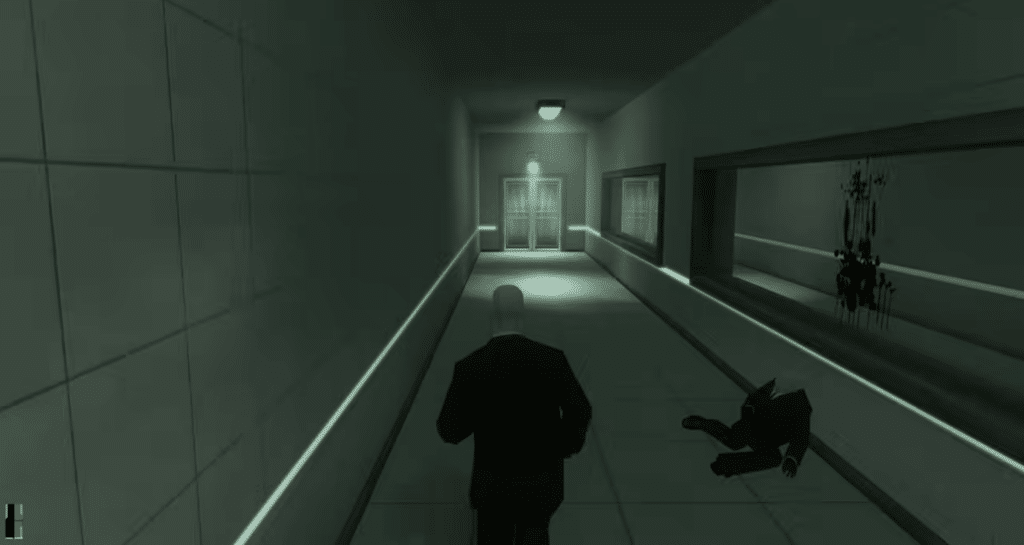
Hitman: Contracts feels more aggressive than its predecessors. There’s still plenty of classic sneaking, but missions are often more intense, pushing you into situations where things can go wrong fast.
That doesn’t mean it’s just turned into a shooter. It’s still best played patiently. But compared to the first games in the series, there’s more chaos, more dangerous environments, and more room to improvise when your plan falls apart.
More ways to pull off the perfect hit
One of the best things about Hitman: Contracts is the freedom. Many missions can be solved in multiple ways: go for a clean assassination, use disguises, lure guards away, exploit weapons and objects in the environment, or, if all else fails, shoot your way out.
This is where the Hitman series still stands out. The game doesn’t just reward quick reflexes, but careful observation. Where do the guards patrol? Who has access to restricted areas? Which disguise makes sense? And when is it smarter to just wait?
In our testing, the missions that held up best were the ones where you slowly build situational awareness. When you finally find an elegant solution after several failed attempts, Hitman: Contracts still delivers the signature satisfaction the series is known for.
Weapons, disguises, and a brutal atmosphere
The arsenal is larger than before, giving Agent 47 access to firearms, melee weapons, and more discreet methods. But the biggest gun rarely leads to the best experience. Hitman: Contracts is at its best when weapons feel like a last resort—not the first option.
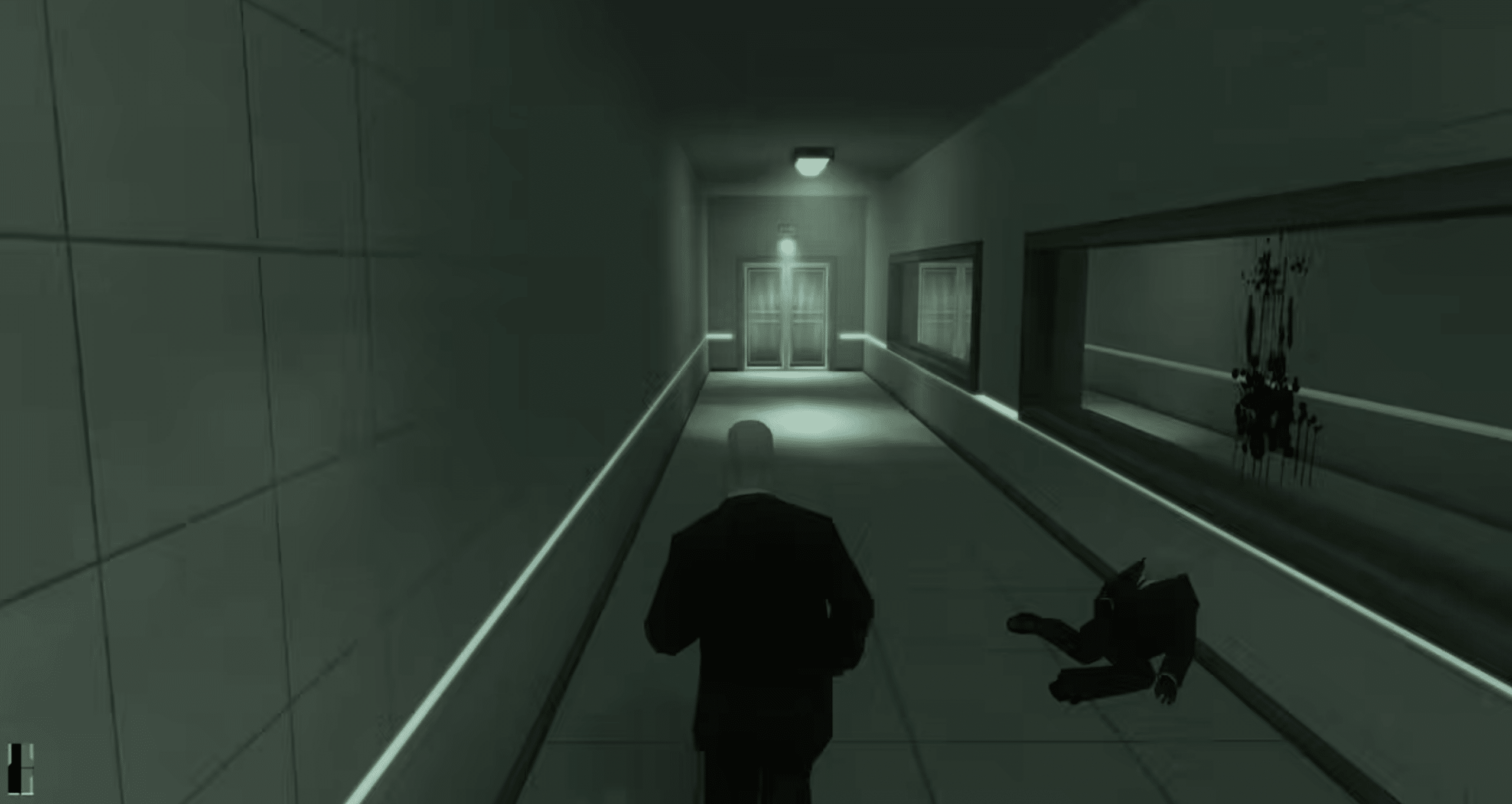
Disguises remain essential. They grant access to new areas, but they don’t make you invisible. Get too close to the wrong people or act suspiciously, and things can escalate fast. That keeps the tension high, even when you’re just walking quietly down a hallway.
An older game with modern limitations
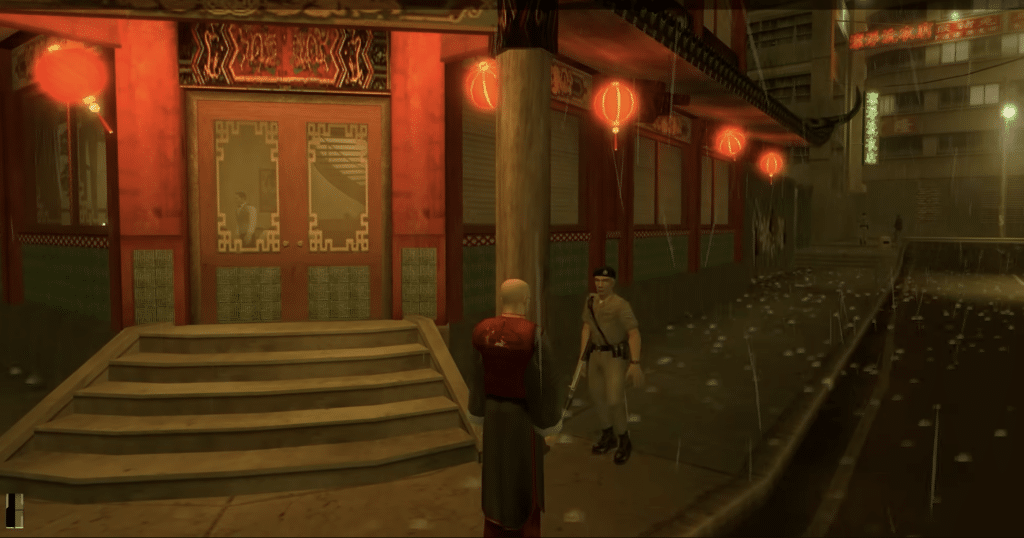
Hitman: Contracts isn’t without issues. The controls can feel stiff, the UI is dated, and players coming straight from Hitman: World of Assassination may need time to adjust to the pacing.
On modern Windows, you may also run into minor quirks depending on hardware and setup. The Steam version is the easiest route for most, while the GOG release is appealing if you prefer DRM‑free classics. Either way, download from a legitimate store—not random “free download” sites.
Download Hitman: Contracts
Hitman: Contracts isn’t a free game. The download button below leads to the official Steam page, where you can purchase and install it via the Steam client.
Top 5 tips for Hitman: Contracts
Keep your weapons holstered until you really need them
Hitman: Contracts rewards calm and awareness. If you shoot your way through a mission, you’ll quickly lose control and guards will respond harshly.
Use disguises wisely
A uniform can open doors, but it doesn’t make you invincible. Keep your distance from people who can see through you.
Wait a minute before you act
The best solutions often appear after you’ve watched guard routes and tracked where the target moves.
Save before risky moments
The game can be unforgiving, especially if a guard spots you at the wrong time. Save before trying a new plan.
Check graphics settings if the game acts up
On newer Windows PCs, older games (gamle spil) can behave differently. Start with default settings, then adjust resolution and compatibility from there.