
 Martin Jørgensen
Atlas Browser — We tested OpenAI’s new AI browser in depth
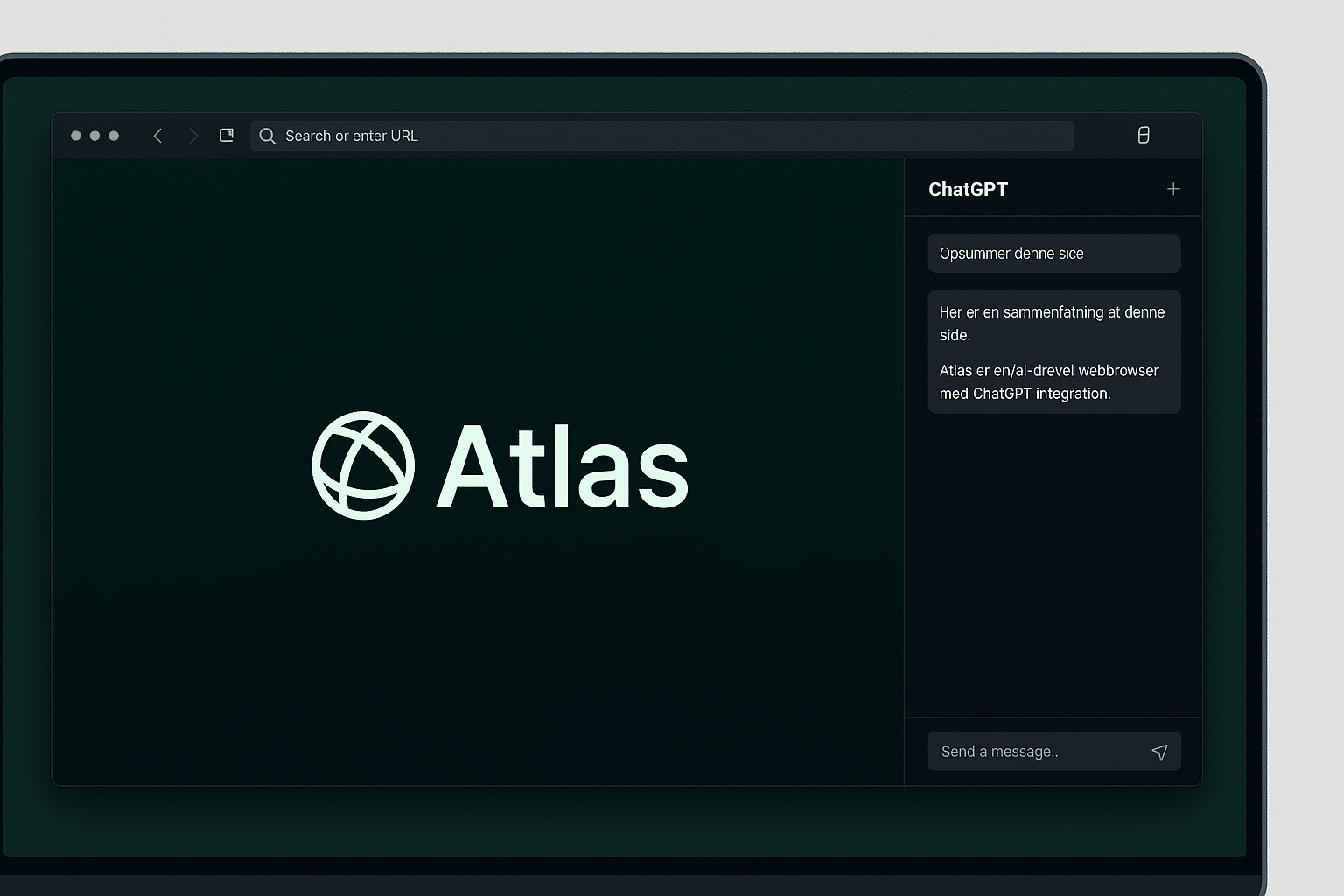
We used Atlas Browser intensively for a week on a MacBook Air M2 — and our impression is that OpenAI has created something that feels markedly different from everything else on the market. Atlas isn’t just another browser; it’s more like a combination of ChatGPT and a classic Chromium browser, with artificial intelligence woven directly into the user experience.
Right from first launch, you feel the difference. An integrated ChatGPT panel appears on the right and can be used on every website. That means you can get instant answers, summaries, and analysis without opening new tabs. During our test, we used it for everything from summarizing news articles and comparing products to translating text on foreign sites — and it worked surprisingly smoothly.
Design and user experience
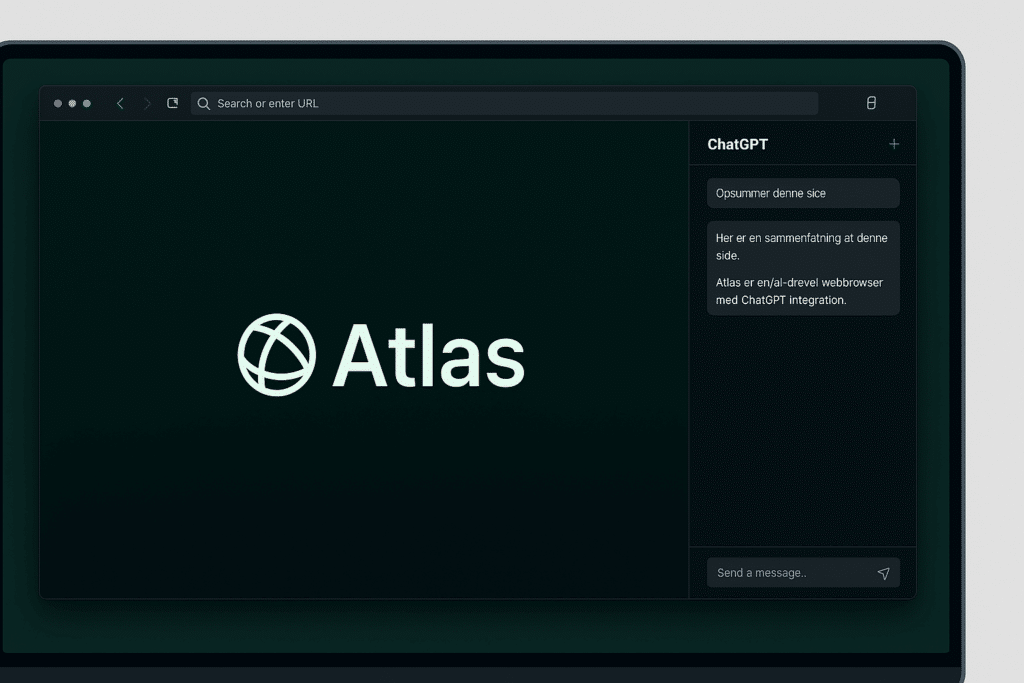
Atlas feels like a cross between Chrome and Safari — minimalist, fast, and clean. OpenAI clearly focused on making the AI feel like a helper, not a distraction. The side panel can be opened and closed quickly, and your conversations with ChatGPT are saved automatically so you can revisit previous answers.
In our testing, the browser launched lightning fast, and most websites loaded as quickly as in Chrome. You can also install extensions from the Chrome Web Store, which means you won’t lose your usual tools.
Most impressive is how well ChatGPT understands the context of what you’re doing. If, for example, you’re reading a long product review, you can type “Summarize this page” — and seconds later you’ll get an overview of the most important takeaways. It’s a huge time-saver, especially for people working in research, journalism, or studying.
We tested “Agent Mode” — and were impressed
One of the most talked‑about features in Atlas Browser is “Agent Mode,” where ChatGPT can actively perform tasks for you. We tested it by asking the browser to find the best laptop deals and automatically fill out a contact form. The result was surprisingly good: the AI navigated the site, found relevant information, and filled in the fields correctly.
However, the feature requires a paid ChatGPT account, and in a few cases the AI misread the context and chose the wrong field. It shows the technology is still young — but the potential is enormous. As Agent Mode becomes more stable, it could change how we interact with the web.
Performance and stability
During our test, Atlas Browser ran quickly and stably in day‑to‑day use. It uses the same engine as Chrome (Chromium), and we experienced no compatibility issues. Streaming, YouTube, Google Docs, and heavy websites all worked flawlessly.
We did encounter minor glitches in the AI panel: a couple of times the sidebar briefly froze when we asked ChatGPT to handle complex tasks. Reloading the page fixed it. Resource usage was moderate — CPU load was lower than in Edge but higher than in Safari.
We also noticed that the “Browser Memories” feature — which lets the AI remember previous activity — makes the experience more personal over time. It does require trust, since data is used locally to provide suggestions based on your past browsing.
Top 5 tips for Atlas Browser
1. Use the AI panel actively
Conversations in the right‑hand panel make browsing faster. Use it for translations, summaries, and ideas — especially when reading long articles.
2. Enable “Browser Memories”
This feature helps Atlas remember previous pages and context so ChatGPT better understands your needs. We saw noticeably smarter suggestions after a few days of use.
3. Experiment with “Agent Mode”
Even though it’s still in beta, Agent Mode worked impressively well for automated tasks. Try, for example, asking it to find product information.
4. Import your Chrome data
Atlas can import your bookmarks and passwords directly from Chrome, making the transition easy.
5. Use the AI as a writing assistant
We tried drafting emails and blog posts directly in the browser — and ChatGPT suggested useful improvements in real time.
Atlas after our test — a promising start
After a week of testing, it’s clear that Atlas Browser is more than a gimmick. It’s a genuine improvement in how you use the internet. We saved time, became more productive, and had the feeling of an intelligent assistant that actually understood the context.
But Atlas is still in its early days. It needs to become more stable, and support for Windows and mobile has to arrive before it can seriously challenge Chrome and Edge. When that happens, Atlas could easily become the first AI browser to truly capture mainstream users.
Frequently asked questions about Atlas Browser
Atlas Browser is OpenAI’s own AI‑powered browser with ChatGPT built directly into the interface. It combines classic browsing with artificial intelligence, so you can get summaries, analysis, and help right on the page.
The browser is free to download and use. However, some advanced features, such as Agent Mode and long‑term memory, require a paid ChatGPT account.
At the moment, Atlas is available only for macOS. OpenAI has confirmed that versions for Windows, iOS, and Android are in development.
By default, Atlas stores data locally and does not use it for model training without your permission. You can also turn off the “Browser Memories” feature if you want full anonymity.
The browser is especially useful for people who research, write, or work with digital content. It’s ideal if you want AI integrated directly into your workflow.



