
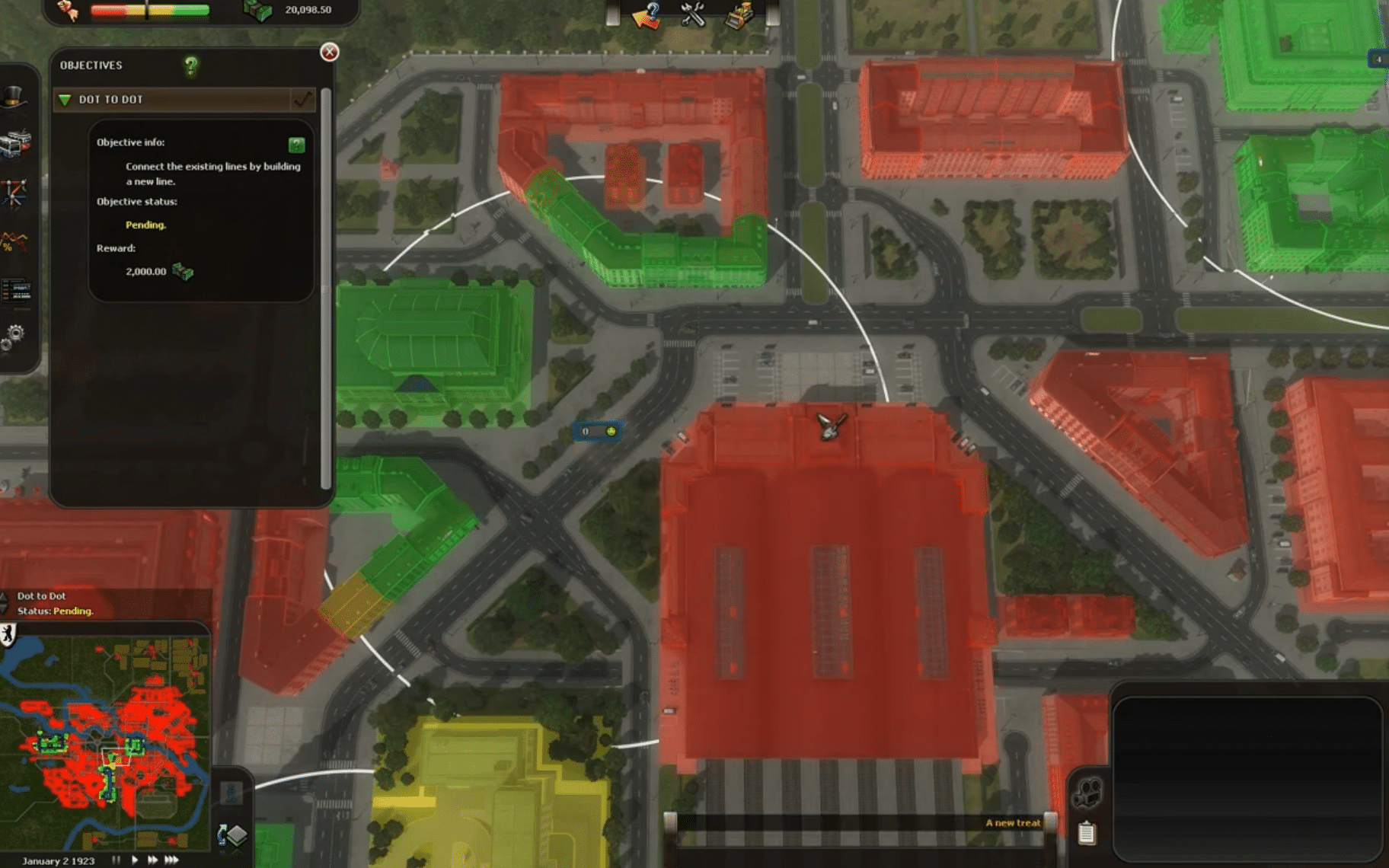
 Martin Jørgensen
Cities in Motion is still one of the best transport simulators
Cities in Motion is a detailed transport management game where you build and run a public transit network in major European cities like Vienna, Helsinki, Berlin, and Amsterdam.
Developed by Colossal Order and published by Paradox Interactive, it clearly prioritizes planning over action. This isn’t about creating the prettiest city—it’s about moving people from residential districts to jobs, leisure, and shopping without running your company into the ground.
We tested Cities in Motion on a Windows 11 PC via Steam, and while the game undeniably shows its age, the core idea still works surprisingly well. Once your first bus routes are set up, the trams start rolling, and passengers gradually fill the stops, it delivers that classic “just one more route” feeling.
From 1920 to 2020 with buses, metro, and trams
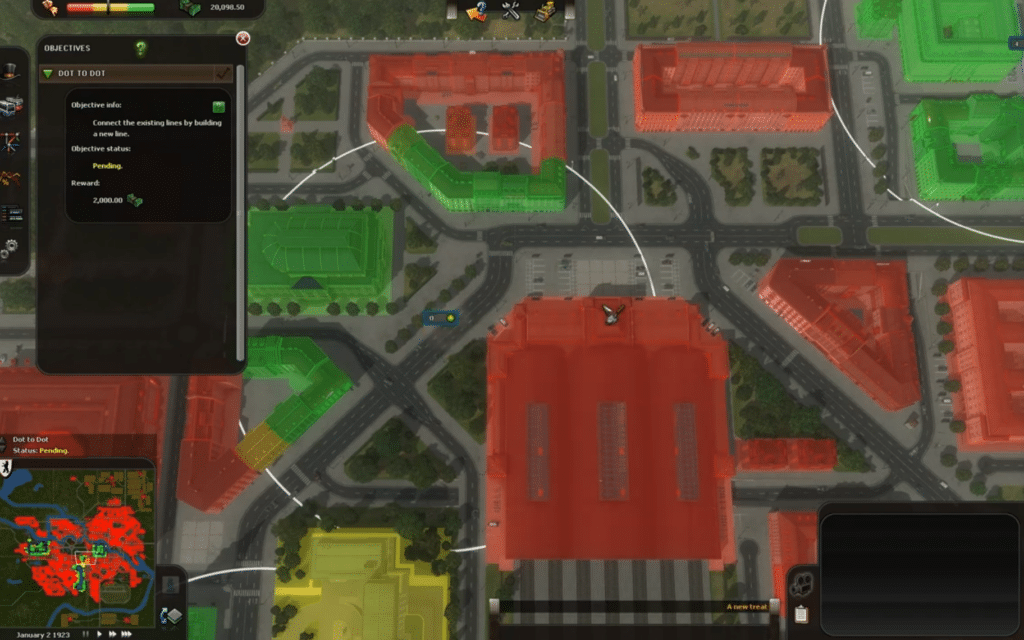
Cities in Motion lets you manage public transit over a long timeline from 1920 to 2020. That means both city needs and the vehicles you can deploy change over time. According to Paradox, you can choose from more than 30 vehicles across buses, trams, metro, water buses, and helicopters.
It may sound simple, but the balance between budget, capacity, and route planning is what makes the game compelling. A bus line is cheap to establish, but if traffic clogs downtown, your passengers will get unhappy fast. Metro is pricier, but it can move a lot of people efficiently across the city. Trams sit somewhere in between and often feel like a great solution on busy corridors.
There’s something satisfying about watching a route you designed start to click. Conversely, it’s very obvious when you’ve built a bad line. In our test, a couple of stops quickly became overcrowded because we underestimated demand between residential neighborhoods and job hubs.
A game for players who prefer planning over chaos
Cities in Motion isn’t an action-heavy game that showers you with rewards every five seconds. It’s a more patient management sim where you analyze the city, understand passenger flows, and continually fine-tune your network.
In some ways, it resembles the part of Cities: Skylines where you obsess over bus lines, metro stations, and traffic flow. The difference is that Cities in Motion makes transit the entire focus of the game. That’s a strength if you love this style of gameplay, but it can feel a bit dry if you’re expecting a broad city builder with zoning, industry, budgets, and big-picture politics.
Visually, Cities in Motion looks fine for its age, but the graphics aren’t what carry the experience. Cities are readable, traffic is easy to parse, and the UI gets the job done—but you’ll need to accept that it doesn’t feel like a modern 2026 release.
Cities in Motion Collection makes the most sense today
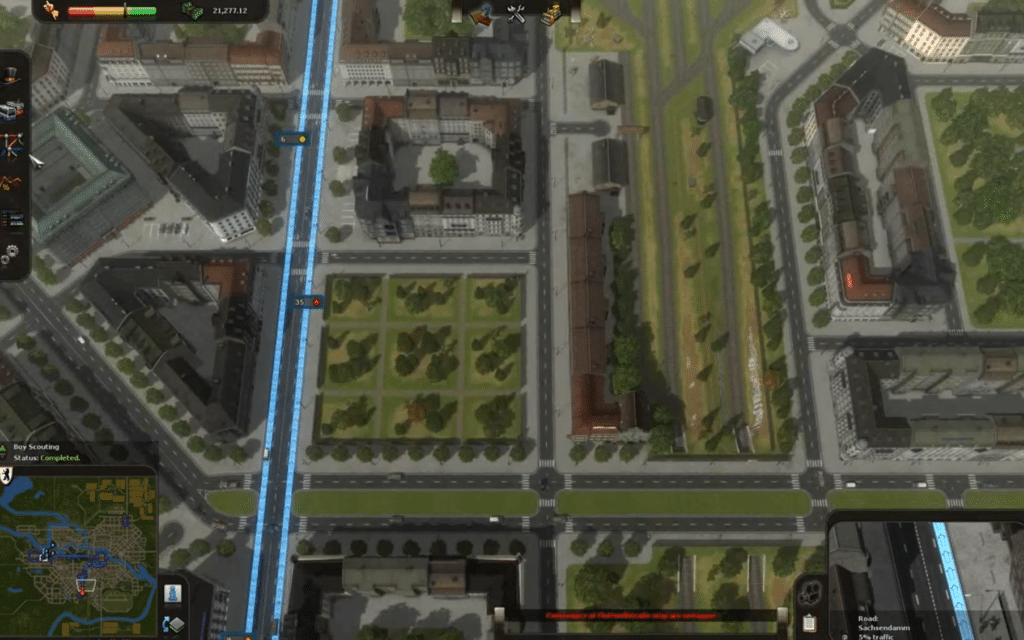
If you want to play Cities in Motion today, the Cities in Motion Collection often makes the most sense because it bundles the base game with several expansions. On GOG, for example, the Collection lists add-ons such as German Cities, London, Paris, Tokyo, US Cities, and multiple design packs.
That matters because the base game can feel a bit limited after a few hours. The extra cities and vehicles add variety and make the game far more engaging—especially if you want to work with different city layouts beyond the four original European maps.
Steam also shows the game still has an active store page with DLC, which makes it a much safer download than many older games that only exist via unofficial archive sites.
Who should download Cities in Motion?
Cities in Motion is best for players who enjoy strategy, simulation, and transit planning. It’s ideal if traffic and public transportation are your favorite parts of city-building games.
The game is especially appealing to:
🚍 You love bus routes, metro stations, and efficient urban transit
🚋 You want a more focused alternative to Cities: Skylines
🚇 You enjoy slower-paced management games with economics and planning
🛥️ You want to manage multiple transport modes in the same city
🏙️ You’d like to play an older yet still charming Paradox title
It’s not the best choice if you want cutting-edge graphics, fast-paced action, or a complete city simulator with everything from industry to tax policy.
Top 5 tips for Cities in Motion
Start with buses before you build an expensive metro
Avoid routes that run across the entire city
Watch for stops with long lines
Use the metro on heavy corridors
Design for easy transfers between modes
An older game with a strong core idea
Cities in Motion is no longer technically impressive, but it still has a sharp idea: public transit as the game’s entire core. That makes it narrower than many modern city builders—but also more focused.
If you like to optimize routes, solve traffic problems, and run a transit company at a profit, Cities in Motion is still worth a try. The Collection edition in particular adds enough content that it doesn’t just feel like an old curiosity.



