
 Martin Jørgensen
Foliate – open-source eBook reader for Linux
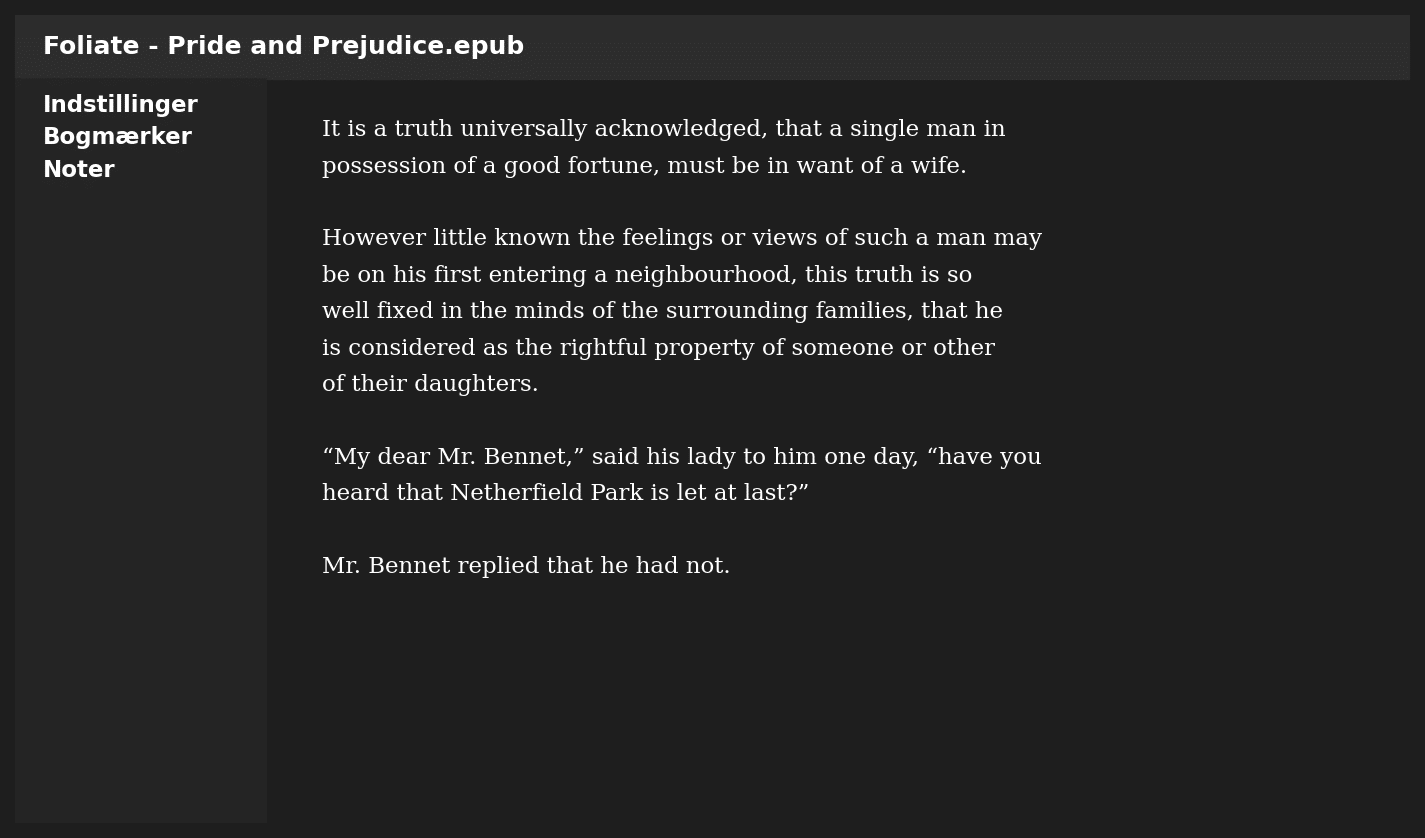
Foliate is a free, open-source eBook reader that’s especially popular among Linux users. It supports the most common eBook formats like EPUB, MOBI, AZW, PDF, and CBZ/CBR (comics). In our Ubuntu 24.04 test, we were pleasantly surprised by how fast and responsive it feels compared to other free eBook readers.
Features and user experience
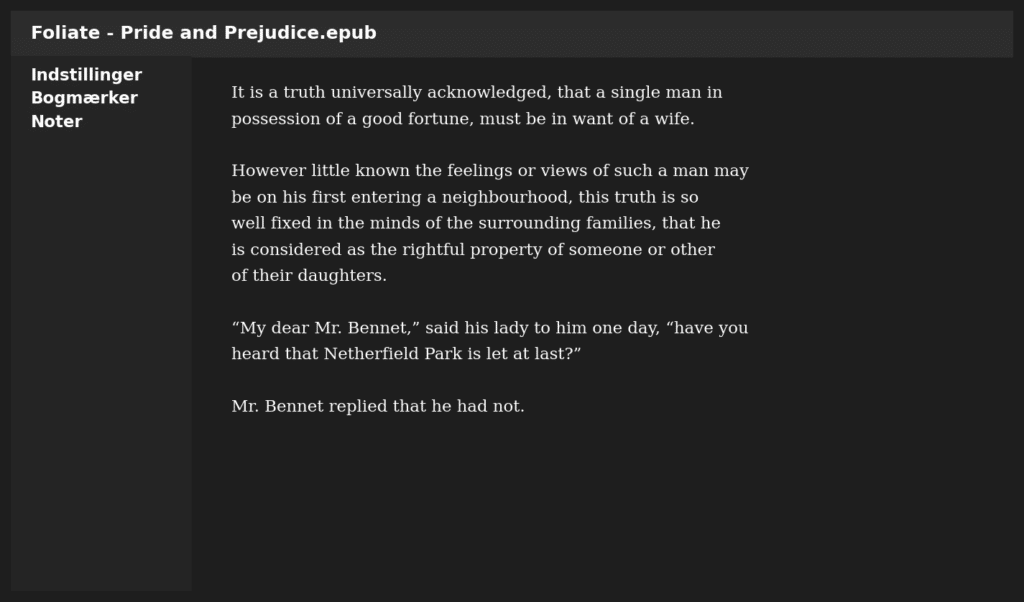
Foliate offers a simple, minimalist interface that lets you start reading right away without unnecessary distractions. We tested it on a Ubuntu 24.04 laptop and experienced no delays when turning pages—everything felt snappy and smooth, even in large EPUB books hundreds of pages long.
The first thing we noticed was the variety of reading themes. The default theme is bright and clean, but we quickly switched to dark mode for evening reading, which made a big difference for our eyes. The sepia theme was also incredibly comfortable for longer sessions, especially when you’re in front of a screen for hours. With themes, font choices, and line spacing, you can truly tailor the reading experience to your taste—we even ended up creating different “profiles” depending on the time of day.
What really impressed us during testing was the built-in dictionary. It feels natural to highlight a word and instantly get a definition or translation without opening a browser. We also tried the translation feature via web APIs, and it handled English and German texts without issues—very useful when reading foreign-language eBooks.
The ability to add notes and bookmarks turned out to be far more practical than we expected. We read a couple of nonfiction PDFs and could quickly add highlights and notes to sections we wanted to revisit later. During our test, everything saved without problems and was easy to access afterward. It makes Foliate not only an eBook reader for novels and casual reading, but also a serious tool for study and research.
All in all, Foliate feels extremely polished despite being open source and free. We tested various file types (EPUB, PDF, and CBR) and encountered virtually no errors or crashes—it actually ran more stably than some commercial eBook readers.
Integration and customization
One of Foliate’s strengths is its integration with OPDS catalogs, so you can add eBooks directly from sources like Project Gutenberg or the Internet Archive. For US users, it’s easy to add your own eBook collections via a local folder or a NAS.
In our testing, both importing and organizing worked flawlessly, even with large libraries of several hundred books.
Performance and stability
We found that Foliate opened even heavy PDFs quickly, and zoom/scrolling was smooth. Comics in CBR format used a bit more RAM, but the app still remained stable. Overall, it feels lighter than alternatives like Calibre’s built-in eBook reader.
Strengths and weaknesses
Foliate is designed to be simple and focused—and it delivers. However, it lacks advanced features like cross-device sync and cloud integration. If you want those, you’ll need to combine it with third-party tools.
Top 5 tips for Foliate
Foliate can open EPUB, MOBI, AZW, PDF, FB2, and CBR/CBZ (comics). That makes it a versatile eBook reader, no matter where your books come from.
The app is built for Linux and is officially available only for Linux distributions like Ubuntu, Fedora, and Arch. You can experiment with Flatpak or run it via WSL on Windows.
Yes—you can add books to the library, search your collection, and create bookmarks and notes. It’s simpler than, for example, Calibre, which has advanced metadata management.
Yes—there’s dark mode, sepia, and other reading themes. You can customize font, line spacing, and margins to your preferences.
Yes, Foliate supports OPDS catalogs, so you can download books from sources like Project Gutenberg, Standard Ebooks, and the Internet Archive directly in the app.



